Original Industrial Spare Part
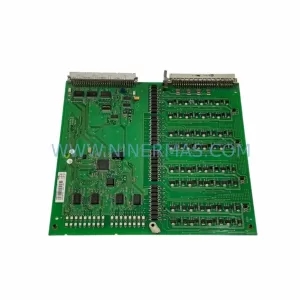
ABB YPQ112 61253432 Service-Ready Spare Part for Industrial Maintenance
Verify the part, confirm the platform family, and move straight into quotation with the right commercial details.
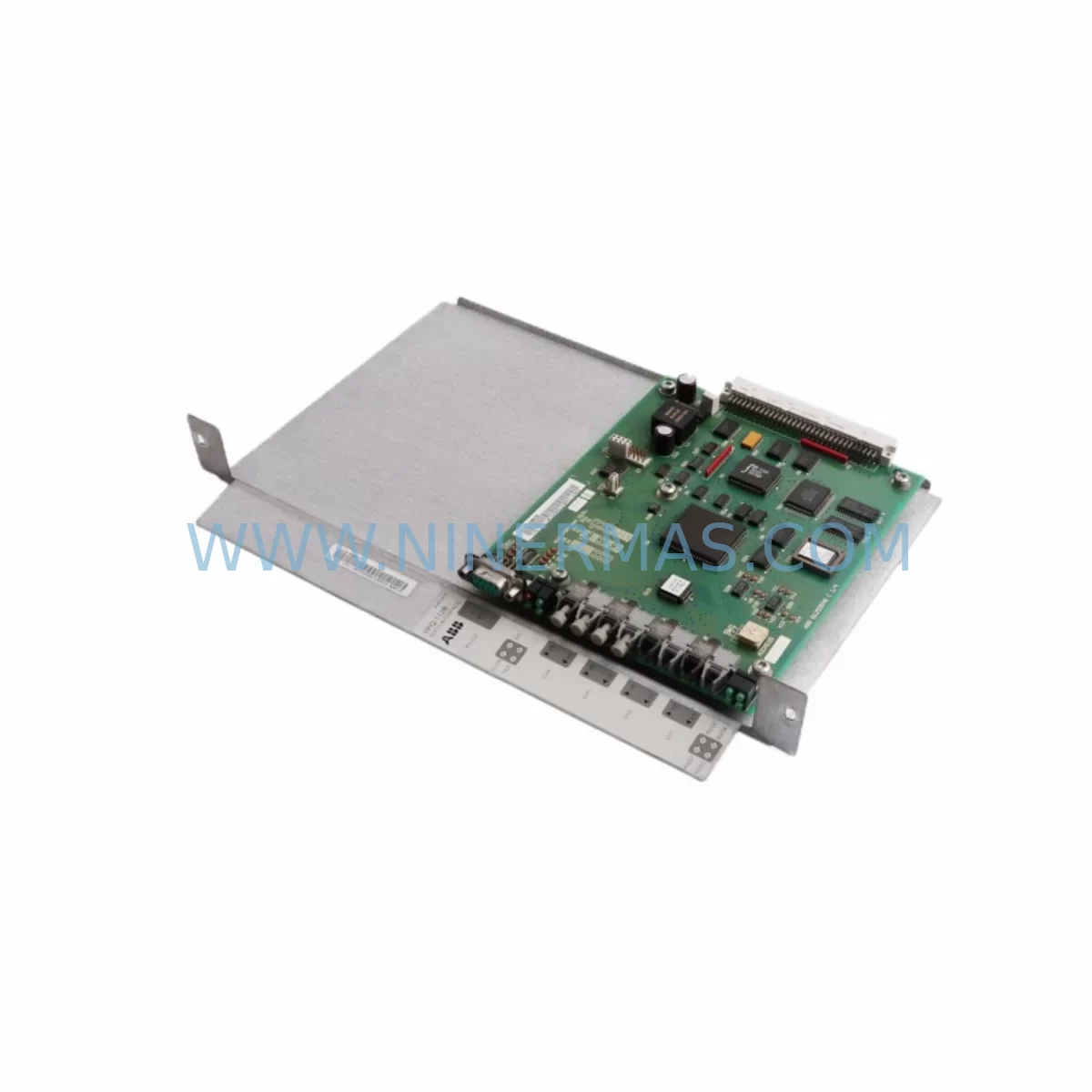
RFQ Ready
- SKUYPQ112 61253432
- CategoryPLC & Industrial Automation Modules
- BrandABB
- SupportAvailability, lead time, condition, and shipping coordination
How Buyers Usually Use This Page
- Confirm the exact part number and platform family before sending the quote request.
- Use direct email when quantity, condition, and destination are already defined internally.
- Switch to the broader brand or category archive when you need alternates nearby.
Series Navigation
Move through the most common platform families behind this part.
Product RFQ
Send this part directly for quotation.
Include quantity, required condition, destination country, and target delivery timing. Current reference: ABB YPQ112 61253432 Service-Ready Spare Part for Industrial Maintenance with SKU YPQ112 61253432.
ABB YPQ112 61253432 Service-Ready Spare Part for Industrial Maintenance
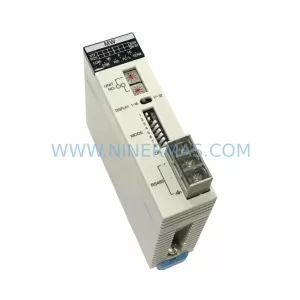
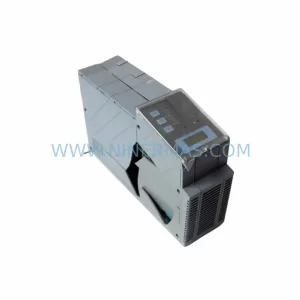
The ABB YPQ112 61253432 is a ruggedized interface adapter module engineered for demanding industrial environments where signal integrity, vibration resistance, and long-term operational continuity are non-negotiable. As a critical spare part within the ABB AC500 PLC ecosystem, this module serves as the communication and signal bridge between field devices and the control system backplane. Maintaining a verified, pre-tested unit of the YPQ112 61253432 in your spare parts inventory is a fundamental risk-mitigation strategy for any facility running ABB-based automation infrastructure.
Unplanned downtime caused by interface adapter failures can cascade rapidly across a production line. When the YPQ112 61253432 fails — whether due to connector wear, surge damage, or end-of-life degradation — the affected I/O channel loses communication with the controller, triggering fault states that halt operations. Having a service-ready replacement on-site reduces mean time to repair (MTTR) from days to minutes. NINERMAS supplies this module as an original, fully tested spare with a 12-month warranty, backed by long-term availability programs designed for lifecycle extension of legacy and current ABB systems.
Spare Maintenance Table
| Parameter | Specification |
|---|---|
| Part Number | YPQ112 61253432 |
| Manufacturer | ABB |
| Product Series | YPQ / AC500 Ruggedized I/O Interface |
| Module Type | Ruggedized Interface Adapter Module |
| Application | PLC I/O signal interfacing, field device connectivity, harsh environment installations |
| Compatibility | ABB AC500 PLC series, PM5xx / PM5xx-ETH CPU modules, S500 I/O expansion racks |
| Environmental Rating | Ruggedized — suitable for high vibration, wide temperature range, and industrial EMC environments |
| Installation | DIN rail or panel mount; plug-in connector interface to backplane |
| Maintenance Interval | Inspect annually or upon fault indication; replace proactively at 7–10 year service life |
| Pre-Shipment Testing | Yes — functional verification performed before dispatch |
| Warranty | 12 Months from date of shipment |
| Supply Program | Long-term availability; committed stock for lifecycle extension |
| Origin | Germany (ABB manufacturing) |
| Condition | Original spare / tested stock |
Maintenance Planning for Continuous Operation
When scheduling replacement of the ABB YPQ112 61253432, maintenance engineers should treat the module as part of a broader control cabinet inspection rather than an isolated swap. The YPQ112 interfaces directly with the AC500 backplane bus, meaning any degradation in the adapter’s connector pins or internal signal conditioning circuitry will affect the entire I/O segment it serves. A structured inspection should accompany every replacement cycle.
Begin by verifying the integrity of the ABB TB521 or TB541 terminal base units that the YPQ112 seats into — worn or corroded terminal contacts are a common root cause of intermittent faults that are incorrectly attributed to the adapter module itself. Simultaneously, inspect the ABB PM564-T or PM573 CPU module for firmware currency and communication health, as an outdated CPU firmware version can cause false fault reporting on interface adapters.
Check the ABB PS501 or PS560 power supply modules feeding the rack. Voltage sag or ripple on the 24 VDC bus is a leading cause of premature interface module failure in high-cycle environments. Use a calibrated multimeter or power quality analyzer to confirm rail stability before installing the replacement YPQ112 61253432. If the power supply is more than five years old, include an ABB CP-E 24/5.0 or equivalent DIN rail power supply in the same maintenance order to eliminate the power source as a recurring fault variable.
For facilities using ABB CI501-PNIO or CI502-PNIO PROFINET communication modules in the same rack, verify that the network configuration has not drifted since the last inspection. Interface adapter replacements sometimes trigger PROFINET topology changes that require a GSD file re-import in the engineering tool. Confirm that the ABB Automation Builder project file is current and backed up before proceeding with the swap.
In process industries where the YPQ112 61253432 is used in conjunction with signal isolators or loop-powered transmitters, inspect the associated Phoenix Contact or Pepperl+Fuchs signal conditioning modules in the same marshalling cabinet. Surge events that damage interface adapters frequently also stress signal isolators and Zener barriers in the same electrical loop. Replacing the adapter without checking upstream signal conditioning leaves the new module exposed to the same fault condition.
Finally, review the fuse and circuit protection inventory for the affected I/O segment. Miniature circuit breakers (MCBs) and blade fuses protecting the 24 VDC field supply should be tested for correct trip characteristics. Stocking a set of ABB S201 or equivalent MCBs alongside the YPQ112 61253432 ensures that a complete protective circuit restoration is possible during a single maintenance window, minimizing the number of return visits to the control cabinet.
Site Replacement Workflow
Step 1 — Isolation and Lockout: Place the affected AC500 rack segment into a safe state using the CPU’s forced I/O disable function or hardware lockout. Document the current I/O channel mapping from the Automation Builder project before disconnecting any wiring.
Step 2 — Module Extraction: Release the YPQ112 61253432 from its terminal base by pressing the release lever and pulling the module straight out. Inspect the terminal base connector for bent pins, corrosion, or debris before inserting the replacement unit. Do not force the module if resistance is felt — inspect the connector alignment first.
Step 3 — Replacement Installation: Insert the new ABB YPQ112 61253432 into the terminal base until the locking tab clicks into place. Verify that the module’s LED indicators illuminate in the expected sequence upon power restoration. A solid green RUN LED confirms successful backplane communication.
Step 4 — Configuration Verification: In ABB Automation Builder, perform an online comparison between the project configuration and the live hardware. Confirm that the replacement module is recognized with the correct firmware version and that all I/O channels report expected signal states. For PROFINET-connected racks, verify that the device name and IP address assignment are intact.
Step 5 — Functional Test and Return to Service: Execute a controlled I/O test sequence — cycling each channel through its full operating range — before returning the system to automatic mode. Log the replacement in the site maintenance management system (CMMS) with the module serial number, installation date, and technician ID to support future lifecycle tracking.
This workflow is compatible with both hot-standby and simplex AC500 configurations. For redundant CPU architectures, consult the ABB AC500 redundancy application note to confirm the correct switchover procedure before extracting the module from the active rack.
Spare Parts Support FAQ
Q1: Is the ABB YPQ112 61253432 still available for long-term procurement?
Yes. NINERMAS maintains committed stock of the YPQ112 61253432 under a long-term supply program specifically designed to support lifecycle extension of ABB AC500 installations. We provide advance purchase agreements and buffer stock arrangements for facilities that require guaranteed availability over multi-year maintenance contracts. Contact our team to discuss volume commitments and lead time guarantees.
Q2: How is the YPQ112 61253432 tested before shipment?
Every unit supplied by NINERMAS undergoes a pre-shipment functional verification that includes backplane communication testing, I/O channel signal integrity checks, and visual inspection of connector contacts and housing integrity. Test records are available upon request. Units that do not pass all verification criteria are quarantined and not dispatched. This process supports our 12-month warranty commitment from the date of shipment.
Q3: Can the YPQ112 61253432 replace older ABB interface adapter variants in the same terminal base?
Compatibility depends on the specific terminal base model and the AC500 CPU firmware version in use. The YPQ112 61253432 is designed for the YPQ-series terminal bases within the S500 I/O family. Before ordering, confirm the terminal base part number installed at your site and the Automation Builder project hardware configuration. NINERMAS technical support can assist with compatibility verification based on your system’s hardware revision and firmware level.
Q4: What is the recommended spare parts stocking strategy for the YPQ112 61253432?
For facilities with three or more AC500 racks using YPQ-series interface adapters, we recommend maintaining a minimum of two units on-site as cold standby spares. For critical process lines where downtime cost exceeds USD 10,000 per hour, a warm standby unit pre-configured and stored in the control room is advisable. Annual inspection of stored spares — including connector cleaning and firmware version logging — ensures that shelf stock remains service-ready. NINERMAS offers annual replenishment programs to rotate aging stock and maintain warranty coverage on all on-site units.
| Product Series | AC500 |
|---|---|
| Country of Origin | SE |
Catalog Continuation
More ABB modules in the catalog.
Use the brand lane to compare nearby part numbers, platform-adjacent modules, and other inquiry-ready listings before sending your final RFQ.
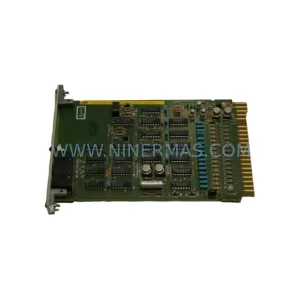
SKU: HESG447440R0001
ABB HESG447440R0001 Safety-Reliable I/O Module for Critical Control
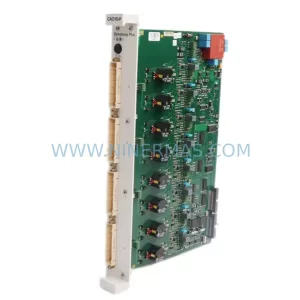
SKU: CAO10-P 3BDH000723R1
ABB CAO10-P 3BDH000723R1 Safety-Reliable Analog Output Module
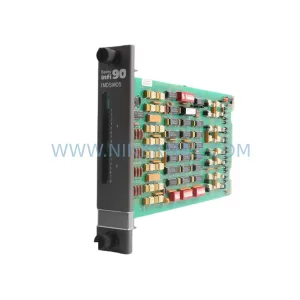
SKU: 3BSE018298R1 DSDO 115A
ABB 3BSE018298R1 DSDO 115A Retrofit-Compatible Digital Output
Catalog Continuation
Alternative parts within PLC & Industrial Automation Modules.
Stay inside the same system family when you need substitutes, adjacent modules, or a broader shortlist for procurement review.