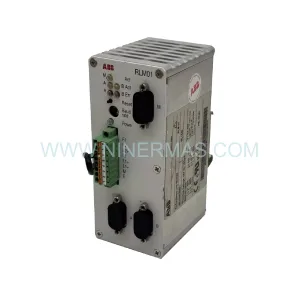
Original Industrial Spare Part
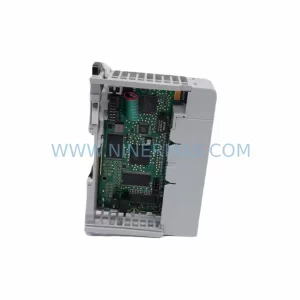
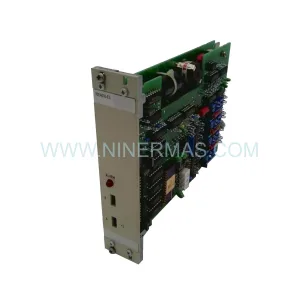
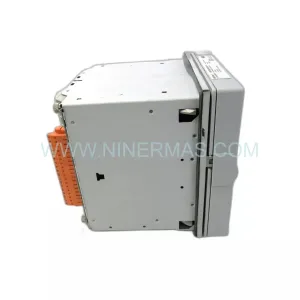
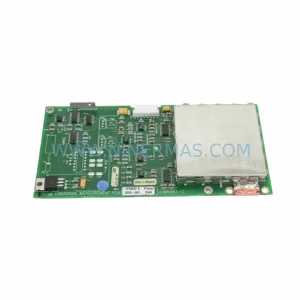
ABB DSQC639 3HAC025097001 Service-Ready Spare Part
Verify the part, confirm the platform family, and move straight into quotation with the right commercial details.
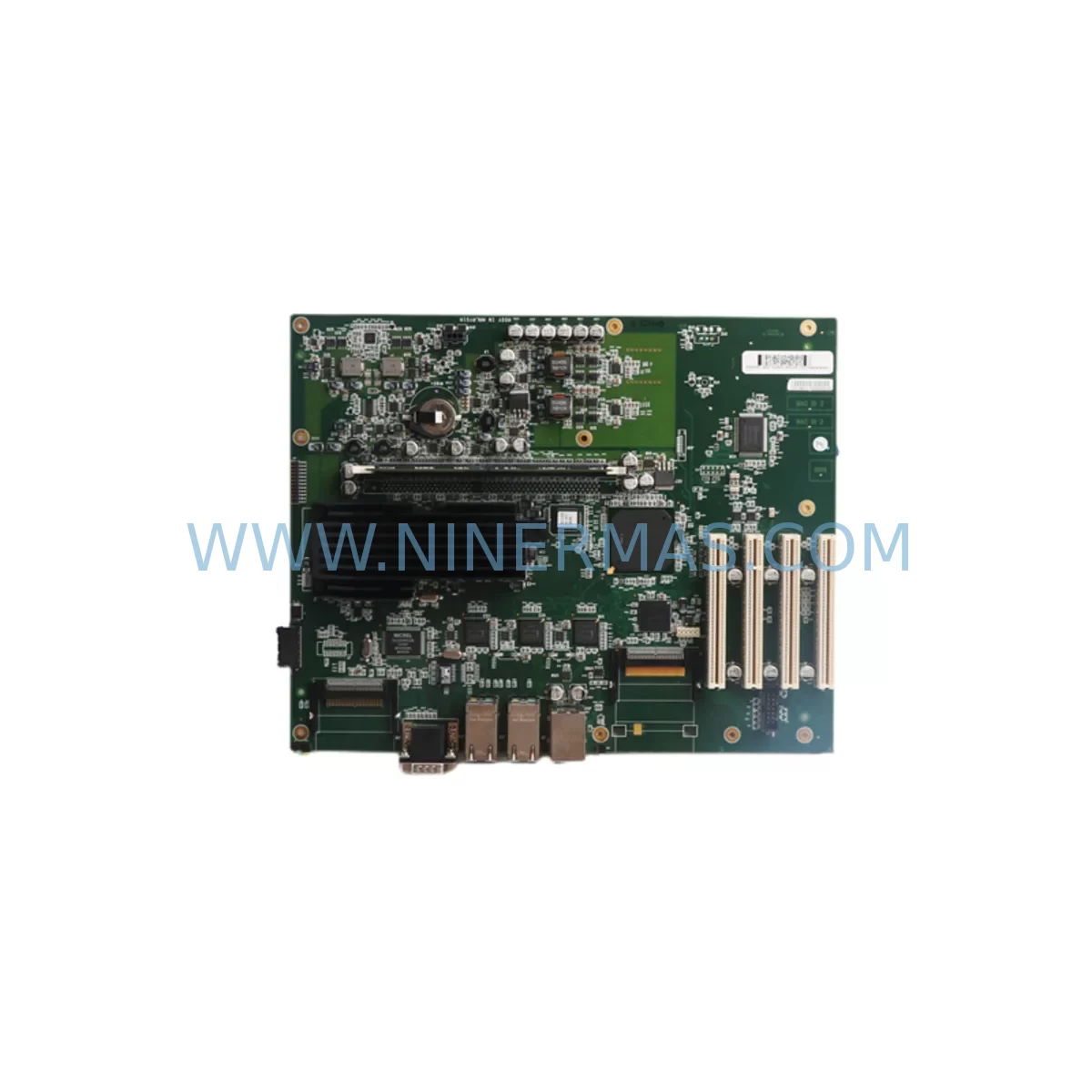
RFQ Ready
- SKUDSQC639 3HAC025097001
- CategoryPLC & Industrial Automation Modules
- BrandABB
- SupportAvailability, lead time, condition, and shipping coordination
How Buyers Usually Use This Page
- Confirm the exact part number and platform family before sending the quote request.
- Use direct email when quantity, condition, and destination are already defined internally.
- Switch to the broader brand or category archive when you need alternates nearby.
Series Navigation
Move through the most common platform families behind this part.
Product RFQ
Send this part directly for quotation.
Include quantity, required condition, destination country, and target delivery timing. Current reference: ABB DSQC639 3HAC025097001 Service-Ready Spare Part with SKU DSQC639 3HAC025097001.
ABB DSQC639 3HAC025097001 Service-Ready Spare Part for Industrial Maintenance
The ABB DSQC639 (part number 3HAC025097001) is the main computer module for ABB IRC5 robot controllers, widely deployed across automotive assembly lines, metal fabrication cells, arc welding stations, and general-purpose industrial automation systems. When this module fails or reaches end-of-life, the entire robot cell is rendered inoperative — making rapid, verified spare part replacement a top priority for maintenance engineers and production managers alike.
NINERMAS maintains ready stock of the DSQC639 3HAC025097001, fully tested prior to shipment and backed by a 12-month warranty. Whether you are responding to an unplanned breakdown or building a preventive spare parts inventory, this module is available for immediate dispatch to minimize your production downtime.
Spare Maintenance Table
| Parameter | Specification |
|---|---|
| Part Number | 3HAC025097001 |
| SKU | DSQC639 |
| Compatible Controller | ABB IRC5 (Single Cabinet, Dual Cabinet, Panel Mounted) |
| Module Function | Main Computer / CPU Module |
| Communication Interfaces | Ethernet, DeviceNet, PROFIBUS (via expansion) |
| Power Supply Input | 24 VDC (supplied via IRC5 backplane) |
| Installation Method | DIN rail / backplane slot mount inside IRC5 cabinet |
| Operating Temperature | 0°C to +52°C |
| Compatibility | RobotWare 5.x / 6.x; IRC5 M2004 and later |
| Replacement Scope | Direct drop-in for failed or end-of-life DSQC639 units |
| Warranty | 12 Months — NINERMAS Quality Guarantee |
Maintenance Planning for Continuous Operation
Effective maintenance planning for an IRC5-based robot cell extends well beyond replacing the DSQC639 main computer alone. Maintenance engineers should treat a DSQC639 failure as an opportunity to audit the full control cabinet and associated electrical infrastructure.
Begin with the power distribution chain. The DSQC609 power supply module provides regulated 24 VDC to the DSQC639 and other logic boards; a degraded DSQC609 can cause intermittent resets or corrupt boot sequences that are often misdiagnosed as CPU failures. Inspect the DSQC609 output voltage under load before commissioning the replacement DSQC639.
Next, verify the condition of the DSQC643 axis computer module, which works in close coordination with the DSQC639 to manage servo drive commands and encoder feedback. A failing DSQC643 can generate axis errors that persist even after the main computer is replaced, leading to unnecessary repeat downtime. Similarly, the DSQC646 drive unit and associated DSQC647 capacitor bank should be inspected for capacitor aging and DC bus integrity.
The DSQC679 FlexPendant teach pendant and its connecting cable assembly are frequently overlooked during corrective maintenance. A damaged pendant cable can prevent the IRC5 from completing its boot sequence, creating symptoms that mimic a main computer fault. Confirm pendant communication is stable after the DSQC639 swap.
For cells using fieldbus communication, check the DSQC688 PROFIBUS adapter or DSQC695 DeviceNet module for firmware version compatibility with the replacement DSQC639. RobotWare version mismatches between the main computer and fieldbus adapters can cause communication faults that delay restart. Ensure the correct RobotWare license and system parameters are backed up before removal and restored after installation.
Terminal blocks, cable harnesses, and the internal Ethernet switch connecting the DSQC639 to the DSQC378B I/O module should be inspected for corrosion, loose crimps, and insulation wear — particularly in high-vibration or high-humidity environments. Signal isolators on analog I/O channels should also be tested to confirm they have not drifted out of calibration during the fault period.
Finally, confirm that the IRC5 cabinet door seals and cooling fan assemblies are intact. Overheating is a leading cause of premature DSQC639 failure; replacing the module without addressing thermal management will result in repeat failures within months.
Site Replacement Workflow
A structured on-site replacement workflow for the DSQC639 3HAC025097001 minimizes downtime and reduces the risk of secondary faults during the maintenance window.
Step 1 — Backup: Before powering down, use RobotStudio or the FlexPendant to perform a full system backup, capturing all RAPID programs, system parameters, I/O configurations, and safety settings. Store the backup on an external USB drive or network share.
Step 2 — Safe Shutdown: Place the robot in manual mode, retract to a safe home position, and execute a controlled power-off sequence via the IRC5 main switch. Lock out and tag out (LOTO) the cabinet before opening.
Step 3 — Module Removal: Disconnect the Ethernet cables, power connectors, and any expansion board connections from the DSQC639. Note cable routing and connector positions with photographs before removal. Slide the module out of its backplane slot.
Step 4 — Installation: Insert the replacement DSQC639 3HAC025097001 into the backplane slot, reconnect all cables in the documented order, and verify connector seating. Do not force connectors — misaligned pins are a common cause of post-replacement faults.
Step 5 — Restore and Verify: Power on the IRC5 and allow the DSQC639 to complete its boot sequence. Restore the system backup via the FlexPendant. Verify all I/O signals, fieldbus communication links, and axis homing sequences before returning the cell to automatic mode.
Step 6 — Test Run: Execute a slow-speed test cycle of the robot program to confirm motion accuracy, I/O response, and communication integrity before resuming full production speed.
Spare Parts Support FAQ
Q1: Is the DSQC639 3HAC025097001 a direct replacement for all IRC5 variants?
The DSQC639 3HAC025097001 is compatible with IRC5 Single Cabinet, Dual Cabinet, and Panel Mounted controllers running RobotWare 5.x and 6.x. Confirm your RobotWare version and IRC5 hardware revision before ordering to ensure full compatibility.
Q2: How is the DSQC639 tested before shipment?
Every DSQC639 unit supplied by NINERMAS undergoes functional power-on testing and communication interface verification prior to dispatch. Units are shipped with anti-static packaging and are covered by a 12-month warranty from the date of delivery.
Q3: Can NINERMAS supply the DSQC639 for long-term maintenance contracts?
Yes. NINERMAS maintains ongoing stock of the DSQC639 3HAC025097001 and can support blanket purchase orders, scheduled deliveries, and emergency same-day dispatch for critical production environments. Contact our team to discuss long-term supply agreements.
Q4: What should I do if the robot still shows faults after replacing the DSQC639?
Persistent faults after DSQC639 replacement typically indicate a secondary issue — most commonly a degraded DSQC609 power supply, a RobotWare version mismatch, a corrupted system backup restore, or a faulty DSQC643 axis computer. Our technical support team can assist with remote fault diagnosis to identify the root cause quickly.
| Product Series | IRC5 |
|---|---|
| Country of Origin | SE |
Catalog Continuation
More ABB modules in the catalog.
Use the brand lane to compare nearby part numbers, platform-adjacent modules, and other inquiry-ready listings before sending your final RFQ.
SKU: RDCU-12 3AUA0000036521
ABB RDCU-12 3AUA0000036521 Safety-Reliable Control for Critical Sites
SKU: HIEE401091R0002 GD9924BE
ABB HIEE401091R0002 GD9924BE Service-Ready Spare Part
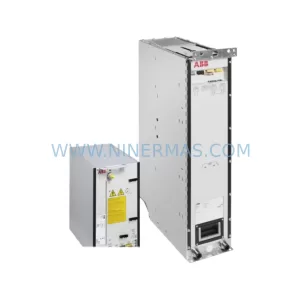
SKU: ACS880-104LC-0860A-7
ABB ACS880-104LC-0860A-7 Retrofit-Compatible Inverter
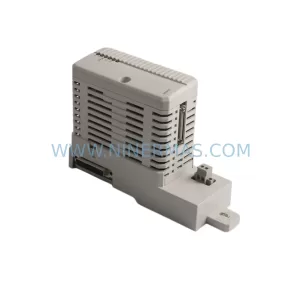
SKU: BC810K01 3BSE031154R1
ABB BC810K01 3BSE031154R1 Retrofit-Compatible CI for Legacy Systems
Catalog Continuation
Alternative parts within PLC & Industrial Automation Modules.
Stay inside the same system family when you need substitutes, adjacent modules, or a broader shortlist for procurement review.
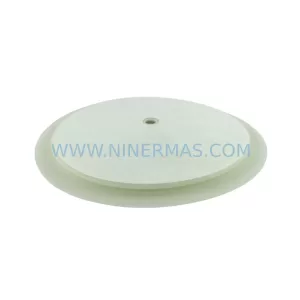
SKU: 16-167627-00 8122 410 05002, 4022.470.78191 8122 410 55702 16-273491-00
Novellus 16-167627-00 Service-Ready Industrial Spare Part
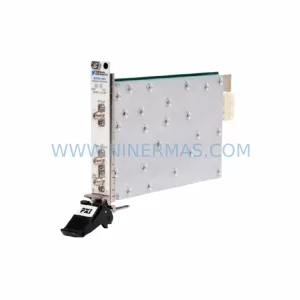
SKU: 2305451-C DT2000 0626 P2, OLE36-10632-02
Advanced Energy 2305451-C Service-Ready Industrial Spare Part