Original Industrial Spare Part
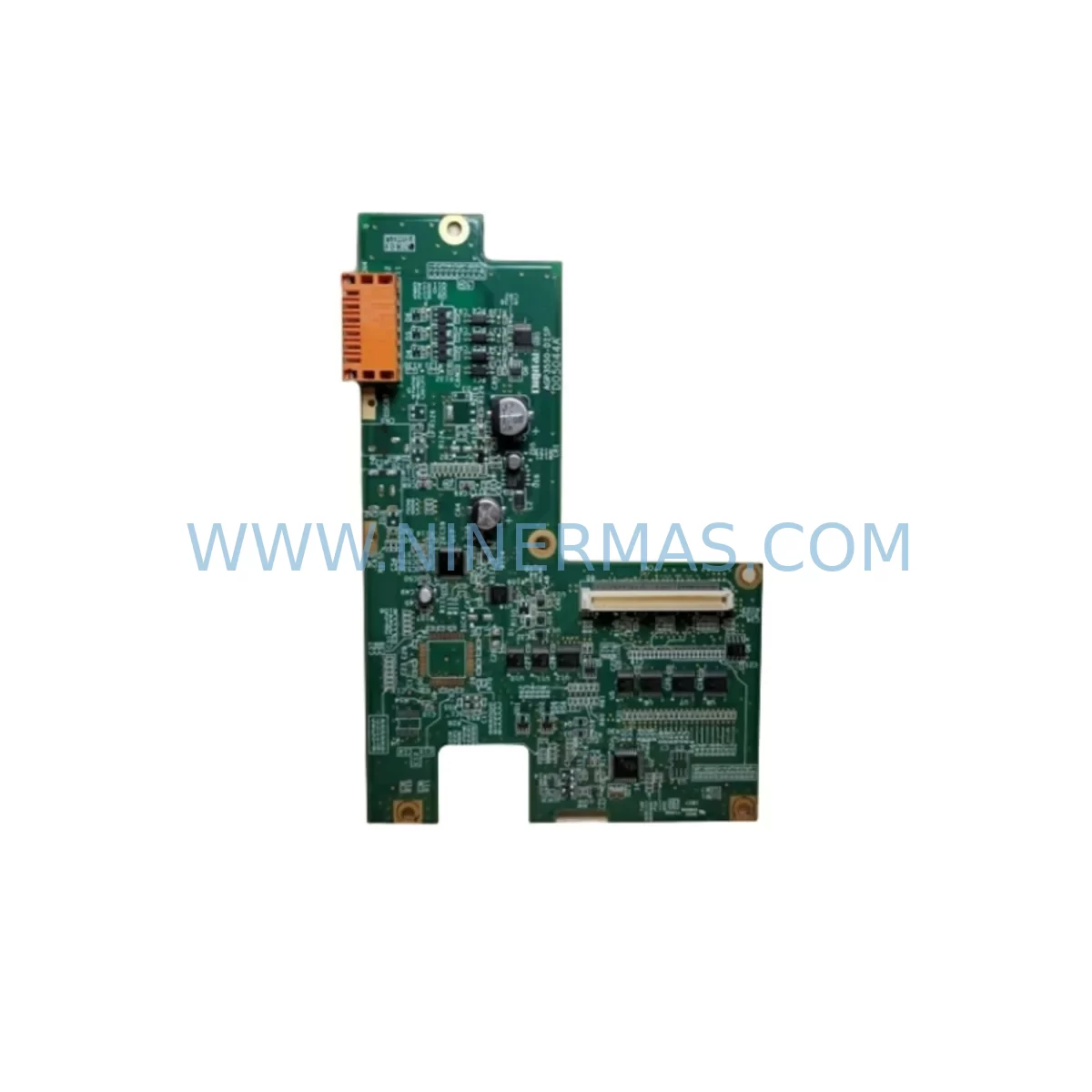
Proface AGP3550-DISP D05044A HMI Display Spare Part
Verify the part, confirm the platform family, and move straight into quotation with the right commercial details.
RFQ Ready
- SKUAGP3550-DISP D05044A
- CategoryPLC & Industrial Automation Modules
- BrandProface
- SupportAvailability, lead time, condition, and shipping coordination
How Buyers Usually Use This Page
- Confirm the exact part number and platform family before sending the quote request.
- Use direct email when quantity, condition, and destination are already defined internally.
- Switch to the broader brand or category archive when you need alternates nearby.
Series Navigation
Move through the most common platform families behind this part.
Product RFQ
Send this part directly for quotation.
Include quantity, required condition, destination country, and target delivery timing. Current reference: Proface AGP3550-DISP D05044A HMI Display Spare Part with SKU AGP3550-DISP D05044A.
Proface AGP3550-DISP D05044A HMI Display Spare Part for Industrial Maintenance
The Proface AGP3550-DISP D05044A is an original display assembly spare part designed for the GP3000 Series Human Machine Interface (HMI) platform. As a critical operator interface component in process control, discrete manufacturing, and utility automation environments, this display unit is essential for maintaining uninterrupted visibility into machine states, alarm conditions, and production data. When the display fails or degrades — through pixel damage, backlight failure, or touch response loss — the entire operator station becomes non-functional, creating a direct risk of unplanned downtime and unsafe operating conditions.
NINERMAS maintains ready stock of the AGP3550-DISP D05044A to support maintenance engineers and procurement teams who require fast, reliable spare part sourcing. Every unit is pre-shipment tested and covered by a 12-month warranty, ensuring that your replacement part performs to original specification from the moment it arrives on site.
Spare Maintenance Table
| Part Number | AGP3550-DISP D05044A |
| Brand | Proface (Digital Electronics Corporation) |
| Series | GP3000 Series HMI |
| Component Type | HMI Display Assembly / Replacement Display Panel |
| Compatible Base Unit | Proface AGP3550-T1-D24 and GP3000 Series variants |
| Display Technology | TFT LCD with resistive touch overlay |
| Display Size | 10.4-inch (standard GP3550 platform) |
| Resolution | 640 × 480 (VGA) |
| Operating Voltage | 24 VDC (supplied via base unit) |
| Operating Temperature | 0°C to +50°C |
| Storage Temperature | -20°C to +60°C |
| Protection Rating | IP65 (front panel, panel-mounted) |
| Origin | Japan |
| Condition | Original Spare / New Old Stock |
| Pre-Shipment Test | Power-on display function and touch calibration verified |
| Warranty | 12 Months from date of shipment |
| Lead Time | In stock — ships within 3–5 business days |
Maintenance Planning for Continuous Operation
When a maintenance engineer identifies a failed or degrading display on a Proface GP3000 Series HMI, the replacement of the AGP3550-DISP D05044A is rarely an isolated task. A thorough maintenance review of the surrounding control cabinet and operator station is strongly recommended to prevent repeat failures and ensure system stability after the display swap.
Begin by inspecting the 24 VDC power supply feeding the HMI base unit — a fluctuating or under-rated power supply is a common root cause of display degradation and premature backlight failure. Units such as the Proface CA3-ADPUSB-01 USB adapter or the CA3-CFCALL/128 CF card module should also be checked for compatibility and firmware currency, as outdated firmware can cause display rendering errors that mimic hardware failure.
In parallel, verify the integrity of the RS-232C or RS-422/485 communication cables connecting the HMI to the host PLC or DCS. Loose or corroded connectors on serial communication lines frequently cause screen freeze events that are misdiagnosed as display hardware failures. If the GP3000 HMI is communicating with a Mitsubishi MELSEC Q-Series PLC or a Siemens S7-300 CPU via Ethernet or serial link, inspect the corresponding communication module and cable termination at both ends.
For operator stations in high-vibration environments — such as compressor rooms, press lines, or heavy-duty conveyor systems — check the panel cutout mounting gasket and the four corner mounting clamps of the HMI. Vibration-induced micro-movement can cause the display ribbon connector to work loose internally, producing intermittent display loss. Replacing the display assembly with the AGP3550-DISP D05044A while simultaneously securing the mounting hardware eliminates both failure modes in a single maintenance window.
Procurement engineers building a spare parts kit for GP3000-based operator stations should also consider stocking the Proface AGP3550-T1-D24 complete base unit as a cold standby, alongside the display spare. Additionally, industrial-grade 24 VDC DIN-rail power supplies (such as Phoenix Contact QUINT or MEAN WELL DR series), surge protection devices for the 24 VDC bus, and UPS modules for the operator station panel are all components that reduce the risk of display damage from power transients. Fuse holders and blade fuses rated for the HMI supply circuit should be included in the cabinet inspection checklist as a matter of routine.
Where the GP3000 HMI interfaces with field I/O through a remote I/O module or signal isolator — common in water treatment, chemical dosing, or HVAC control panels — verify that the signal isolator output is within the HMI analog input range. Out-of-range signals can cause the HMI processor to lock up, which again presents as a display failure. Addressing the signal chain holistically during the maintenance window prevents a second call-out after the display replacement.
Site Replacement Workflow
Replacing the AGP3550-DISP D05044A on a live production site requires a structured approach to minimize downtime and avoid configuration loss. Follow this recommended workflow:
Step 1 — Backup HMI Project: Before powering down, use the GP-Pro EX software to back up the current HMI project file from the CF card or internal flash memory. This ensures that screen layouts, tag assignments, alarm settings, and communication parameters are preserved and can be reloaded after the display swap.
Step 2 — Isolate and Power Down: Isolate the 24 VDC supply to the HMI panel using the dedicated circuit breaker or fuse. Confirm zero voltage at the HMI power terminals before proceeding. Do not rely on the HMI’s own power-off function for isolation.
Step 3 — Remove the Faulty Display Assembly: Unclip the front bezel, disconnect the display ribbon cable and backlight connector from the main board, and remove the display module. Handle the replacement AGP3550-DISP D05044A by its frame — avoid contact with the display surface and ribbon connector pins.
Step 4 — Install and Reconnect: Seat the new display assembly, reconnect the ribbon cable and backlight connector, and refit the bezel. Restore 24 VDC power and verify that the display initializes correctly, showing the Proface boot screen.
Step 5 — Touch Calibration: Run the touch screen calibration routine from the HMI system menu. Reload the backed-up project file and confirm all screens, alarms, and communication links are operational before returning the panel to service.
This workflow typically allows a trained maintenance technician to complete the replacement within 30–60 minutes, minimizing the production impact of an HMI display failure.
Spare Parts Support FAQ
Q1: Is the AGP3550-DISP D05044A compatible with all GP3550 base units?
The D05044A display assembly is the original display module for the AGP3550 platform within the GP3000 Series. It is compatible with the AGP3550-T1-D24 and related GP3550 variants. If you are unsure of your exact base unit model, please share the nameplate information with our technical team before ordering to confirm fit.
Q2: What does the 12-month warranty cover?
The 12-month warranty covers manufacturing defects, display function failure, and backlight failure under normal operating conditions. It does not cover physical damage caused by incorrect installation, overvoltage, or environmental exposure beyond the rated IP65 and temperature specifications. Warranty claims are supported with a replacement or refund process handled directly by NINERMAS.
Q3: How is the unit tested before shipment?
Every AGP3550-DISP D05044A unit undergoes a power-on functional test confirming display illumination, pixel uniformity, and touch response prior to packaging. Units that do not pass the full test sequence are not shipped. A test record is available upon request for quality-critical procurement processes.
Q4: Can NINERMAS support long-term supply of this spare part?
Yes. NINERMAS operates a long-term spare parts program specifically for discontinued and end-of-life HMI components from Proface, Siemens, Mitsubishi, and other major automation brands. We maintain buffer stock and can support blanket purchase orders for customers with multi-site maintenance programs or annual shutdown schedules. Contact our team to discuss volume pricing and reserved stock arrangements.
| Product Series | Other series |
|---|
Catalog Continuation
More Proface modules in the catalog.
Use the brand lane to compare nearby part numbers, platform-adjacent modules, and other inquiry-ready listings before sending your final RFQ.
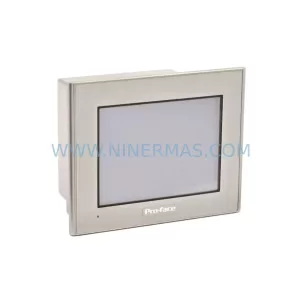
SKU: GP2301-LG41-24V
Proface GP2301-LG41-24V Safety-Reliable HMI for Critical Control
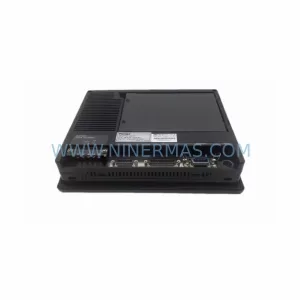
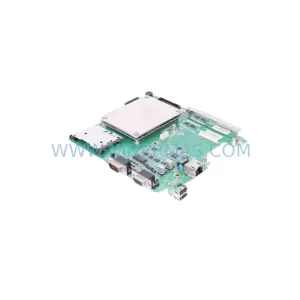
SKU: AGP3550-BASE D05045B
Proface AGP3550-BASE D05045B Retrofit-Compatible HMI Base
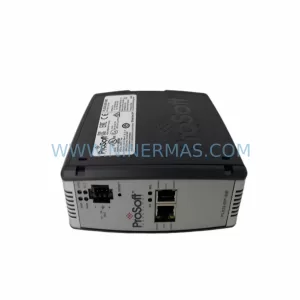
SKU: 5302-MBP-MCM4
Proface 5302-MBP-MCM4 Safety-Reliable Modbus Plus Gateway
Catalog Continuation
Alternative parts within PLC & Industrial Automation Modules.
Stay inside the same system family when you need substitutes, adjacent modules, or a broader shortlist for procurement review.