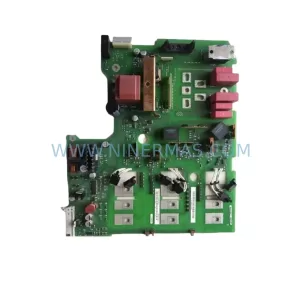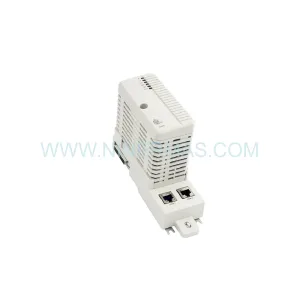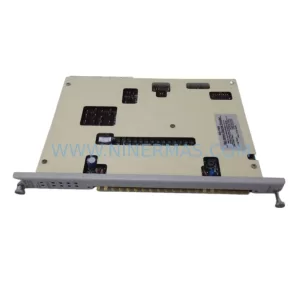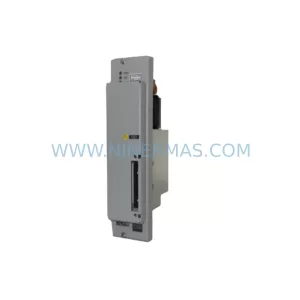
Original Industrial Spare Part
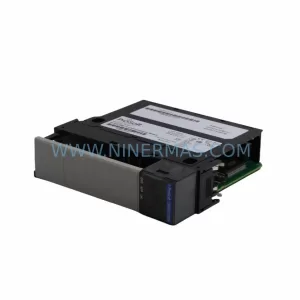
ProSoft ILX56-MM Retrofit-Compatible Message Manager Module
Verify the part, confirm the platform family, and move straight into quotation with the right commercial details.
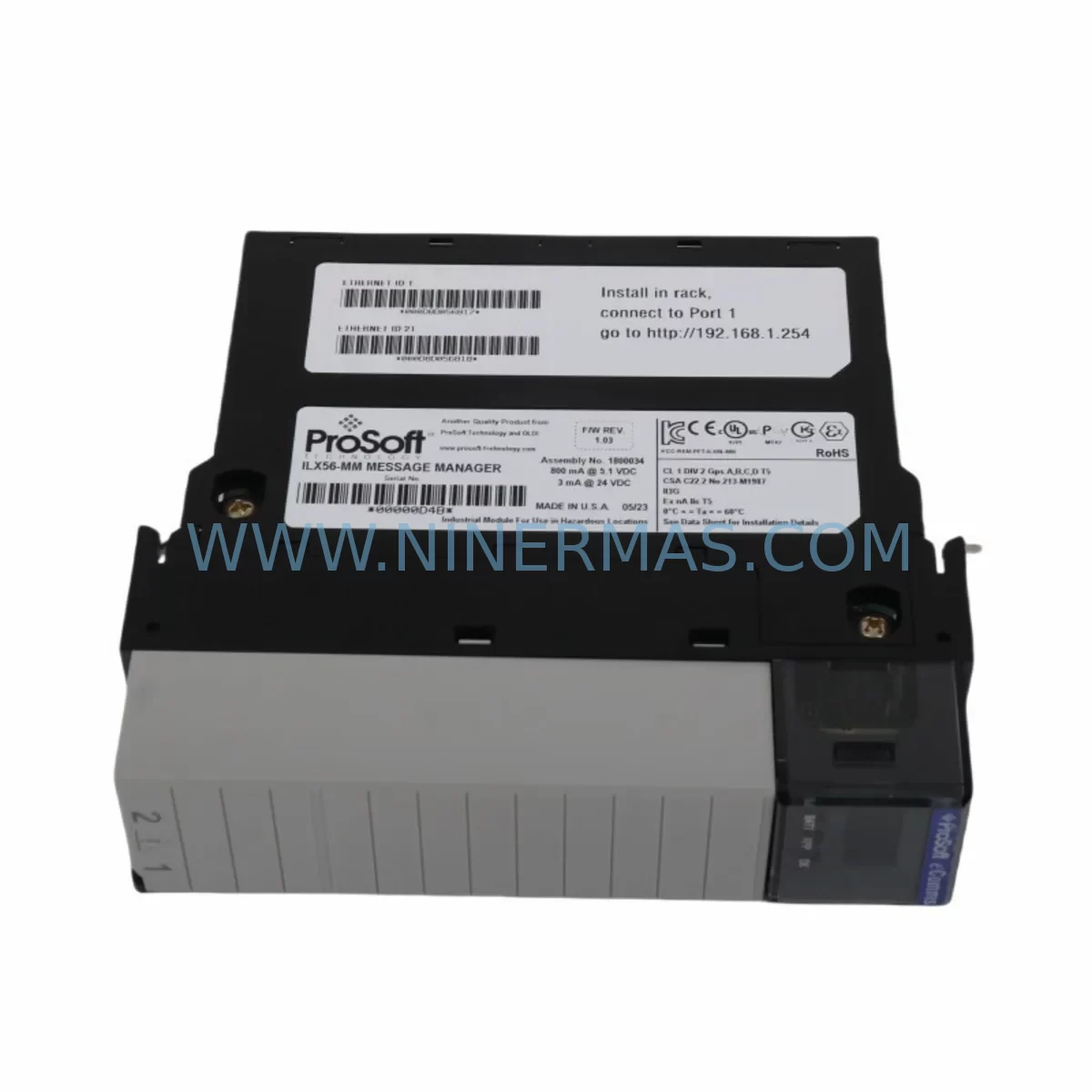
RFQ Ready
- SKUILX56-MM
- CategoryPLC & Industrial Automation Modules
- BrandProSoft Technology
- SupportAvailability, lead time, condition, and shipping coordination
How Buyers Usually Use This Page
- Confirm the exact part number and platform family before sending the quote request.
- Use direct email when quantity, condition, and destination are already defined internally.
- Switch to the broader brand or category archive when you need alternates nearby.
Series Navigation
Move through the most common platform families behind this part.
Product RFQ
Send this part directly for quotation.
Include quantity, required condition, destination country, and target delivery timing. Current reference: ProSoft ILX56-MM Retrofit-Compatible Message Manager Module with SKU ILX56-MM.
ProSoft ILX56-MM Retrofit-Compatible Message Manager Module: Legacy System Compatibility & Smooth Upgrade
The ProSoft ILX56-MM Message Manager Module is a purpose-built communication and data-routing component designed for the ILX56 platform — one of ProSoft Technology’s established series for industrial protocol bridging and legacy system integration. As automation engineers face increasing pressure to extend the life of aging control architectures or migrate to modern platforms without full system overhauls, the ILX56-MM has become a critical component in retrofit planning across manufacturing, oil & gas, water treatment, and discrete process industries.
Whether you are replacing a failed unit in a running production line, upgrading a legacy DCS or PLC rack, or migrating from an obsolete communication backbone to a modern Ethernet-based protocol, the ILX56-MM provides the message management layer that keeps your control system coherent during and after the transition. Its compatibility with the ILX56 backplane and standard rack mounting dimensions means it can be installed in existing enclosures without mechanical modification — a critical advantage when downtime windows are measured in hours, not days.
Upgrade Compatibility Table
| Parameter | Details |
|---|---|
| SKU | ILX56-MM |
| Series | ILX56 |
| Brand | ProSoft Technology |
| Module Type | Message Manager / Communication Bridge |
| Backplane Interface | ILX56 Series Backplane (standard slot pitch) |
| Mounting | DIN rail or panel-mount rack, compatible with existing ILX56 enclosures |
| Communication Compatibility | Serial (RS-232/RS-485), legacy proprietary protocols; bridging to Modbus, DF1, and similar |
| Power Supply Requirement | Supplied via ILX56 backplane; verify rack PSU capacity before installation |
| Replacement Recommendation | Direct drop-in for failed or end-of-life ILX56-MM units; verify firmware revision compatibility |
| Commissioning Notes | Confirm module address settings, re-map message blocks in ProSoft Configuration Builder (PCB) |
| Warranty | 12 Months from date of shipment |
| Origin | USA |
| Stock Status | Available — contact for lead time confirmation |
Retrofit Planning for Existing Automation Systems
A successful retrofit involving the ILX56-MM begins well before the module arrives on site. Engineers must audit the existing rack configuration, confirm available slot positions, and verify that the ILX56 backplane — typically shared with other ILX56-series modules such as the ILX56-MBS (Modbus Serial) or ILX56-DFCM (DF1 Client/Master) — has sufficient power headroom to support the replacement unit. The rack’s power supply module, often a dedicated 24 VDC or 5 VDC rail unit, should be load-tested before the swap to avoid nuisance trips during commissioning.
Terminal wiring is another area that demands careful documentation. In legacy installations, field wiring connected to serial communication ports may use non-standard pinouts or custom cable assemblies. Before removing the old ILX56-MM, photograph and label every terminal connection. If the installation uses RS-485 multi-drop wiring shared with other devices — such as remote I/O nodes, variable frequency drives, or third-party RTUs — the bus termination resistors and bias resistors must be verified and re-applied correctly after the new module is seated.
For systems where the ILX56-MM handles message routing between a legacy Allen-Bradley SLC 500 or MicroLogix controller and a SCADA host, the replacement process must include a review of the ladder logic message instructions (MSG blocks) in the PLC program. The source and destination file numbers, message lengths, and communication channel assignments must match the new module’s configuration exactly. ProSoft Configuration Builder (PCB) is the standard tool for setting up the ILX56-MM’s internal message tables, and a backup of the previous configuration file should be retrieved from the existing module before it is removed — if the module is still partially functional.
In control cabinets where space is constrained, the physical dimensions of the ILX56-MM must be confirmed against the available slot depth and adjacent module clearances. If the retrofit is part of a broader cabinet upgrade that also involves replacing an ILX56-PBM (PROFIBUS Master) or adding an ILX56-EIP (EtherNet/IP) module for protocol migration, the slot layout should be re-planned to accommodate cable routing and heat dissipation requirements. Signal isolators may be required on long RS-485 runs to prevent ground loop interference after the new module is installed.
Where the ILX56-MM is being used as part of a communication migration from a serial-based protocol to an Ethernet-based architecture, the transition plan should include a parallel-run phase. During this phase, both the legacy serial link and the new Ethernet path — potentially through an ILX56-EIP or a standalone Ethernet gateway — operate simultaneously, allowing the SCADA or DCS system to validate data integrity before the serial link is decommissioned. HMI screens that display data sourced from the ILX56-MM’s message buffers must be updated to reflect the new data source addresses, and alarm setpoints should be verified against live process values before the cutover is finalized.
For I/O expansion projects running alongside the ILX56-MM replacement, engineers should also account for any ILX56-series analog or digital I/O modules sharing the same rack. Changes to the module slot order can affect the I/O map and require corresponding updates in the PLC program. A full I/O checkout — verifying each input and output signal against the field device — should be completed before the system is returned to automatic control.
Downtime Control During System Migration
Minimizing unplanned downtime during an ILX56-MM replacement requires a structured pre-outage preparation process. All configuration files — including the ProSoft PCB project file, the PLC program backup, and the SCADA tag database export — should be archived and verified before the maintenance window begins. If the existing ILX56-MM is still operational, use PCB’s online read function to extract the current module configuration and save it as a reference file. This eliminates the risk of having to reconstruct message table settings from memory or from incomplete paper documentation.
During the physical swap, the PLC should be placed in Program mode to prevent spurious outputs from reaching field devices. If the control system architecture includes a redundant controller or a hot-standby configuration, the switchover sequence should be tested in advance to confirm that the backup controller can maintain process control while the primary rack is being worked on. For single-controller systems, a manual control fallback procedure — using local panel switches or field device manual overrides — should be briefed to operations staff before the outage begins.
After the new ILX56-MM is seated and the PCB configuration is downloaded, a staged communication test should be performed: first verify that the module’s status LEDs indicate normal operation, then confirm that the PLC’s MSG instructions are completing without error codes, and finally validate that the SCADA host is receiving correctly scaled process values. This three-step verification sequence typically takes 30 to 60 minutes for a well-prepared team and allows the system to be returned to automatic control within a single shift window.
All ILX56-MM units supplied by NINERMAS are tested prior to shipment and covered by a 12-month warranty from the date of delivery. In-stock units are available for same-week dispatch, supporting urgent replacement scenarios where production continuity is the primary concern.
Retrofit Support FAQ
Q1: Is the ILX56-MM a direct replacement for my existing unit, and will it work with my current PLC program?
The ILX56-MM is designed as a direct slot-compatible replacement within the ILX56 series rack. In most cases, if you restore the original PCB configuration file to the new module, the PLC program requires no modification. However, if the firmware revision of the replacement unit differs from the original, verify that the message block structure and communication channel assignments are still valid. NINERMAS can advise on firmware compatibility before shipment.
Q2: What wiring checks are required before installing the replacement module?
Before installation, verify the pinout of all serial communication cables connected to the ILX56-MM’s RS-232 and RS-485 ports. Confirm that bus termination and bias resistors are correctly placed on any RS-485 multi-drop network. Check that the backplane power supply can support the additional load of the new module, particularly if other modules have been added to the rack since the original installation.
Q3: Can the ILX56-MM be used as part of a protocol migration to EtherNet/IP or Modbus TCP?
The ILX56-MM itself is a message management module for serial and legacy protocol environments. For protocol migration to EtherNet/IP or Modbus TCP, it is typically used in conjunction with an ILX56-EIP or ILX56-MBTCP module within the same rack, where the ILX56-MM handles the legacy serial side and the Ethernet module provides the modern network interface. NINERMAS can supply both modules and advise on the configuration approach for your specific migration path.
Q4: What does the 12-month warranty cover, and how quickly can I receive a replacement unit?
All ILX56-MM units supplied by NINERMAS carry a 12-month warranty covering manufacturing defects and module failure under normal operating conditions. In-stock units are available for dispatch within the same business week. For urgent requirements, contact our sales team directly to confirm current inventory levels and expedited shipping options.
| Product Series | Other series |
|---|---|
| Country of Origin | US |
Catalog Continuation
More ProSoft Technology modules in the catalog.
Use the brand lane to compare nearby part numbers, platform-adjacent modules, and other inquiry-ready listings before sending your final RFQ.
SKU: 5201-DFNT-MCM
ProSoft 5201-DFNT-MCM Retrofit-Compatible DeviceNet Module
SKU: MVI56E-MNETXT
ProSoft MVI56E-MNETXT Safety-Reliable Modbus TCP/IP Module
Catalog Continuation
Alternative parts within PLC & Industrial Automation Modules.
Stay inside the same system family when you need substitutes, adjacent modules, or a broader shortlist for procurement review.
SKU: SGDS-01A32A LS2TR30-300Q8 6SL3120-1TE15-0AA4
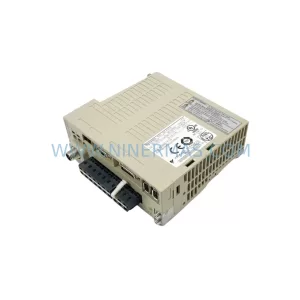
Yaskawa SGDS-01A32A Retrofit Servo Drive for Legacy Systems
SKU: 6SE7041-8EK85-0HA0
Siemens 6SE7041-8EK85-0HA0 Service-Ready Spare Part