Original Industrial Spare Part
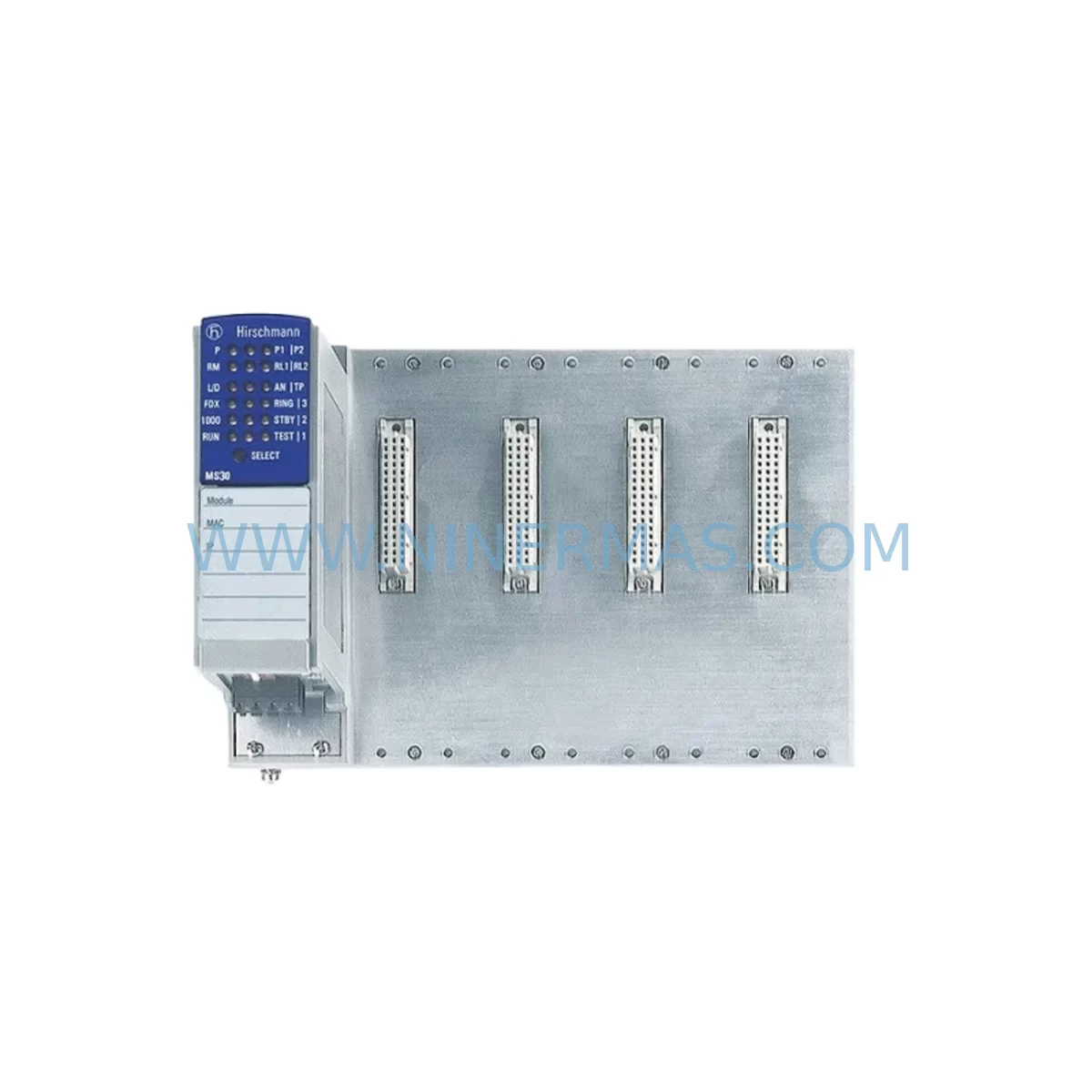
Hirschmann MS20-1600SAAE Spare Part for Industrial Maintenance
Verify the part, confirm the platform family, and move straight into quotation with the right commercial details.
RFQ Ready
- SKUMS20-1600SAAE
- CategoryPLC & Industrial Automation Modules
- BrandHirschmann
- SupportAvailability, lead time, condition, and shipping coordination
How Buyers Usually Use This Page
- Confirm the exact part number and platform family before sending the quote request.
- Use direct email when quantity, condition, and destination are already defined internally.
- Switch to the broader brand or category archive when you need alternates nearby.
Series Navigation
Move through the most common platform families behind this part.
Product RFQ
Send this part directly for quotation.
Include quantity, required condition, destination country, and target delivery timing. Current reference: Hirschmann MS20-1600SAAE Spare Part for Industrial Maintenance with SKU MS20-1600SAAE.
Hirschmann MS20-1600SAAE Spare Part for Industrial Maintenance
The Hirschmann MS20-1600SAAE is a service-ready managed industrial Ethernet switch from the MICE (Modular Industrial Communication Equipment) Series, engineered for mission-critical network infrastructure in harsh industrial environments. As a direct replacement spare part, the MS20-1600SAAE supports rapid restoration of plant-floor Ethernet networks in process automation, rail systems, power utilities, and discrete manufacturing facilities where unplanned network downtime translates directly into production loss and safety risk.
Maintenance engineers and procurement teams managing aging Hirschmann MICE deployments rely on pre-tested, shelf-ready units of the MS20-1600SAAE to eliminate lead-time risk during emergency fault isolation events. With 16 electrical ports in a compact DIN rail-mountable housing, this switch delivers the port density and managed switching capabilities required to sustain PROFINET, Modbus TCP, and EtherNet/IP traffic across control cabinet backbones without reconfiguration of existing network topology.
Every unit supplied by NINERMAS undergoes pre-shipment functional verification, including port-level link testing, management interface access confirmation, and power input validation, before dispatch. A 12-month warranty is included with each shipment, covering manufacturing defects and functional failures under normal operating conditions.
Spare Maintenance Table
| Parameter | Specification |
|---|---|
| SKU / Part Number | MS20-1600SAAE |
| Brand / Manufacturer | Hirschmann (Belden) |
| Series | MICE MS20 Series |
| Product Type | Industrial Managed Ethernet Switch |
| Number of Ports | 16 x 10/100BASE-TX (RJ45) |
| Management | Managed (Web, CLI, SNMP, HiVision) |
| Mounting | DIN Rail |
| Power Supply Input | 24 VDC (redundant input supported) |
| Operating Temperature | -40°C to +70°C |
| Protection Rating | IP30 |
| Protocols Supported | PROFINET, EtherNet/IP, Modbus TCP, RSTP, VLAN |
| Redundancy | RSTP / HiPER-Ring |
| Origin | Germany |
| Compatibility | MICE MS20 Series chassis; compatible with existing MS20 network configurations |
| Warranty | 12 Months (NINERMAS) |
| Condition | Original, Pre-shipment Tested |
Maintenance Planning for Continuous Operation
When scheduling a replacement of the MS20-1600SAAE in a live control cabinet or network rack, maintenance engineers should treat the switch as the central node of a broader network health review. A structured inspection of all connected components reduces the risk of secondary failures following the switch replacement and ensures the restored network segment operates reliably through the next planned maintenance interval.
Begin by verifying the 24 VDC redundant power supply modules feeding the MS20-1600SAAE. Hirschmann MICE switches are typically powered by dual-input industrial DIN rail PSUs; a degraded or single-supply condition should be corrected before the new switch is commissioned. Inspect the power terminal blocks and wiring harness at the switch’s power input connector for signs of oxidation, loose crimps, or thermal discoloration — these are common failure contributors in high-vibration environments.
Review the fiber or copper patch cables connected to each of the 16 RJ45 ports. In rail and utility applications, Cat5e or Cat6 industrial cables with shielded connectors are standard; any cable showing jacket damage, bent pins, or excessive bend radius near the connector boot should be replaced concurrently. For uplink segments, check the SFP fiber transceivers on upstream switches such as the Hirschmann RS20 or RS30 Series backbone units to confirm optical power levels are within specification.
Inspect the PROFINET IO controllers and device interfaces connected through the MS20-1600SAAE. In Siemens S7-300 or S7-400 PLC environments, the CP 343-1 or CP 443-1 communication processors should be checked for firmware compatibility with the replacement switch’s PROFINET stack version. Similarly, in Schneider Electric Modicon M340 or Premium PLC installations, the NOC 0401 Ethernet communication module should be verified for correct IP addressing and VLAN membership after switch replacement.
During the cabinet inspection, assess the condition of industrial Ethernet surge protection devices installed on field-side cable entries — units such as the Phoenix Contact FL SURGE series or equivalent DIN rail surge arresters protect the switch ports from transient overvoltage events common in outdoor or substation environments. Replace any surge protector showing indication of prior discharge.
For DCS-integrated network segments, confirm that Yokogawa CENTUM VP or Honeywell Experion PKS network interface cards are correctly mapped to the replacement switch’s port configuration. VLAN and QoS settings stored in the outgoing MS20-1600SAAE should be exported via HiVision or CLI backup before decommissioning and restored to the replacement unit prior to installation to eliminate reconfiguration downtime.
Finally, verify the HMI workstation network adapters — typically connected via the MS20-1600SAAE to the supervisory LAN — are operating at the correct duplex and speed settings. Auto-negotiation mismatches between HMI NICs and managed switch ports are a frequent source of intermittent packet loss that can be misdiagnosed as a switch hardware fault.
Site Replacement Workflow
Step 1 — Pre-replacement backup: Connect to the outgoing MS20-1600SAAE via its management interface (Web GUI or CLI). Export the full configuration file including VLAN assignments, port settings, RSTP parameters, SNMP community strings, and HiPER-Ring topology data. Store the backup file on a maintenance laptop or USB drive before proceeding.
Step 2 — Network topology documentation: Photograph or diagram all cable connections, port assignments, and label positions on the existing switch. Note which ports carry PROFINET real-time traffic versus standard TCP/IP management traffic, as these may require QoS priority restoration after replacement.
Step 3 — Safe de-energization: Coordinate with the control room to place affected PLC or DCS network segments into a safe state. Isolate the switch from both power inputs using the DIN rail terminal disconnect. Do not remove cables until power is confirmed off at both supply inputs.
Step 4 — Physical swap: Remove the MS20-1600SAAE from the DIN rail. Install the replacement unit in the same rail position. Reconnect all cables in the documented port sequence. Restore both power supply connections.
Step 5 — Configuration restore: Upload the saved configuration file to the replacement MS20-1600SAAE via the management interface. Verify VLAN, RSTP, and port settings match the pre-replacement state. Confirm HiPER-Ring or RSTP topology has converged correctly before releasing the network segment to production.
Step 6 — Functional verification: Ping all critical nodes from the management workstation. Confirm PROFINET device status in the PLC engineering tool. Verify HMI connectivity and historian data flow. Document the replacement in the site maintenance log with the new unit’s serial number and warranty start date.
Spare Parts Support FAQ
Q1: Is the MS20-1600SAAE compatible with existing MICE MS20 Series network configurations without reconfiguration?
Yes. The MS20-1600SAAE is a direct form-fit-function replacement within the MICE MS20 platform. When the configuration backup from the outgoing unit is restored to the replacement switch, all VLAN, RSTP, PROFINET, and port settings are preserved, eliminating the need for manual reconfiguration and minimizing network downtime to the physical swap and configuration restore time only.
Q2: What pre-shipment testing does NINERMAS perform on the MS20-1600SAAE before dispatch?
Each MS20-1600SAAE unit undergoes port-level link-up testing across all 16 electrical ports, management interface access verification via Web GUI and CLI, power input functionality check on both supply inputs, and visual inspection for physical damage. A test report is available upon request. Units are shipped in anti-static protective packaging with a 12-month warranty certificate.
Q3: Can NINERMAS support long-term supply of the MS20-1600SAAE for multi-year maintenance contracts?
Yes. NINERMAS maintains stock commitment programs for long lifecycle industrial network components including the Hirschmann MICE MS20 Series. Procurement engineers can request a standing purchase agreement or annual blanket order to secure fixed pricing and guaranteed lead times for planned maintenance shutdowns and emergency spare requirements over a 1–3 year horizon.
Q4: What should be done if the replacement MS20-1600SAAE does not restore network connectivity after installation?
First, verify that the configuration file was correctly uploaded and that RSTP or HiPER-Ring has fully converged — this can take up to 30 seconds after power-on. Check that all cable connections match the documented port assignments. If connectivity issues persist, connect directly to the switch management port with a laptop and verify IP addressing and VLAN membership. Contact NINERMAS technical support with the unit serial number; warranty replacement or advance exchange can be arranged within the 12-month coverage period.
| Product Series | Other series |
|---|---|
| Country of Origin | DE |
Catalog Continuation
More Hirschmann modules in the catalog.
Use the brand lane to compare nearby part numbers, platform-adjacent modules, and other inquiry-ready listings before sending your final RFQ.

SKU: OZDPROFI12MG12
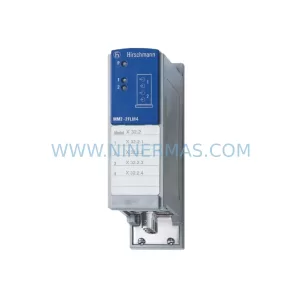
Hirschmann OZDPROFI12MG12 Spare Part for Industrial Maintenance
SKU: OYDE-S BF0C 943 178-101
Hirschmann OYDE-S BF0C 943 178-101 Retrofit-Compatible Transceiver
Catalog Continuation
Alternative parts within PLC & Industrial Automation Modules.
Stay inside the same system family when you need substitutes, adjacent modules, or a broader shortlist for procurement review.
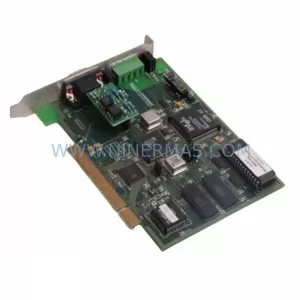
SKU: SST-ESR2-CPX-P
SST SST-ESR2-CPX-P Spare Part for Industrial Maintenance
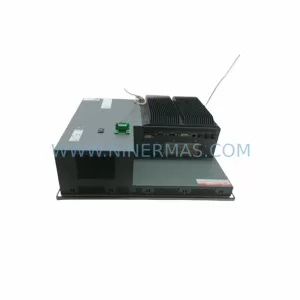
SKU: PFXPP161EA25P00G00
Pro-face PFXPP161EA25P00G00 Service-Ready Industrial Spare Part