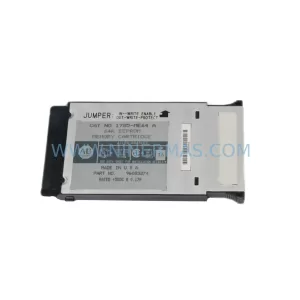
Original Industrial Spare Part
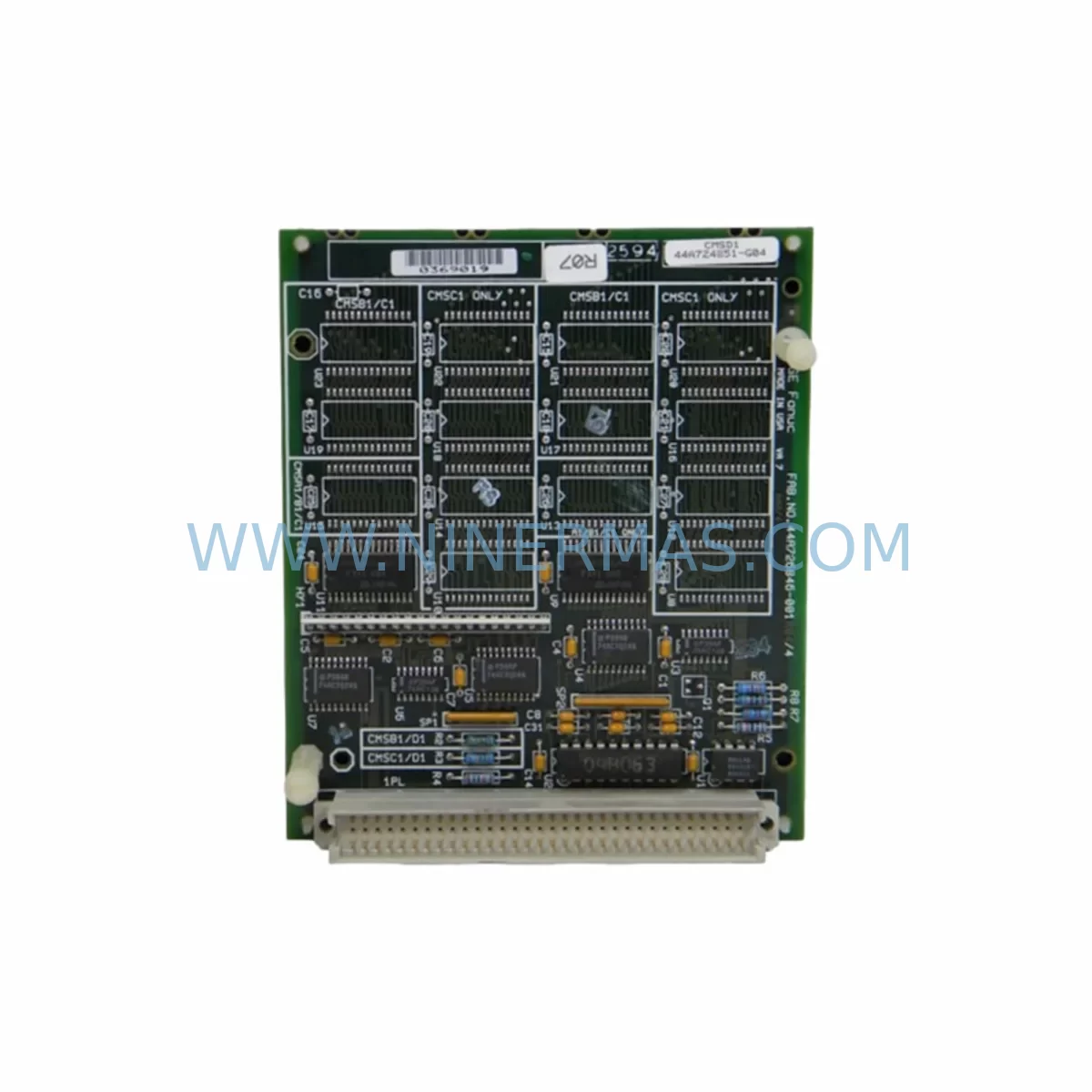
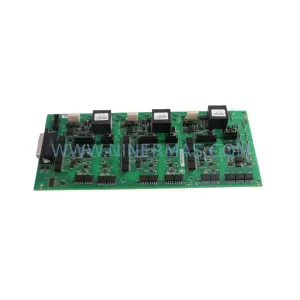
GE IC697MEM713 Retrofit-Compatible Memory Module for Legacy Systems
Verify the part, confirm the platform family, and move straight into quotation with the right commercial details.
RFQ Ready
- SKUIC697MEM713
- CategoryPLC & Industrial Automation Modules
- BrandGE
- SupportAvailability, lead time, condition, and shipping coordination
How Buyers Usually Use This Page
- Confirm the exact part number and platform family before sending the quote request.
- Use direct email when quantity, condition, and destination are already defined internally.
- Switch to the broader brand or category archive when you need alternates nearby.
Series Navigation
Move through the most common platform families behind this part.
Product RFQ
Send this part directly for quotation.
Include quantity, required condition, destination country, and target delivery timing. Current reference: GE IC697MEM713 Retrofit-Compatible Memory Module for Legacy Systems with SKU IC697MEM713.
GE IC697MEM713 Retrofit-Compatible Memory Module for Legacy Systems
The GE IC697MEM713 is a user memory module designed for the GE Series 90-70 PLC platform — one of the most widely deployed programmable logic controller families in process and discrete manufacturing environments. As GE Automation (now part of Emerson / GE Vernova) has progressively discontinued support for the Series 90-70 product line, the IC697MEM713 has become a critical spare part for facilities that depend on legacy control architectures and cannot justify a full system migration in the near term.
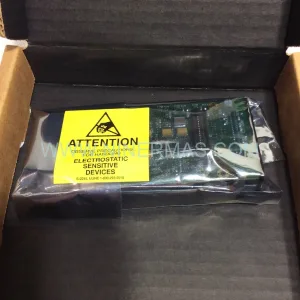
NINERMAS maintains verified stock of the IC697MEM713 with full pre-shipment functional testing, documented inspection records, and a 12-month warranty covering defects in materials and workmanship. Each unit is shipped with test confirmation and is available for immediate dispatch to support planned maintenance windows, emergency replacements, and long-term spare parts programs.
Upgrade Compatibility Table
| Parameter | IC697MEM713 Details |
|---|---|
| Platform | GE Series 90-70 (IC697 family) |
| Module Type | User Memory Expansion Module |
| Rack Compatibility | IC697CHS750, IC697CHS782, IC697CHS790 (Series 90-70 racks) |
| Backplane Interface | Series 90-70 VME-based backplane |
| CPU Compatibility | IC697CPU731, IC697CPU771, IC697CPU772, IC697CPU781, IC697CPU782 |
| Installation Slot | Dedicated memory slot on Series 90-70 CPU module or rack |
| Communication Protocol | Internal VME bus; no standalone Ethernet or serial port |
| Replacement Recommendation | Direct drop-in replacement for IC697MEM713 in same rack slot |
| Commissioning Notes | Verify CPU firmware version; reload user program after installation |
| Warranty | 12 months from date of shipment — parts and workmanship |
Retrofit Planning for Existing Automation Systems
When a facility running GE Series 90-70 equipment encounters a memory module failure or plans a controlled upgrade, the IC697MEM713 replacement process involves several interdependent steps that must be carefully sequenced to protect production continuity.
The first priority is program backup. Before removing the existing memory module, engineers should use GE Proficy Machine Edition or the legacy Logicmaster 90-70 programming software to upload and archive the current ladder logic, function block diagrams, and data tables. This backup should be stored on a dedicated engineering workstation and verified for completeness — including all PID loop parameters, analog scaling factors, and discrete I/O force tables.
The IC697CPU771 or IC697CPU781 CPU modules that typically pair with the IC697MEM713 communicate with I/O modules across the Series 90-70 VME backplane. When planning the retrofit, engineers must confirm that the replacement memory module is seated correctly in the designated slot within the IC697CHS790 or IC697CHS782 rack. Improper seating can cause the CPU to fail its self-diagnostic routine and prevent program execution.
For facilities that also operate IC697MDL340 or IC697MDL341 discrete output modules, or IC697ALG320 analog input modules, the I/O configuration stored in the memory module must match the physical rack layout exactly. Any mismatch between the configured I/O map and the installed modules will generate a hardware fault and halt the controller. This is a common commissioning issue during memory module replacements and should be verified before returning the system to automatic mode.
Communication continuity is another critical consideration. Many Series 90-70 installations use the IC697CMM711 or IC697CMM742 communications modules to interface with SCADA systems, DCS networks, or HMI panels via Genius Bus, SNP, or serial protocols. After replacing the IC697MEM713, engineers should verify that the communications module configuration — including station addresses, baud rates, and protocol parameters — has been correctly restored from the program backup. HMI screens built on platforms such as GE QuickPanel or third-party SCADA software should be tested for correct tag mapping before resuming production.
Power supply capacity is a frequently overlooked factor in Series 90-70 retrofit projects. The IC697PWR711 or IC697PWR724 power supply modules must provide sufficient current to support all installed modules, including the replacement IC697MEM713. Engineers should review the rack power budget and confirm that the total module current draw does not exceed the power supply’s rated output. If the existing power supply is aging or showing signs of output instability, it is advisable to replace it concurrently with the memory module to avoid a secondary failure shortly after the retrofit is completed.
For sites that are using the IC697MEM713 replacement as part of a broader migration toward newer control platforms — such as GE PACSystems RX7i or RX3i — the memory module swap can serve as an interim measure to extend the operational life of the existing Series 90-70 system while the migration project is planned and budgeted. NINERMAS supports long-term spare parts programs with committed stock reservations and fixed lead times to help facilities manage this transition period without unplanned downtime.
Downtime Control During System Migration
Minimizing downtime during a Series 90-70 memory module replacement requires a structured approach that begins well before the maintenance window opens. The following practices are recommended for facilities where production continuity is critical:
Pre-maintenance preparation: Complete the program backup and verification at least 48 hours before the scheduled replacement. Confirm that the replacement IC697MEM713 has been received, inspected, and tested. Prepare all required tools, including a grounded ESD wrist strap, the programming cable (typically a IC690ACC901 SNP serial cable or USB-to-serial adapter), and a laptop with the appropriate programming software installed and licensed.
Controlled shutdown sequence: Follow the site’s lockout/tagout (LOTO) procedure before opening the control cabinet. Power down the rack in the correct sequence — outputs first, then the CPU, then the power supply — to avoid transient voltage spikes that could damage other modules in the rack, including the IC697CMM711 communications module or analog I/O modules.
Module swap and restart: Seat the replacement IC697MEM713 firmly in the correct slot. Power up the rack and observe the CPU’s diagnostic LEDs. A successful startup will show the CPU transitioning from STOP to RUN mode after the program is downloaded. If the CPU remains in STOP or displays a fault code, consult the Series 90-70 CPU Reference Manual for fault code interpretation before proceeding.
Program reload and verification: Download the archived program from the engineering workstation. Verify all I/O module status indicators, confirm analog signal scaling, and test discrete output forcing in a safe, controlled manner before returning the system to automatic operation. Document the replacement date, module serial number, and test results for the site’s maintenance records.
Post-replacement monitoring: Monitor the system for the first 24–72 hours after the replacement to detect any latent issues. Pay particular attention to memory fault indicators on the CPU module and any unexpected program scan time increases that could indicate a memory integrity issue.
Retrofit Support FAQ
Q: Is the IC697MEM713 a direct replacement for the original module without any program changes?
A: Yes, the IC697MEM713 is a direct drop-in replacement for the same part number in a Series 90-70 rack. However, the user program must be reloaded after installation, as the replacement module will not retain the previous program. Ensure a verified backup is available before beginning the replacement.
Q: What commissioning steps are required after installing the IC697MEM713?
A: After seating the module and powering up the rack, download the archived user program using Proficy Machine Edition or Logicmaster 90-70. Verify the I/O configuration matches the physical rack layout, confirm communications module parameters, and test all critical I/O points before returning the system to automatic mode.
Q: Has the IC697MEM713 been tested before shipment?
A: Yes. All IC697MEM713 units supplied by NINERMAS undergo pre-shipment functional testing. Each unit is inspected for physical condition and verified for basic operational integrity. Test documentation is available upon request.
Q: What warranty and supply terms does NINERMAS offer for the IC697MEM713?
A: NINERMAS provides a 12-month warranty from the date of shipment covering defects in materials and workmanship. Long-term spare parts programs with committed stock reservations and fixed lead times are available for facilities managing extended Series 90-70 lifecycle programs. Contact our team to discuss volume requirements and supply agreements.
| Product Series | 90-70 |
|---|---|
| Country of Origin | US |
Catalog Continuation
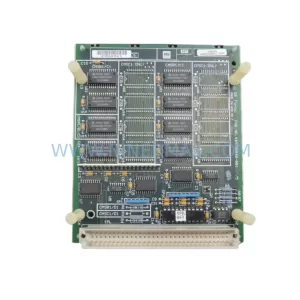
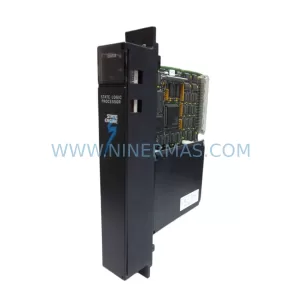
Nearby part numbers around IC697MEM.
Use this lane when the buyer is comparing adjacent model numbers, revision-near items, or closely related spare variants within the same brand family.
Catalog Continuation
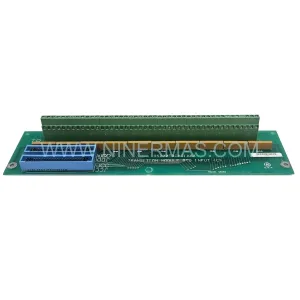
More GE modules in the catalog.
Use the brand lane to compare nearby part numbers, platform-adjacent modules, and other inquiry-ready listings before sending your final RFQ.
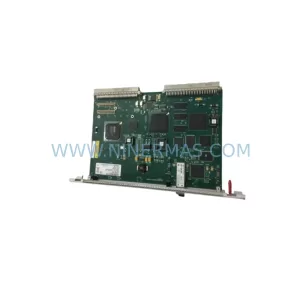
SKU: Bridge Interface Mark VI
GE IS210AEDBH4AGD Safety-Reliable Bridge Interface for Critical Control
SKU: DS200ADMAH1AA
GE DS200ADMAH1AA | Industrial Safety & Performance Component
Catalog Continuation
Alternative parts within PLC & Industrial Automation Modules.
Stay inside the same system family when you need substitutes, adjacent modules, or a broader shortlist for procurement review.



SKU: HDD02.2-W040N-HS12-01-FW FWA-DIAX04-ELS-05VRS-MS
Rexroth HDD02.2-W040N-HS12-01-FW Service-Ready Spare Part

SKU: I5DAE375F10010000S
Lenze I5DAE375F10010000S Service-Ready Spare Part for Industrial Maintenance