
Original Industrial Spare Part
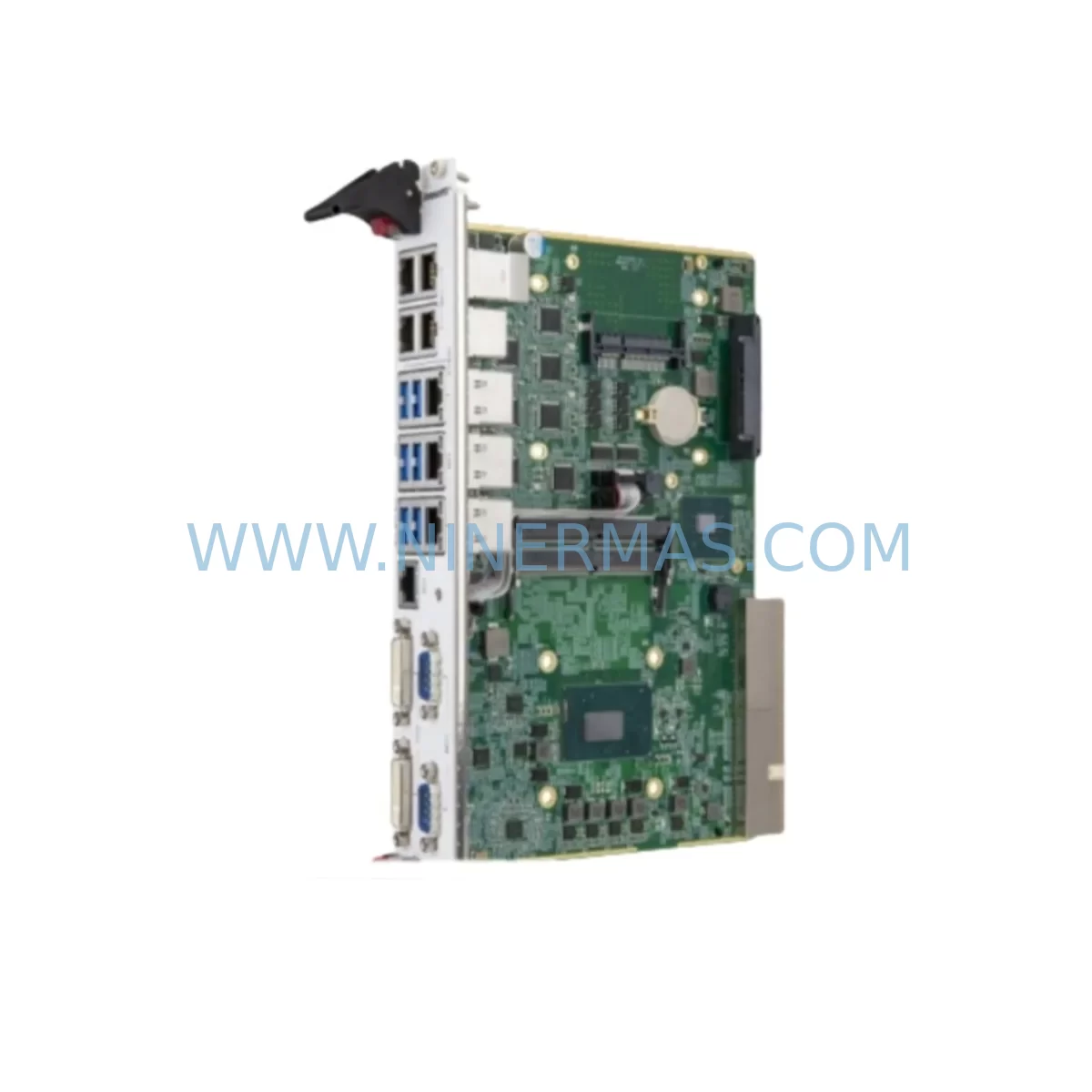
Adlink CPCI-6920/S408/M4G(G)-1270 Service-Ready Spare Part
Verify the part, confirm the platform family, and move straight into quotation with the right commercial details.
RFQ Ready
- SKUCPCI-6920/S408/M4G(G)-1270
- CategoryPLC & Industrial Automation Modules
- BrandAdlink
- SupportAvailability, lead time, condition, and shipping coordination
How Buyers Usually Use This Page
- Confirm the exact part number and platform family before sending the quote request.
- Use direct email when quantity, condition, and destination are already defined internally.
- Switch to the broader brand or category archive when you need alternates nearby.
Series Navigation
Move through the most common platform families behind this part.
Product RFQ
Send this part directly for quotation.
Include quantity, required condition, destination country, and target delivery timing. Current reference: Adlink CPCI-6920/S408/M4G(G)-1270 Service-Ready Spare Part with SKU CPCI-6920/S408/M4G(G)-1270.
Adlink CPCI-6920/S408/M4G(G)-1270 Service-Ready Spare Part: Spare Replacement & Downtime Risk Control
The Adlink CPCI-6920/S408/M4G(G)-1270 is a ruggedized 3U CompactPCI Serial CPU module built around the Intel Core i7-1270 processor, designed for mission-critical industrial computing in harsh environments. Featuring 8GB soldered LPDDR4 RAM, extended temperature tolerance, and a robust mechanical design, this module serves as the central processing backbone in automation controllers, test & measurement systems, railway computing platforms, and defense-grade embedded systems. When this CPU module fails or reaches end-of-life, the entire control system is at risk of unplanned downtime — making a verified, service-ready spare part an essential element of any proactive maintenance strategy.
At NINERMAS, we supply the CPCI-6920/S408/M4G(G)-1270 as an original, tested spare part with a 12-month warranty, pre-shipment functional verification, and long-term supply commitment. Whether you are managing a scheduled annual overhaul, responding to an emergency board failure, or building a strategic spare parts inventory for aging CompactPCI infrastructure, this module is available for rapid dispatch to global destinations.
Spare Maintenance Table
| Parameter | Specification |
|---|---|
| SKU / Part Number | CPCI-6920/S408/M4G(G)-1270 |
| Brand | Adlink Technology |
| Series | CPCI-6920 |
| Form Factor | 3U CompactPCI Serial (PICMG CPCI-S.0) |
| Processor | Intel Core i7-1270 (12-core, up to 4.8GHz Turbo) |
| Memory | 8GB LPDDR4 Soldered (S408 configuration) |
| Graphics | Intel Iris Xe Graphics (M4G integrated) |
| Storage Interface | M.2 NVMe / SATA SSD support |
| Operating Temperature | -40°C to +85°C (G-grade ruggedized) |
| Vibration / Shock | MIL-STD-810G compliant |
| Backplane Interface | CompactPCI Serial system slot |
| I/O Interfaces | USB 3.2, GbE x2, DisplayPort, RS-232/422/485 |
| Power Input | +3.3V / +5V / +12V via CompactPCI backplane |
| Compatibility | Adlink CPCI-6920 series chassis, PICMG CPCI-S.0 compliant backplanes |
| Origin | Taiwan |
| Warranty | 12 Months — NINERMAS Verified |
| Condition | Original, Pre-shipment Tested |
| Lead Time | In-stock: 3–7 business days; Ex-stock: subject to availability |
Maintenance Planning for Continuous Operation
When a maintenance or procurement engineer plans the replacement of the CPCI-6920/S408/M4G(G)-1270, the CPU module is rarely the only component requiring attention. A thorough inspection of the surrounding system is essential to prevent repeat failures and ensure full system restoration after downtime.
Begin with the CompactPCI backplane — inspect all slot connectors for oxidation, bent pins, or mechanical damage. A faulty backplane connector can cause intermittent CPU faults that are misdiagnosed as CPU board failures. Simultaneously, verify the CompactPCI power supply module (such as the Adlink cPCI-PS or equivalent 3U power entry module) for stable +3.3V, +5V, and +12V rail outputs; voltage ripple or sag under load is a common root cause of CPU instability in aging chassis.
Check all I/O peripheral modules installed in adjacent slots — including Adlink CPCI-based serial communication modules, GbE switch modules, and digital I/O boards — for firmware compatibility with the replacement CPU’s operating system image. If the system runs a real-time OS or a legacy Windows Embedded build, confirm driver support before commissioning the new board.
Inspect the M.2 NVMe or SATA SSD installed on the CPU module. Storage media in harsh-environment deployments is subject to accelerated wear from temperature cycling and vibration. Replace the SSD if SMART data indicates elevated reallocated sector counts or high power-on hours. Maintain a spare SSD pre-imaged with the system software to minimize restoration time.
For systems with signal isolation requirements, verify that any installed signal isolators or surge protectors on RS-232/422/485 ports remain functional — these components protect the CPU’s serial interfaces from field-side transients and are frequently overlooked during board-level replacements. Similarly, inspect terminal blocks and field wiring connectors on I/O modules for corrosion or loose terminations that could cause communication errors after the new CPU is installed.
If the system includes an HMI panel or operator workstation connected via DisplayPort or USB, confirm cable integrity and display driver compatibility. In railway or defense applications, also verify that any MIL-spec circular connectors or D-sub I/O breakout assemblies are properly seated and torqued. Finally, review the chassis cooling system — fan trays, heat spreaders, and conduction-cooled wedge locks — to ensure thermal management is adequate for the replacement module’s TDP under full load.
Building a structured spare parts kit around the CPCI-6920/S408/M4G(G)-1270 — including a spare backplane slot filler, a pre-imaged SSD, a replacement power supply module, and key I/O boards — reduces mean time to repair (MTTR) from days to hours and is the foundation of a resilient industrial maintenance program.
Site Replacement Workflow
Step 1 — Pre-replacement verification: Confirm the failed module’s part number against the chassis documentation. Verify that the replacement CPCI-6920/S408/M4G(G)-1270 matches the exact memory configuration (S408 = 8GB soldered) and graphics variant (M4G = 4GB integrated). Mismatched configurations may cause BIOS POST failures or OS boot errors.
Step 2 — System shutdown and ESD precautions: Power down the chassis via the controlled shutdown sequence. Apply ESD wrist strap and mat before handling the CPU module. CompactPCI Serial modules use hot-swap-capable connectors, but a controlled power-down is recommended for CPU slot replacements to avoid data corruption on the SSD.
Step 3 — Module extraction and inspection: Release the front panel ejector handles and slide the module out. Inspect the backplane connector on the extracted module for damage. Document any visible fault indicators (burnt components, swollen capacitors, corrosion) for root cause analysis.
Step 4 — Replacement installation: Slide the NINERMAS-supplied CPCI-6920/S408/M4G(G)-1270 into the system slot. Engage ejector handles firmly until the module is fully seated. Verify the front panel LED indicators upon power-up — the module should complete POST and boot to the OS within the expected timeframe.
Step 5 — Functional validation: Run a full I/O check across all connected peripherals. Verify network connectivity on both GbE ports, confirm serial communication on all RS-232/422/485 channels, and validate application software operation. Log the replacement in the site maintenance record with the new module’s serial number and installation date.
This workflow supports legacy system life extension by enabling like-for-like board replacement without chassis or software modifications, preserving the existing control architecture and minimizing requalification effort.
Spare Parts Support FAQ
Q1: Is the CPCI-6920/S408/M4G(G)-1270 supplied by NINERMAS an original Adlink module?
Yes. NINERMAS supplies original Adlink CPCI-6920/S408/M4G(G)-1270 modules sourced through verified industrial supply channels. Each unit undergoes pre-shipment functional testing and is covered by a 12-month warranty from the date of delivery.
Q2: What is the long-term supply commitment for this module?
NINERMAS maintains strategic stock and supplier relationships to support long-term spare parts programs. If the module is not currently in stock, we provide lead time estimates and can arrange scheduled delivery aligned with your annual maintenance calendar. Contact us to discuss a long-term supply agreement.
Q3: How do I verify compatibility before ordering?
Provide your chassis model, backplane part number, and current CPU module serial number to our technical team at sale@ninermas.com. We will confirm compatibility with your specific system configuration, including BIOS version requirements and OS driver support, before shipment.
Q4: What pre-shipment testing is performed on each unit?
Each CPCI-6920/S408/M4G(G)-1270 is powered on, subjected to POST verification, memory test, storage interface check, and I/O port validation prior to dispatch. A test report is available upon request. Units are packed in anti-static packaging with shock-absorbing foam to ensure safe transit to your site.
| Product Series | Other series |
|---|---|
| Country of Origin | TW |
Catalog Continuation
More Adlink modules in the catalog.
Use the brand lane to compare nearby part numbers, platform-adjacent modules, and other inquiry-ready listings before sending your final RFQ.
SKU: PC RK-610 SERIES HPC1-14S7U COMPLEX FG 73727 9800035476 RH-14D-2702-E050AL-SP(N)
ADLINK PC-RK-610-HPC1-14S7U Retrofit Module for Legacy Systems
SKU: cPCI-6930D cPCI-6930D/2418/M6G
ADLink cPCI-6930D/2418/M6G Retrofit-Compatible CPU for Legacy Systems
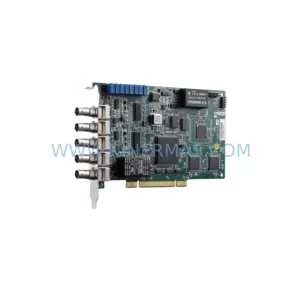
Catalog Continuation
Alternative parts within PLC & Industrial Automation Modules.
Stay inside the same system family when you need substitutes, adjacent modules, or a broader shortlist for procurement review.
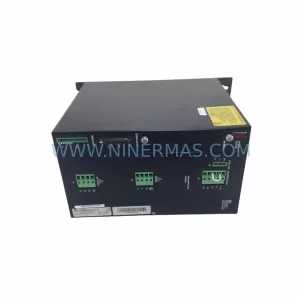
SKU: SCE906A2-002-01 SCE906A200201
Pacific Scientific SCE906A2-002-01 Retrofit Servo Amplifier
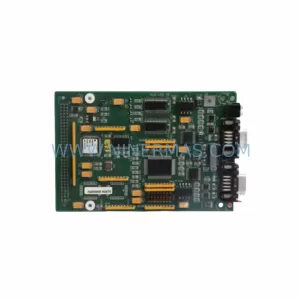
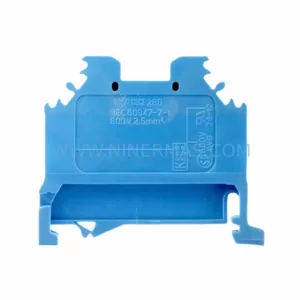
SKU: EPC500 3183062451
Alfa Laval EPC500 3183062451 Service-Ready Spare Part



