Original Industrial Spare Part
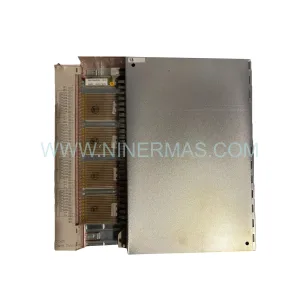
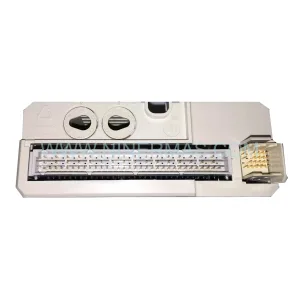
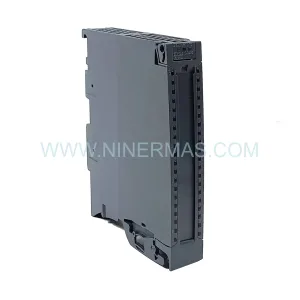
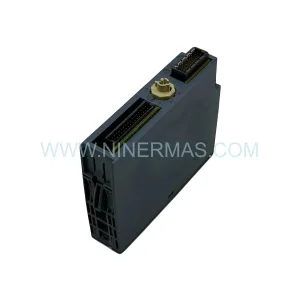
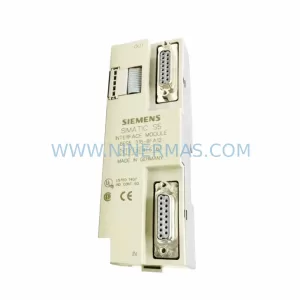
Siemens 6ES7138-4DF00-0AB0 Retrofit-Compatible Power Module ET200S
Verify the part, confirm the platform family, and move straight into quotation with the right commercial details.
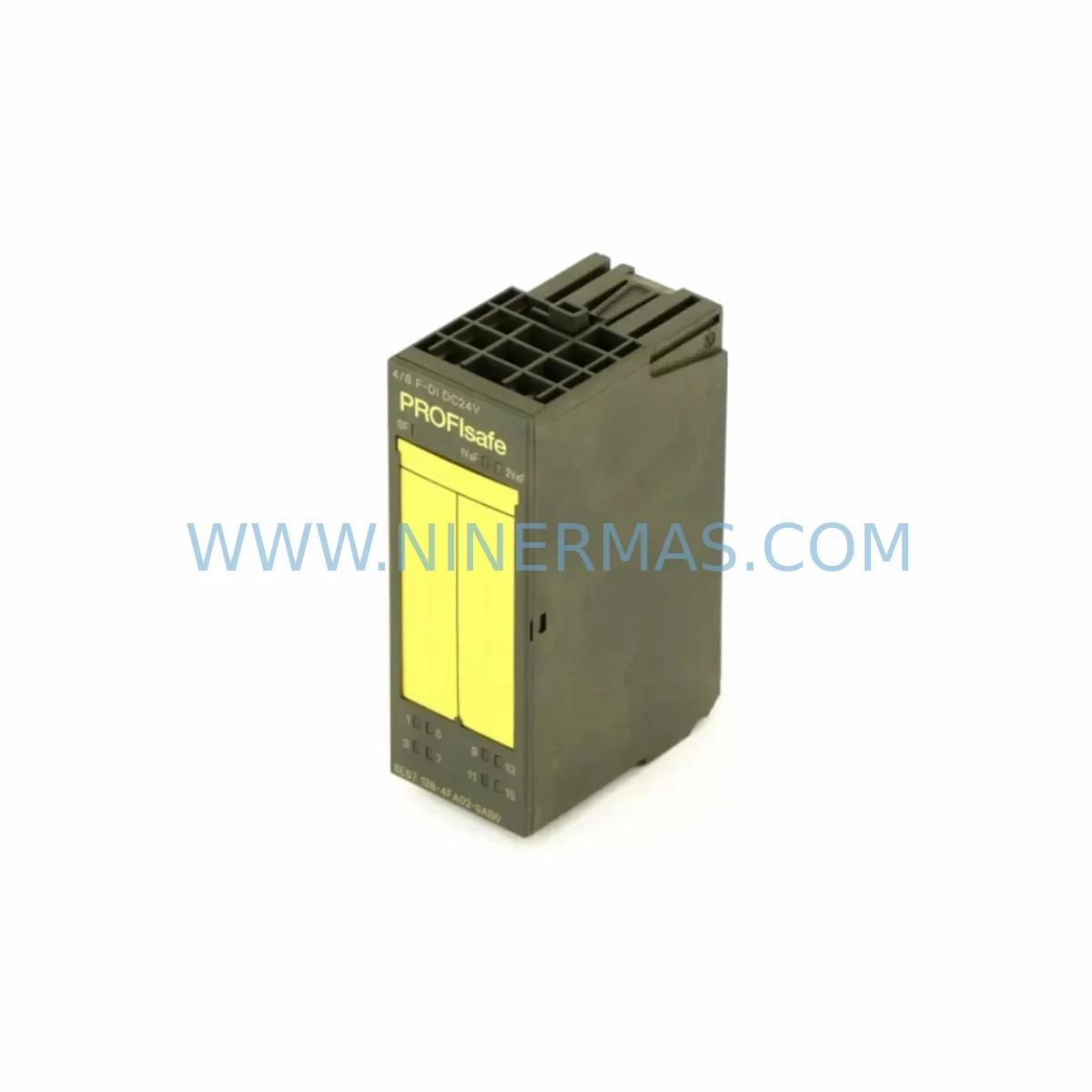
RFQ Ready
- SKU6ES7138-4DF00-0AB0
- CategoryPLC & Industrial Automation Modules
- BrandSiemens
- SupportAvailability, lead time, condition, and shipping coordination
How Buyers Usually Use This Page
- Confirm the exact part number and platform family before sending the quote request.
- Use direct email when quantity, condition, and destination are already defined internally.
- Switch to the broader brand or category archive when you need alternates nearby.
Series Navigation
Move through the most common platform families behind this part.
Product RFQ
Send this part directly for quotation.
Include quantity, required condition, destination country, and target delivery timing. Current reference: Siemens 6ES7138-4DF00-0AB0 Retrofit-Compatible Power Module ET200S with SKU 6ES7138-4DF00-0AB0.
Siemens 6ES7138-4DF00-0AB0 Retrofit-Compatible ET200S Power Module: Seamless Legacy System Upgrade
The Siemens 6ES7138-4DF00-0AB0 is a ruggedized power module designed for the ET 200S distributed I/O system, widely deployed across process automation, machine control, and factory floor applications. As legacy SIMATIC S7-300 and ET 200S installations approach end-of-life, the 6ES7138-4DF00-0AB0 remains a critical component for engineers managing brownfield upgrades, control cabinet modernization, and spare parts lifecycle extension. NINERMAS maintains verified stock of this module with full functional testing and a 12-month warranty, supporting customers who need a reliable drop-in replacement without redesigning their existing rack architecture.
Upgrade Compatibility Table
| Parameter | Details |
|---|---|
| SKU / Part Number | 6ES7138-4DF00-0AB0 |
| Series | SIMATIC ET 200S |
| Module Type | Power Module (PM-E) |
| Supply Voltage | 24 V DC |
| Installation | ET 200S terminal module, standard DIN rail mounting |
| Communication Compatibility | PROFIBUS DP, compatible with IM 151-1 / IM 151-3 interface modules |
| Replacement Recommendation | Direct replacement for 6ES7138-4DF00-0AB0; verify terminal module type (TM-P) before installation |
| Commissioning Notes | Check GSD file version in STEP 7 / TIA Portal; re-download hardware configuration after swap |
| Warranty | 12 Months — NINERMAS Company Limited |
Retrofit Planning for Existing Automation Systems
When integrating the 6ES7138-4DF00-0AB0 into an existing ET 200S station, the first step is to audit the current power budget across the entire I/O rail. Each electronic module — including digital input modules such as the 6ES7131-4BF00-0AA0 and analog output modules like the 6ES7135-4GB01-0AB0 — draws current from the power segment established by the PM-E module. If the existing power module has been supplying a mixed rack of 16-channel DI, 4-channel AO, and specialty function modules, the replacement 6ES7138-4DF00-0AB0 must be confirmed to cover the same aggregate current demand before powering up.
Terminal wiring is another area requiring careful attention. The 6ES7138-4DF00-0AB0 mounts onto a dedicated TM-P terminal module, and the field wiring connected to the 24 V DC supply and PE terminals must be verified for correct polarity and torque. In older installations where the terminal module itself has been in service for over a decade, it is advisable to inspect the TM-P for contact wear and replace it alongside the power module if corrosion or discoloration is present.
For stations using the IM 151-1 Standard interface module communicating over PROFIBUS DP, the hardware configuration stored in SIMATIC Manager or TIA Portal must reflect the correct GSD file for the 6ES7138-4DF00-0AB0. If the station was originally configured with an earlier firmware revision, a GSD update may be required before the new module is recognized correctly by the CPU — typically a SIMATIC S7-300 CPU such as the CPU 315-2 DP or CPU 317-2 DP. After downloading the updated hardware configuration, a full station restart should be performed to confirm that all I/O modules, including any 6ES7132-4BF00-0AA0 digital output modules and 6ES7134-4GB11-0AB0 analog input modules in the same rack, resume normal operation.
In control cabinets where space is constrained, the compact form factor of the ET 200S system is a key advantage. However, engineers should verify that the replacement module’s depth and the associated TM-P terminal module do not conflict with cable duct routing or adjacent components such as 24 V DC SITOP power supplies or circuit breakers. Where the original installation used a SITOP PSU100S or similar unit to feed the ET 200S rail, the power supply output capacity should be re-evaluated if additional I/O modules have been added since the original commissioning.
For sites migrating from PROFIBUS DP to PROFINET, the 6ES7138-4DF00-0AB0 power module itself is protocol-agnostic and remains fully compatible when the interface module is upgraded from an IM 151-1 to an IM 151-3 PN. This migration path allows the existing I/O modules and power segments to be retained while the communication backbone is modernized, significantly reducing the scope and cost of the upgrade. Signal isolators may be required at field device boundaries where legacy 4–20 mA loops interface with new PROFINET-capable analog modules.
Downtime Control During System Migration
Minimizing unplanned downtime is the primary concern for any brownfield retrofit involving the 6ES7138-4DF00-0AB0. Before beginning the physical swap, the existing PLC program should be backed up from the CPU using SIMATIC Manager or TIA Portal, and the current hardware configuration should be exported and archived. This ensures that if the replacement module triggers any unexpected diagnostic alarms — such as a power segment fault or module mismatch error — the original configuration can be restored quickly without relying on memory or incomplete documentation.
Where production schedules allow only a narrow maintenance window, a staged approach is recommended: install the new 6ES7138-4DF00-0AB0 during a planned shutdown, perform a cold restart of the ET 200S station, and verify all I/O signals against the HMI faceplate before releasing the line back to production. For SCADA or HMI systems connected via PROFIBUS DP, the operator screen should be monitored during the first power-up cycle to confirm that all field signals — including those from remote I/O drops using additional ET 200S stations — are reading correctly and that no persistent fault codes remain active on the CPU diagnostic buffer.
In cases where the power module failure has already caused an unplanned outage, NINERMAS supports expedited dispatch for verified-stock units. Each module undergoes functional testing prior to shipment, reducing the risk of receiving a non-functional part during a critical recovery situation. The 12-month warranty covers both early-life failures and latent defects identified during the warranty period, providing additional assurance for maintenance teams operating under strict uptime commitments.
Retrofit Support FAQ
Q: Is the 6ES7138-4DF00-0AB0 a direct replacement for earlier ET 200S power modules?
A: Yes, the 6ES7138-4DF00-0AB0 is designed for direct installation into the ET 200S system using the compatible TM-P terminal module. Always verify the terminal module variant (TM-P15S23-A0 or equivalent) matches your existing installation before ordering.
Q: Do I need to modify my STEP 7 or TIA Portal project after replacing the power module?
A: In most cases, no program changes are required. However, if the GSD file version differs from the one currently in your hardware catalog, you should update the GSD and re-download the hardware configuration to avoid module recognition errors.
Q: What wiring checks should be performed before powering up the replacement module?
A: Confirm 24 V DC supply polarity at the TM-P terminals, verify PE continuity, and check that the supply current capacity of your SITOP or equivalent power supply covers the full load of the ET 200S power segment. Torque all terminal screws to the manufacturer’s specification.
Q: Does NINERMAS provide tested units with warranty?
A: Yes. All 6ES7138-4DF00-0AB0 units supplied by NINERMAS are functionally tested before shipment and covered by a 12-month warranty. In-stock units are available for immediate dispatch to support both planned retrofits and emergency replacements.
| Product Series | SIMATIC |
|---|---|
| Country of Origin | DE |
Catalog Continuation
More Siemens modules in the catalog.
Use the brand lane to compare nearby part numbers, platform-adjacent modules, and other inquiry-ready listings before sending your final RFQ.
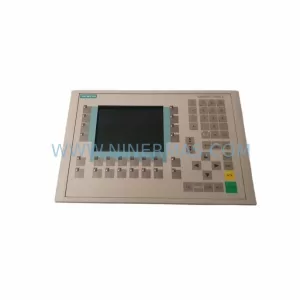
SKU: 6AV6542-0CA10-0AX0
Siemens 6AV6542-0CA10-0AX0 Safety-Reliable HMI for Critical Sites
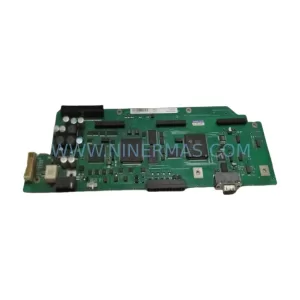
SKU: A5E00158600 6SE70 TP/EP60 CUVP-02
SIEMENS A5E00158600 6SE70 TP/EP60 CUVP-02 Safety-Reliable Power Module
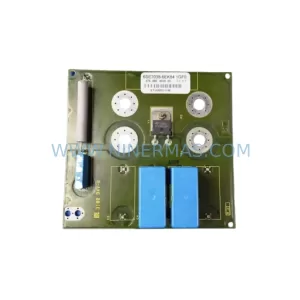
SKU: 6SE7038-6EK84-1GF0
SIEMENS 6SE7038-6EK84-1GF0 Service-Ready Spare Part
SKU: 6ES5316-8FA12
Siemens 6ES5316-8FA12 Retrofit-Compatible Interface Module
Catalog Continuation
Alternative parts within PLC & Industrial Automation Modules.
Stay inside the same system family when you need substitutes, adjacent modules, or a broader shortlist for procurement review.



SKU: HDD02.2-W040N-HS12-01-FW FWA-DIAX04-ELS-05VRS-MS
Rexroth HDD02.2-W040N-HS12-01-FW Service-Ready Spare Part

SKU: I5DAE375F10010000S
Lenze I5DAE375F10010000S Service-Ready Spare Part for Industrial Maintenance