Original Industrial Spare Part
Mitsubishi FX3U-485ADP-MB Service-Ready Spare Part
Verify the part, confirm the platform family, and move straight into quotation with the right commercial details.
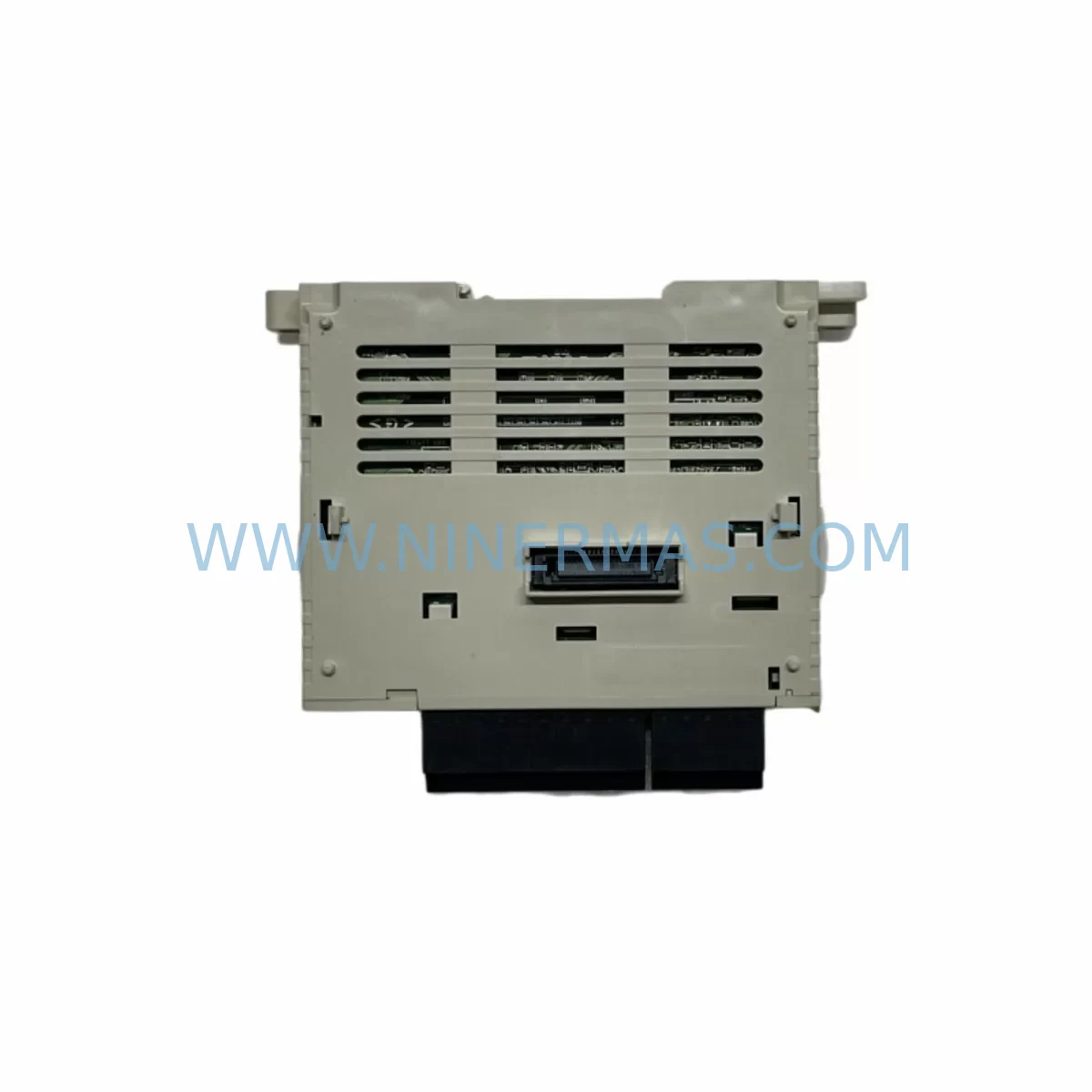
RFQ Ready
- SKUFX3U-485ADP-MB
- CategoryPLC & Industrial Automation Modules
- BrandMitsubishi Electric
- SupportAvailability, lead time, condition, and shipping coordination
How Buyers Usually Use This Page
- Confirm the exact part number and platform family before sending the quote request.
- Use direct email when quantity, condition, and destination are already defined internally.
- Switch to the broader brand or category archive when you need alternates nearby.
Series Navigation
Move through the most common platform families behind this part.
Product RFQ
Send this part directly for quotation.
Include quantity, required condition, destination country, and target delivery timing. Current reference: Mitsubishi FX3U-485ADP-MB Service-Ready Spare Part with SKU FX3U-485ADP-MB.
Mitsubishi FX3U-485ADP-MB Service-Ready Spare Part for Industrial Maintenance
The Mitsubishi FX3U-485ADP-MB is a ruggedized RS-485 (Modbus) communication adapter designed for the FX3U and FX3UC series programmable logic controllers. In process manufacturing, packaging lines, water treatment facilities, and building automation systems, this module serves as the critical communication bridge between the PLC CPU and field devices operating on RS-485 or Modbus RTU/ASCII protocols. When this adapter fails or degrades, the entire communication chain — from SCADA to field instruments — can be disrupted, triggering unplanned downtime and production loss.
NINERMAS maintains verified stock of the FX3U-485ADP-MB to support emergency replacement, scheduled maintenance, and long-term spare parts programs. Each unit is pre-shipment tested, ships with a 12-month warranty, and is sourced to meet OEM compatibility standards for direct drop-in installation.
Spare Maintenance Table
| Parameter | Specification |
|---|---|
| SKU / Part Number | FX3U-485ADP-MB |
| Brand | Mitsubishi Electric |
| Series | MELSEC FX3U / FX3UC |
| Module Type | RS-485 Communication Adapter (Modbus RTU/ASCII) |
| Compatible PLCs | FX3U, FX3UC (left-side special adapter slot) |
| Communication Standard | RS-485 (2-wire / 4-wire selectable) |
| Protocol Support | Modbus RTU, Modbus ASCII, Non-protocol, Inverter communication |
| Baud Rate | 300 bps – 115,200 bps |
| Connector Type | Mini DIN 8-pin |
| Power Supply | Supplied from FX3U/FX3UC CPU (5 VDC internal bus) |
| Operating Temperature | 0°C to 55°C |
| Storage Temperature | -25°C to 75°C |
| Humidity | 5% to 95% RH (non-condensing) |
| Origin | Japan |
| Installation Position | Left-side special adapter slot of FX3U/FX3UC CPU |
| Max. Adapters per CPU | 2 (combined with other ADP units) |
| Warranty | 12 Months from shipment date |
| Condition | Original, pre-shipment tested |
Maintenance Planning for Continuous Operation
When a maintenance or procurement engineer identifies the FX3U-485ADP-MB as a replacement requirement, the scope of inspection should extend beyond the adapter itself. The RS-485 communication chain in an FX3U-based control cabinet involves multiple interdependent components, and a failure in any one of them can mimic or compound adapter faults.
Begin with the FX3U CPU module (e.g., FX3U-32MR/ES or FX3U-64MT/ES) — confirm firmware version compatibility and check the left-side adapter slot connector for pin damage or oxidation. Inspect the FX3U-1PSU-5V power supply adapter if the CPU is operating near its internal bus current limit; insufficient 5 VDC supply to the adapter slot is a common but overlooked cause of intermittent communication faults.
Review the RS-485 field wiring — shielded twisted-pair cable termination, 120-ohm termination resistors at both ends of the bus, and proper grounding of the cable shield at a single point. Degraded wiring insulation or improper termination frequently causes Modbus timeout errors that are misdiagnosed as adapter failures. Check the FX3U-485ADP (non-Modbus variant) if the application uses non-protocol or dedicated communication rather than Modbus, as the two adapters are not interchangeable in protocol-specific configurations.
For cabinets where the FX3U communicates with variable frequency drives (VFDs) via Modbus RTU, inspect the inverter communication cables and the drive’s RS-485 port settings — baud rate, parity, and station address mismatches are a leading cause of communication loss after a drive replacement. If the system includes an FX3U-ENET or FX3U-ENET-ADP Ethernet adapter in the adjacent slot, verify that the adapter slot allocation has not been disrupted during maintenance.
Examine terminal blocks and DIN rail wiring within the control cabinet for loose connections on the RS-485 signal lines (SDA, SDB, RDA, RDB). Vibration-prone environments — compressors, presses, conveyors — are particularly susceptible to terminal loosening over time. Consider replacing aged Phoenix Contact or Weidmüller push-in terminal blocks on the RS-485 circuit as part of the same maintenance window.
If the FX3U system also uses an FX3U-232ADP-MB for RS-232 device communication (e.g., barcode readers, weighing terminals), inspect that adapter simultaneously to avoid a second unplanned outage. For systems with FX3U-4AD or FX3U-4DA analog I/O modules on the extension bus, confirm that the extension cable and bus connectors are secure, as analog I/O faults can sometimes be incorrectly attributed to communication module issues during fault isolation.
Finally, review the FX3U-CNV-BD or FX3U-USB-BD board installed on the CPU for programming access — these boards occupy the function expansion board slot and do not conflict with the ADP adapter slots, but their condition should be noted during any cabinet inspection to avoid future access issues during emergency programming.
Site Replacement Workflow
Step 1 — Pre-replacement verification: Before removing the existing FX3U-485ADP-MB, use GX Works2 or GX Developer to capture the current communication parameter settings (baud rate, data bits, parity, stop bits, station number, protocol type). Export the PLC program as a backup. Confirm the replacement unit’s part number matches exactly — FX3U-485ADP-MB (Modbus) versus FX3U-485ADP (non-Modbus) are distinct SKUs with different firmware behavior.
Step 2 — Safe removal: Power down the FX3U CPU and all connected field devices on the RS-485 bus. Disconnect the Mini DIN 8-pin cable from the adapter. Release the adapter from the left-side slot by pressing the release tab and sliding the unit outward. Do not apply lateral force to the CPU connector.
Step 3 — Installation: Slide the new FX3U-485ADP-MB into the left-side adapter slot until it clicks into position. Reconnect the RS-485 field cable. Restore power to the CPU. The adapter is recognized automatically by the FX3U CPU without additional hardware configuration steps.
Step 4 — Parameter restore and commissioning: Using GX Works2, re-enter the communication parameters saved in Step 1 (or restore from the backed-up program). Perform a Modbus communication test to all connected slave devices. Verify response times and error counters in the PLC diagnostic buffer before returning the system to production.
Step 5 — Documentation: Record the replacement date, new unit serial number, and test results in the equipment maintenance log. Update the spare parts inventory to trigger reorder of a replacement unit, maintaining a minimum of one FX3U-485ADP-MB in the site spare parts store.
Spare Parts Support FAQ
Q1: Is the FX3U-485ADP-MB compatible with both FX3U and FX3UC CPUs?
Yes. The FX3U-485ADP-MB is compatible with both FX3U and FX3UC series CPUs. It installs in the left-side special adapter slot. Note that FX3UC CPUs may require an FX3UC-1PS-5V power supply adapter if the internal bus current budget is insufficient when multiple adapters are installed simultaneously.
Q2: What is the difference between FX3U-485ADP-MB and FX3U-485ADP?
The FX3U-485ADP-MB supports Modbus RTU and Modbus ASCII protocols in addition to non-protocol and inverter communication modes. The FX3U-485ADP supports non-protocol and inverter communication only — it does not support Modbus. Selecting the wrong variant will result in communication failure in Modbus-based applications. Always confirm the protocol requirement before ordering.
Q3: Does NINERMAS provide long-term supply and what warranty is included?
NINERMAS maintains ongoing stock of the FX3U-485ADP-MB to support both emergency replacement and planned spare parts programs. All units are pre-shipment tested for communication functionality and shipped with a 12-month warranty covering manufacturing defects and operational failures under normal use conditions. Long-term supply agreements are available for customers requiring guaranteed stock allocation across multiple maintenance cycles.
Q4: How can compatibility be verified before installation on an aging FX3U system?
Compatibility is confirmed by the FX3U or FX3UC CPU model number and the GX Works2 software version in use. The FX3U-485ADP-MB is supported across all FX3U CPU variants and all GX Works2 / GX Developer versions compatible with the FX3U series. If your system uses a legacy FX2N or FX1N CPU, a different adapter series is required — contact NINERMAS with your CPU model number for confirmation before ordering.
| Product Series | FX3U |
|---|---|
| Country of Origin | JP |
Catalog Continuation
More Mitsubishi Electric modules in the catalog.
Use the brand lane to compare nearby part numbers, platform-adjacent modules, and other inquiry-ready listings before sending your final RFQ.
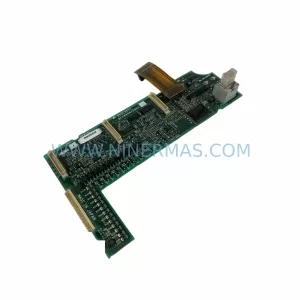
SKU: A50CA55C BC186A433G53
Mitsubishi A50CA55C BC186A433G53 Spare Part for Maintenance
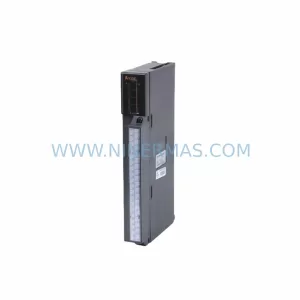
SKU: MELSEC RD77MS16 D 0140-76929 GAS N2, 40 SLM UFC-1660
Mitsubishi RD77MS16 Safety-Reliable Motion for Critical Sites
Catalog Continuation
Alternative parts within PLC & Industrial Automation Modules.
Stay inside the same system family when you need substitutes, adjacent modules, or a broader shortlist for procurement review.

SKU: OZDPROFI12MG12
Hirschmann OZDPROFI12MG12 Spare Part for Industrial Maintenance



SKU: 07025-0000-70-1-04
KONTRON 07025-0000-70-1-04 Service-Ready Spare Part