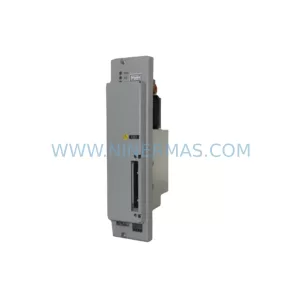
Original Industrial Spare Part
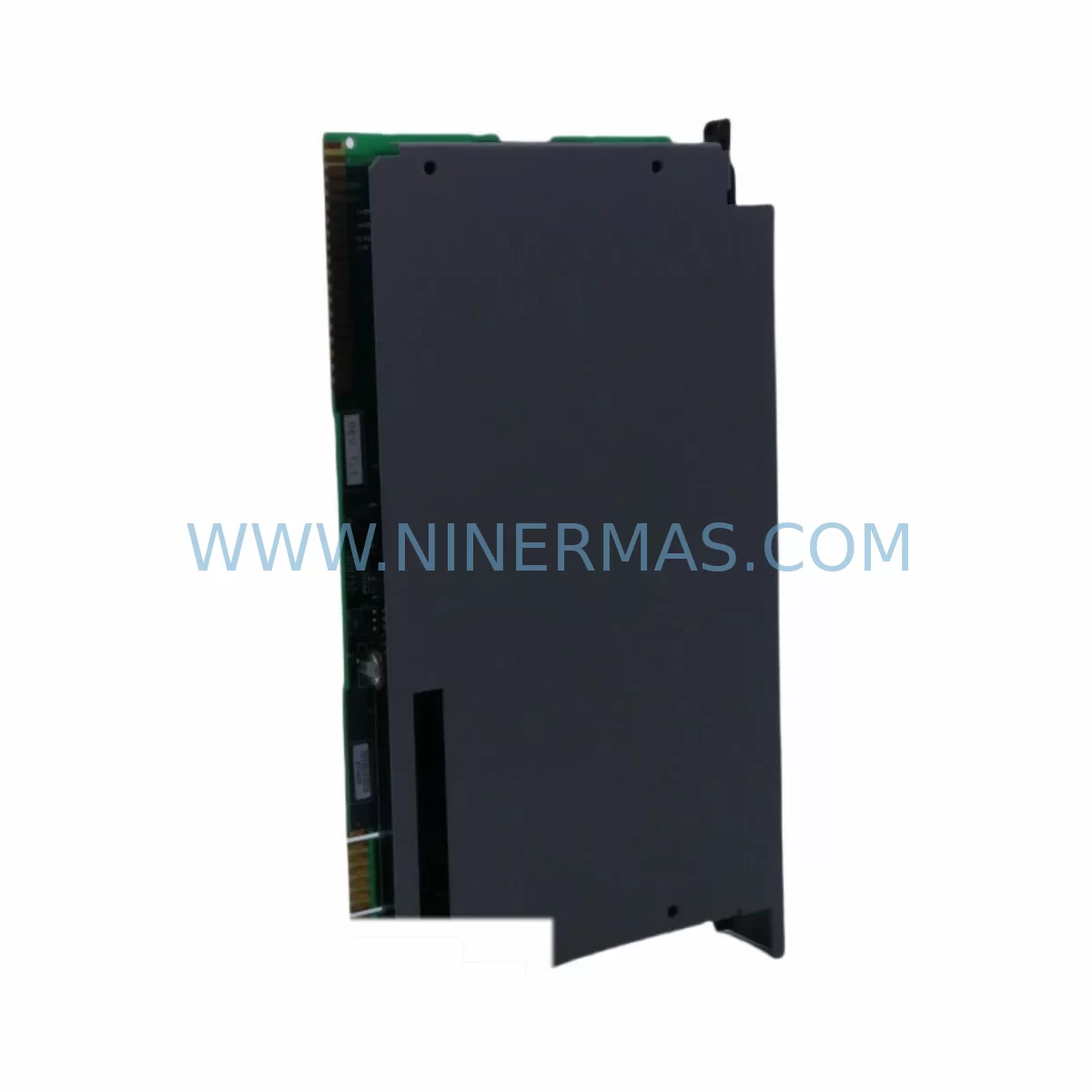
ProSoft 3100-LTQ Service-Ready Spare Part for Industrial Maintenance
Verify the part, confirm the platform family, and move straight into quotation with the right commercial details.
RFQ Ready
- SKU3100-LTQ
- CategoryPLC & Industrial Automation Modules
- BrandProSoft Technology
- SupportAvailability, lead time, condition, and shipping coordination
How Buyers Usually Use This Page
- Confirm the exact part number and platform family before sending the quote request.
- Use direct email when quantity, condition, and destination are already defined internally.
- Switch to the broader brand or category archive when you need alternates nearby.
Series Navigation
Move through the most common platform families behind this part.
Product RFQ
Send this part directly for quotation.
Include quantity, required condition, destination country, and target delivery timing. Current reference: ProSoft 3100-LTQ Service-Ready Spare Part for Industrial Maintenance with SKU 3100-LTQ.
ProSoft 3100-LTQ Service-Ready Spare Part for Industrial Maintenance
The ProSoft 3100-LTQ is a ruggedized industrial communication module engineered for demanding automation environments where signal integrity, protocol reliability, and continuous uptime are non-negotiable. As a service-ready spare part, the 3100-LTQ is stocked, tested, and dispatched to support rapid field replacement, minimizing unplanned downtime across PLC-based control systems, DCS architectures, and legacy automation panels. Whether you are managing a scheduled annual overhaul, responding to an emergency fault isolation event, or building a strategic spare parts inventory for a critical production line, the ProSoft 3100-LTQ delivers the compatibility and reliability that maintenance engineers and procurement teams depend on.
Sourced directly from authorized supply channels, every 3100-LTQ unit undergoes pre-shipment functional verification to confirm communication integrity, connector condition, and firmware baseline before leaving the warehouse. This ensures that when your team installs the module on-site, it performs to original OEM specification from the first power cycle — reducing commissioning time and eliminating the risk of receiving a non-functional spare during a production emergency.
Spare Maintenance Table
| Parameter | Specification |
|---|---|
| SKU / Part Number | 3100-LTQ |
| Brand | ProSoft Technology |
| Series | MVI / 3100 Series |
| Product Type | Ruggedized Communication Module |
| Protocol Support | Multi-protocol industrial communication (Modbus, DF1, and compatible variants) |
| Operating Temperature | -25°C to +70°C (extended industrial range) |
| Mounting | DIN rail / backplane slot compatible |
| Power Supply Input | Backplane-powered via PLC rack (5 VDC / 24 VDC depending on rack configuration) |
| Application Environment | Harsh industrial: high vibration, wide temperature swing, EMI-exposed panels |
| Compatibility | Allen-Bradley / Rockwell Automation PLC racks; MVI series slot-compatible |
| Firmware | Factory-loaded; field-configurable via ProSoft Configuration Builder |
| Maintenance Recommendation | Inspect every 12–24 months; replace on communication fault or CRC error escalation |
| Origin | USA |
| Warranty | 12 Months — tested and verified before shipment |
Maintenance Planning for Continuous Operation
When a ProSoft 3100-LTQ communication module is flagged for replacement during a fault isolation routine or a scheduled control cabinet inspection, experienced maintenance engineers know that the module itself is rarely the only component that warrants attention. A thorough site assessment should accompany every 3100-LTQ swap to prevent repeat failures and ensure the restored system operates reliably through the next maintenance cycle.
Begin by inspecting the 24 VDC field power supply feeding the control cabinet — voltage sag or ripple is a leading cause of communication module resets and CRC errors that are often misdiagnosed as module failure. Verify that the PLC backplane (such as the Allen-Bradley 1756 or 1771 series rack) shows no bent connector pins, oxidation, or mechanical stress at the slot where the 3100-LTQ seats. A damaged backplane will cause recurring faults even after a new module is installed.
Check all RS-232 and RS-485 serial communication cables connected to the 3100-LTQ’s port connectors. Shielding continuity, termination resistor values, and cable routing away from high-voltage conductors are critical in harsh environments. If the module interfaces with a Modbus RTU or DF1 serial network, inspect the terminal blocks and field wiring for loose connections, corrosion, or insulation breakdown — these are common failure points in high-vibration or high-humidity installations.
For systems where the 3100-LTQ bridges communication between a PLC processor (such as a ProSoft MVI56 or MVI46 series gateway module) and field devices, confirm that the gateway configuration file is backed up and version-controlled before removal. Replacing the module without restoring the correct configuration will result in communication failure even with a fully functional spare installed.
Relay output modules and digital I/O cards in the same rack should be visually inspected for burn marks, relay contact wear, or blown fuses — particularly if the original 3100-LTQ failure was preceded by a power surge or short-circuit event on the field side. Similarly, signal isolators and surge protection devices on analog input channels connected to the same communication loop should be tested for proper isolation resistance and clamping voltage.
If the control system includes an HMI panel (such as a ProSoft or Allen-Bradley PanelView unit) communicating through the 3100-LTQ, verify that the HMI communication driver settings match the restored module’s port configuration after replacement. Mismatched baud rates or parity settings will prevent the HMI from re-establishing its data link, causing operator interface blackouts that delay production restart.
For facilities managing aging automation infrastructure, the 3100-LTQ replacement is also an appropriate trigger to audit fuse holders and circuit protection devices in the same panel section, as well as to verify the condition of DIN rail terminal strips and grounding bus bars. Loose ground connections are a frequent source of intermittent communication errors that are difficult to reproduce during bench testing but recur under full production load.
Site Replacement Workflow
Replacing the ProSoft 3100-LTQ on-site follows a structured sequence designed to minimize downtime and eliminate configuration errors during the restoration process. Before beginning, confirm that a backup of the existing module configuration exists in ProSoft Configuration Builder or your site’s document control system. If no backup is available, use a functioning unit to export the current configuration before powering down the rack.
Power down the PLC rack following your site’s lockout/tagout procedure. Remove the 3100-LTQ by releasing the module locking tab and sliding it clear of the backplane connector. Inspect the vacated slot for debris, bent pins, or signs of arcing before inserting the replacement unit. Seat the new 3100-LTQ firmly until the locking tab engages, then restore power to the rack.
After power-up, confirm that the module’s status LEDs indicate normal operation — typically a steady or slow-blinking green on the communication activity indicator. Connect a laptop running ProSoft Configuration Builder via the module’s configuration port and download the saved configuration file. Verify that all communication ports are active and that the module is exchanging data with the PLC processor and connected field devices before returning the system to automatic mode.
This workflow is compatible with legacy installations where the 3100-LTQ replaces older ProSoft communication cards, allowing facilities to extend the operational life of existing PLC racks without requiring a full system upgrade. The 3100-LTQ’s ruggedized design and broad protocol support make it a reliable long-term replacement for discontinued or end-of-life communication modules in the same form factor.
Spare Parts Support FAQ
Q1: Is the ProSoft 3100-LTQ covered by a warranty, and what does it include?
Every 3100-LTQ unit supplied by NINERMAS carries a 12-month warranty covering manufacturing defects and functional failures under normal operating conditions. Each unit is tested before shipment to verify communication port operation, backplane interface integrity, and firmware functionality. If a unit fails within the warranty period under normal use, we provide replacement or repair support with priority handling to minimize your downtime exposure.
Q2: How do I confirm compatibility between the 3100-LTQ and my existing PLC rack before ordering?
The 3100-LTQ is designed for installation in Allen-Bradley / Rockwell Automation compatible PLC racks within the ProSoft MVI and 3100 series ecosystem. To confirm compatibility, provide your rack model number, existing module slot configuration, and the communication protocol in use (Modbus RTU, DF1, etc.). Our technical team will verify fit and function before order confirmation, eliminating the risk of receiving an incompatible spare.
Q3: Can NINERMAS support long-term or recurring supply of the 3100-LTQ for ongoing maintenance programs?
Yes. NINERMAS specializes in long-term spare parts supply for industrial automation maintenance programs. We maintain stock of the 3100-LTQ and related ProSoft communication modules to support annual maintenance schedules, emergency replacement pools, and multi-site procurement contracts. Contact our team to discuss volume pricing, lead time commitments, and consignment stocking arrangements tailored to your facility’s maintenance strategy.
Q4: What information should I prepare before requesting a quote or placing an order?
To process your order efficiently, please have the following ready: the full part number (3100-LTQ), your PLC rack model and series, the communication protocol and baud rate in use, your required delivery timeline, and your shipping destination. For urgent replacement orders, indicate the production impact level so we can prioritize dispatch and provide real-time shipment tracking from our warehouse to your site.
| Product Series | Other series |
|---|---|
| Country of Origin | US |
Catalog Continuation
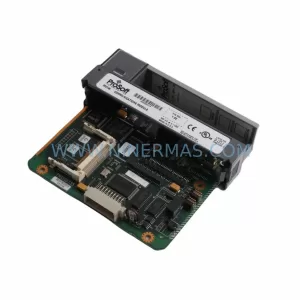
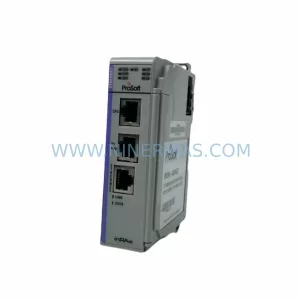
More ProSoft Technology modules in the catalog.
Use the brand lane to compare nearby part numbers, platform-adjacent modules, and other inquiry-ready listings before sending your final RFQ.
Catalog Continuation
Alternative parts within PLC & Industrial Automation Modules.
Stay inside the same system family when you need substitutes, adjacent modules, or a broader shortlist for procurement review.
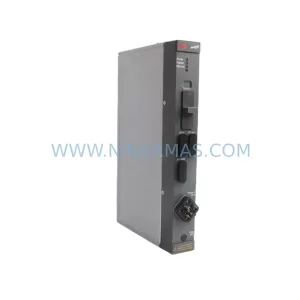
SKU: DLM01 P37421-4-0369652
ABB DLM01 P37421-4-0369652 Retrofit-Compatible Link Module
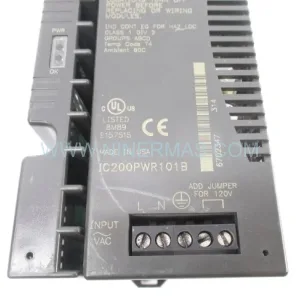
SKU: 3HAC023195-006
ABB 3HAC023195-006 Retrofit Touch Panel for Legacy Systems