
Original Industrial Spare Part
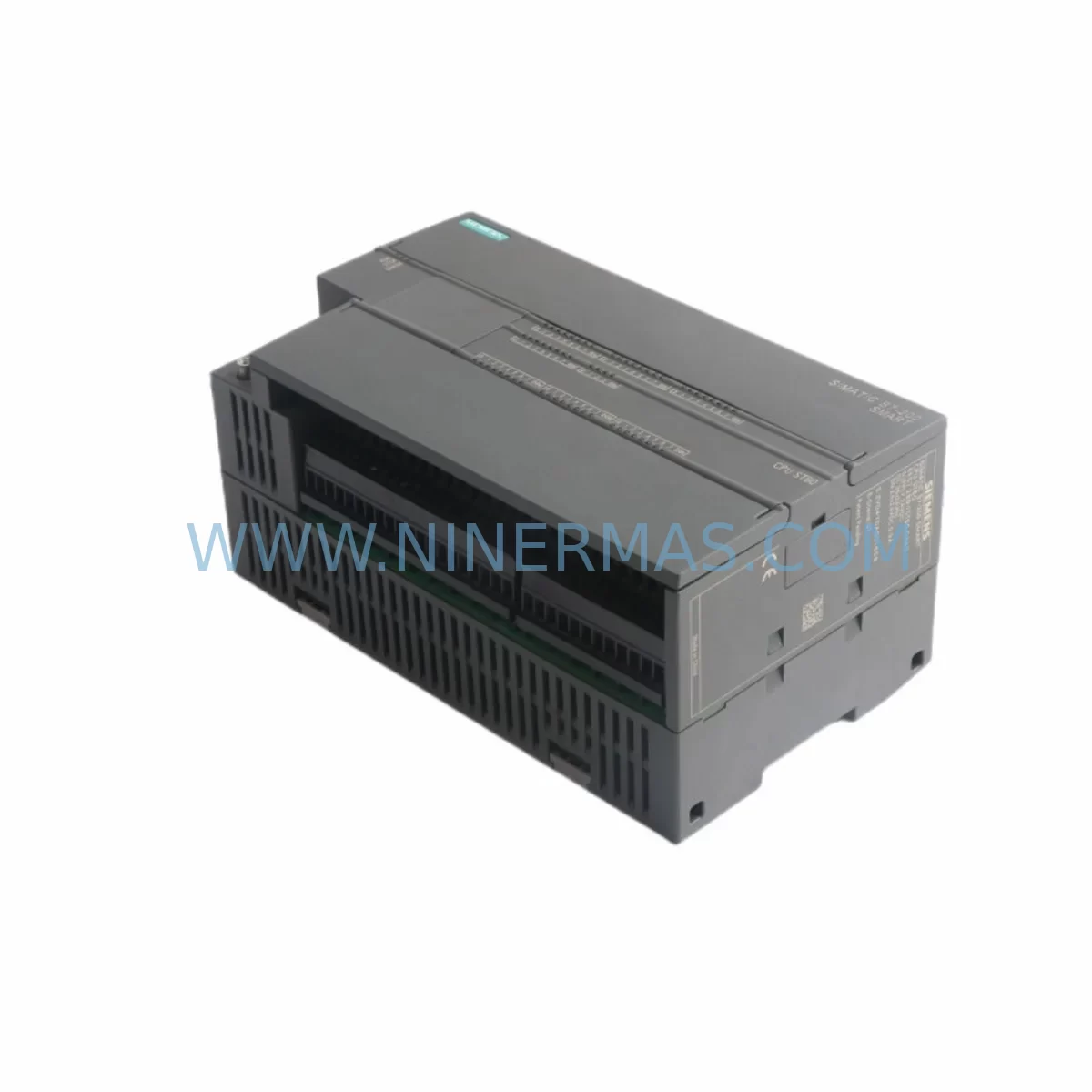
Siemens 6ES7288-1ST60-0AA0 Retrofit-Compatible CPU for Legacy Systems
Verify the part, confirm the platform family, and move straight into quotation with the right commercial details.
RFQ Ready
- SKU6ES7288-1ST60-0AA0
- CategoryPLC & Industrial Automation Modules
- BrandSiemens
- SupportAvailability, lead time, condition, and shipping coordination
How Buyers Usually Use This Page
- Confirm the exact part number and platform family before sending the quote request.
- Use direct email when quantity, condition, and destination are already defined internally.
- Switch to the broader brand or category archive when you need alternates nearby.
Series Navigation
Move through the most common platform families behind this part.
Product RFQ
Send this part directly for quotation.
Include quantity, required condition, destination country, and target delivery timing. Current reference: Siemens 6ES7288-1ST60-0AA0 Retrofit-Compatible CPU for Legacy Systems with SKU 6ES7288-1ST60-0AA0.
Siemens 6ES7288-1ST60-0AA0 Retrofit-Compatible CPU for Legacy Systems
The Siemens 6ES7288-1ST60-0AA0 is a CPU module from the S7-200 SMART series, engineered for compact automation applications in manufacturing, process control, and machine-level automation. As legacy S7-200 installations reach end-of-life and original spare parts become increasingly scarce, the 6ES7288-1ST60-0AA0 serves as a critical retrofit and replacement component for engineers tasked with extending the operational life of existing control systems or executing a controlled migration to modern platforms.
NINERMAS maintains verified inventory of the 6ES7288-1ST60-0AA0, sourced through authorized supply channels, with each unit subject to pre-shipment functional testing and covered by a 12-month warranty. Whether you are replacing a failed CPU in an active production line, building a retrofit kit for a scheduled upgrade, or sourcing backup inventory for a critical system, this module provides a direct, drop-in compatible solution for existing S7-200 SMART panel layouts.
Upgrade Compatibility Table
| Parameter | Details |
|---|---|
| Model | 6ES7288-1ST60-0AA0 |
| Series | Siemens S7-200 SMART |
| Module Type | CPU / Central Processing Unit |
| Mounting | DIN Rail (35 mm), Panel Mount |
| Communication Interface | Ethernet (RJ45), RS-485 (Modbus RTU / USS) |
| Programming Software | STEP 7-Micro/WIN SMART |
| Replaces / Compatible With | S7-200 CPU series (legacy), S7-200 SMART CPU ST40, ST20, ST30 (same rack/backplane) |
| Expansion Module Support | Compatible with EM DI, EM DO, EM AI, EM AO, EM AM06 expansion modules |
| Power Supply Requirement | 24 VDC (verify existing PSU capacity before retrofit) |
| Installation Space | Confirm DIN rail clearance and cabinet depth prior to installation |
| Commissioning Note | Verify I/O address mapping, program block compatibility, and HMI tag references before go-live |
| Warranty | 12 Months — NINERMAS Quality Guarantee |
Retrofit Planning for Existing Automation Systems
Replacing a CPU module in a live or recently decommissioned S7-200 SMART system requires careful pre-engineering. The 6ES7288-1ST60-0AA0 is physically and electrically compatible with the existing S7-200 SMART backplane, which means the expansion bus connections to modules such as the EM DE08 (digital input expansion), EM DT08 (digital output expansion), and EM AM06 (mixed analog I/O) remain intact without rewiring. However, engineers must verify the following before committing to a swap:
Power Supply Capacity: The existing Siemens SMART power supply module or third-party 24 VDC rail supply must be confirmed to meet the current draw of the 6ES7288-1ST60-0AA0 plus all connected expansion modules. Undersized power supplies are a common cause of intermittent faults after CPU replacement.
Terminal Wiring and I/O Mapping: The terminal block layout on the 6ES7288-1ST60-0AA0 follows the standard S7-200 SMART pinout. Field wiring for digital inputs, digital outputs, and analog signals should be documented and verified against the original panel drawings before removal of the legacy CPU. Pay particular attention to sourcing vs. sinking configurations on the DI/DO terminals.
Program Backup and Transfer: Before removing the original CPU, upload the existing program using STEP 7-Micro/WIN SMART via the Ethernet port or RS-485 programming cable (PC/PPI cable or USB-PPI adapter). Confirm that all program blocks — OB1, subroutines, and interrupt routines — are saved and version-controlled. If the original CPU is non-functional, check whether a backup exists on the connected SIMATIC HMI Smart Panel (such as the Smart 700 IE or Smart 1000 IE), as some configurations store a program image on the HMI.
Communication Links: If the system uses Modbus RTU over RS-485 to communicate with variable frequency drives, signal isolators, or remote I/O stations, verify that the communication parameters (baud rate, parity, station address) are correctly restored in the new CPU configuration. Systems using Ethernet-based communication to a SIMATIC S7-1200 or upstream SCADA should have their IP address settings and connection tables re-validated post-swap.
HMI Screen and Tag References: If a SIMATIC HMI KTP panel or third-party touch screen is connected, confirm that all HMI variable tags reference the correct memory addresses in the new CPU. Address shifts caused by program restructuring during migration are a frequent source of post-commissioning alarms.
Backplane and Rack Integrity: Inspect the S7-200 SMART expansion connector and backplane bus for corrosion, mechanical damage, or loose contacts before installing the 6ES7288-1ST60-0AA0. A damaged backplane connector can cause intermittent I/O faults that are difficult to diagnose after the new CPU is installed.
For larger retrofit projects involving control cabinet upgrades — for example, migrating from a legacy S7-200 rack to a new S7-200 SMART or S7-1200 platform — the 6ES7288-1ST60-0AA0 can serve as an interim CPU while new panel engineering is completed, allowing the production line to remain operational during the transition period.
Downtime Control During System Migration
Minimizing unplanned downtime is the primary concern for any maintenance engineer executing a CPU replacement or system retrofit. The 6ES7288-1ST60-0AA0 supports a structured hot-swap preparation process that, when followed correctly, can reduce total system downtime to under two hours for a standard S7-200 SMART retrofit.
Pre-Shutdown Preparation: Complete all program uploads, HMI configuration backups, and communication parameter documentation before scheduling the maintenance window. Prepare the replacement 6ES7288-1ST60-0AA0 with the correct firmware version and pre-load the verified program image using STEP 7-Micro/WIN SMART on a laptop connected via Ethernet or USB-PPI cable. Confirm the program compiles without errors and all I/O force tables are cleared.
Controlled Shutdown Sequence: Place the system in a safe state — confirm all actuators are de-energized, drives are at zero speed, and any interlinked systems (such as upstream conveyors or downstream packaging lines) are notified of the planned stop. Use the CPU’s RUN/STOP switch to halt program execution before disconnecting power.
Physical Swap and Wiring Verification: Remove the legacy CPU, install the 6ES7288-1ST60-0AA0, and verify all terminal connections against the documented wiring schedule. Reconnect the expansion bus to the first expansion module (typically an EM DI or EM AI) and confirm the backplane connector is fully seated.
Program Download and I/O Test: Download the verified program to the new CPU, set the operating mode to RUN, and execute a systematic I/O test — energize each digital output individually and confirm field device response; read each digital input and analog input channel and verify signal values against expected ranges. This step protects the original control logic and confirms field wiring integrity before returning the system to automatic operation.
Communication Re-establishment: Confirm Modbus RTU links to drives and remote devices are active, Ethernet connections to HMI panels and SCADA are restored, and all alarm and status signals are correctly reflected on the operator interface. Log the commissioning results and update the panel documentation with the new CPU serial number and firmware version.
Retrofit Support FAQ
Q1: Is the 6ES7288-1ST60-0AA0 a direct replacement for other S7-200 SMART CPU models?
The 6ES7288-1ST60-0AA0 is physically compatible with the S7-200 SMART backplane and expansion bus. It can replace other ST-series CPUs (such as the ST40 or ST30) in the same rack, but engineers must verify I/O point counts, onboard analog channel availability, and program memory requirements match the application. Program re-download is always required after a CPU swap.
Q2: What pre-shipment testing does NINERMAS perform on the 6ES7288-1ST60-0AA0?
Each unit undergoes functional power-on testing, communication port verification, and visual inspection before shipment. Units are shipped with original packaging where available. A 12-month warranty covers manufacturing defects and functional failures under normal operating conditions.
Q3: Can this CPU be used with existing S7-200 SMART expansion modules and signal isolators?
Yes. The 6ES7288-1ST60-0AA0 is compatible with the full range of S7-200 SMART expansion modules, including digital I/O, analog I/O, and mixed-signal modules. It also works alongside third-party signal isolators and barriers connected to the analog input channels, provided signal levels are within the specified input range.
Q4: How quickly can NINERMAS ship the 6ES7288-1ST60-0AA0 for an emergency breakdown?
NINERMAS maintains ready stock of the 6ES7288-1ST60-0AA0 for urgent dispatch. Contact our team at sale@ninermas.com or +0086 187 5021 5667 to confirm current inventory and arrange expedited shipping. Lead times for in-stock units are typically 1–3 business days depending on destination.
| Product Series | SIMATIC |
|---|---|
| Country of Origin | DE |
Catalog Continuation
More Siemens modules in the catalog.
Use the brand lane to compare nearby part numbers, platform-adjacent modules, and other inquiry-ready listings before sending your final RFQ.
SKU: 6SL3210-5FE11-5UF0
Siemens 6SL3210-5FE11-5UF0 Service-Ready Spare Part for Industrial Maintenance
SKU: 6SE7041-3FK85-1JA0
Siemens 6SE7041-3FK85-1JA0 Retrofit-Compatible AC Drive
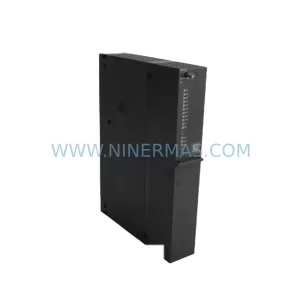
SKU: 6ES7410-5HX08-0AB0
Siemens 6ES7410-5HX08-0AB0 Retrofit-Compatible CPU for Legacy Systems
Catalog Continuation
Alternative parts within PLC & Industrial Automation Modules.
Stay inside the same system family when you need substitutes, adjacent modules, or a broader shortlist for procurement review.
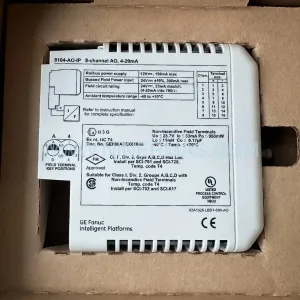
SKU: GJR2394100R1210 81AA03C-E
ABB GJR2394100R1210 81AA03C-E Industrial Spare Part
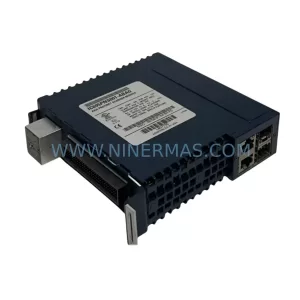
SKU: 3AUA0000058712/ZDPI-01
ABB 3AUA0000058712/ZDPI-01 Retrofit-Compatible Adapter Board



