
Original Industrial Spare Part
GE IC695PNS001 Service-Ready Spare Part for Industrial
Verify the part, confirm the platform family, and move straight into quotation with the right commercial details.
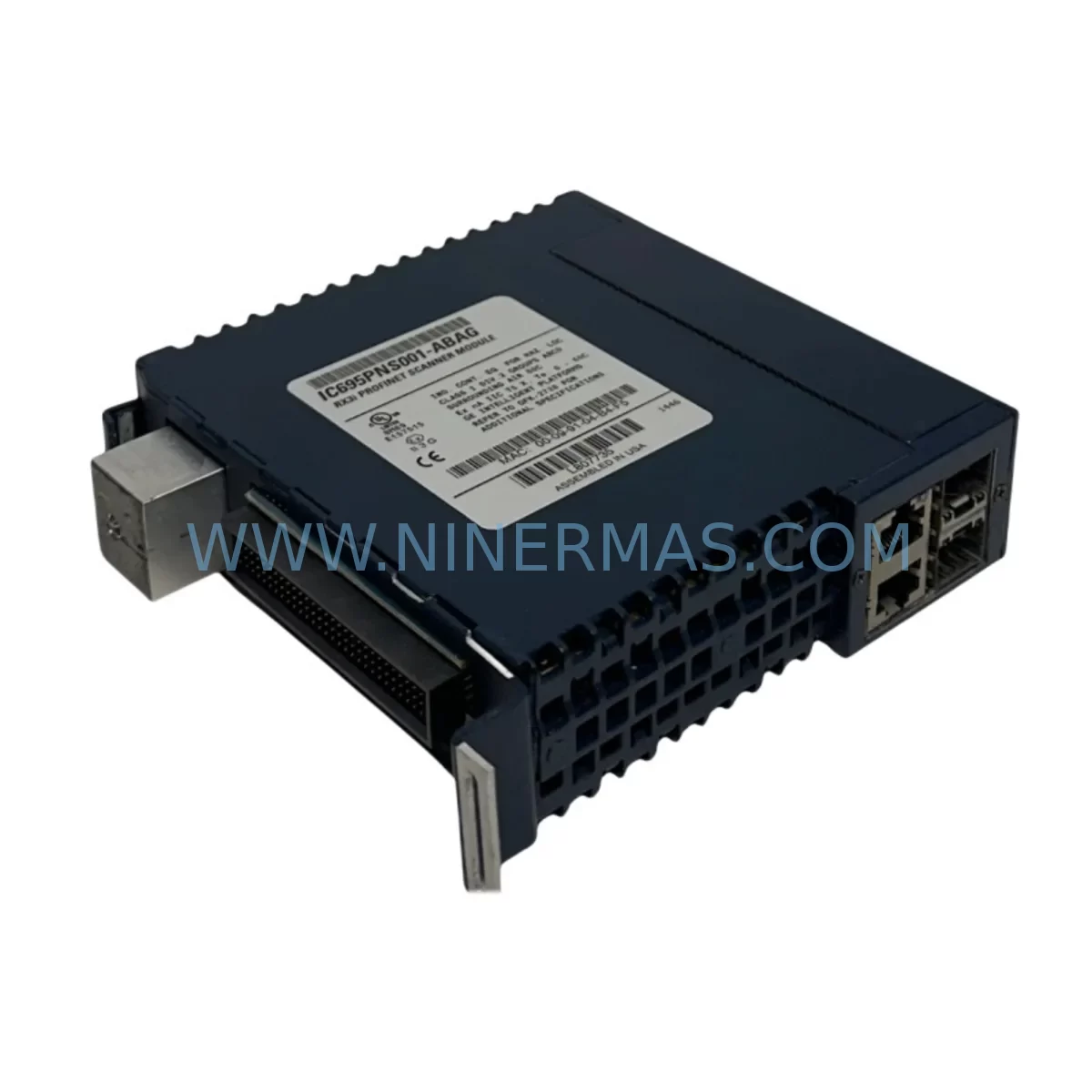
RFQ Ready
- SKUIC695PNS001
- CategoryPLC & Industrial Automation Modules
- BrandGE
- SupportAvailability, lead time, condition, and shipping coordination
How Buyers Usually Use This Page
- Confirm the exact part number and platform family before sending the quote request.
- Use direct email when quantity, condition, and destination are already defined internally.
- Switch to the broader brand or category archive when you need alternates nearby.
Series Navigation
Move through the most common platform families behind this part.
Product RFQ
Send this part directly for quotation.
Include quantity, required condition, destination country, and target delivery timing. Current reference: GE IC695PNS001 Service-Ready Spare Part for Industrial with SKU IC695PNS001.
GE IC695PNS001 Service-Ready Spare Part for Industrial Maintenance
The GE IC695PNS001 is a PROFINET Scanner Module designed for the GE PACSystems RX3i platform — one of the most widely deployed industrial control architectures in process manufacturing, automotive assembly, power generation, and discrete automation. As a service-ready spare part, the IC695PNS001 plays a critical role in maintaining uninterrupted PROFINET I/O communication between the RX3i controller and field devices including distributed I/O stations, drives, and intelligent instruments.
For maintenance engineers managing aging automation infrastructure, keeping a verified replacement unit of the IC695PNS001 in stock is a fundamental risk-reduction strategy. PROFINET scanner failures can cause complete loss of I/O communication, triggering unplanned shutdowns across entire production lines. With a pre-tested, shelf-ready IC695PNS001, your team can execute a controlled swap within a single maintenance window — restoring full network visibility and controller-to-field communication without extended downtime.
Each unit supplied by NINERMAS undergoes functional verification prior to shipment, including power-on testing, port integrity checks, and module identification confirmation. All IC695PNS001 spare parts are backed by a 12-month warranty and supported by long-term inventory availability for customers managing multi-year maintenance contracts.
Spare Maintenance Table
| Parameter | Specification / Detail |
|---|---|
| Part Number | IC695PNS001 |
| Brand / Series | GE / PACSystems RX3i |
| Module Type | PROFINET I/O Scanner (Controller) |
| Communication Protocol | PROFINET IO (IRT / RT) |
| Supported I/O Devices | Up to 128 PROFINET I/O devices |
| Backplane Interface | RX3i Universal Backplane (IC695CHS007 / IC695CHS012 / IC695CHS016) |
| Power Consumption | Supplied via RX3i backplane (no external power required) |
| Operating Temperature | 0°C to 60°C |
| Installation Form Factor | Single-slot RX3i module |
| Compatibility | GE PACSystems RX3i CPE302, CPE305, CPE310, CPE330, CPE400 |
| Replacement Suitability | Direct replacement for failed or end-of-life IC695PNS001 units |
| Maintenance Recommendation | Inspect PROFINET port LEDs, verify device table in Proficy Machine Edition |
| Warranty | 12 Months – NINERMAS COMPANY LIMITED |
Maintenance Planning for Continuous Operation
Effective spare parts planning for a PACSystems RX3i installation extends well beyond stocking a single module. When the IC695PNS001 PROFINET Scanner is identified as a failure point or scheduled for preventive replacement, maintenance engineers should simultaneously audit the surrounding system components to prevent secondary failures during or after the swap.
Begin with the RX3i CPU module — typically a IC695CPE305 or IC695CPE310 — to confirm firmware compatibility with the replacement IC695PNS001. Mismatched firmware versions between the CPU and PROFINET scanner can prevent the module from initializing correctly after installation. Use Proficy Machine Edition to verify the hardware configuration file matches the physical rack layout before powering down.
The IC695PSD040 power supply module should be inspected for output voltage stability. An undersized or degraded power supply is a common root cause of intermittent PROFINET scanner faults — particularly in racks with high I/O density. Confirm that the total backplane current draw remains within the rated capacity of the installed power supply before adding or replacing modules.
Check the IC695CHS012 or IC695CHS016 universal backplane for physical damage, bent connector pins, and secure module seating. A compromised backplane slot can cause communication errors that are incorrectly attributed to the scanner module itself. If the backplane has been in service for more than 10 years, consider scheduling a full rack inspection alongside the IC695PNS001 replacement.
For sites using distributed I/O, verify the health of connected VersaMax PROFINET I/O stations (such as the IC200PNS001) and their associated IC200MDL740 or IC200MDL650 discrete I/O modules. A scanner replacement is an ideal opportunity to re-validate the PROFINET device table and confirm that all I/O addresses remain correctly mapped in the controller program.
Inspect Ethernet patch cables and managed switches in the PROFINET segment. PROFINET IRT communication is sensitive to network topology changes and cable quality. Replace any Cat5e cables with Cat6 shielded cables where possible, and confirm that the managed switch supports PROFINET-compliant QoS settings. Signal isolators installed between the PLC cabinet and field junction boxes should also be checked for continuity and isolation resistance.
If the installation includes an IC695ETM001 Ethernet module for SRTP or Modbus TCP communication alongside the PROFINET scanner, confirm that both modules are correctly addressed in the hardware configuration and that IP address conflicts are not present on the network. Dual-network configurations require careful attention during maintenance windows to avoid unintended disruption to supervisory SCADA or HMI connections.
For HMI integration, verify that the iFIX or Cimplicity SCADA system retains its OPC or SRTP connection to the RX3i CPU after the scanner replacement. HMI tag databases referencing PROFINET I/O addresses should be validated against the updated hardware configuration to confirm no address offsets have been introduced.
Finally, review the terminal block wiring on all field I/O modules connected through the PROFINET network. Loose terminations on IC694MDL660 or similar relay output modules can cause intermittent faults that are difficult to distinguish from scanner-level communication errors. A systematic wiring inspection during the planned maintenance window reduces the risk of repeat callouts after the IC695PNS001 is replaced.
Site Replacement Workflow
Replacing the IC695PNS001 in a live PACSystems RX3i installation requires a structured approach to minimize downtime and protect the integrity of the running control program. The following workflow reflects best practices for field replacement of PROFINET scanner modules in industrial environments.
Step 1 – Pre-Replacement Preparation: Back up the current hardware configuration and ladder logic program from the RX3i CPU using Proficy Machine Edition. Document the current PROFINET device table, including all device names, IP addresses, and slot assignments. Photograph the physical rack layout and all terminal wiring before beginning any work.
Step 2 – Controlled Shutdown: Coordinate with production to schedule a controlled shutdown of the affected PROFINET I/O segment. Where possible, isolate only the PROFINET network rather than performing a full CPU stop, to maintain other control functions during the swap. Confirm that all field actuators are in a safe state before removing the IC695PNS001.
Step 3 – Module Removal and Installation: With the rack powered down, remove the faulty IC695PNS001 by releasing the module locking tab and sliding it clear of the backplane connector. Inspect the backplane slot for debris or damage before inserting the replacement unit. Seat the new IC695PNS001 firmly and confirm the locking tab engages correctly.
Step 4 – Power-On and Initialization: Restore power to the rack and observe the IC695PNS001 status LEDs. The module should cycle through initialization and display a steady green OK LED within 30–60 seconds. If the module enters a fault state, verify that the hardware configuration in the CPU matches the installed module type and firmware version.
Step 5 – PROFINET Device Re-commissioning: Using Proficy Machine Edition or the module’s web interface, confirm that all PROFINET I/O devices have re-established communication. Verify I/O data exchange for each device station and confirm that no address mapping errors are present in the controller fault table.
Step 6 – Functional Verification and Handover: Perform a controlled production restart and monitor the PROFINET network for a minimum of 30 minutes before returning the system to full automatic operation. Document the replacement in the site maintenance log and update the spare parts inventory to reflect the consumed unit.
Spare Parts Support FAQ
Q1: Is the IC695PNS001 still available as a new or tested spare part?
Yes. NINERMAS maintains long-term inventory of the IC695PNS001 for customers managing PACSystems RX3i installations. Each unit is functionally tested prior to shipment and supplied with a 12-month warranty. Contact sale@ninermas.com for current stock availability and lead times.
Q2: Can the IC695PNS001 be installed in any slot of the RX3i universal backplane?
The IC695PNS001 can be installed in any I/O module slot of a compatible RX3i universal backplane (IC695CHS007, IC695CHS012, or IC695CHS016). The module slot assignment must match the hardware configuration stored in the RX3i CPU. Changing the physical slot location requires updating the hardware configuration in Proficy Machine Edition and re-downloading to the controller.
Q3: What compatibility checks are required before installing a replacement IC695PNS001?
Confirm that the replacement module’s firmware version is compatible with the installed RX3i CPU firmware. Verify that the PROFINET device table in the hardware configuration matches the field devices connected to the replacement scanner. If the original module was configured with a specific IP address or device name, these settings must be replicated on the replacement unit before commissioning.
Q4: Does NINERMAS provide pre-shipment testing and long-term supply assurance for the IC695PNS001?
Yes. All IC695PNS001 units supplied by NINERMAS undergo power-on functional testing and port verification before dispatch. We support long-term procurement agreements for customers requiring guaranteed inventory availability across multi-year maintenance programs. All units are covered by a 12-month warranty from the date of shipment.
—
| Product Series | Fanuc |
|---|---|
| Country of Origin | US |
Catalog Continuation
Nearby part numbers around IC695PNS.
Use this lane when the buyer is comparing adjacent model numbers, revision-near items, or closely related spare variants within the same brand family.
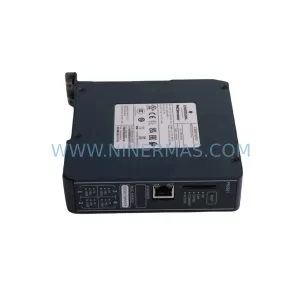
SKU: IC695PNS001CA-ABAH
GE IC695PNS001CA-ABAH Service-Ready Spare Part for Industrial Maintenance
Catalog Continuation
More GE modules in the catalog.
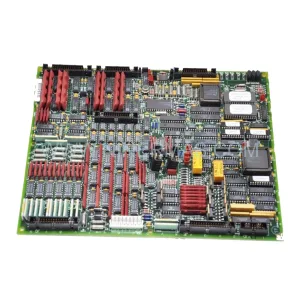
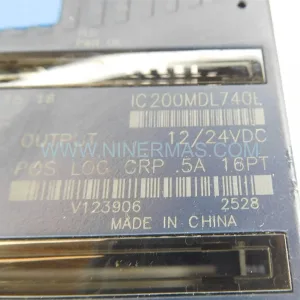
Use the brand lane to compare nearby part numbers, platform-adjacent modules, and other inquiry-ready listings before sending your final RFQ.
Catalog Continuation
Alternative parts within PLC & Industrial Automation Modules.
Stay inside the same system family when you need substitutes, adjacent modules, or a broader shortlist for procurement review.
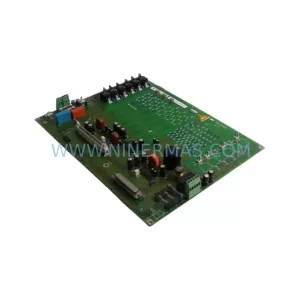
SKU: 6SE7041-3FK85-1JA0
Siemens 6SE7041-3FK85-1JA0 Retrofit-Compatible AC Drive
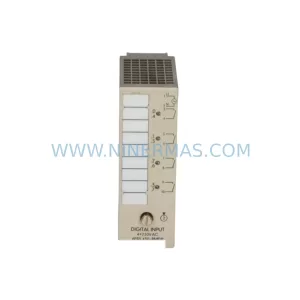
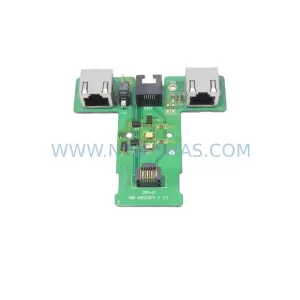
SKU: 3AUA0000058712/ZDPI-01
ABB 3AUA0000058712/ZDPI-01 Retrofit-Compatible Adapter Board
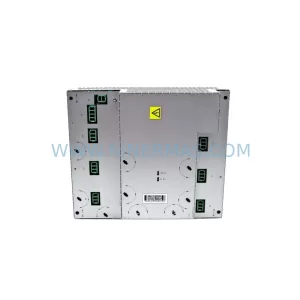
SKU: DSQC431 3HAC036260-001
ABB DSQC431 3HAC036260-001 Retrofit LVMC MDU Legacy Systems



