
Original Industrial Spare Part
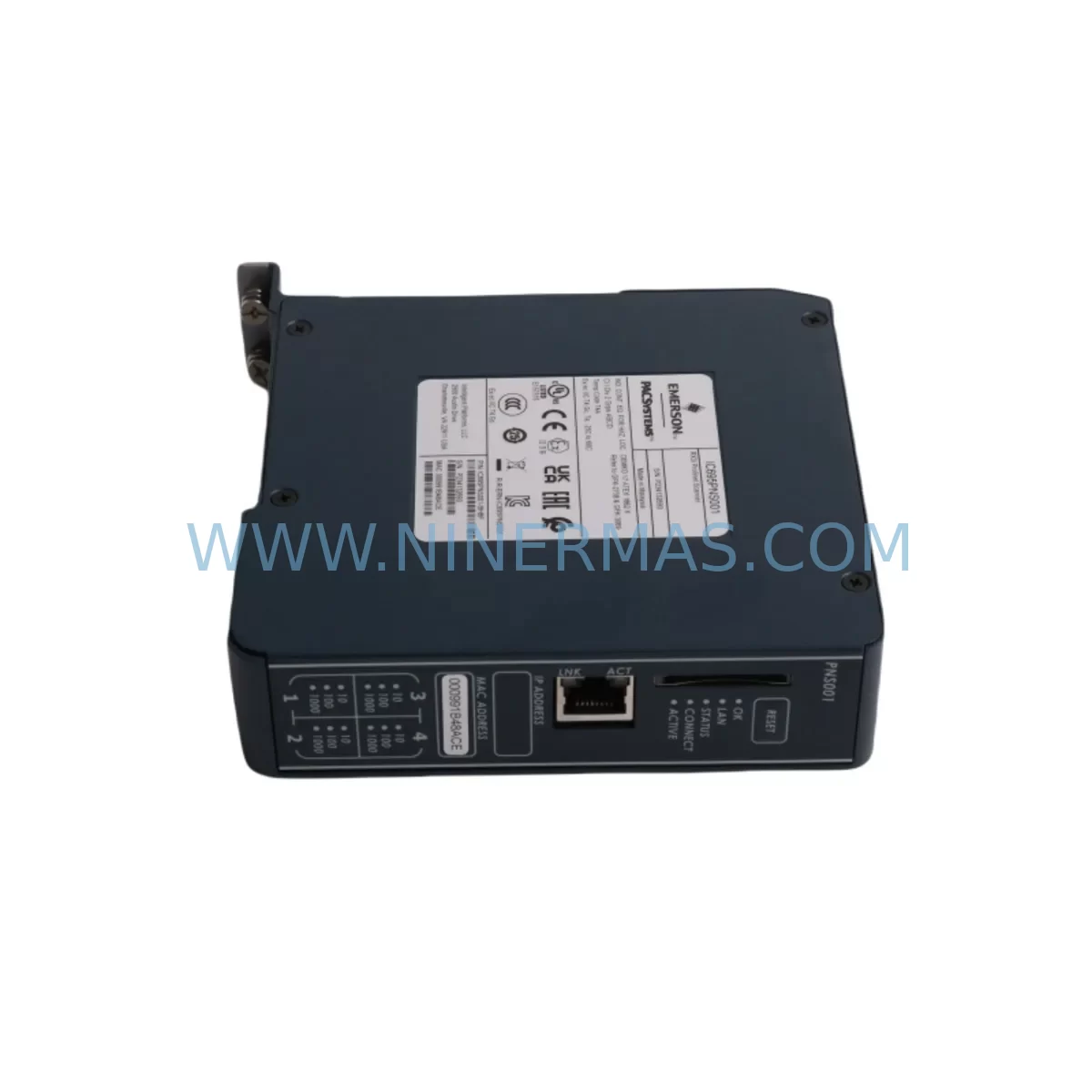
GE IC695PNS001CA-ABAH Service-Ready Spare Part for Industrial Maintenance
Verify the part, confirm the platform family, and move straight into quotation with the right commercial details.
RFQ Ready
- SKUIC695PNS001CA-ABAH
- CategoryDCS Distributed Control Systems
- BrandGE
- SupportAvailability, lead time, condition, and shipping coordination
How Buyers Usually Use This Page
- Confirm the exact part number and platform family before sending the quote request.
- Use direct email when quantity, condition, and destination are already defined internally.
- Switch to the broader brand or category archive when you need alternates nearby.
Series Navigation
Move through the most common platform families behind this part.
Product RFQ
Send this part directly for quotation.
Include quantity, required condition, destination country, and target delivery timing. Current reference: GE IC695PNS001CA-ABAH Service-Ready Spare Part for Industrial Maintenance with SKU IC695PNS001CA-ABAH.
GE IC695PNS001CA-ABAH Service-Ready Spare Part for Industrial Maintenance
The GE IC695PNS001CA-ABAH is a PROFINET Network Scanner module designed for the GE PACSystems RX3i platform — one of the most widely deployed PLC architectures in process automation, discrete manufacturing, and critical infrastructure. When this module fails or reaches end-of-life, the consequences extend far beyond a single rack slot: PROFINET I/O communication drops, field devices go offline, and production lines halt. Sourcing a verified, service-ready replacement from a reliable spare parts supplier is the fastest path back to full operation.
At NINERMAS, the IC695PNS001CA-ABAH is stocked as a tested, original-specification spare part. Every unit undergoes pre-shipment functional verification to confirm PROFINET communication integrity, backplane interface continuity, and firmware compatibility before dispatch. A 12-month warranty is included with every shipment, giving maintenance engineers and procurement teams the confidence to hold this module in their critical spare inventory without risk.
Whether you are responding to an unplanned shutdown, executing a scheduled annual overhaul, or building a resilient spare parts buffer for your RX3i control cabinet, the IC695PNS001CA-ABAH from NINERMAS is ready to ship with full documentation support.
Spare Maintenance Table
| Parameter | Specification / Detail |
|---|---|
| Part Number | IC695PNS001CA-ABAH |
| Brand | GE (General Electric) / Emerson Automation |
| Series | PACSystems RX3i |
| Module Type | PROFINET Network Scanner (IO Controller) |
| Network Protocol | PROFINET IO (IRT / RT) |
| Backplane Compatibility | IC695CHS007, IC695CHS012, IC695CHS016 (RX3i Universal Backplane) |
| Power Consumption | Supplied via RX3i backplane (3.3 V / 5 V rails) |
| Operating Temperature | 0 °C to 60 °C |
| Humidity | 5% to 95% non-condensing |
| Mounting | RX3i universal backplane slot (any I/O slot) |
| Firmware | Field-upgradeable via Proficy Machine Edition |
| Certifications | CE, UL, cUL (industrial automation) |
| Country of Origin | United States |
| Warranty | 12 Months — NINERMAS Quality Guarantee |
| Pre-Shipment Test | Functional verification, backplane interface, PROFINET link-up |
| Typical Application | PROFINET IO device scanning, distributed I/O integration, RX3i network expansion |
| Replacement For | IC695PNS001, IC695PNS001CA (earlier firmware revisions) |
Maintenance Planning for Continuous Operation
Replacing the IC695PNS001CA-ABAH in a live RX3i control cabinet is rarely an isolated task. Experienced maintenance engineers know that a PROFINET scanner failure is often a symptom of broader stress on the communication and power infrastructure. A disciplined replacement workflow should include inspection of the following components before the new module is commissioned:
Backplane and Power Infrastructure: Verify the IC695PSA040 or IC695PSD040 power supply module is delivering stable 3.3 V and 5 V rails to the backplane. A degraded power supply is a leading cause of premature scanner module failure. Inspect the IC695CHS012 or IC695CHS016 backplane for bent connector pins, corrosion, or heat discoloration around the slot previously occupied by the failed module.
CPU and Communications: Confirm the IC695CPE330 or IC695CPE400 CPU module is running the correct firmware version to support the ABAH hardware revision of the scanner. Mismatched firmware between the CPU and the PROFINET scanner is a common commissioning error that causes intermittent faults rather than clean operation. If the system also uses an IC695ETM001 Ethernet module for SRTP or EGD communications, verify its link status is unaffected by the scanner replacement.
PROFINET Field Devices and Cabling: Before inserting the replacement IC695PNS001CA-ABAH, audit the PROFINET network topology. Check industrial Ethernet patch cables and managed switches (such as those in the Scalance or Hirschmann families) for port errors or CRC faults that may have contributed to the original scanner failure. Inspect RJ45 connectors on field devices — ET 200SP, ET 200M, or equivalent distributed I/O stations — for corrosion or mechanical damage.
I/O and Signal Integrity: If the RX3i rack also houses IC695ALG600 analog input modules or IC695MDL740 discrete output modules, verify their configuration files are intact in the CPU after the scanner swap. PROFINET device address reassignment can occasionally cause I/O mapping conflicts in Proficy Machine Edition projects. Signal isolators on 4–20 mA loops connected to PROFINET-linked remote I/O should also be checked for drift.
Relay Outputs and Protection: Inspect any relay output modules such as the IC695MDL940 in the same cabinet for contact wear, particularly if the PROFINET fault triggered emergency stop sequences that cycled relays repeatedly. Fuse holders and terminal blocks on the 24 VDC distribution rail should be checked for loose connections that may have been disturbed during the fault event.
Building a minimum viable spare parts kit around the IC695PNS001CA-ABAH — including at least one spare CPU module, one power supply, and one backplane — is the foundation of a zero-unplanned-downtime maintenance strategy for any facility running PACSystems RX3i as its primary control platform.
Site Replacement Workflow
Step 1 — Isolate and Document: Place the RX3i CPU in STOP mode via Proficy Machine Edition or the physical keyswitch. Export the current hardware configuration and program backup to a secure engineering workstation. Record the slot position, PROFINET device name, and IP address assigned to the failed IC695PNS001CA-ABAH — these must be replicated exactly on the replacement unit.
Step 2 — Safe Removal: De-energize the backplane power supply (IC695PSA040 or equivalent). Remove the failed scanner module by releasing the locking tab and sliding it clear of the backplane connector. Inspect the backplane slot for debris or pin damage before proceeding.
Step 3 — Install Replacement: Insert the NINERMAS-supplied IC695PNS001CA-ABAH into the same slot. Ensure the module is fully seated and the locking tab engages. Restore backplane power.
Step 4 — Firmware and Configuration Verification: Using Proficy Machine Edition, download the saved hardware configuration to the CPU. Verify the PROFINET scanner is recognized at the correct slot address. Confirm the PROFINET device name and IP address are correctly assigned to the replacement module using the “Set Device Name” function in the network configuration tool.
Step 5 — Network Commissioning: Place the CPU in RUN mode and monitor the PROFINET diagnostic LEDs on the IC695PNS001CA-ABAH. All configured IO devices should achieve DATA_EXCHANGE status within 30 seconds of CPU startup. Verify I/O data integrity in the Proficy Machine Edition online monitor before releasing the line to production.
Step 6 — Documentation Update: Record the replacement date, new module serial number, and firmware version in the site maintenance log. Update the spare parts inventory to trigger reorder of a replacement unit, maintaining the minimum stock level for this critical component.
Spare Parts Support FAQ
Q1: Is the IC695PNS001CA-ABAH compatible with all RX3i backplane sizes?
Yes. The IC695PNS001CA-ABAH is compatible with all RX3i universal backplanes, including the 7-slot IC695CHS007, 12-slot IC695CHS012, and 16-slot IC695CHS016. It can be installed in any I/O slot and does not require a dedicated slot position. Compatibility with the CPU firmware version should be confirmed in the GE PACSystems RX3i Hardware Reference Manual prior to installation.
Q2: What pre-shipment testing does NINERMAS perform on this module?
Every IC695PNS001CA-ABAH unit shipped by NINERMAS undergoes functional verification including backplane interface continuity testing, PROFINET link-up confirmation, and visual inspection for physical damage. Units that do not pass all test criteria are quarantined and not dispatched. A test report is available upon request for critical infrastructure procurement.
Q3: Can this module replace earlier revisions such as IC695PNS001 or IC695PNS001CA?
In most applications, yes. The ABAH hardware revision is a later production revision of the IC695PNS001CA and is generally backward compatible with existing RX3i hardware configurations. However, customers should verify the minimum CPU firmware version required for the ABAH revision against their installed CPU module (IC695CPE330, IC695CPE400, etc.) before installation. NINERMAS technical support can assist with compatibility verification prior to purchase.
Q4: What is the warranty coverage and what does long-term supply look like for this part?
NINERMAS provides a 12-month warranty on all IC695PNS001CA-ABAH units covering manufacturing defects and functional failures under normal operating conditions. For facilities with long-term dependency on the PACSystems RX3i platform, NINERMAS offers blanket order arrangements and reserved stock programs to ensure supply continuity even as GE/Emerson transitions product lines. Contact our sales team to discuss multi-unit procurement pricing and guaranteed lead times.
| Product Series | PACSystems |
|---|---|
| Country of Origin | US |
Catalog Continuation
More GE modules in the catalog.
Use the brand lane to compare nearby part numbers, platform-adjacent modules, and other inquiry-ready listings before sending your final RFQ.
Catalog Continuation
Alternative parts within DCS Distributed Control Systems.
Stay inside the same system family when you need substitutes, adjacent modules, or a broader shortlist for procurement review.
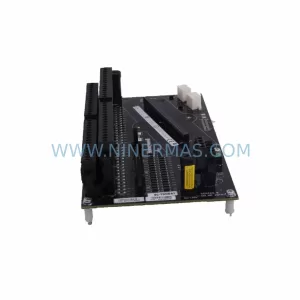
SKU: 8C-TAIDB1/51307133-175
Honeywell 8C-TAIDB1 51307133-175 Retrofit-Compatible Terminal Assembly
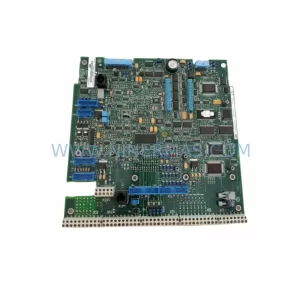
SKU: DSAO110 57120001-AT/2
ABB DSAO110 57120001-AT/2 Retrofit-Compatible Analog Output for Legacy Systems
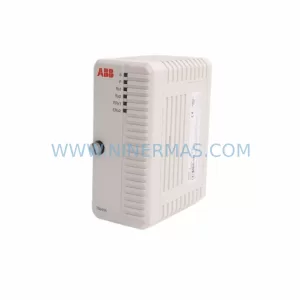
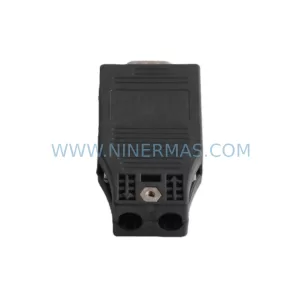
SKU: TB840A 3BSE037760R1
ABB TB840A 3BSE037760R1 Retrofit-Compatible Battery for AC800M



