Original Industrial Spare Part
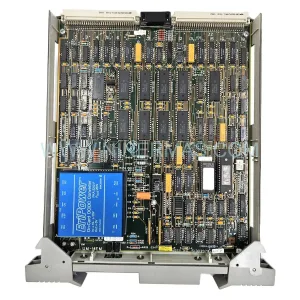
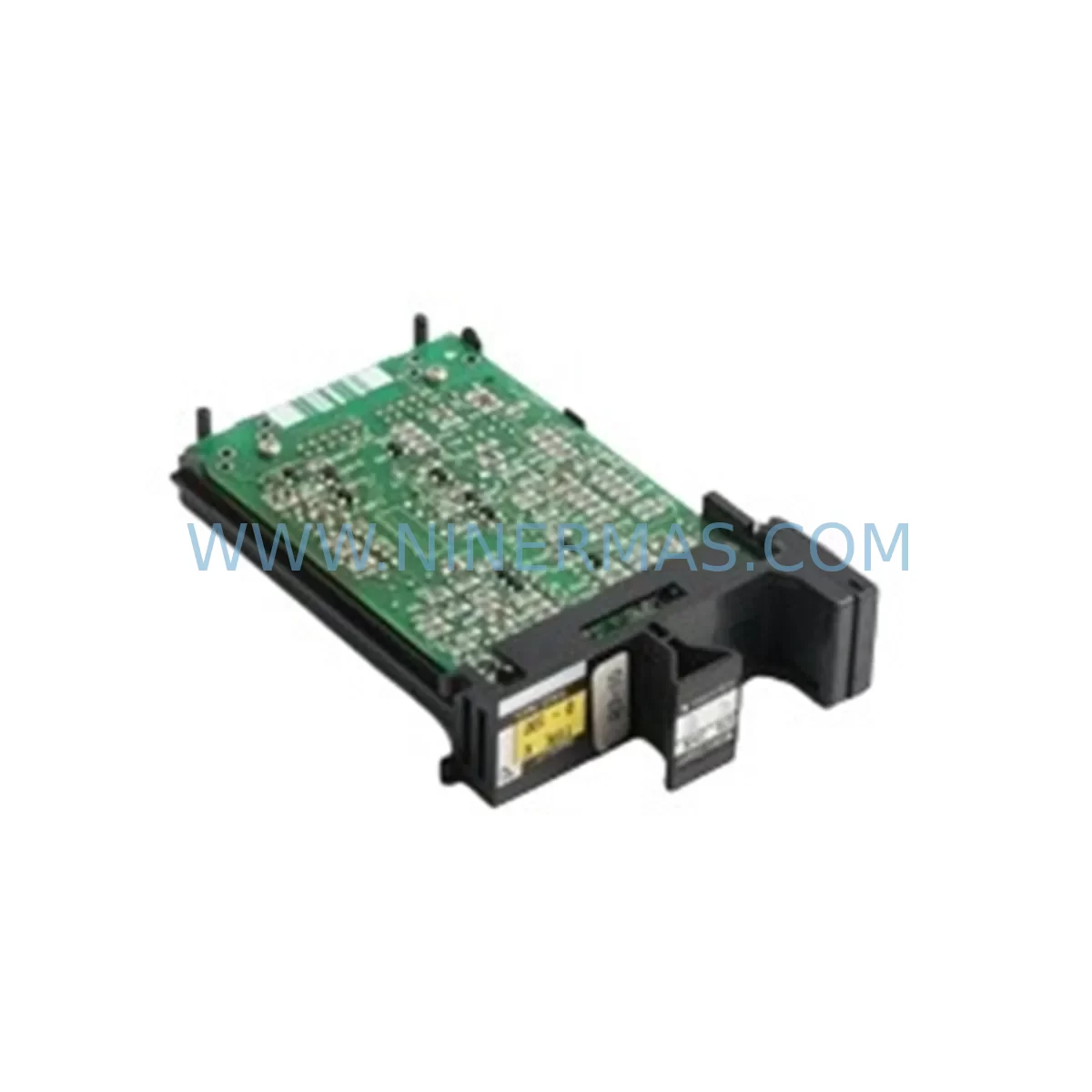
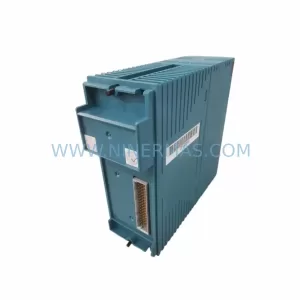
Yokogawa ET5*B Service-Ready Spare Part for Industrial Maintenance
Verify the part, confirm the platform family, and move straight into quotation with the right commercial details.
RFQ Ready
- SKUET5*B
- CategoryDCS Distributed Control Systems
- BrandYokogawa
- SupportAvailability, lead time, condition, and shipping coordination
How Buyers Usually Use This Page
- Confirm the exact part number and platform family before sending the quote request.
- Use direct email when quantity, condition, and destination are already defined internally.
- Switch to the broader brand or category archive when you need alternates nearby.
Series Navigation
Move through the most common platform families behind this part.
Product RFQ
Send this part directly for quotation.
Include quantity, required condition, destination country, and target delivery timing. Current reference: Yokogawa ET5*B Service-Ready Spare Part for Industrial Maintenance with SKU ET5*B.
Yokogawa ET5*B Service-Ready Spare Part for Industrial Maintenance
The Yokogawa ET5*B is a critical communication and control module designed for use within the STARDOM and CENTUM distributed control system (DCS) series. As industrial facilities age and OEM support windows narrow, maintaining a reliable stock of service-ready spare parts like the ET5*B becomes essential for minimizing unplanned downtime, protecting production continuity, and extending the operational life of legacy control architectures. NINERMAS supplies the ET5*B as an original, tested, and warranty-backed spare part — ready for immediate deployment in emergency replacement or scheduled maintenance scenarios.
Whether you are a maintenance engineer responding to a fault alarm at 2 AM or a procurement engineer building a strategic spare parts inventory for a refinery turnaround, the ET5*B demands careful attention to system compatibility, installation parameters, and associated component health. This page provides the technical and operational context you need to make a confident replacement decision.
Spare Maintenance Table
| Parameter | Details |
|---|---|
| SKU / Part Number | ET5*B |
| Brand | Yokogawa Electric Corporation |
| Series Compatibility | STARDOM FCN/FCJ, CENTUM VP, CENTUM CS 3000 |
| Module Type | Communication / Network Interface Module |
| Origin | Japan |
| Supply Voltage | Per system backplane specification (24 VDC typical) |
| Operating Temperature | 0°C to 55°C (32°F to 131°F) |
| Mounting | DIN rail / control cabinet backplane slot |
| Communication Protocol | Ethernet / Vnet/IP (system dependent) |
| Application Environment | Industrial automation, process control, DCS/SCADA systems |
| Maintenance Recommendation | Inspect every 12–24 months; replace on fault or degraded signal integrity |
| Warranty | 12 Months — tested before shipment, full functional verification |
Maintenance Planning for Continuous Operation
Replacing the Yokogawa ET5*B in a live control environment is rarely an isolated task. Experienced maintenance engineers understand that a communication module fault is often a symptom of broader system stress — and that a thorough replacement workflow must account for the health of adjacent components across the same control cabinet and electrical loop.
Before or during an ET5*B replacement, it is strongly recommended to inspect the Yokogawa PW301 or PW302 power supply modules that feed the backplane. Unstable DC rail voltage is a leading cause of premature module failure and can damage a newly installed ET5*B within weeks if left unaddressed. Similarly, the Yokogawa CP345 or CP451 CPU modules in the same CENTUM VP or STARDOM FCN rack should be checked for firmware currency and communication health — a degraded CPU can mask or misreport ET5*B faults during diagnostics.
On the I/O side, inspect the AAI141 or AAI543 analog input modules and any associated ADV151 digital input modules sharing the same Vnet/IP segment. A failing I/O module generating excessive bus traffic can cause the ET5*B to report spurious communication errors, leading to misdiagnosis. Terminal blocks and field wiring connected to these I/O modules should also be checked for corrosion, loose terminations, or insulation breakdown — particularly in high-humidity or chemically aggressive environments.
For systems using Yokogawa YFGW410 or YFGW510 wireless field network gateways, verify that the gateway’s Ethernet uplink to the ET5*B segment is operating within specification. Wireless gateway faults can cascade into apparent ET5*B communication failures. Additionally, if the control system includes Yokogawa STARDOM FCN-100 or FCN-500 autonomous controllers, confirm that their network configuration files are backed up before any module swap — restoring communication parameters post-replacement is a common source of extended downtime.
Procurement engineers should also consider stocking the Yokogawa S2 fuse holders and associated fuse cartridges used in the power distribution section of CENTUM VP cabinets. These low-cost consumables are frequently overlooked in spare parts budgets but are a common cause of module power loss during fault events. Pairing ET5*B stock with a buffer of power supply fuses and terminal block connectors ensures that a single field call can resolve the fault completely without a second parts order.
Finally, for facilities running Yokogawa Exaopc OPC server or FAST/TOOLS SCADA software, ensure that the host PC’s network interface configuration is documented and that the OPC data access paths are verified after ET5*B replacement. Communication module swaps frequently require IP address reconfirmation or Vnet/IP node re-registration to restore full SCADA visibility.
Site Replacement Workflow
Step 1 — Pre-Replacement Verification: Confirm the ET5*B SKU against the system’s hardware revision list. The asterisk (*) in ET5*B denotes a variant suffix — verify the exact suffix required for your backplane slot and firmware version before ordering. Cross-reference with the CENTUM VP or STARDOM engineering drawings to confirm slot assignment and network node address.
Step 2 — System State Documentation: Before powering down or hot-swapping the module (if supported), capture a full system snapshot: current alarm states, active communication sessions, I/O status, and CPU diagnostic logs. This baseline is critical for post-replacement verification and reduces troubleshooting time if issues arise after installation.
Step 3 — Safe Module Removal: Follow Yokogawa’s lockout/tagout procedure for the affected cabinet section. Remove the ET5*B from its backplane slot using the module extraction handle — avoid applying lateral force to the connector pins. Inspect the vacated slot for debris, corrosion, or bent backplane connector pins before inserting the replacement unit.
Step 4 — Replacement Installation and Configuration: Insert the new ET5*B firmly into the backplane slot until the locking tabs engage. Restore power and observe the module’s LED status indicators during boot. Configure the network node address and communication parameters per the pre-replacement documentation. For CENTUM VP systems, use the System View engineering tool to re-register the module and confirm Vnet/IP communication health.
Step 5 — Post-Replacement Functional Test: Verify all I/O signals, communication links, and SCADA data paths are restored. Run a 15–30 minute observation period under normal operating load before returning the system to full production. Document the replacement in the facility’s maintenance management system (CMMS) with the new module’s serial number and installation date.
This structured workflow reduces mean time to repair (MTTR), minimizes the risk of secondary faults, and ensures the replacement ET5*B is correctly integrated into the existing control architecture — preserving system compatibility and long-term operational reliability.
Spare Parts Support FAQ
Q1: Is the ET5*B supplied by NINERMAS an original Yokogawa component?
Yes. NINERMAS sources ET5*B modules from authorized distribution channels and verified industrial surplus inventories. Every unit undergoes functional testing and visual inspection before shipment. A 12-month warranty is provided on all ET5*B spare parts, covering manufacturing defects and functional failures under normal operating conditions.
Q2: How do I confirm compatibility between the ET5*B and my specific CENTUM VP or STARDOM system version?
Compatibility depends on the backplane hardware revision, firmware version of the CPU module, and the specific variant suffix of the ET5*B. Provide your system’s hardware revision list and engineering drawing reference to NINERMAS at sale@ninermas.com — our technical team will confirm the correct variant and any firmware prerequisites before shipment.
Q3: What is NINERMAS’s lead time for ET5*B, and can long-term supply be arranged?
Standard in-stock units ship within 3–5 business days. For facilities requiring ongoing supply — such as annual maintenance contracts or multi-site DCS standardization programs — NINERMAS offers long-term supply agreements with reserved inventory allocation. Contact our procurement team to discuss volume pricing and supply continuity arrangements.
Q4: Can the ET5*B replace older or discontinued Yokogawa communication modules in legacy CENTUM CS 3000 systems?
In many cases, yes — subject to backplane slot compatibility and firmware support. NINERMAS’s technical team can advise on cross-reference compatibility between ET5*B and legacy Yokogawa communication modules used in CENTUM CS 3000 and earlier STARDOM architectures. We recommend providing your existing module part number and system revision for a formal compatibility assessment before ordering.
| Product Series | STARDOM |
|---|---|
| Country of Origin | JP |
Catalog Continuation
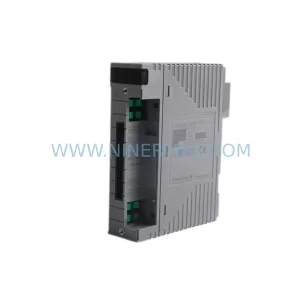
More Yokogawa modules in the catalog.
Use the brand lane to compare nearby part numbers, platform-adjacent modules, and other inquiry-ready listings before sending your final RFQ.

Catalog Continuation
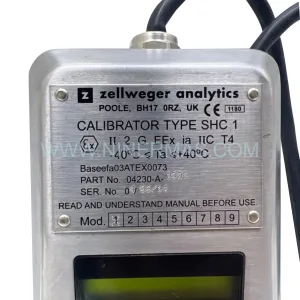
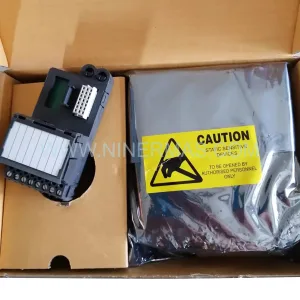
Alternative parts within DCS Distributed Control Systems.
Stay inside the same system family when you need substitutes, adjacent modules, or a broader shortlist for procurement review.
SKU: PM632 3BSE005831R1
ABB PM632 3BSE005831R1 Retrofit-Compatible Processor for Legacy Systems
SKU: High Performance Communication Controller
Honeywell 51401635-150 Service-Ready Spare for C300