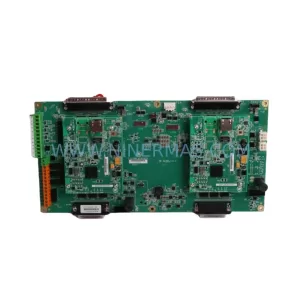
Original Industrial Spare Part
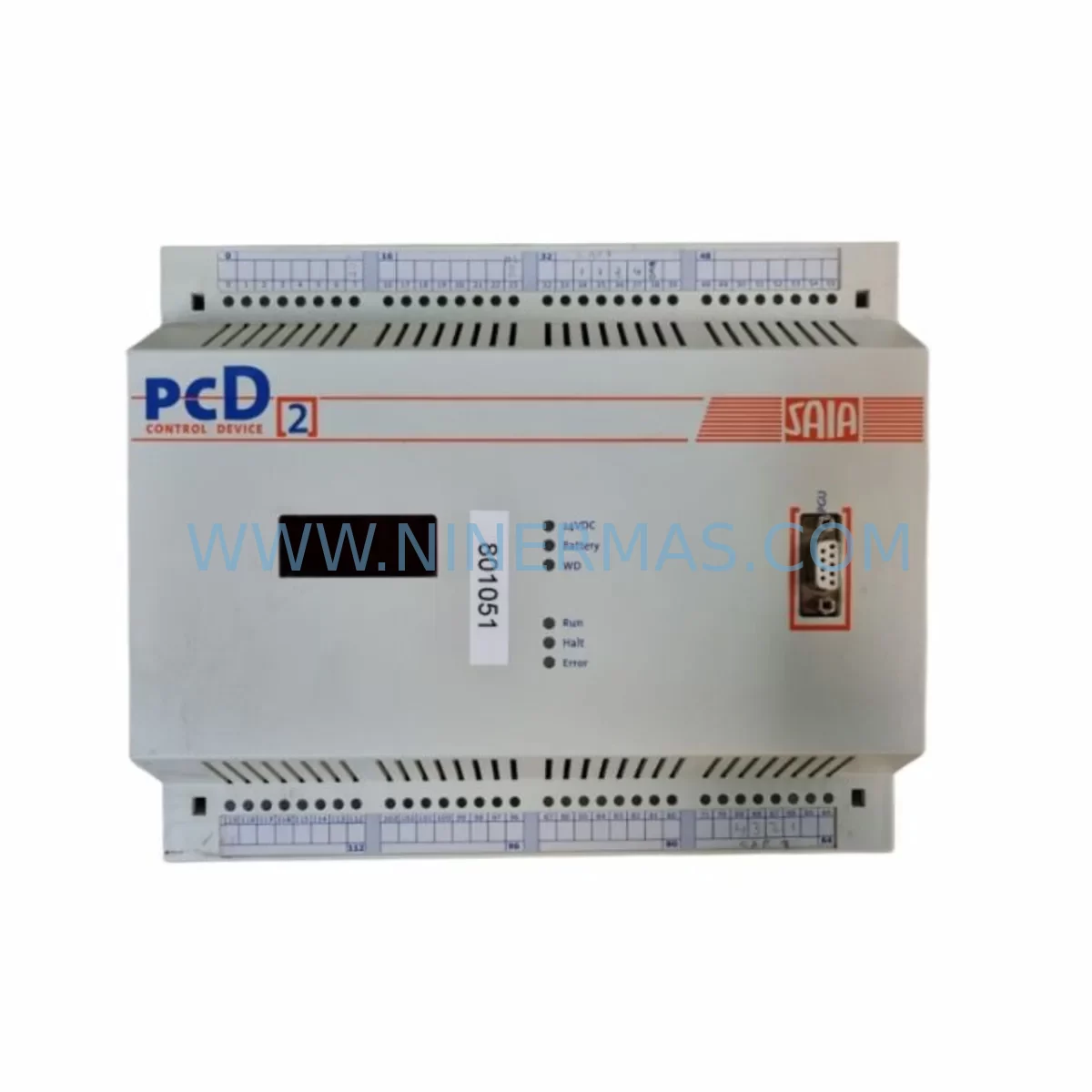
SAIA PCD2.M120 Service-Ready Spare Part for Industrial Maintenance
Verify the part, confirm the platform family, and move straight into quotation with the right commercial details.
RFQ Ready
- SKUPCD2.M120
- CategoryPLC & Industrial Automation Modules
- BrandSAIA
- SupportAvailability, lead time, condition, and shipping coordination
How Buyers Usually Use This Page
- Confirm the exact part number and platform family before sending the quote request.
- Use direct email when quantity, condition, and destination are already defined internally.
- Switch to the broader brand or category archive when you need alternates nearby.
Series Navigation
Move through the most common platform families behind this part.
Product RFQ
Send this part directly for quotation.
Include quantity, required condition, destination country, and target delivery timing. Current reference: SAIA PCD2.M120 Service-Ready Spare Part for Industrial Maintenance with SKU PCD2.M120.
SAIA PCD2.M120 Service-Ready Spare Part for Industrial Maintenance
The SAIA PCD2.M120 is a compact CPU module within the SAIA-Burgess PCD2 programmable controller series, widely deployed across building automation, industrial process control, HVAC management, and utility infrastructure. As a service-ready spare part, the PCD2.M120 is a critical component for maintenance engineers managing aging PCD2-based control systems where downtime directly impacts production continuity and operational safety.
When a PCD2.M120 CPU module fails or degrades, the entire control loop it governs — including I/O scanning, communication handling, and program execution — is interrupted. Sourcing a verified, tested replacement unit is the fastest path to restoring system operation without the risk and cost of a full controller migration. NINERMAS stocks the PCD2.M120 as a service-ready spare, pre-inspected and dispatched with a 12-month warranty, ensuring your maintenance team can act decisively when the unit is needed most.
Spare Maintenance Table
| Part Number / SKU | PCD2.M120 |
| Brand | SAIA-Burgess (Saia-Burgess Controls AG) |
| Series | PCD2 Programmable Controller Series |
| Module Type | CPU / Central Processing Unit Module |
| Program Memory | Approx. 120 KB (user program) |
| Communication Interfaces | S-Bus (serial), optional Ethernet via expansion |
| I/O Expansion | Supports PCD2 local I/O modules and expansion racks |
| Power Supply Compatibility | PCD2 series power supply modules (e.g. PCD2.W340, PCD2.W350) |
| Operating Voltage | 24 VDC (via PCD2 backplane power) |
| Operating Temperature | 0°C to +55°C |
| Mounting | DIN rail / PCD2 base unit slot |
| Origin | Switzerland |
| Application Environment | Building automation, HVAC, industrial process control, utilities |
| Compatibility | PCD2 series base units and expansion modules |
| Maintenance Recommendation | Replace on CPU fault alarm, watchdog trip, or program execution failure; inspect battery backup (PCD7.R002) annually |
| Warranty | 12 Months — NINERMAS Quality Assurance |
| Condition | Original spare part, tested before dispatch |
Maintenance Planning for Continuous Operation
Replacing a SAIA PCD2.M120 CPU module is rarely an isolated task. In a well-maintained PCD2 control cabinet, the CPU is the hub of a tightly integrated electrical and communication ecosystem. Maintenance engineers and procurement teams should treat a CPU replacement as an opportunity to audit the surrounding components and pre-stock critical spares to prevent cascading failures.
Begin with the PCD2 power supply module — units such as the PCD2.W340 or PCD2.W350 provide the regulated 24 VDC rail that the CPU and all local I/O modules depend on. A degraded power supply can cause intermittent CPU resets that mimic CPU faults; always verify output voltage stability before condemning the CPU. Alongside the power supply, inspect the PCD2 backplane bus connector and slot contacts for oxidation or mechanical wear, as poor backplane contact is a common root cause of CPU communication errors in older installations.
For I/O integrity, review the PCD2 digital input modules (e.g. PCD2.E110 or PCD2.E160) and digital output modules (e.g. PCD2.A400) that interface with field devices. Faulty I/O modules can generate spurious interrupts that overload the CPU scan cycle. Similarly, PCD2 analog input/output modules used in process control loops should be calibrated and verified for signal integrity during any CPU replacement window.
Communication continuity is equally important. If the PCD2.M120 is networked via S-Bus to HMI panels or SCADA systems, verify the S-Bus serial communication cable termination and the integrity of any RS-485 repeaters or S-Bus/Ethernet gateways (such as the PCD7.D457) in the network topology. A CPU swap without re-validating the communication chain can result in HMI loss-of-communication alarms that delay restart.
For sites using PCD2 relay output modules (e.g. PCD2.A460), inspect relay contact wear and coil resistance — relay modules in high-cycle applications often reach end-of-life around the same maintenance interval as the CPU. Additionally, check the PCD7.R002 lithium battery that backs up the CPU’s RAM and real-time clock; this battery should be replaced every 3–5 years regardless of CPU status. Fuse holders and miniature circuit breakers on the 24 VDC distribution rail should also be tested for correct trip characteristics during the maintenance window.
Finally, if the installation includes signal isolators or loop-powered transmitters on analog channels, verify isolation resistance and loop current accuracy. These components are frequently overlooked during CPU-focused maintenance but are a common source of post-replacement signal anomalies.
Site Replacement Workflow
Step 1 — Pre-replacement documentation: Before powering down, capture the current CPU program version, I/O configuration, and S-Bus node address from the connected programming software (SAIA PG5 or equivalent). Back up the user program to a laptop or USB device.
Step 2 — Safe isolation: Follow site LOTO (Lockout/Tagout) procedures. Isolate the PCD2 base unit from the 24 VDC supply. Confirm zero-energy state with a calibrated multimeter before handling the CPU module.
Step 3 — Module extraction: Release the CPU module locking lever and slide the PCD2.M120 out of its slot. Note the slot position — in multi-slot PCD2 base units, the CPU must be reinstalled in the correct slot (typically slot 0).
Step 4 — Replacement installation: Insert the service-ready PCD2.M120 replacement into the correct slot until the locking lever engages. Verify backplane connector seating.
Step 5 — Program restore and commissioning: Power up the base unit. Download the backed-up user program via PG5. Verify I/O mapping, S-Bus node address, and communication links to HMI and SCADA. Perform a controlled test cycle before returning the system to automatic operation.
Step 6 — Post-replacement audit: Log the replacement in the site maintenance record. Update the spare parts inventory and initiate a reorder for the next PCD2.M120 unit to maintain buffer stock. NINERMAS supports long-term supply agreements for critical PCD2 series components.
Spare Parts Support FAQ
Q1: Is the PCD2.M120 still available as a new or service-ready spare part?
A: Yes. NINERMAS maintains stock of the SAIA PCD2.M120 as a service-ready spare part. Each unit is inspected and tested before dispatch and covered by a 12-month warranty. Contact our team for current lead times and long-term supply agreements.
Q2: How do I verify compatibility between the replacement PCD2.M120 and my existing PCD2 base unit?
A: The PCD2.M120 is compatible with standard PCD2 series base units. Confirm your base unit model number and firmware version. If your installation uses a specific hardware revision, share the existing CPU label details with our technical team before ordering — we will cross-reference and confirm compatibility.
Q3: What testing is performed before the PCD2.M120 is shipped?
A: Every PCD2.M120 unit dispatched by NINERMAS undergoes functional power-on testing, communication interface verification, and visual inspection for physical damage. Units that do not pass testing are not dispatched. A test report is available on request.
Q4: Can NINERMAS support long-term or scheduled procurement of PCD2.M120 spare parts?
A: Yes. We offer long-term supply agreements and scheduled delivery programs for maintenance teams managing multiple PCD2 installations. This ensures buffer stock availability without capital lock-up. Contact sale@ninermas.com to discuss a tailored spare parts program.
| Product Series | Other series |
|---|
Catalog Continuation
More SAIA modules in the catalog.
Use the brand lane to compare nearby part numbers, platform-adjacent modules, and other inquiry-ready listings before sending your final RFQ.
Catalog Continuation
Alternative parts within PLC & Industrial Automation Modules.
Stay inside the same system family when you need substitutes, adjacent modules, or a broader shortlist for procurement review.
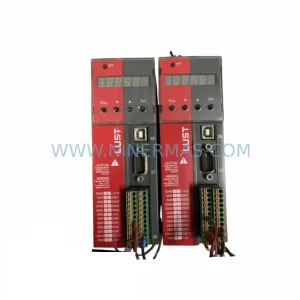
SKU: SC34.0300.0011.0000.0-JW1 SC34.0300.0011.0000.0
LUST SC34.0300.0011.0000.0-JW1 Service-Ready Spare Part
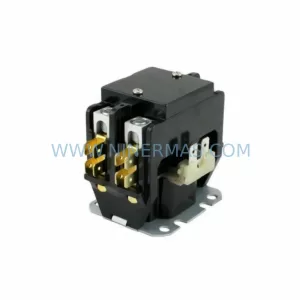
SKU: LSC-096-2-30-560-P5B0H2MM0
LTi Motion LSC-096-2-30-560-P5B0H2MM0 Retrofit Servo Drive
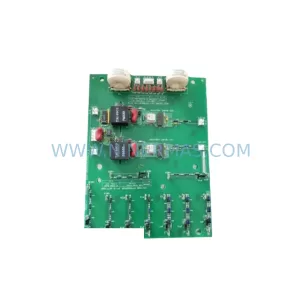
SKU: DS200SHVMG1AFE
GE DS200SHVMG1AFE Retrofit-Compatible Interface Module