Original Industrial Spare Part
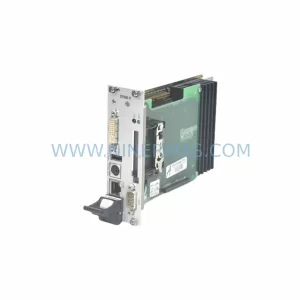
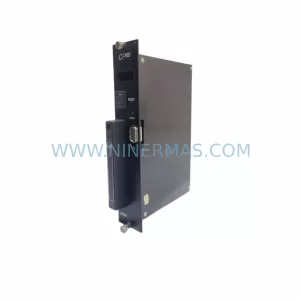
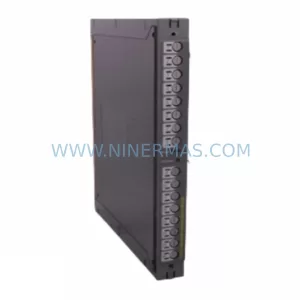
SAIA PCD4.B900 Retrofit-Compatible Digital I/O Module
Verify the part, confirm the platform family, and move straight into quotation with the right commercial details.
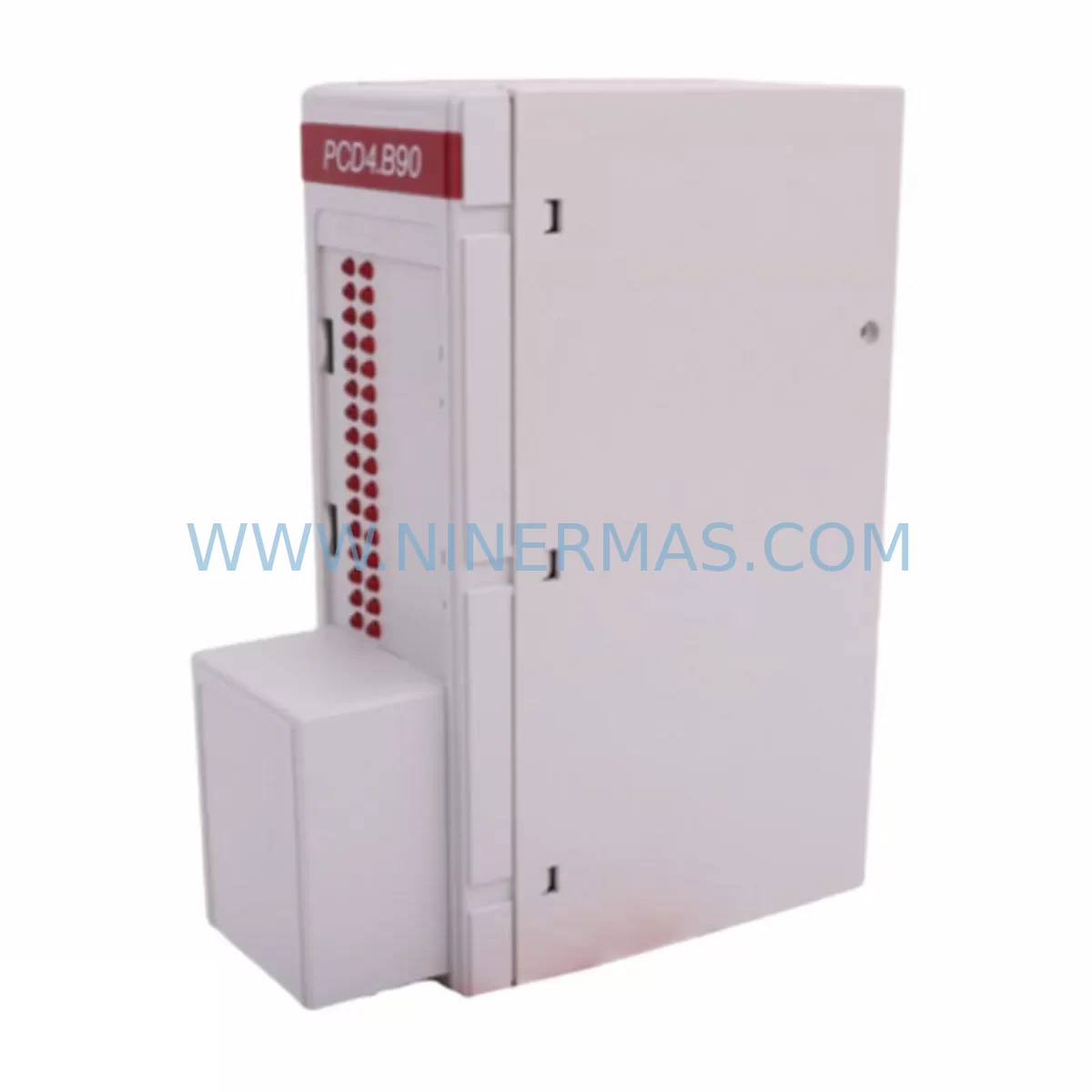
RFQ Ready
- SKUPCD4.B900
- CategoryPLC & Industrial Automation Modules
- BrandSAIA
- SupportAvailability, lead time, condition, and shipping coordination
How Buyers Usually Use This Page
- Confirm the exact part number and platform family before sending the quote request.
- Use direct email when quantity, condition, and destination are already defined internally.
- Switch to the broader brand or category archive when you need alternates nearby.
Series Navigation
Move through the most common platform families behind this part.
Product RFQ
Send this part directly for quotation.
Include quantity, required condition, destination country, and target delivery timing. Current reference: SAIA PCD4.B900 Retrofit-Compatible Digital I/O Module with SKU PCD4.B900.
SAIA PCD4.B900 Retrofit-Compatible Digital I/O Module for Legacy System Upgrades
The SAIA PCD4.B900 is a ruggedized digital I/O module engineered for the PCD4 controller platform, widely deployed across process automation, building management, and discrete manufacturing environments. As legacy PCD4 installations approach end-of-life or require capacity expansion, the PCD4.B900 serves as a direct retrofit solution — enabling engineers to extend system lifespan, restore discontinued I/O capacity, and maintain operational continuity without a full control system overhaul.
NINERMAS maintains verified stock of the PCD4.B900 with pre-shipment functional testing, documented inspection records, and a 12-month warranty covering all supplied units. Each module is validated against original SAIA-Burgess Electronics specifications before dispatch, ensuring field-ready performance from day one.
Upgrade Compatibility Table
| Parameter | PCD4.B900 Specification | Retrofit Notes |
|---|---|---|
| Module Type | Digital I/O Expansion Module | Direct slot replacement in PCD4 rack |
| Compatible Rack | PCD4 Series Backplane | Verify rack slot addressing before installation |
| Communication Interface | Internal PCD4 bus | No protocol conversion required for same-series swap |
| Installation Form Factor | Standard PCD4 module footprint | Confirm cabinet DIN rail and slot clearance |
| Power Supply Compatibility | Supplied via PCD4 backplane | Verify PSU capacity before adding I/O modules |
| Terminal Wiring | Screw terminal block | Re-use existing field wiring where signal types match |
| Replacement Scope | Discontinued PCD4 I/O modules | Functional equivalent for legacy digital I/O slots |
| Commissioning | PG5 programming environment | Module address must match original slot configuration |
| Warranty | 12-Month Warranty — All units pre-shipment tested and documented | |
Retrofit Planning for Existing Automation Systems
Replacing a discontinued digital I/O module in an active PCD4 installation requires careful pre-engineering to avoid unplanned downtime and signal mapping errors. The PCD4.B900 is designed to slot into existing PCD4 racks, but a successful retrofit demands a structured review of the surrounding system architecture.
Begin by auditing the PCD4 power supply module — typically a PCD4.W100 or equivalent — to confirm that the existing PSU has sufficient headroom to support the restored I/O capacity. Adding or replacing digital I/O modules changes the aggregate current draw on the backplane bus, and an undersized power supply will cause intermittent faults or module initialization failures.
Next, review the PCD4 backplane and rack assembly. The PCD4.B900 occupies a defined slot position, and the module address assigned in the PG5 project must correspond exactly to the physical slot. If the original module was removed and the slot address was reassigned in software, the program logic must be updated before the replacement module is powered on. Failure to align slot addressing will cause the controller to misread I/O states, potentially triggering process alarms or unsafe actuator commands.
Terminal wiring is the next critical checkpoint. The PCD4.B900 uses a screw terminal interface, and field cables from sensors, solenoids, or relay outputs must be reconnected with correct polarity and signal type. Where the original installation used signal isolators between field devices and the I/O module — common in environments with long cable runs or high electrical noise — verify that the isolator output range is compatible with the PCD4.B900 input thresholds.
For systems that include a PCD4 communications processor such as a Profibus DP or Modbus RTU interface module, confirm that the I/O module replacement does not affect the network node address or GSD file configuration. In distributed architectures where the PCD4 rack communicates upstream to a SCADA or DCS via an Ethernet gateway module, the I/O tag mapping in the supervisory system must be validated after the module swap to ensure data integrity.
HMI screens connected to the PCD4 system — whether a local SAIA PCD7 operator panel or a remote SCADA workstation — should be reviewed for any hardcoded I/O references that may need updating. In older installations, HMI graphics may reference specific module addresses directly rather than symbolic tags, requiring a screen-by-screen audit before returning the system to automatic mode.
Where the control cabinet also houses a PCD4 analog input module for temperature or pressure signals, ensure that the digital I/O replacement does not physically displace the analog module’s slot position. Rack layout changes can cascade into address conflicts across multiple module types. A full rack map review — covering digital input modules, digital output modules, analog I/O, and communications cards — is recommended before any physical module swap.
Finally, for systems using PG5 programming cables or USB-to-serial adapters for on-site programming access, confirm that the programming interface remains accessible after the module is installed. Some cabinet layouts restrict physical access to the CPU programming port once the I/O rack is fully populated.
Downtime Control During System Migration
Minimizing production interruption during a PCD4.B900 retrofit requires a disciplined pre-outage preparation sequence. Before the planned maintenance window, export and archive the complete PG5 project from the live controller. This backup preserves all program logic, I/O configurations, module addresses, and communication parameters — providing a verified restore point if the replacement module requires re-commissioning.
Where process conditions allow, perform a controlled shutdown rather than an emergency stop. A controlled shutdown allows the PLC to execute end-of-cycle logic, park actuators in safe positions, and flush communication buffers before power is removed. This reduces the risk of partial-write errors in retentive data registers that could corrupt batch records or production counters.
During the physical swap, label all field wiring terminals before disconnection. Even where the original installation drawings are available, on-site labeling eliminates reconnection errors caused by drawing revisions or undocumented field modifications. Use a terminal-by-terminal verification checklist against the PG5 I/O symbol table before powering the replacement module.
After installation, power the rack in stages where the PSU supports staged enable. Bring the CPU online first, confirm that the PG5 project loads without hardware fault codes, then enable field power to the I/O terminals. Monitor the first scan cycle for any unexpected output activations before releasing the system to automatic control. For critical process loops, consider running the system in manual mode for one full production cycle before returning to full automatic operation.
NINERMAS supplies the PCD4.B900 with pre-shipment test documentation, reducing on-site commissioning risk. Each unit is verified for correct digital I/O response, terminal continuity, and bus communication before dispatch. This pre-tested condition shortens the on-site validation sequence and supports a tighter maintenance window.
Retrofit Support FAQ
Q1: Is the PCD4.B900 a direct drop-in replacement for other discontinued PCD4 digital I/O modules?
The PCD4.B900 is designed for the PCD4 rack platform and occupies a standard module slot. Whether it is a functional equivalent for a specific discontinued module depends on the I/O channel count, signal type (24VDC, relay, transistor), and slot address configuration of the original unit. NINERMAS recommends providing the original module part number for a compatibility confirmation before ordering.
Q2: What commissioning steps are required after installing the PCD4.B900?
After physical installation, connect the PG5 programming environment to the PCD4 CPU and perform a hardware configuration scan. Confirm that the module is recognized at the correct slot address. Download the updated hardware configuration if any changes were made, then perform an I/O force test on each channel to verify field wiring continuity and correct signal direction before releasing to automatic control.
Q3: Can the PCD4.B900 be used in a mixed-module rack alongside analog and communications modules?
Yes. The PCD4 rack architecture supports mixed module types within the same backplane, provided that the total power budget is not exceeded and that each module occupies a unique slot address. Review the rack power consumption table in the PCD4 system manual and confirm PSU capacity before finalizing the rack layout.
Q4: What warranty and supply terms does NINERMAS offer for the PCD4.B900?
All PCD4.B900 units supplied by NINERMAS carry a 12-month warranty from the date of shipment. Each unit undergoes pre-shipment functional testing with documented inspection records. NINERMAS maintains ongoing inventory of long-lifecycle PCD4 components and can support scheduled procurement programs for customers managing multi-site spare parts strategies.
| Product Series | Other series |
|---|
Catalog Continuation
More SAIA modules in the catalog.
Use the brand lane to compare nearby part numbers, platform-adjacent modules, and other inquiry-ready listings before sending your final RFQ.
Catalog Continuation
Alternative parts within PLC & Industrial Automation Modules.
Stay inside the same system family when you need substitutes, adjacent modules, or a broader shortlist for procurement review.