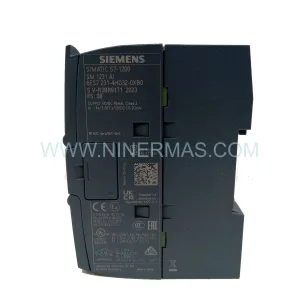
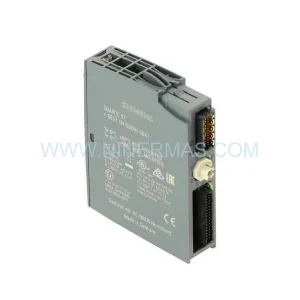
Original Industrial Spare Part
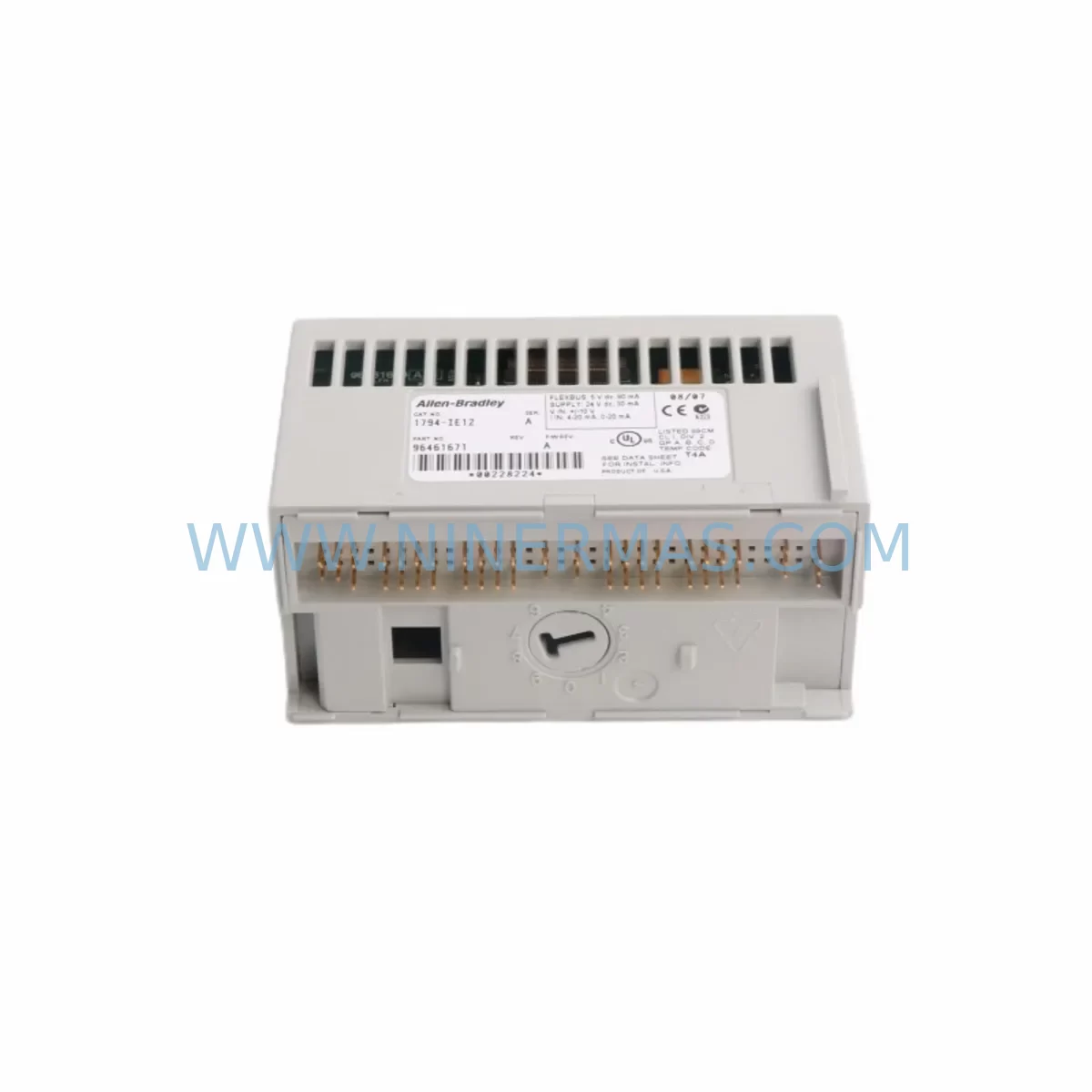
Allen-Bradley 1794-IE12 Retrofit-Compatible Analog Input for Legacy Systems
Verify the part, confirm the platform family, and move straight into quotation with the right commercial details.
RFQ Ready
- SKU1794-IE12
- CategoryPLC & Industrial Automation Modules
- BrandAllen-Bradley
- SupportAvailability, lead time, condition, and shipping coordination
How Buyers Usually Use This Page
- Confirm the exact part number and platform family before sending the quote request.
- Use direct email when quantity, condition, and destination are already defined internally.
- Switch to the broader brand or category archive when you need alternates nearby.
Series Navigation
Move through the most common platform families behind this part.
Product RFQ
Send this part directly for quotation.
Include quantity, required condition, destination country, and target delivery timing. Current reference: Allen-Bradley 1794-IE12 Retrofit-Compatible Analog Input for Legacy Systems with SKU 1794-IE12.
Allen-Bradley 1794-IE12 Retrofit-Compatible Analog Input for Legacy Systems
The Allen-Bradley 1794-IE12 is a 12-point analog input module designed for the FLEX I/O platform, widely deployed across legacy manufacturing lines, process control systems, and aging control cabinets. As original equipment reaches end-of-life and spare parts become increasingly scarce, the 1794-IE12 remains a critical component for engineers tasked with sustaining production continuity, extending system lifespan, and executing phased modernization programs without full-line shutdowns.
For facilities still operating on legacy ControlLogix, SLC 500, or PLC-5 architectures, the 1794-IE12 provides a proven migration path. Its compatibility with the 1794 FLEX I/O adapter family — including the 1794-AENT Ethernet/IP adapter and the 1794-ADN DeviceNet adapter — means it can be integrated into both legacy backplane configurations and modernized communication networks without requiring a complete I/O infrastructure overhaul.
Upgrade Compatibility Table
| Parameter | Details |
|---|---|
| Module SKU | 1794-IE12 |
| Series | Allen-Bradley FLEX I/O |
| Input Channels | 12-point analog input |
| Signal Range | 0–10V DC / 4–20mA (configurable) |
| Backplane Interface | FLEX I/O 1794 backplane compatible |
| Communication Compatibility | DeviceNet (1794-ADN), EtherNet/IP (1794-AENT), ControlNet (1794-ACN) |
| Replaces / Upgrades From | Legacy SLC 500 analog I/O, PLC-5 analog modules |
| Installation Requirement | DIN rail mount, FLEX I/O terminal base required (e.g. 1794-TB3) |
| Retrofit Recommendation | Verify terminal base wiring, adapter firmware version, and RSLogix/Studio 5000 module profile |
| Commissioning Notes | Confirm module address, I/O tree configuration, and HMI tag mapping before go-live |
| Warranty | 12 months from date of shipment |
Retrofit Planning for Existing Automation Systems
When integrating the 1794-IE12 into an existing control system, the first step is a thorough audit of the current I/O architecture. Engineers should confirm that the installed 1794 terminal base — typically a 1794-TB3 or 1794-TB3S — is compatible with the module’s wiring requirements. Mismatched terminal bases are one of the most common causes of commissioning delays in FLEX I/O retrofit projects.
The 1794-IE12 must be paired with a FLEX I/O adapter to communicate with the controller. In legacy DeviceNet environments, the 1794-ADN adapter handles node addressing and network scanning. For facilities migrating to EtherNet/IP, the 1794-AENT adapter enables direct integration with Studio 5000 Logix Designer and supports online module configuration without disrupting adjacent I/O nodes. Where ControlNet infrastructure remains in place, the 1794-ACN adapter provides a compatible bridge.
Power budget verification is essential before installation. The 1794 backplane has defined current limits per segment, and adding a 12-channel analog input module alongside existing digital I/O modules — such as the 1794-IB16 discrete input module or the 1794-OB16 discrete output module — requires careful calculation to avoid backplane overload. The 1794-PS13 power supply module may be required in high-density configurations to supplement backplane power.
For systems where signal conditioning is a concern — particularly in environments with long cable runs, high electrical noise, or mixed signal types — inline signal isolators should be considered between field instruments and the 1794-IE12 input terminals. This is especially relevant when replacing older SLC 500 analog input cards that had different input impedance characteristics.
Program compatibility must be validated before cutover. If the legacy program was developed in RSLogix 500 or RSLogix 5, the analog scaling routines, PID loop references, and alarm setpoints tied to the old module’s channel addresses will need to be remapped in Studio 5000 or retained in the converted program. HMI screens built on FactoryTalk View or legacy PanelView terminals will also require tag updates to reflect the new module’s I/O tree position.
In multi-rack or distributed I/O configurations, the physical installation space within the control cabinet must be confirmed. The 1794-IE12 occupies a single FLEX I/O slot, but the associated terminal base adds to the overall rail footprint. Where cabinet space is constrained, this may require reorganization of existing modules or the addition of a secondary DIN rail section.
Downtime Control During System Migration
Minimizing production downtime during a FLEX I/O module replacement requires a structured pre-commissioning process. Before removing the legacy module, a full backup of the controller program — including all force tables, I/O configuration, and motion parameters — should be saved to an offline archive. This protects against data loss in the event of an unexpected fault during the swap.
Where possible, the 1794-IE12 should be pre-configured offline using Studio 5000’s module profile import function. This allows the engineering team to verify channel configuration, scaling parameters, and alarm limits before the module is physically installed, reducing the time the system spends in an unconfigured state.
During the actual cutover, field wiring should be transferred terminal by terminal using the existing wiring documentation as a reference. If wiring documentation is outdated or unavailable, a field survey of the existing terminal base connections should be completed before the legacy module is removed. Once the 1794-IE12 is installed and the terminal base is secured, the controller should be placed in program mode before re-energizing the I/O segment to prevent unintended output activation.
After power-up, the module’s status indicators should be verified before returning the controller to run mode. A channel-by-channel analog signal verification — comparing live field values against expected engineering unit readings — confirms that scaling and wiring are correct. This step is critical for PID loops and safety-related analog inputs where incorrect readings could trigger process upsets or safety system activations.
With proper pre-commissioning preparation, most 1794-IE12 retrofit installations can be completed within a planned maintenance window, keeping unscheduled downtime to a minimum and preserving the integrity of the existing control logic.
Retrofit Support FAQ
Q: Is the 1794-IE12 a direct replacement for legacy SLC 500 analog input modules?
A: The 1794-IE12 is not a direct plug-in replacement for SLC 500 rack-mounted analog modules, as it uses the FLEX I/O backplane architecture. However, it is a widely used upgrade path when migrating from SLC 500 to ControlLogix or CompactLogix platforms, particularly when combined with a 1794-AENT or 1794-ADN adapter. Program remapping and terminal rewiring are required.
Q: What terminal base is required for the 1794-IE12?
A: The 1794-IE12 requires a compatible 1794 terminal base, most commonly the 1794-TB3 or 1794-TB3S. The terminal base must be installed on the DIN rail before the module is inserted. Verify the terminal base series and wiring configuration against the module’s installation manual before ordering.
Q: Has the 1794-IE12 been tested before shipment?
A: Yes. All units supplied by NINERMAS undergo functional verification prior to shipment. Each module is inspected for physical condition and basic operational integrity. A 12-month warranty is provided from the date of shipment, covering defects in materials and workmanship under normal operating conditions.
Q: What is the lead time and stock availability for the 1794-IE12?
A: NINERMAS maintains inventory of the 1794-IE12 to support urgent retrofit and breakdown replacement requirements. Contact our sales team at sale@ninermas.com or +0086 187 5021 5667 for current stock levels and lead time confirmation.
| Product Series | Flex I/O |
|---|---|
| Country of Origin | US |
Catalog Continuation
More Allen-Bradley modules in the catalog.
Use the brand lane to compare nearby part numbers, platform-adjacent modules, and other inquiry-ready listings before sending your final RFQ.




Catalog Continuation
Alternative parts within PLC & Industrial Automation Modules.
Stay inside the same system family when you need substitutes, adjacent modules, or a broader shortlist for procurement review.



SKU: HDD02.2-W040N-HS12-01-FW FWA-DIAX04-ELS-05VRS-MS
Rexroth HDD02.2-W040N-HS12-01-FW Service-Ready Spare Part

SKU: I5DAE375F10010000S
Lenze I5DAE375F10010000S Service-Ready Spare Part for Industrial Maintenance