Original Industrial Spare Part
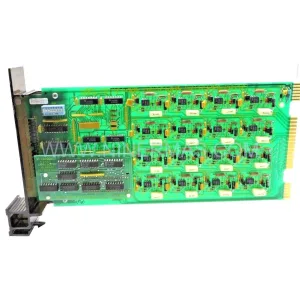
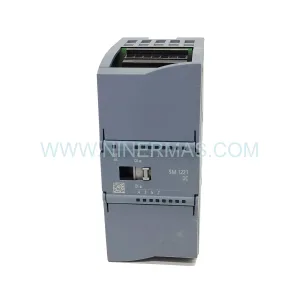
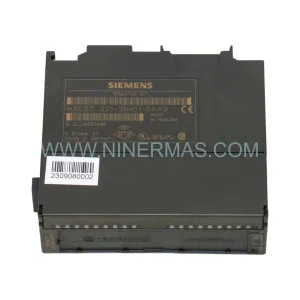
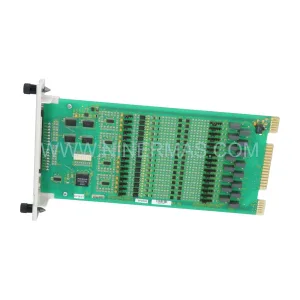
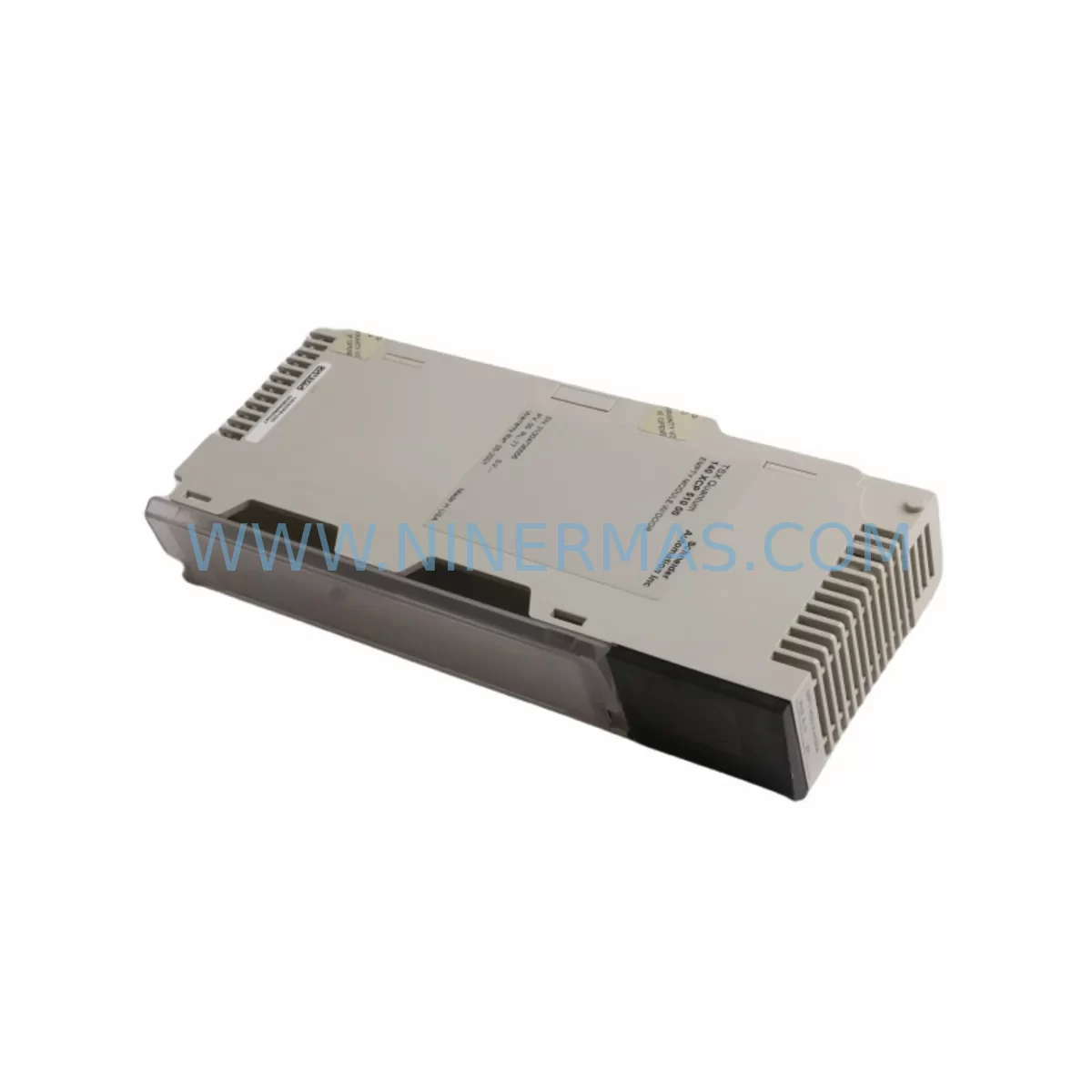
Schneider 140SDI95300S Service-Ready Spare Part for Industrial Maintenance
Verify the part, confirm the platform family, and move straight into quotation with the right commercial details.
RFQ Ready
- SKU140SDI95300S
- CategoryPLC & Industrial Automation Modules
- BrandSchneider Electric
- SupportAvailability, lead time, condition, and shipping coordination
How Buyers Usually Use This Page
- Confirm the exact part number and platform family before sending the quote request.
- Use direct email when quantity, condition, and destination are already defined internally.
- Switch to the broader brand or category archive when you need alternates nearby.
Series Navigation
Move through the most common platform families behind this part.
Product RFQ
Send this part directly for quotation.
Include quantity, required condition, destination country, and target delivery timing. Current reference: Schneider 140SDI95300S Service-Ready Spare Part for Industrial Maintenance with SKU 140SDI95300S.
Schneider 140SDI95300S Service-Ready Spare Part for Industrial Maintenance
The Schneider Electric 140SDI95300S is an original digital input module engineered for the Modicon Quantum PLC platform — one of the most widely deployed distributed control architectures in heavy industry, oil & gas, water treatment, and power generation. When a digital input module fails or degrades, the consequences extend far beyond a single I/O point: entire process loops can go blind, safety interlocks may become unreliable, and unplanned downtime can cascade across production lines. Stocking a verified, service-ready 140SDI95300S replacement is the single most effective measure a maintenance team can take to protect system uptime and reduce mean time to repair (MTTR).
At NINERMAS, every 140SDI95300S unit is sourced from authorized supply chains, inspected against OEM electrical specifications, and dispatched with a 12-month warranty. Whether you are managing a planned annual shutdown, responding to an emergency fault, or building a strategic spare parts inventory for a multi-year maintenance contract, this module ships ready for immediate rack installation in any Modicon Quantum backplane slot configured for 32-channel DC digital input operation.
Spare Maintenance Table
| Parameter | Specification |
|---|---|
| Part Number / SKU | 140SDI95300S |
| Brand | Schneider Electric |
| Series | Modicon Quantum |
| Module Type | Digital Input Module (32-channel DC) |
| Input Voltage | 24 VDC nominal |
| Input Current per Channel | Approx. 7 mA at 24 VDC |
| Isolation | Optical isolation, channel-to-backplane |
| Backplane Compatibility | Modicon Quantum backplane (140 series) |
| Communication Bus | Quantum local/remote I/O bus |
| Operating Temperature | 0 °C to 60 °C |
| Relative Humidity | 5% to 95% non-condensing |
| Mounting | Direct backplane slot insertion |
| Certifications | CE, UL (per OEM documentation) |
| Origin | France (Schneider Electric manufacturing) |
| Warranty | 12 Months — NINERMAS |
| Condition | Original, service-ready, tested before dispatch |
Maintenance Planning for Continuous Operation
Replacing a 140SDI95300S digital input module is rarely an isolated task. Experienced maintenance engineers know that a failed or intermittent input module is often a symptom of broader electrical stress in the control cabinet. Before returning the system to service, a thorough inspection of the surrounding components is essential to prevent repeat failures and ensure long-term reliability.
Begin with the 140CPS11420 or 140CPS21400 Quantum power supply module. Verify output voltage stability under load — a sagging or noisy 24 VDC rail is a leading cause of premature digital input module failure. Next, inspect the 140XBP01600 or 140XBP00600 backplane for bent connector pins, corrosion, or mechanical damage at the slot where the 140SDI95300S was seated. A damaged backplane connector can destroy a replacement module within hours of installation.
Check the field wiring terminal blocks and 140XTS00200 or equivalent terminal strip assemblies connected to the module’s I/O connector. Loose terminations, corroded contacts, or undersized conductors introduce resistance that distorts input signal levels and triggers false diagnostics. If the installation uses 140DAI54000 or 140DAI74000 analog input modules in adjacent slots, verify that shielding and grounding practices meet Schneider’s EMC guidelines — cross-talk from poorly grounded analog circuits is a known source of digital input noise in Quantum racks.
For systems using 140NOE77100 or 140NOE77101 Ethernet communication modules, confirm that the network configuration and I/O map in Unity Pro or Concept software correctly reflects the restored module address. A mismatch between the software configuration and the physical slot assignment will prevent the CPU from scanning the new 140SDI95300S inputs, even if the module itself is fully functional. Similarly, if the system includes a 140CPU65150 or 140CPU67160 processor module, review the I/O configuration file and perform a hot-standby synchronization check if redundancy is enabled.
In installations where the Quantum rack interfaces with a TSXPBY100 or 140NRP95400 RIO drop adapter for remote I/O communication, verify that the RIO cable integrity and termination resistors are within specification. A degraded RIO link can cause the entire remote drop — including the replacement 140SDI95300S — to go offline intermittently, making fault diagnosis extremely difficult.
Finally, inspect any signal isolators or surge protection devices installed between field sensors and the module’s input terminals. Devices such as Phoenix Contact or Weidmüller signal conditioners in the field wiring circuit should be tested for correct output levels before the system is returned to automatic operation. Replacing the 140SDI95300S without verifying upstream signal integrity is a common cause of repeat module failures in high-noise industrial environments.
Site Replacement Workflow
Step 1 — Pre-replacement verification: Before powering down, use Unity Pro or Concept diagnostics to capture the current I/O status of the 140SDI95300S slot. Document which channels are active, faulted, or forced. This baseline will be used to verify correct operation after replacement.
Step 2 — Safe isolation: Follow your site’s lockout/tagout (LOTO) procedure. De-energize the field wiring connected to the module’s I/O connector. Do not remove the module under power unless your system configuration explicitly supports hot-swap for this slot — Quantum digital input modules are generally not hot-swappable without specific backplane and CPU firmware support.
Step 3 — Module removal and inspection: Remove the faulty 140SDI95300S by releasing the module latch and sliding it out of the backplane slot. Inspect the backplane connector for damage. Retain the faulty module for failure analysis — do not discard it until the root cause of failure has been confirmed.
Step 4 — Replacement installation: Insert the new 140SDI95300S into the correct backplane slot. Ensure the module is fully seated and the latch is engaged. Reconnect the field wiring I/O connector, verifying terminal assignments against the original wiring diagram.
Step 5 — Power-up and configuration check: Restore power and observe the module’s status LEDs. In Unity Pro or Concept, verify that the module is recognized at the correct rack and slot address. Confirm that all previously active input channels are reading correctly. Clear any latched faults in the CPU and perform a controlled test of critical input signals before returning the system to automatic operation.
Step 6 — Documentation: Update your maintenance log with the replacement date, module serial number, and any observations from the fault investigation. Record the new module in your spare parts inventory system and initiate a replenishment order to maintain your minimum stock level.
Spare Parts Support FAQ
Q1: Is the 140SDI95300S compatible with all Modicon Quantum backplane configurations?
The 140SDI95300S is designed for the Modicon Quantum 140 series backplane platform. It is compatible with standard local and remote I/O racks that support 32-channel DC digital input modules. Always verify the slot assignment and I/O configuration in your Unity Pro or Concept project file before installation. If your system uses an older Concept-based configuration, confirm that the module address mapping matches the replacement slot.
Q2: What testing is performed before the 140SDI95300S is shipped?
Every unit dispatched by NINERMAS undergoes pre-shipment electrical verification, including input channel continuity checks, isolation resistance testing, and visual inspection of the backplane connector and front panel. Units are packaged in anti-static ESD-safe materials and shipped with documentation confirming test completion. The 12-month warranty covers manufacturing defects and electrical failures under normal operating conditions.
Q3: Can NINERMAS support long-term or blanket purchase orders for the 140SDI95300S?
Yes. NINERMAS supports long-term supply agreements, blanket purchase orders, and scheduled delivery programs for the 140SDI95300S and the broader Modicon Quantum spare parts portfolio. For maintenance contracts covering multiple sites or multi-year shutdown schedules, contact our sales team to discuss volume pricing, reserved stock allocation, and priority dispatch arrangements.
Q4: What should I do if the replacement 140SDI95300S does not resolve the fault after installation?
If the fault persists after installing a verified replacement module, the root cause is likely upstream of the module itself. Check the 24 VDC power supply output, backplane connector integrity, field wiring terminations, and the CPU’s I/O configuration. If the system uses a remote I/O drop, verify RIO cable continuity and termination resistor values. Contact NINERMAS technical support with your system configuration details and fault diagnostics — our team can assist with root cause analysis and identify any additional spare components required to restore full system operation.
| Product Series | Modicon Quantum |
|---|---|
| Country of Origin | FR |
Catalog Continuation
More Schneider Electric modules in the catalog.
Use the brand lane to compare nearby part numbers, platform-adjacent modules, and other inquiry-ready listings before sending your final RFQ.
Catalog Continuation
Alternative parts within PLC & Industrial Automation Modules.
Stay inside the same system family when you need substitutes, adjacent modules, or a broader shortlist for procurement review.
SKU: 00-217-026 00217026D3236-K13 00-217-026
KUKA 00-217-026 Retrofit Power Supply for Legacy Systems
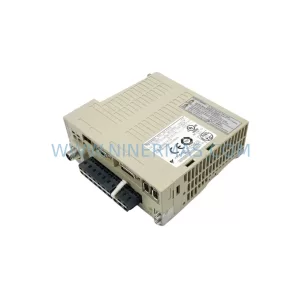
SKU: SGDS-01A32A LS2TR30-300Q8 6SL3120-1TE15-0AA4
Yaskawa SGDS-01A32A Retrofit Servo Drive for Legacy Systems