Original Industrial Spare Part
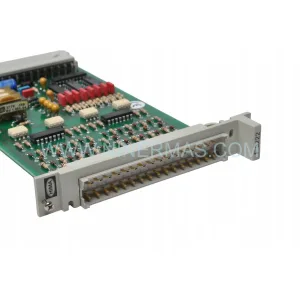
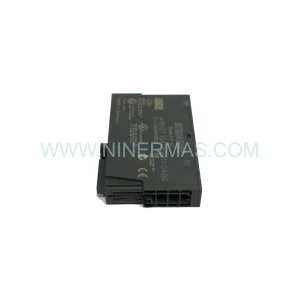
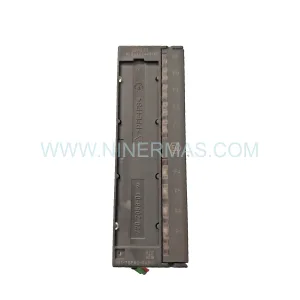
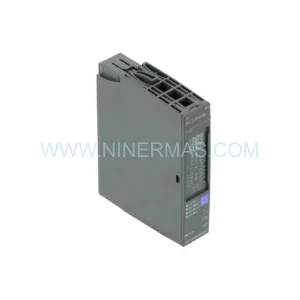
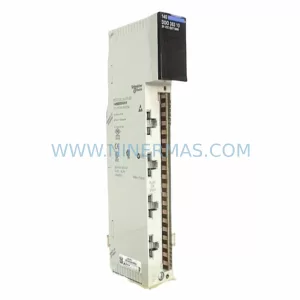
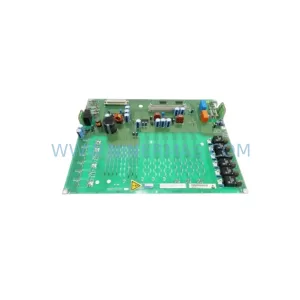
Schneider 140ACI05100SC Retrofit Analog Input Module
Verify the part, confirm the platform family, and move straight into quotation with the right commercial details.
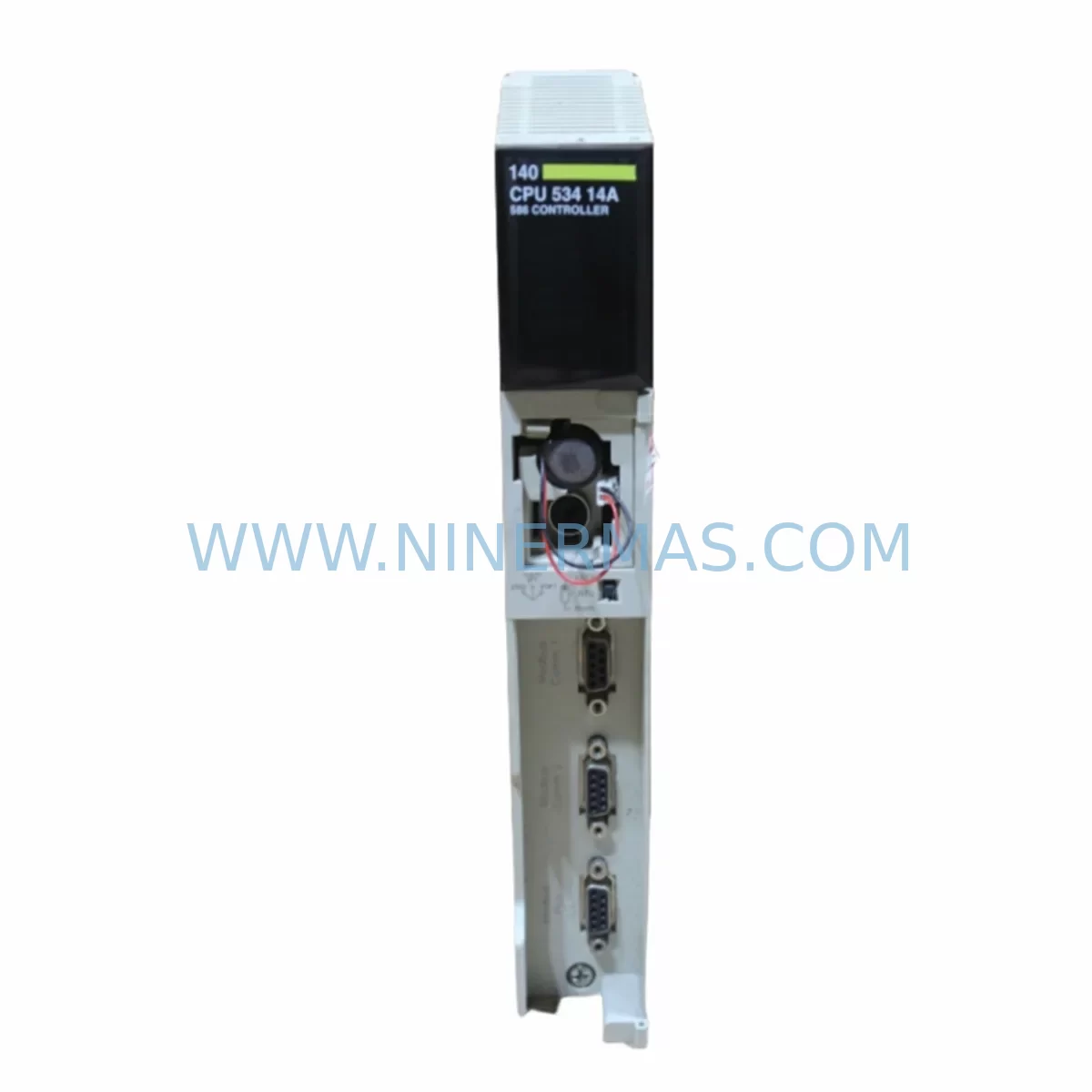
RFQ Ready
- SKU140ACI05100SC
- CategoryPLC & Industrial Automation Modules
- BrandSchneider Electric
- SupportAvailability, lead time, condition, and shipping coordination
How Buyers Usually Use This Page
- Confirm the exact part number and platform family before sending the quote request.
- Use direct email when quantity, condition, and destination are already defined internally.
- Switch to the broader brand or category archive when you need alternates nearby.
Series Navigation
Move through the most common platform families behind this part.
Product RFQ
Send this part directly for quotation.
Include quantity, required condition, destination country, and target delivery timing. Current reference: Schneider 140ACI05100SC Retrofit Analog Input Module with SKU 140ACI05100SC.
Schneider 140ACI05100SC Retrofit Analog Input Module: Legacy System Compatibility & Smooth Upgrade
The Schneider Electric 140ACI05100SC is a ruggedized analog input module designed for the Modicon Quantum PLC platform. Built to operate reliably in harsh industrial environments — including high-vibration, high-humidity, and chemically aggressive atmospheres — this module delivers 16-channel analog current input (4–20 mA) with high-resolution signal acquisition. It is a direct retrofit-compatible replacement for legacy Quantum rack systems and remains one of the most sought-after spare parts for aging automation lines that cannot yet be fully migrated to newer control architectures such as the Modicon M580 or Modicon M340.
For maintenance engineers managing legacy Quantum installations, the 140ACI05100SC offers a critical advantage: it slots directly into existing 140XBP01600 or 140XBP00600 backplanes without requiring rack modification, firmware re-flashing, or I/O address remapping — provided the replacement module is installed in the same slot position as the original. This makes it an ideal candidate for emergency spare replacement, planned preventive maintenance, and phased system modernization programs where full platform migration is deferred.
Upgrade Compatibility Table
| Parameter | 140ACI05100SC Specification | Retrofit / Replacement Notes |
|---|---|---|
| Platform | Modicon Quantum | Direct slot-compatible with Quantum backplanes (140XBP series) |
| Input Channels | 16 × Analog Current (4–20 mA) | Verify field wiring terminal assignments before swap |
| Signal Resolution | 12-bit (0–4095 counts) | Confirm PLC program scaling blocks match resolution |
| Backplane Interface | Quantum I/O bus (Modbus-based internal bus) | Compatible with 140CPS11100, 140CPS21100 power supplies |
| Communication Protocol | Internal Quantum I/O bus; Modbus TCP via 140NOE77101 or 140NOE77111 Ethernet modules | No protocol change required for like-for-like replacement |
| Installation Space | Single-slot Quantum module (standard width) | Confirm slot availability in 140XBP01600 / 140XBP00600 rack |
| Ruggedization | Conformal coating (SC suffix) for harsh environments | Replaces standard 140ACI05100 in corrosive/humid environments |
| Replacement Path | Direct replacement for 140ACI05100 (non-SC) and 140ACI04000 | Verify I/O map and Unity Pro / ProWORX configuration |
| Debugging Focus | Channel enable bits, input range configuration, fault register | Use Unity Pro Diagnostics or ProWORX NxT for live channel verification |
| Warranty | 12-Month Warranty | Pre-Shipment Functional Test Included | |
Retrofit Planning for Existing Automation Systems
When integrating the 140ACI05100SC into an existing Modicon Quantum control cabinet, a structured retrofit plan significantly reduces risk and commissioning time. The following workflow reflects best practices for legacy system modernization projects where the Quantum platform remains the primary controller.
Step 1 — Power Budget Verification: Before installing the replacement module, confirm that the rack power supply — typically a 140CPS11100 (11 A, 5 VDC) or 140CPS21100 (3 A, 5 VDC / 0.8 A, 24 VDC) — has sufficient headroom to support the 140ACI05100SC’s current draw alongside other installed modules such as discrete output modules (140DAO84000) and communication modules. Overloaded power supplies are a leading cause of intermittent analog faults in aging Quantum racks.
Step 2 — Terminal Wiring Audit: The 140ACI05100SC uses a 40-pin field wiring connector. Before removal of the failed module, photograph or document the existing terminal assignments. Each of the 16 input channels uses a dedicated positive and return terminal pair. Mislabeled or undocumented field wiring is common in installations that have been in service for 10–15 years. Cross-reference against the original P&ID drawings and the Unity Pro I/O configuration to confirm channel-to-signal mapping.
Step 3 — Backplane Slot and Address Confirmation: The Quantum backplane (140XBP01600 for 16-slot or 140XBP00600 for 6-slot configurations) assigns module addresses based on physical slot position. The 140ACI05100SC must be installed in the same slot as the original module to preserve the I/O address map used by the PLC program. If the slot position changes, the Unity Pro project must be updated and re-downloaded — a process that requires a controlled program stop.
Step 4 — Program Compatibility Check: Open the Unity Pro (or ProWORX NxT for older projects) configuration and verify that the module type declared in the I/O configuration matches the 140ACI05100SC. The SC (conformal-coated) variant is functionally identical to the standard 140ACI05100, so no configuration change is required for a like-for-like swap. However, if replacing an older 140ACI04000 (8-channel predecessor), the I/O map must be updated to reflect the expanded 16-channel layout.
Step 5 — HMI Screen and Alarm Verification: Analog input modules feed process values to HMI displays — commonly Magelis XBTGT or Magelis STO panels connected via Modbus serial or Modbus TCP through a 140NOE77101 Ethernet communication module. After module replacement, verify that all analog tags are reading correctly on the HMI and that high/low alarm thresholds are triggering as expected. Pay particular attention to channels used for PID loop feedback, as scaling errors can cause immediate process upsets.
Step 6 — Communication Link Integrity: In distributed Quantum architectures using RIO (Remote I/O) drops, the analog input data is transmitted over the Quantum RIO coaxial cable network via a 140CRA93100 remote I/O adapter. Confirm that the RIO drop containing the 140ACI05100SC is communicating correctly with the head-end controller after module replacement. Check the RIO health bits in the PLC program and verify that no communication faults are latched.
Step 7 — Signal Isolator and Conditioning Review: In installations where field transmitters share common ground references or where long cable runs introduce noise, signal isolators (such as Phoenix Contact MINI MCR or Weidmüller ACT series) may be installed between the field device and the 140ACI05100SC input terminals. Confirm that these isolators are functioning correctly and that their output range (4–20 mA) matches the module’s configured input range.
Step 8 — Programming Cable and Backup: Before any module swap, use a TSXPCX3030 or USB-to-serial programming cable to create a full backup of the Unity Pro project, including the I/O configuration, symbol table, and application program. Store the backup on a secure network location. This ensures rapid recovery if the replacement module reveals a latent configuration issue.
Downtime Control During System Migration
Minimizing unplanned downtime is the primary concern for any maintenance team managing a Modicon Quantum installation. The 140ACI05100SC supports a hot-swap-aware replacement procedure when the Quantum system is configured with redundant power and the affected I/O drop is not controlling safety-critical outputs. The recommended approach is as follows:
First, place the PLC in a controlled state — either by switching the affected analog loops to manual control at the DCS or by temporarily disabling the PID blocks in the Unity Pro program that depend on the failing module’s channels. This prevents process upsets caused by stale or invalid analog values during the module swap window.
Next, remove the failed 140ACI05100SC and install the replacement unit. The Quantum backplane will automatically detect the new module and re-initialize the I/O channel configuration within 2–5 seconds of power-up. Monitor the module status LED: a solid green LED indicates successful initialization; a flashing red LED indicates a configuration mismatch or wiring fault.
Once the module is online, restore the PID blocks to automatic mode and verify process values against independent field instruments (pressure gauges, flow totalizers, or temperature indicators) to confirm signal accuracy. Document the replacement in the site maintenance log, including the module serial number, slot position, date, and technician name.
For planned maintenance windows, the total replacement time for a single 140ACI05100SC — including wiring verification, module swap, and signal confirmation — is typically 30–60 minutes for an experienced technician familiar with the Quantum platform. Having a pre-tested spare module on-site (verified against a known-good rack before the maintenance window) reduces this window further and eliminates the risk of receiving a defective replacement unit during a live outage.
All units supplied by NINERMAS undergo pre-shipment functional testing on a live Quantum rack to verify channel-by-channel signal acquisition, fault register behavior, and backplane communication integrity. Each module ships with a 12-month warranty covering manufacturing defects and functional failures under normal operating conditions.
Retrofit Support FAQ
Q1: Is the 140ACI05100SC a direct replacement for the standard 140ACI05100?
Yes. The SC suffix denotes conformal coating for harsh environment protection. The module is functionally identical to the standard 140ACI05100 and can be installed in the same backplane slot without any changes to the Unity Pro I/O configuration, program logic, or HMI tag assignments. It also serves as a compatible upgrade replacement for the older 140ACI04000 (8-channel), provided the I/O address map is updated in the PLC project to reflect the 16-channel layout.
Q2: What commissioning steps are required after installation?
After physical installation, verify the module status LED (solid green = healthy), check the Unity Pro Diagnostics viewer for any channel fault bits, and confirm live analog readings on all active channels against field instrument references. For channels used in PID control loops, perform a brief bump test to confirm loop response. No firmware download or module configuration upload is required for a like-for-like replacement in the same slot position.
Q3: How is pre-shipment testing performed, and what does the 12-month warranty cover?
Each 140ACI05100SC unit supplied by NINERMAS is tested on a live Modicon Quantum rack prior to shipment. Testing includes channel-by-channel 4–20 mA signal injection, fault register verification, and backplane communication confirmation. The 12-month warranty covers manufacturing defects and functional failures under normal operating conditions. It does not cover damage caused by incorrect installation, overvoltage, or physical impact. Warranty claims are processed with a replacement-first policy to minimize customer downtime.
Q4: Can this module be used in a Quantum Hot Standby (HSBY) configuration?
Yes. The 140ACI05100SC is compatible with Modicon Quantum Hot Standby architectures using the 140CPU67160 or 140CPU67260 redundant CPU modules. In an HSBY configuration, both the primary and standby racks must be populated with identical module types in identical slot positions. Ensure that both racks are updated simultaneously during a planned maintenance window to maintain configuration parity and avoid switchover faults.
| Product Series | Modicon Quantum |
|---|---|
| Country of Origin | FR |
Catalog Continuation
More Schneider Electric modules in the catalog.
Use the brand lane to compare nearby part numbers, platform-adjacent modules, and other inquiry-ready listings before sending your final RFQ.
Catalog Continuation
Alternative parts within PLC & Industrial Automation Modules.
Stay inside the same system family when you need substitutes, adjacent modules, or a broader shortlist for procurement review.
SKU: SGDS-01A32A LS2TR30-300Q8 6SL3120-1TE15-0AA4
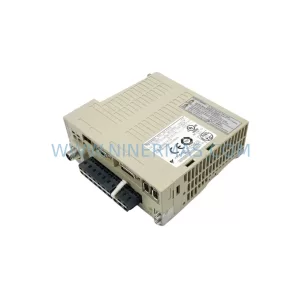
Yaskawa SGDS-01A32A Retrofit Servo Drive for Legacy Systems
SKU: 6SE7041-8EK85-0HA0
Siemens 6SE7041-8EK85-0HA0 Service-Ready Spare Part