
Original Industrial Spare Part
KUKA KR500 R2830 Retrofit-Compatible Robot for Legacy Systems
Verify the part, confirm the platform family, and move straight into quotation with the right commercial details.
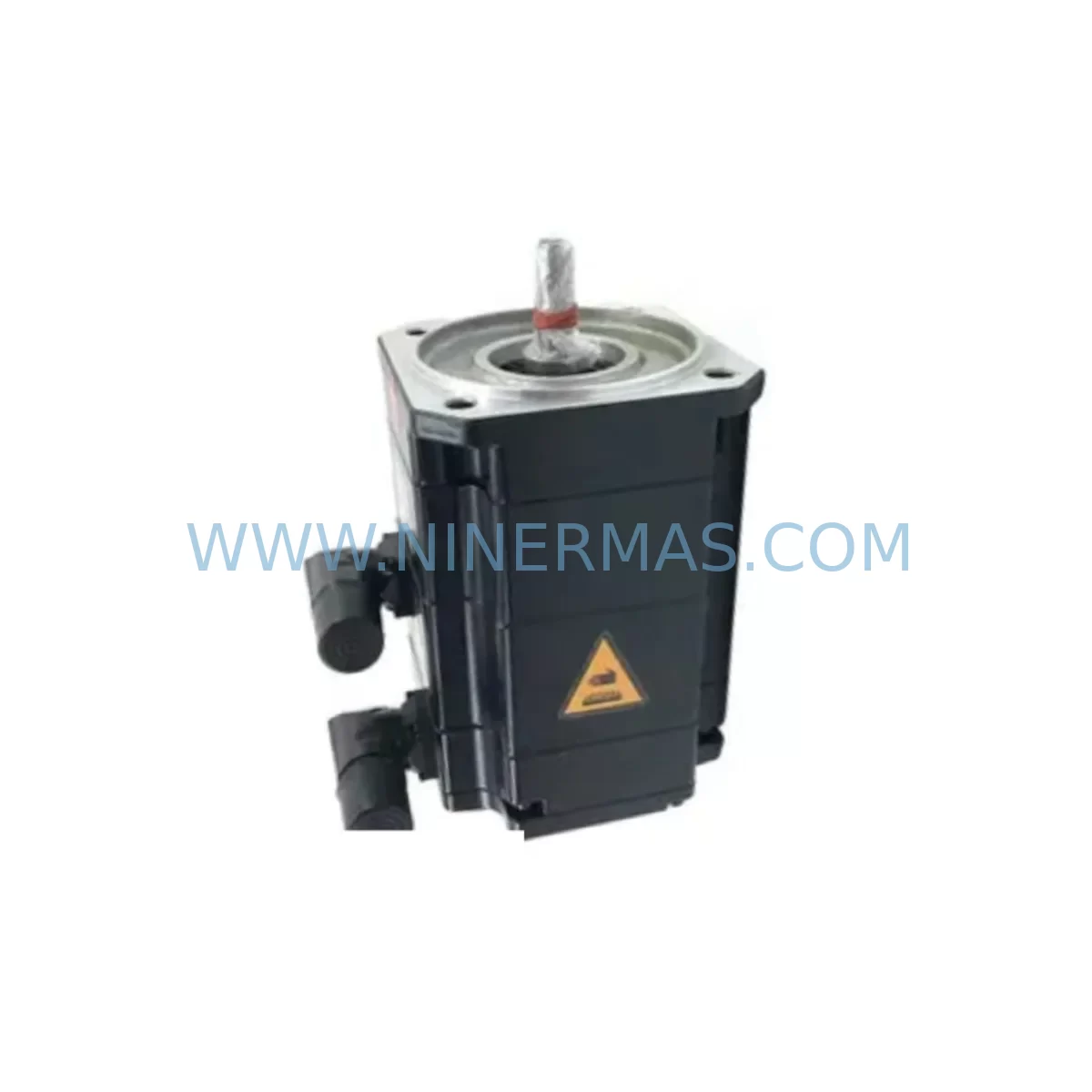
RFQ Ready
- SKUKR500-R2830-FA200-170-720 A4KR500-R2830-F :00-170-462 KR500-R2830-FA400-170-462
- CategoryPLC & Industrial Automation Modules
- BrandKUKA
- SupportAvailability, lead time, condition, and shipping coordination
How Buyers Usually Use This Page
- Confirm the exact part number and platform family before sending the quote request.
- Use direct email when quantity, condition, and destination are already defined internally.
- Switch to the broader brand or category archive when you need alternates nearby.
Series Navigation
Move through the most common platform families behind this part.
Product RFQ
Send this part directly for quotation.
Include quantity, required condition, destination country, and target delivery timing. Current reference: KUKA KR500 R2830 Retrofit-Compatible Robot for Legacy Systems with SKU KR500-R2830-FA200-170-720 A4KR500-R2830-F :00-170-462 KR500-R2830-FA400-170-462.
KUKA KR500 R2830 Retrofit-Compatible Robot for Legacy Systems
The KUKA KR500 R2830 — covering variants KR500-R2830-FA200-170-720, A4KR500-R2830-F, and KR500-R2830-FA400-170-462 — is a high-payload industrial robot designed for heavy-duty automation tasks including press tending, machine loading, palletizing, and large-component handling. As production lines age and original KUKA KR500 units approach end-of-life, sourcing a verified, retrofit-compatible replacement becomes critical to maintaining uptime and protecting existing control infrastructure investments.
NINERMAS maintains ready stock of the KR500 R2830 series, pre-shipment tested and backed by a 12-month warranty. Each unit is inspected against KUKA factory specifications before dispatch, ensuring compatibility with existing KRC4 controller cabinets, KCP4 teach pendants, and legacy KRC2 environments where applicable. Whether you are replacing a failed axis, upgrading a worn mechanical unit, or migrating an entire robot cell, this guide covers the key technical checkpoints your engineering team must verify before and during installation.
Upgrade Compatibility Table
| Parameter | KR500-R2830-FA200-170-720 | A4KR500-R2830-F | KR500-R2830-FA400-170-462 |
|---|---|---|---|
| Payload Capacity | 500 kg | 500 kg | 500 kg |
| Reach (mm) | 2,830 | 2,830 | 2,830 |
| Mounting Orientation | Floor / Ceiling | Floor | Floor / Ceiling |
| Controller Compatibility | KRC4, KRC4 Extended | KRC4 | KRC4, KRC4 Extended |
| Communication Protocol | PROFINET, EtherNet/IP | PROFINET | PROFINET, EtherNet/IP |
| Teach Pendant | KUKA SmartPAD | KUKA SmartPAD | KUKA SmartPAD |
| Footprint / Base Flange | Standard KR500 base | Standard KR500 base | Standard KR500 base |
| Wrist Flange (ISO 9283) | A6 flange compatible | A6 flange compatible | A6 flange compatible |
| Retrofit Recommendation | Direct swap for FA200 variant | Verify A4 arm geometry | Direct swap for FA400 variant |
| Commissioning Focus | Mastering, load data, SafeOp | Mastering, axis limits | Mastering, load data, SafeOp |
| Warranty | 12 Months | 12 Months | 12 Months |
Retrofit Planning for Existing Automation Systems
Replacing a KR500 R2830 in an active production cell requires careful coordination across mechanical, electrical, and software domains. Before the replacement unit arrives on-site, your team should audit the existing KRC4 controller cabinet for firmware version compatibility. The KRC4 controller runs KUKA System Software (KSS), and the installed KSS version must support the mechanical variant being installed. If the existing cabinet runs an older KSS release, a software update may be required — this should be staged and tested offline before the physical swap.
Power supply capacity is a critical checkpoint. The KPP 600-20 power supply module inside the KRC4 cabinet must be rated to support the KR500’s axis drives. Verify that the KSD1-48 servo drive modules — typically six per robot — are functioning correctly and that no fault codes are latched in the controller. A failed servo drive on an existing axis can mask itself as a mechanical fault on the incoming replacement unit, leading to unnecessary diagnostic delays during commissioning.
Terminal wiring at the robot base connector (X11, X31, X32) must be documented before disconnection. Photograph or log every wire position, cable label, and shield termination point. The RDC (Resolver Digital Converter) module mounted inside the robot arm communicates axis position data back to the KRC4 — if the RDC module is damaged or incompatible with the replacement arm’s resolver harness, mastering will fail. Confirm RDC firmware and connector pinout before installation.
For cells using external safety systems, the SIB (Safety Interface Board) inside the KRC4 must be reconfigured if the robot’s SafeOperation zones or axis monitoring parameters change with the new unit. Cells integrating KUKA.SafeOperation or KUKA.SafeRangeMonitoring should have their safety parameter sets backed up and re-validated post-swap. The KUKA SmartPAD teach pendant is used for all mastering, load data entry, and SafeOp configuration — ensure the pendant cable and X19 connector are undamaged before starting commissioning.
If the production cell includes a KR500 L480 or KR600 R2830 operating in tandem with the unit being replaced, verify that the multi-robot coordination logic in the PLC or robot program does not reference axis-specific mastering offsets that will change after replacement. Programs referencing absolute Cartesian positions should be re-verified at slow speed before resuming full production velocity. I/O signal mapping between the robot and the line PLC — typically via PROFINET or EtherNet/IP — should be confirmed active and fault-free before the first automatic cycle.
For installations using a KR C4 compact controller or a KR C4 smallsize cabinet, confirm that the cabinet’s internal backplane and power distribution are rated for the KR500’s current draw. Installations in confined control cabinets should also verify that cooling airflow is unobstructed, as thermal faults are a common cause of premature drive failure in retrofit environments.
Downtime Control During System Migration
Minimizing downtime during a KR500 R2830 replacement begins with pre-staging. The replacement robot should arrive on-site at least 24 hours before the planned maintenance window, allowing your team to verify the unit physically, confirm serial number documentation, and check that all mechanical axes move freely by hand (with drives de-energized). Any discrepancy in flange geometry, cable routing, or base bolt pattern should be identified before the old unit is removed from the cell.
Back up the existing robot program, load data, tool data, base data, and SafeOperation parameters from the KRC4 controller to a USB drive or network share before disconnecting any cables. KUKA’s WorkVisual project file should also be archived — this contains the complete bus topology, I/O mapping, and drive configuration for the cell. Restoring from a clean WorkVisual backup is significantly faster than reconfiguring the bus from scratch.
During the physical swap, use a calibrated lifting device rated for the KR500’s 2,200 kg body weight. Secure the arm in the transport position before unbolting from the base flange. Once the replacement unit is mounted and all connectors are secured, perform a cold mastering sequence using the KUKA Electronic Mastering Device (EMD) on all six axes before powering the drives. Skipping or approximating mastering is the single most common cause of post-retrofit positional errors and program crashes.
After mastering, reload the archived program and run the first cycle at 10% override speed with a technician at the SmartPAD, ready to trigger an emergency stop. Gradually increase override speed in 10% increments, verifying path accuracy and I/O response at each step. Target full production speed only after at least two complete uninterrupted cycles at 80% override. This staged approach protects both the replacement unit and the surrounding tooling from damage caused by undetected mastering offsets or program coordinate mismatches.
Retrofit Support FAQ
Q1: Is the KR500-R2830-FA400-170-462 a direct drop-in replacement for the FA200-170-720 variant?
A: The FA400 and FA200 variants share the same base flange and reach envelope but differ in wrist load capacity and cable routing. A direct mechanical swap is possible in most installations, but load data in the KRC4 controller must be updated to reflect the FA400 wrist specification. Verify with your KUKA system documentation before proceeding.
Q2: What pre-shipment testing does NINERMAS perform on KR500 R2830 units?
A: Every unit undergoes a full power-on functional test covering all six axes, drive communication, resolver feedback, and brake release verification. Test results are documented and shipped with the unit. The 12-month warranty covers mechanical and electrical defects identified under normal operating conditions.
Q3: Can the KR500 R2830 operate with a KRC2 controller in a legacy cell?
A: Compatibility between KR500 R2830 mechanical units and KRC2 controllers depends on the specific KRC2 firmware version and the robot’s RDC module variant. NINERMAS recommends confirming the KRC2 software version and resolver interface type before ordering. Our technical team can assist with compatibility verification prior to shipment.
Q4: What is the lead time and inventory availability for KR500 R2830 variants?
A: NINERMAS maintains in-stock inventory of KR500 R2830 series units for immediate dispatch. Standard lead time from order confirmation to shipment is 3–7 business days, subject to pre-shipment testing completion. Contact our sales team for current stock levels and expedited shipping options.
| Product Series | Legacy |
|---|---|
| Country of Origin | DE |
Catalog Continuation
More KUKA modules in the catalog.
Use the brand lane to compare nearby part numbers, platform-adjacent modules, and other inquiry-ready listings before sending your final RFQ.
SKU: 00-284-170 KPC4 00284170 00-198-269 00-198-260KRC400198260
KUKA 00-284-170 Retrofit KPC4 CPU Module for Legacy Systems
SKU: 00-200-589 MG_20_84_45 00200589
KUKA 00-200-589 Retrofit-Compatible Gearbox for Legacy Systems
SKU: 00-219-254 GA12-A-FO 00-198-260.KPP600-20-1X40 C4 00-179-159 1FK7063-5AF71-1SY3-ZS77
KUKA 1FK7063-5AF71-1SY3-ZS77 Retrofit Servo for Legacy Systems
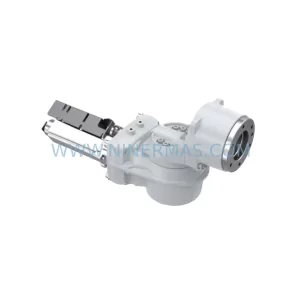
SKU: 00-170-819 00-170-819 00-187-547 00-187-547 00-176-109 RV-410F-236
KUKA RV-410F-236 Retrofit-Compatible Gearbox for Legacy Systems
Catalog Continuation
Alternative parts within PLC & Industrial Automation Modules.
Stay inside the same system family when you need substitutes, adjacent modules, or a broader shortlist for procurement review.



SKU: HDD02.2-W040N-HS12-01-FW FWA-DIAX04-ELS-05VRS-MS
Rexroth HDD02.2-W040N-HS12-01-FW Service-Ready Spare Part

SKU: I5DAE375F10010000S
Lenze I5DAE375F10010000S Service-Ready Spare Part for Industrial Maintenance



