Original Industrial Spare Part
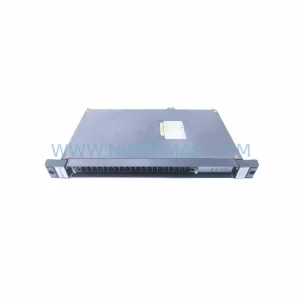
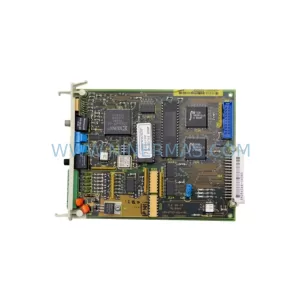
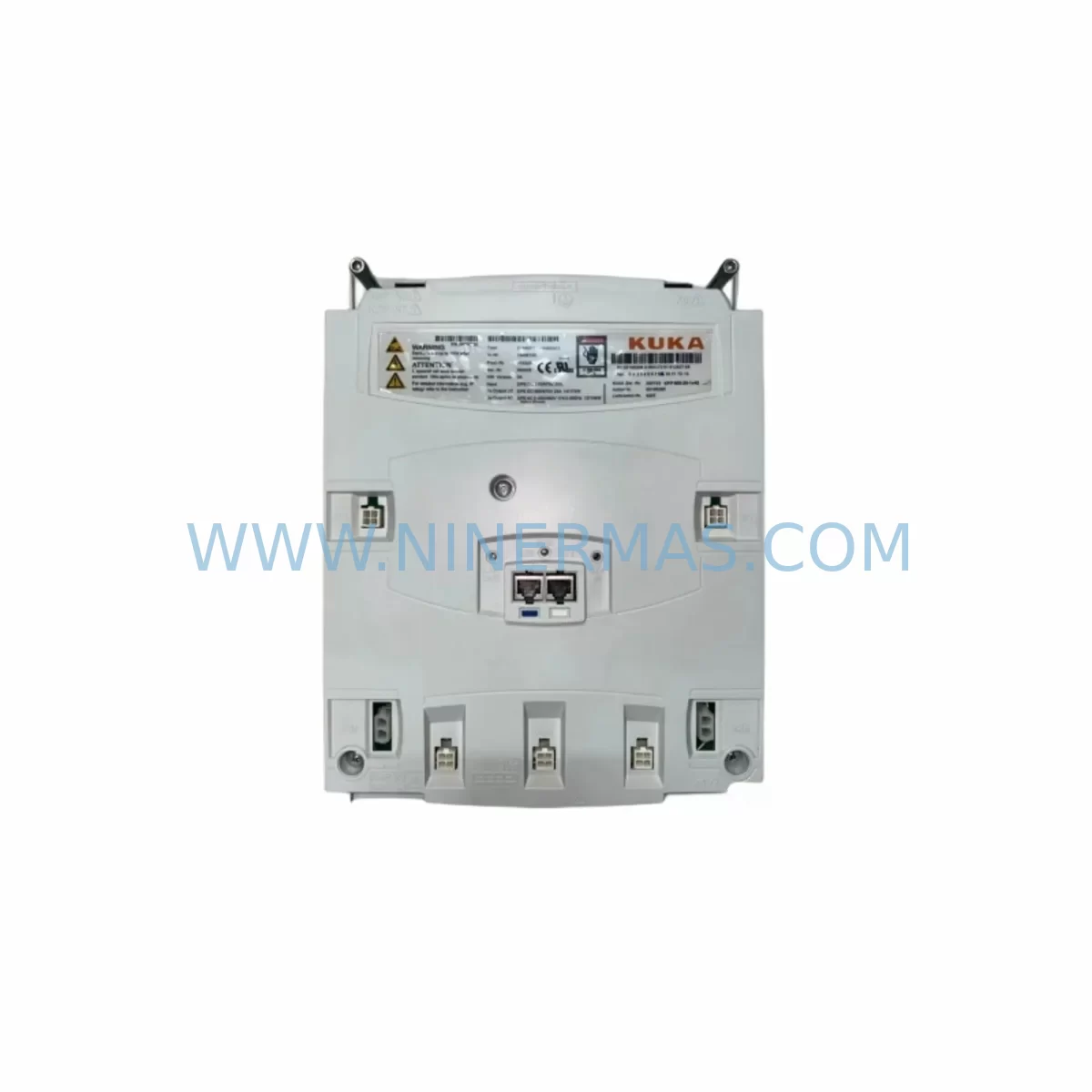
KUKA 00-284-170 Retrofit KPC4 CPU Module for Legacy Systems
Verify the part, confirm the platform family, and move straight into quotation with the right commercial details.
RFQ Ready
- SKU00-284-170 KPC4 00284170 00-198-269 00-198-260KRC400198260
- CategoryPLC & Industrial Automation Modules
- BrandKUKA
- SupportAvailability, lead time, condition, and shipping coordination
How Buyers Usually Use This Page
- Confirm the exact part number and platform family before sending the quote request.
- Use direct email when quantity, condition, and destination are already defined internally.
- Switch to the broader brand or category archive when you need alternates nearby.
Series Navigation
Move through the most common platform families behind this part.
Product RFQ
Send this part directly for quotation.
Include quantity, required condition, destination country, and target delivery timing. Current reference: KUKA 00-284-170 Retrofit KPC4 CPU Module for Legacy Systems with SKU 00-284-170 KPC4 00284170 00-198-269 00-198-260KRC400198260.
KUKA 00-284-170 Retrofit KPC4 CPU Module for Legacy Systems
The KUKA 00-284-170 is a ruggedized KPC4 CPU module engineered for demanding industrial environments where standard computing hardware cannot withstand vibration, temperature extremes, or continuous duty cycles. Originally deployed across KUKA KR C4 robot controller platforms, this module serves as the central processing unit responsible for real-time motion control, program execution, and communication management within the controller cabinet. As production lines age and OEM support windows close, the 00-284-170 has become a critical spare part for maintenance engineers and system integrators tasked with keeping legacy automation assets operational without committing to full system replacement.
For facilities running KUKA KR 6, KR 16, KR 60, KR 120, or KR 210 series robots on KR C4 controllers, the 00-284-170 provides a direct retrofit path that preserves existing wiring harnesses, backplane connections, and cabinet layouts. The module is compatible with the standard KR C4 controller backplane and interfaces directly with the DSE-IBS communication card (KUKA 00-281-556), allowing existing PROFIBUS and EtherCAT network topologies to remain intact during the swap. This eliminates the need for protocol migration or PLC reprogramming in most retrofit scenarios.
Upgrade Compatibility Table
| Parameter | Details |
|---|---|
| SKU / Part Number | 00-284-170 (also referenced as 00284170, 00-198-269, 00-198-260) |
| Series | KPC4 |
| Compatible Controller | KUKA KR C4, KR C4 compact, KR C4 smallsize |
| Backplane Interface | Standard KR C4 CPU slot — direct drop-in replacement |
| Communication Compatibility | PROFIBUS DP, EtherCAT, ProfiNet (via DSE-IBS card) |
| Power Supply Requirement | 24 VDC via KPC4 power rail; confirm with 00-130-547 PSU output |
| Installation Space | Standard KR C4 controller cabinet CPU bay — no mechanical modification required |
| Replacement Recommendation | Direct replacement for failed or end-of-life 00-284-170 units; verify firmware version before commissioning |
| Commissioning Notes | Restore robot program from backup; re-initialize RDC board (00-134-525); verify HMI panel communication |
| Warranty | 12 months from shipment date — covers manufacturing defects and functional failure under normal operating conditions |
Retrofit Planning for Existing Automation Systems
Successful integration of the KUKA 00-284-170 into an existing production environment requires a structured pre-installation audit. Before removing the failed CPU module, maintenance teams should archive the complete robot program using the KUKA smartPAD teach pendant (00-198-266) and confirm that the backup includes all motion programs, tool data, base coordinates, and safety configuration files. Failure to capture a verified backup before hardware replacement is the leading cause of extended downtime during KR C4 controller retrofits.
Power supply integrity is the next critical checkpoint. The KPC4 power supply module (00-130-547) must deliver stable 24 VDC to the CPU bay. Voltage sag or ripple exceeding manufacturer tolerances will cause the 00-284-170 to fail POST diagnostics and prevent controller boot. Use a calibrated multimeter to verify output at the CPU connector before seating the replacement module. If the existing PSU shows signs of capacitor aging or thermal stress, replacing it concurrently with the CPU module eliminates a common secondary failure point.
Terminal wiring and backplane seating require careful attention. The KR C4 backplane accommodates the CPU module, the MFC3 multi-function card (00-132-345), and the CCU board (00-168-334) in a defined slot order. Incorrect slot assignment will prevent the controller from recognizing the new CPU. Verify slot addressing against the original cabinet wiring diagram before powering on. The RDC board (00-134-525), which manages resolver-to-digital conversion for axis feedback, must also be re-initialized after CPU replacement to re-establish encoder reference positions.
For systems where the original hard disk (00-128-358) has also reached end of life, a simultaneous replacement of both the CPU module and the storage drive is recommended. This approach allows a clean operating system and firmware installation, reducing the risk of software conflicts between the new hardware and legacy system images. The KPP 600 power pack (00-122-285) and KSP 600 servo drives (00-184-230) do not require replacement during a CPU-only retrofit, but their firmware versions should be confirmed compatible with the KPC4 module firmware being installed.
I/O expansion modules connected to the controller via EtherCAT or PROFIBUS will automatically re-enumerate after the CPU replacement, provided the network topology and device addresses remain unchanged. Document all slave device addresses before the retrofit to accelerate post-installation verification. HMI panels connected via the controller’s Ethernet port will require a communication link test after the CPU is online to confirm that screen navigation, alarm displays, and operator input functions are fully restored.
Downtime Control During System Migration
Minimizing unplanned downtime during a KR C4 CPU retrofit begins with preparation completed before the maintenance window opens. A pre-staged replacement unit — the KUKA 00-284-170 — should be bench-tested and confirmed functional before the production robot is taken offline. NINERMAS ships all CPU modules with pre-shipment functional testing completed, reducing the risk of receiving a non-functional unit during a time-critical repair.
The recommended replacement sequence is: (1) archive robot program and safety configuration via smartPAD, (2) power down the controller cabinet following the KR C4 shutdown procedure, (3) discharge the KPP 600 power pack capacitors per KUKA safety guidelines, (4) remove the failed 00-284-170 and seat the replacement module in the correct backplane slot, (5) restore the robot program from backup, (6) perform a cold start and verify axis mastering via the RDC board, (7) run a slow-speed test cycle before returning the robot to production speed.
For facilities with redundant robot cells, scheduling the CPU replacement during a planned shift changeover or weekend maintenance window eliminates production impact entirely. Where redundancy is not available, pre-positioning all required spare components — including the CPU module, power supply, and any suspect I/O cards — before the maintenance window begins is the most effective strategy for keeping the repair window under four hours.
Original program logic is preserved through the backup-and-restore process and does not require rewriting after a CPU replacement. Safety zone configurations, tool offsets, and conveyor tracking parameters are stored in the program archive and will be fully restored when the backup is loaded onto the new module. This continuity of control logic is a key advantage of the KPC4 platform’s modular architecture.
Retrofit Support FAQ
Q: Is the KUKA 00-284-170 a direct drop-in replacement for my existing KPC4 CPU module?
A: Yes. The 00-284-170 is designed for direct installation into the KR C4 controller CPU bay without mechanical modification. Confirm that your controller cabinet uses the standard KR C4 backplane layout before installation. Firmware version compatibility should be verified against your existing KSP and KPP drive firmware.
Q: What commissioning steps are required after installing the replacement CPU?
A: After seating the 00-284-170, restore the robot program from your pre-maintenance backup via the smartPAD. Perform a cold start, re-initialize the RDC board to re-establish axis mastering, and run a communication link test to confirm HMI and network connectivity. A slow-speed test cycle should be completed before returning to full production speed.
Q: Does NINERMAS provide pre-shipment testing for the 00-284-170?
A: Yes. All KUKA 00-284-170 units shipped by NINERMAS undergo functional testing prior to dispatch. Each unit is covered by a 12-month warranty from the shipment date, covering manufacturing defects and functional failure under normal operating conditions. Test reports are available upon request.
Q: What is the typical lead time and stock availability?
A: NINERMAS maintains ready inventory of the KUKA 00-284-170 to support urgent maintenance requirements. Standard orders ship within 1–3 business days. For large-quantity procurement or reserved inventory agreements supporting long-term maintenance contracts, contact our sales team directly to discuss stock reservation and lead time commitments.
—
| Product Series | Legacy |
|---|---|
| Country of Origin | DE |
Catalog Continuation
More KUKA modules in the catalog.
Use the brand lane to compare nearby part numbers, platform-adjacent modules, and other inquiry-ready listings before sending your final RFQ.
SKU: KR500-R2830-FA200-170-720 A4KR500-R2830-F :00-170-462 KR500-R2830-FA400-170-462
KUKA KR500 R2830 Retrofit-Compatible Robot for Legacy Systems
SKU: 00-200-589 MG_20_84_45 00200589
KUKA 00-200-589 Retrofit-Compatible Gearbox for Legacy Systems
SKU: 00-219-254 GA12-A-FO 00-198-260.KPP600-20-1X40 C4 00-179-159 1FK7063-5AF71-1SY3-ZS77
KUKA 1FK7063-5AF71-1SY3-ZS77 Retrofit Servo for Legacy Systems
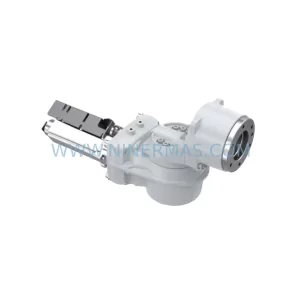
SKU: 00-170-819 00-170-819 00-187-547 00-187-547 00-176-109 RV-410F-236
KUKA RV-410F-236 Retrofit-Compatible Gearbox for Legacy Systems
Catalog Continuation
Alternative parts within PLC & Industrial Automation Modules.
Stay inside the same system family when you need substitutes, adjacent modules, or a broader shortlist for procurement review.