Original Industrial Spare Part
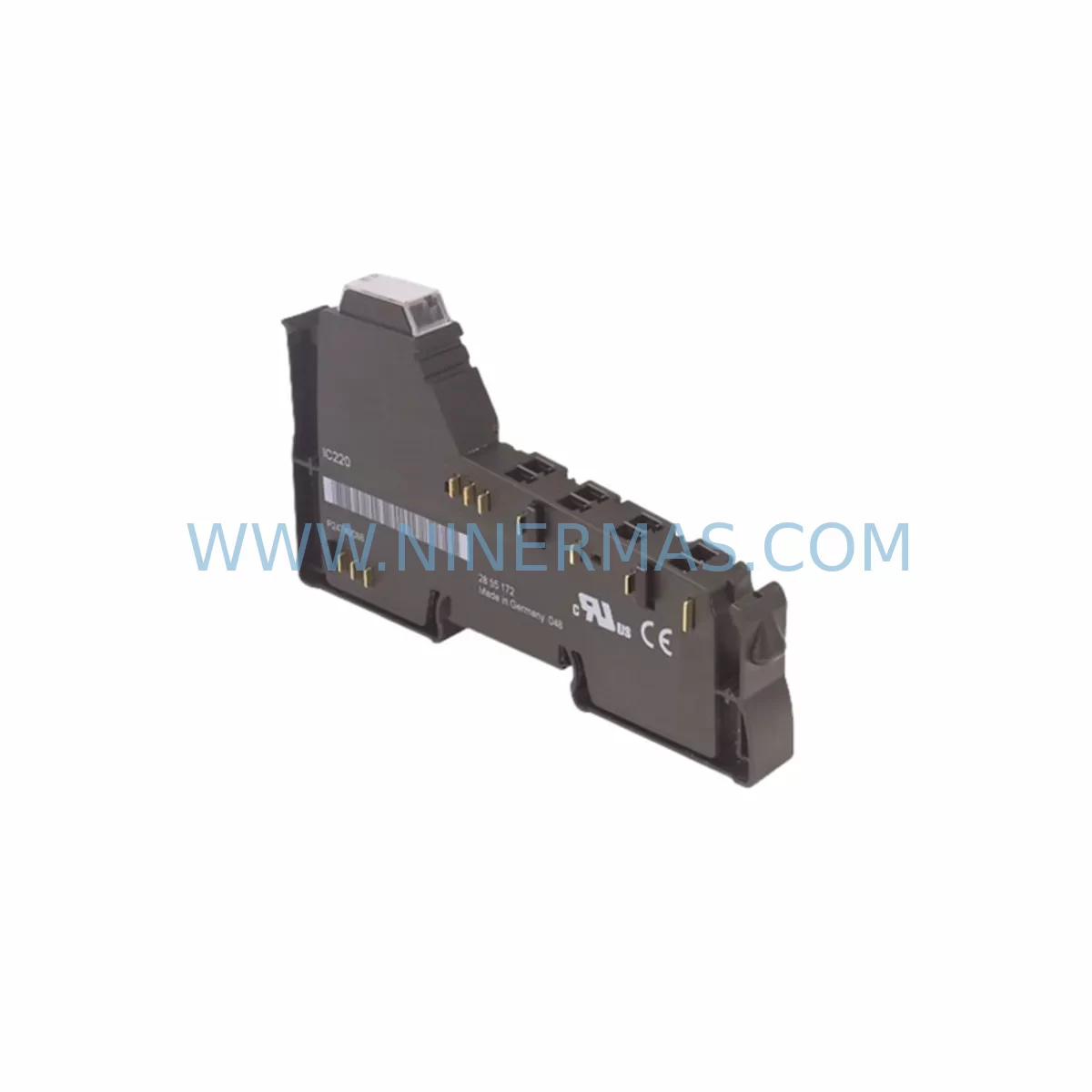
GE IC220MDD840 Service-Ready Spare Part for Industrial Maintenance
Verify the part, confirm the platform family, and move straight into quotation with the right commercial details.
RFQ Ready
- SKUIC220MDD840
- CategoryPLC & Industrial Automation Modules
- BrandGE
- SupportAvailability, lead time, condition, and shipping coordination
How Buyers Usually Use This Page
- Confirm the exact part number and platform family before sending the quote request.
- Use direct email when quantity, condition, and destination are already defined internally.
- Switch to the broader brand or category archive when you need alternates nearby.
Series Navigation
Move through the most common platform families behind this part.
Product RFQ
Send this part directly for quotation.
Include quantity, required condition, destination country, and target delivery timing. Current reference: GE IC220MDD840 Service-Ready Spare Part for Industrial Maintenance with SKU IC220MDD840.
GE IC220MDD840 Service-Ready Spare Part for Industrial Maintenance
The GE IC220MDD840 is a discrete mixed I/O module from the GE VersaMax IC220 Series, engineered for reliable performance in demanding industrial automation environments. As a service-ready spare part, the IC220MDD840 is stocked and tested to support rapid replacement, minimize unplanned downtime, and restore production continuity in PLC-controlled systems. Whether you are managing a scheduled annual overhaul, responding to an emergency fault, or building a proactive spare parts inventory, this module delivers the compatibility and reliability that maintenance and procurement engineers depend on.
The IC220MDD840 integrates discrete digital inputs and outputs on a single compact module, reducing panel space requirements while maintaining full compatibility with the VersaMax IC220 backplane architecture. It is widely deployed in manufacturing lines, process control panels, material handling systems, and utility automation cabinets where GE VersaMax PLCs serve as the primary control platform.
Spare Maintenance Table
| Parameter | Specification |
|---|---|
| Part Number / SKU | IC220MDD840 |
| Brand | GE (General Electric Automation) |
| Series | VersaMax IC220 |
| Module Type | Discrete Mixed I/O Module (Digital Input / Digital Output) |
| Compatibility | GE VersaMax IC220 Series PLC backplane systems |
| Output Type | DC Discrete Output |
| Installation | DIN rail / backplane slot mount, tool-free module insertion |
| Operating Temperature | 0°C to 60°C (32°F to 140°F) |
| Application Environment | Industrial control panels, manufacturing automation, process control |
| Origin | United States |
| Product Condition | Original spare part, new or service-ready refurbished |
| Warranty | 12 Months from date of shipment |
| Lead Time | In stock — ships within 1–3 business days |
| Testing | Function-tested and inspected prior to dispatch |
| Maintenance Recommendation | Replace at first sign of I/O fault, LED error, or communication loss; inspect annually during scheduled shutdowns |
Maintenance Planning for Continuous Operation
When replacing the IC220MDD840 in a VersaMax IC220 control system, a thorough site inspection of the surrounding electrical environment is essential to prevent repeat failures and ensure stable resumption of operations. Maintenance engineers should treat this replacement as an opportunity to audit the full control cabinet.
Begin by verifying the IC220PWR001 or IC220PWR002 power supply module — an aging or undersized power supply is a leading cause of I/O module degradation in VersaMax systems. Check output voltage stability under load before re-energizing the replacement IC220MDD840. Next, inspect the IC220CPU001 or IC220CPU002 CPU module for firmware version compatibility and confirm that the I/O configuration table in the PLC program correctly maps to the new module’s slot address.
The IC220BEM001 bus expansion module and associated IC220CBL001 expansion cables should be checked for connector wear, bent pins, and secure seating — loose backplane connections are a frequent source of intermittent I/O faults that are often misdiagnosed as module failure. If the system uses remote I/O drops, inspect the IC220GBI001 Genius Bus Interface or IC220PBI001 Profibus Interface module for communication integrity.
On the field wiring side, examine terminal blocks and field wiring connected to the IC220MDD840’s I/O points. Corroded terminals, loose ferrules, or undersized conductors can cause output switching failures or false input signals. Replace any suspect Phoenix Contact or Weidmüller terminal blocks as part of the corrective maintenance cycle. Inline fuse holders and 2A–5A blade fuses protecting discrete output circuits should also be tested and replaced if showing signs of thermal stress.
For systems with analog signal conditioning, check adjacent IC220ALG220 or IC220ALG240 analog input modules for drift or calibration errors — a failing discrete module can sometimes introduce ground loop interference affecting nearby analog channels. Signal isolators installed between field devices and the I/O module should be verified for proper isolation resistance.
Finally, if the control system includes an IC220PNS001 PROFINET Scanner or IC220EBI001 Ethernet Bus Interface, confirm that network communication is stable after module replacement and that the PLC has re-established full I/O table synchronization. Document the replacement in the site maintenance log and update the spare parts inventory to maintain a minimum buffer stock of one IC220MDD840 per control cabinet for future emergency response.
Site Replacement Workflow
Step 1 — Isolation & Safety: Follow site LOTO (Lockout/Tagout) procedures. De-energize the VersaMax rack and confirm zero voltage at the IC220PWR supply output terminals before handling any module.
Step 2 — Module Removal: Release the IC220MDD840 module locking tab, disconnect field wiring connectors, and slide the module out of the backplane slot. Label all wiring connectors before removal to ensure correct re-termination.
Step 3 — Compatibility Verification: Confirm the replacement IC220MDD840 matches the original part number exactly. Cross-reference the PLC program I/O configuration to verify slot assignment, input/output point count, and signal type. The IC220 Series uses a fixed backplane addressing scheme — installing a module with a different I/O count in the same slot will require a program modification.
Step 4 — Installation & Wiring: Insert the new IC220MDD840 into the backplane slot until the locking tab clicks. Reconnect field wiring connectors in the correct orientation. Torque terminal screws to the manufacturer’s specification to prevent loose connections under vibration.
Step 5 — Power-Up & Verification: Re-energize the rack and observe the module’s status LEDs. A solid green I/O LED indicates successful backplane communication. Use the PLC programming software (Proficy Machine Edition or equivalent) to force-test individual I/O points and confirm correct field device response before returning the system to automatic operation.
Step 6 — Documentation: Record the replacement date, module serial number, and technician name in the site maintenance management system. Update the spare parts inventory and reorder a replacement IC220MDD840 to restore buffer stock levels.
Spare Parts Support FAQ
Q1: Is the IC220MDD840 a direct drop-in replacement for the original GE VersaMax module?
Yes. The IC220MDD840 is a direct form-fit-function replacement for the original GE VersaMax IC220 Series discrete mixed I/O module. No hardware modifications or PLC program changes are required when replacing a like-for-like module in the same backplane slot. Compatibility has been verified against the IC220 Series backplane architecture and standard VersaMax CPU firmware versions.
Q2: What testing is performed before the IC220MDD840 is shipped?
Every IC220MDD840 unit undergoes functional testing prior to dispatch, including backplane communication verification, discrete input signal response testing, and output switching load testing. Units are inspected for physical damage, connector integrity, and correct labeling. A test report is available upon request. All shipments are covered by a 12-month warranty from the date of shipment.
Q3: Can you support long-term or blanket purchase orders for the IC220MDD840?
Yes. NINERMAS supports long-term supply agreements, blanket purchase orders, and scheduled delivery programs for the IC220MDD840 and the broader GE VersaMax IC220 spare parts range. This is particularly valuable for facilities managing aging VersaMax systems where OEM supply has been discontinued or lead times are extended. Contact our team to discuss volume pricing, consignment stock arrangements, and multi-year supply contracts.
Q4: What is the recommended spare parts inventory strategy for VersaMax IC220 systems?
For facilities operating multiple VersaMax IC220 control cabinets, we recommend maintaining a minimum of one IC220MDD840 per cabinet as an on-site emergency spare, supplemented by a central warehouse buffer of two to five units depending on system criticality. Annual consumption data and MTBF analysis should be used to refine reorder points. NINERMAS can provide spare parts planning consultation and inventory management support to help procurement engineers optimize stock levels and reduce emergency procurement costs.
| Product Series | VersaMax |
|---|---|
| Country of Origin | US |
Catalog Continuation
Nearby part numbers around IC220MDD.
Use this lane when the buyer is comparing adjacent model numbers, revision-near items, or closely related spare variants within the same brand family.
SKU: IC220MDD840-AB
GE IC220MDD840-AB Retrofit-Compatible Discrete Mixed Module
Catalog Continuation
More GE modules in the catalog.
Use the brand lane to compare nearby part numbers, platform-adjacent modules, and other inquiry-ready listings before sending your final RFQ.
Catalog Continuation
Alternative parts within PLC & Industrial Automation Modules.
Stay inside the same system family when you need substitutes, adjacent modules, or a broader shortlist for procurement review.
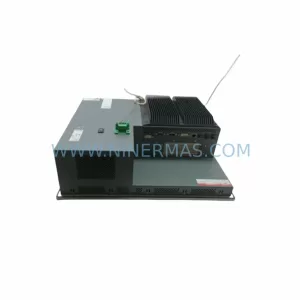
SKU: PFXPP170CA66K00N00
Pro-face PFXPP170CA66K00N00 Service-Ready Spare Part
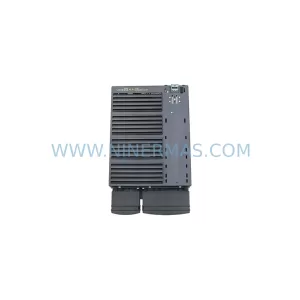
SKU: 6SL3224-0BE32-2UA0
Siemens 6SL3224-0BE32-2UA0 Retrofit PM240 Power Module