Original Industrial Spare Part
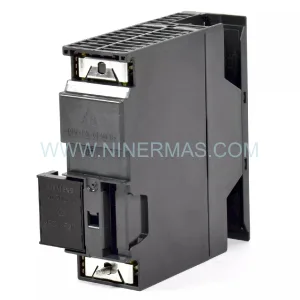
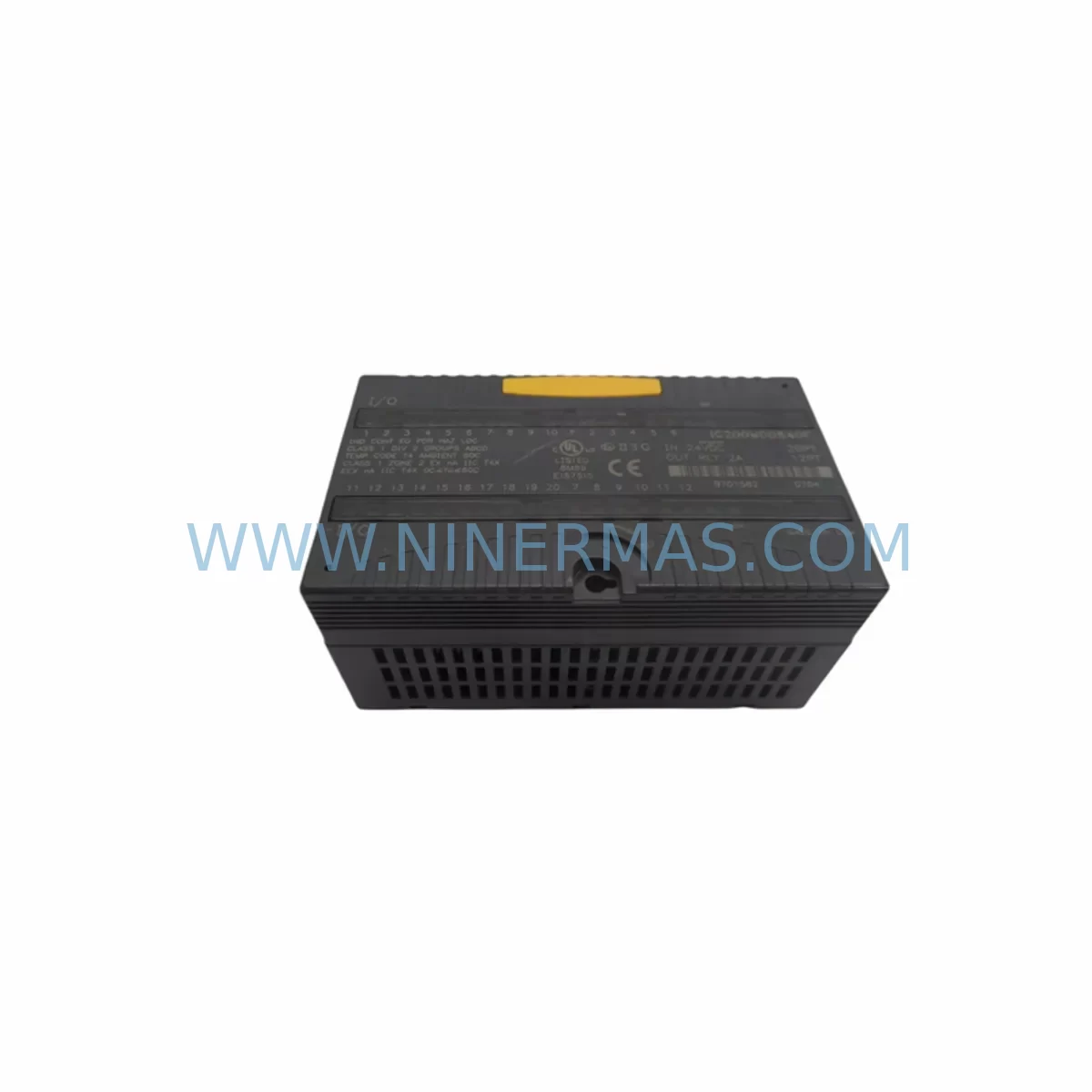
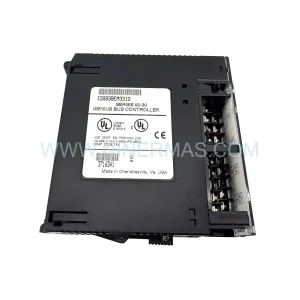
GE IC220MDD840-AB Retrofit-Compatible Discrete Mixed Module
Verify the part, confirm the platform family, and move straight into quotation with the right commercial details.
RFQ Ready
- SKUIC220MDD840-AB
- CategoryPLC & Industrial Automation Modules
- BrandGE
- SupportAvailability, lead time, condition, and shipping coordination
How Buyers Usually Use This Page
- Confirm the exact part number and platform family before sending the quote request.
- Use direct email when quantity, condition, and destination are already defined internally.
- Switch to the broader brand or category archive when you need alternates nearby.
Series Navigation
Move through the most common platform families behind this part.
Product RFQ
Send this part directly for quotation.
Include quantity, required condition, destination country, and target delivery timing. Current reference: GE IC220MDD840-AB Retrofit-Compatible Discrete Mixed Module with SKU IC220MDD840-AB.
GE IC220MDD840-AB Retrofit-Compatible Discrete Mixed Module: Legacy System Compatibility & Smooth Upgrade
The GE IC220MDD840-AB is a ruggedized discrete mixed I/O module engineered for demanding industrial environments and designed to serve as a direct retrofit-compatible replacement within GE VersaMax automation platforms. As legacy control systems age and original equipment manufacturers discontinue support for older I/O modules, the IC220MDD840-AB provides a reliable, field-proven solution for engineers and maintenance teams tasked with modernizing existing production lines, upgrading control cabinets, and extending the operational life of installed automation infrastructure — all while minimizing downtime and preserving existing program logic.
Whether you are replacing a failed module in a running system, sourcing a long-lead discontinued spare, or executing a planned retrofit of an aging control architecture, the IC220MDD840-AB delivers the electrical compatibility, mechanical form factor, and communication transparency required for a smooth transition. Its ruggedized construction makes it particularly well-suited for applications in heavy manufacturing, oil and gas, water treatment, and process industries where vibration, temperature extremes, and electrical noise are constant concerns.
Upgrade Compatibility Table
| Parameter | Details |
|---|---|
| Model | GE IC220MDD840-AB |
| Module Type | Ruggedized Discrete Mixed I/O Module |
| Platform Compatibility | GE VersaMax Micro / VersaMax Nano / Compatible Rack Systems |
| I/O Configuration | Mixed Discrete Inputs and Outputs |
| Operating Voltage | 24VDC Nominal |
| Installation Type | DIN Rail / Panel Mount |
| Communication Interface | Backplane-integrated, compatible with VersaMax bus architecture |
| Replacement Compatibility | Direct form-fit-function replacement for equivalent IC220 series modules |
| Retrofit Recommendation | Verify terminal wiring map, backplane slot address, and I/O reference table before installation |
| Commissioning Notes | Confirm module address in Proficy Machine Edition or equivalent programming environment; validate I/O forcing disabled before hot-swap |
| Environmental Rating | Ruggedized — suitable for harsh industrial environments |
| Warranty | 12 Months from date of shipment |
| Stock Status | Available — tested and inspected prior to dispatch |
Retrofit Planning for Existing Automation Systems
Successful integration of the IC220MDD840-AB into an existing control system begins well before the module arrives on site. Retrofit planning must account for the full scope of the control architecture — from the power supply rail to the HMI display — to ensure that the replacement module operates correctly within the existing system without requiring reprogramming or rewiring beyond what is strictly necessary.
Start by auditing the IC220PWR001 or equivalent VersaMax power supply module to confirm that the available current budget on the backplane can support the I/O load of the IC220MDD840-AB alongside other installed modules such as analog input cards, communication adapters, and specialty function modules. Insufficient power headroom is one of the most common causes of intermittent faults following a module swap and must be ruled out before commissioning begins.
Next, review the terminal wiring documentation for the existing module. The IC220MDD840-AB uses a standard removable terminal block arrangement common to the VersaMax Micro family. Cross-reference the field wiring against the original I/O reference table in the PLC program — particularly for any modules that share a common reference or neutral with adjacent IC220MDL740 or IC220MDL940 discrete output modules installed in the same cabinet. Confirm that all field devices connected to the replaced module — sensors, solenoids, relay coils, and pilot lights — are correctly mapped to the new module’s terminal assignments.
For systems using IC220BEM001 or similar Ethernet network interface modules for remote I/O communication, verify that the module address and rack configuration stored in the network adapter’s configuration table still correctly references the slot position of the IC220MDD840-AB after installation. In distributed I/O architectures, a mismatch between the configured slot address and the physical installation position will prevent the CPU from scanning the module and may generate a hardware fault that halts the entire rack.
Where the existing system includes a GE VersaMax CPU001 or CPU005 controller, open the project in Proficy Machine Edition and confirm that the hardware configuration tree reflects the correct module type in the target slot. If the original module was configured as a different variant within the IC220 series, update the hardware configuration, recompile, and perform a store-to-controller operation before energizing the new module. Failure to update the hardware configuration is a frequent source of I/O scan errors that are misdiagnosed as module faults.
Systems that include IC220ALG260 analog input modules or IC220ALG320 analog output modules in adjacent slots should be checked for any cross-wiring or shared terminal block arrangements that could be disturbed during the physical module swap. Label all field wiring before removal and photograph the terminal block layout as a reference for reinstallation.
If the control cabinet also houses an IC200CHS022 or similar expansion backplane connected via a local bus cable, confirm that the bus cable seating and locking tabs are secure after the module replacement. A partially seated bus connector is a known source of intermittent communication faults that can be difficult to diagnose without a systematic physical inspection of all backplane connections.
For facilities that operate GE Fanuc QuickPanel or third-party HMI terminals connected to the VersaMax controller, verify that all HMI screen tags referencing I/O addresses associated with the replaced module are still correctly mapped after the hardware configuration update. In some cases, a hardware configuration change will shift the I/O reference addresses of modules installed in slots downstream of the replaced module, requiring a corresponding update to the HMI tag database.
Downtime Control During System Migration
Minimizing unplanned downtime during a module replacement or system retrofit is a primary concern for any maintenance team operating in a production environment. The IC220MDD840-AB is designed to support a structured, low-risk replacement process when the correct preparation steps are followed.
Before removing the failed or end-of-life module, place the PLC CPU in stop mode and confirm that all outputs controlled by the module are in a safe de-energized state. For processes where a sudden loss of output signals could create a safety hazard — such as conveyor systems, pneumatic actuators, or heating elements — coordinate with the process operator to ensure that the affected section of the line is isolated and locked out before proceeding.
Upload and save a backup copy of the current PLC program, including all data table values, retentive register contents, and hardware configuration settings, to a secure offline location before making any changes to the controller. This backup serves as the recovery baseline if the commissioning process encounters an unexpected fault that requires a rollback to the previous system state.
Once the IC220MDD840-AB is physically installed and the terminal wiring is confirmed, perform a controlled power-up sequence: energize the backplane power supply first, then place the CPU in run mode, and monitor the module status LEDs and the CPU fault table simultaneously. A green RUN LED on the module with no entries in the CPU fault table confirms that the module has been recognized and is being scanned correctly. Conduct a point-by-point I/O verification test — forcing each input and output individually from the programming terminal — before returning the system to automatic operation.
All units supplied by NINERMAS are tested and inspected prior to shipment. Each IC220MDD840-AB is verified for correct I/O operation, backplane communication integrity, and LED status indication before dispatch, reducing the risk of receiving a non-functional unit and the associated additional downtime that would result from a second replacement cycle.
Retrofit Support FAQ
Q: Is the IC220MDD840-AB a direct replacement for other IC220 series discrete mixed modules?
A: The IC220MDD840-AB is form-fit-function compatible with equivalent discrete mixed I/O modules within the GE VersaMax IC220 series. Before installation, confirm that the I/O point count, voltage rating, and terminal block pinout of the replacement module match the requirements of your existing field wiring and PLC hardware configuration. Where the original module variant differs from the IC220MDD840-AB, a hardware configuration update in Proficy Machine Edition may be required.
Q: What commissioning steps are required after installing the IC220MDD840-AB in an existing system?
A: After physical installation and terminal wiring confirmation, update the PLC hardware configuration if required, perform a store-to-controller operation, place the CPU in run mode, and verify module status via the CPU fault table and module LEDs. Conduct a point-by-point I/O verification test before returning the system to automatic operation. Confirm that all HMI tags referencing the affected I/O addresses are correctly mapped.
Q: How do I confirm wiring compatibility before installing the replacement module?
A: Cross-reference the terminal block pinout of the IC220MDD840-AB against the original module’s wiring diagram and the field wiring labels installed at the terminal block. Confirm input common and output common connections, verify that field device voltage ratings match the module’s input and output specifications, and check for any shared neutral or reference connections with adjacent modules in the same rack.
Q: What warranty and stock availability does NINERMAS provide for the IC220MDD840-AB?
A: NINERMAS supplies the IC220MDD840-AB with a 12-month warranty from the date of shipment. All units are tested and inspected prior to dispatch. We maintain inventory of IC220 series modules to support urgent replacement requirements and can provide expedited shipping for critical production downtime situations. Contact our sales team at sale@ninermas.com or +0086 187 5021 5667 for current stock availability and lead times.
| Product Series | VersaMax |
|---|---|
| Country of Origin | US |
Catalog Continuation
Nearby part numbers around IC220MDD.
Use this lane when the buyer is comparing adjacent model numbers, revision-near items, or closely related spare variants within the same brand family.
Catalog Continuation
More GE modules in the catalog.
Use the brand lane to compare nearby part numbers, platform-adjacent modules, and other inquiry-ready listings before sending your final RFQ.
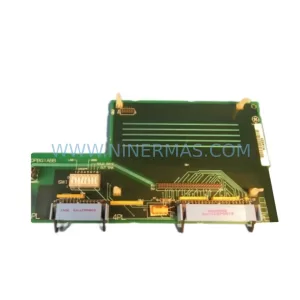
SKU: DS200ADPBG1ABB
GE DS200ADPBG1ABB Spare Part for Industrial Maintenance
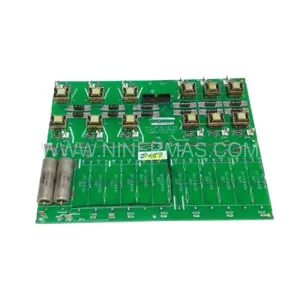
SKU: IS2020RKPSG1AK
GE IS2020RKPSG1AK Safety-Reliable Mark VI Control Card
Catalog Continuation
Alternative parts within PLC & Industrial Automation Modules.
Stay inside the same system family when you need substitutes, adjacent modules, or a broader shortlist for procurement review.