Original Industrial Spare Part
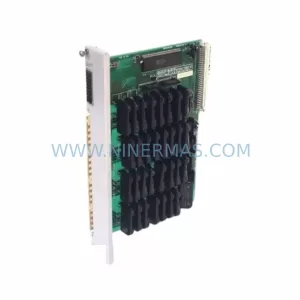
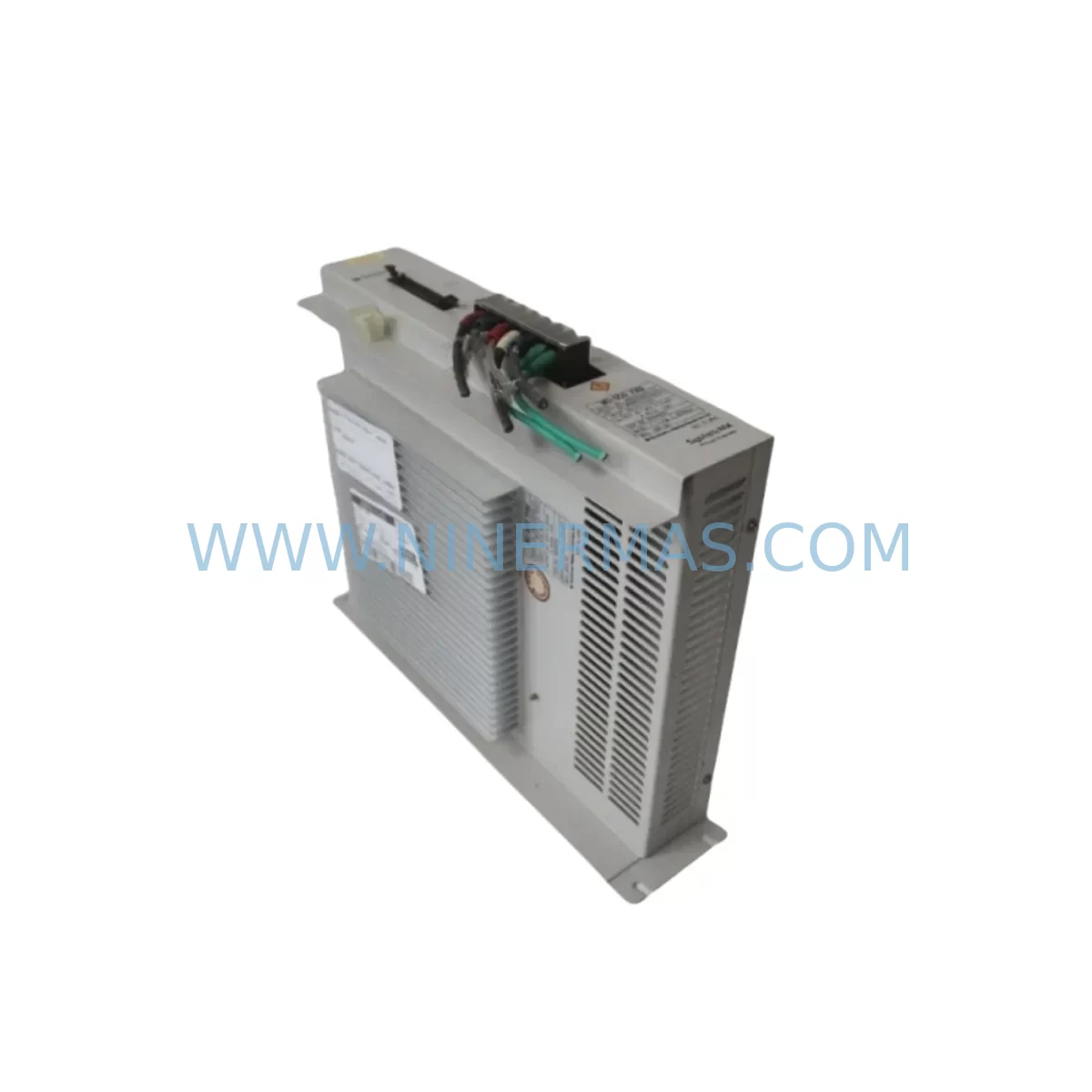
SHI UMC552000-01 Retrofit-Compatible Output Module for Legacy Systems
Verify the part, confirm the platform family, and move straight into quotation with the right commercial details.
RFQ Ready
- SKUUMC552000-01
- CategoryPLC & Industrial Automation Modules
- BrandSHI
- SupportAvailability, lead time, condition, and shipping coordination
How Buyers Usually Use This Page
- Confirm the exact part number and platform family before sending the quote request.
- Use direct email when quantity, condition, and destination are already defined internally.
- Switch to the broader brand or category archive when you need alternates nearby.
Series Navigation
Move through the most common platform families behind this part.
Product RFQ
Send this part directly for quotation.
Include quantity, required condition, destination country, and target delivery timing. Current reference: SHI UMC552000-01 Retrofit-Compatible Output Module for Legacy Systems with SKU UMC552000-01.
SHI UMC552000-01 Retrofit-Compatible Output Module for Legacy Systems
The SHI UMC552000-01 is a retrofit-compatible output module engineered for seamless integration into legacy UMC Series control architectures. As industrial facilities face increasing pressure to extend the operational life of aging automation platforms while managing capital expenditure, the UMC552000-01 provides a reliable, drop-in replacement path for discontinued output modules without requiring full system redesign. Whether you are upgrading a legacy control cabinet, migrating I/O infrastructure, or restoring a production line after a critical module failure, the UMC552000-01 is designed to minimize engineering effort and reduce unplanned downtime.
SHI’s UMC Series has been widely deployed across discrete manufacturing, process control, and utilities sectors. The UMC552000-01 maintains backward compatibility with existing backplane interfaces and terminal wiring configurations found in earlier UMC rack assemblies, making it a preferred choice for maintenance engineers who need to restore system functionality without rewriting control logic or reconfiguring HMI screens. All units undergo pre-shipment functional testing and are backed by a 12-month warranty.
Upgrade Compatibility Table
| Parameter | Details |
|---|---|
| SKU / Part Number | UMC552000-01 |
| Brand / Series | SHI / UMC Series |
| Module Type | Output Module (Retrofit-Compatible) |
| Backplane Interface | Compatible with UMC Series rack backplane connectors |
| Terminal Wiring | Maintains existing field wiring terminal layout; no rewiring required in most installations |
| Communication Compatibility | Compatible with UMC Series communication protocols; verify with existing UMC CPU or communication module |
| Installation Requirement | Standard DIN rail / rack slot mounting; confirm slot width and depth before installation |
| Replacement Recommendation | Direct replacement for discontinued UMC Series output modules; confirm firmware revision compatibility |
| Commissioning Notes | Verify module address assignment, I/O mapping, and output channel configuration post-installation |
| Pre-Shipment Testing | Full functional test performed on every unit prior to dispatch |
| Warranty | 12 Months from date of shipment |
Retrofit Planning for Existing Automation Systems
Successful integration of the UMC552000-01 into an existing automation environment requires a structured retrofit assessment. Before procurement, engineers should audit the target control cabinet to confirm available rack slot positions, backplane revision, and power supply headroom. The UMC Series rack typically houses a combination of CPU modules, communication modules, and I/O modules sharing a common backplane bus. When replacing a failed or end-of-life output module, it is essential to verify that the UMC Series power supply module — such as units in the UMC5000 power supply family — can sustain the additional load introduced by the replacement module without triggering overcurrent protection.
Terminal block wiring should be documented prior to module removal. In many legacy UMC installations, field wiring connects directly to removable terminal assemblies or fixed screw terminals on the module faceplate. Photograph or record all wire labels, terminal numbers, and signal types before disconnecting. If the existing installation uses a UMC Series communication module for Modbus RTU, PROFIBUS DP, or proprietary SHI network protocols, confirm that the replacement UMC552000-01 is recognized by the communication master without requiring changes to the GSD file or network configuration parameters.
For facilities running UMC Series controllers alongside third-party HMI panels — including touch panels configured with UMC tag databases — the output channel addresses mapped in the HMI project must be verified against the new module’s I/O register map. In most cases, the UMC552000-01 preserves the same register addressing as its predecessor, allowing HMI screens to remain unchanged. However, if the original module used a non-standard address offset, this should be confirmed during the pre-commissioning phase.
Installations that include UMC Series analog input modules, digital input modules, or signal isolator cards in the same rack should also be assessed for slot sequence and module addressing conflicts. The UMC rack’s backplane assigns module addresses sequentially by slot position; inserting the UMC552000-01 into a different slot than the original module may require address reconfiguration in the CPU program. Engineers using SHI programming software or compatible IEC 61131-3 programming environments should review the I/O configuration table and update slot assignments accordingly before going live.
Where the retrofit involves migrating from an older UMC communication protocol to a newer standard — such as transitioning from a legacy proprietary bus to Ethernet-based communication via a UMC Series Ethernet communication module — the UMC552000-01 should be validated in a bench test environment prior to field installation. This is particularly important in applications where the output module drives critical actuators, motor starters, or safety-related loads. Programming cables compatible with the UMC CPU should be on hand during commissioning to allow real-time program monitoring and forced output testing.
Downtime Control During System Migration
Minimizing production downtime during a UMC Series output module replacement requires careful pre-planning and a disciplined changeover procedure. The recommended approach is to complete all preparatory work — including spare module verification, wiring documentation, program backup, and HMI tag review — before the scheduled maintenance window begins. A full backup of the UMC CPU program, including data blocks, I/O configuration, and communication parameters, should be saved to a programming device or secure file server before any hardware is disturbed.
During the physical swap, power down only the affected rack or cabinet section where possible, using the UMC Series power supply module’s isolation switch or upstream circuit breaker. If the system architecture does not permit partial shutdown, coordinate with the operations team to place the affected control loop in manual mode or bypass, ensuring that field devices remain in a safe state throughout the changeover. After installing the UMC552000-01, restore power and allow the UMC CPU to complete its initialization and self-diagnostic cycle before enabling outputs.
Post-installation verification should include a channel-by-channel output test using the programming software’s force function or a dedicated I/O test routine. Confirm that each output channel activates the correct field device, that signal levels are within specification, and that no fault codes are reported by the UMC CPU or communication module. HMI screens should be monitored in parallel to confirm that status indicators and process values update correctly following the module replacement. Once all channels are verified, release the system from manual bypass and resume normal automatic operation. Total changeover time for a prepared team is typically achievable within a single planned maintenance shift, significantly reducing the risk of extended production loss.
Retrofit Support FAQ
Q1: Is the UMC552000-01 a direct drop-in replacement for the original UMC Series output module?
In the majority of installations, yes. The UMC552000-01 is designed to maintain physical and electrical compatibility with the UMC Series backplane and terminal wiring. However, customers should confirm the backplane revision, slot dimensions, and firmware version of the existing UMC CPU before installation. Our technical team can assist with compatibility verification prior to shipment.
Q2: What commissioning steps are required after installing the UMC552000-01?
After physical installation, verify module address assignment in the UMC CPU configuration, confirm I/O channel mapping matches the existing program, and perform a channel-by-channel output test. If the system uses a UMC Series communication module, confirm that the new module is recognized on the network without requiring GSD or configuration file updates. All units are pre-tested before shipment to reduce on-site commissioning time.
Q3: How is terminal wiring handled during the replacement?
The UMC552000-01 preserves the terminal layout of the original UMC Series output module in most configurations. Document all existing wiring before removal. In installations using removable terminal blocks, the terminal assembly can typically be transferred directly to the replacement module, eliminating the need to re-terminate individual field wires and further reducing changeover time.
Q4: What warranty and stock availability does NINERMAS provide for the UMC552000-01?
All UMC552000-01 units supplied by NINERMAS carry a 12-month warranty from the date of shipment, covering manufacturing defects and functional failures under normal operating conditions. Units are held in stock and subject to pre-shipment functional testing before dispatch. For current inventory status, lead times, and volume pricing, contact our sales team directly.
| Product Series | Legacy |
|---|
Catalog Continuation
Alternative parts within PLC & Industrial Automation Modules.
Stay inside the same system family when you need substitutes, adjacent modules, or a broader shortlist for procurement review.


SKU: 6FC5357-0BB12-0AE0
Siemens 6FC5357-0BB12-0AE0 Service-Ready Industrial Spare Part

SKU: 3BSE011790R1(PXHK401)
ABB 3BSE011790R1 PXHK401 Retrofit-Ready Communication Module