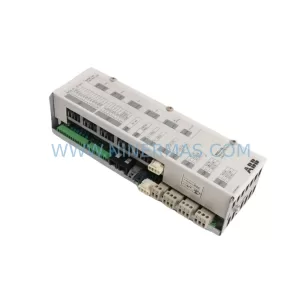
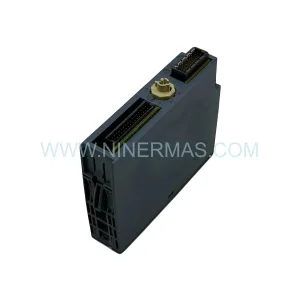
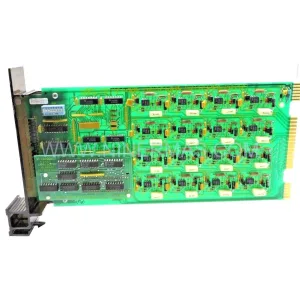
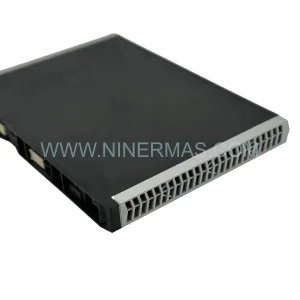
Original Industrial Spare Part
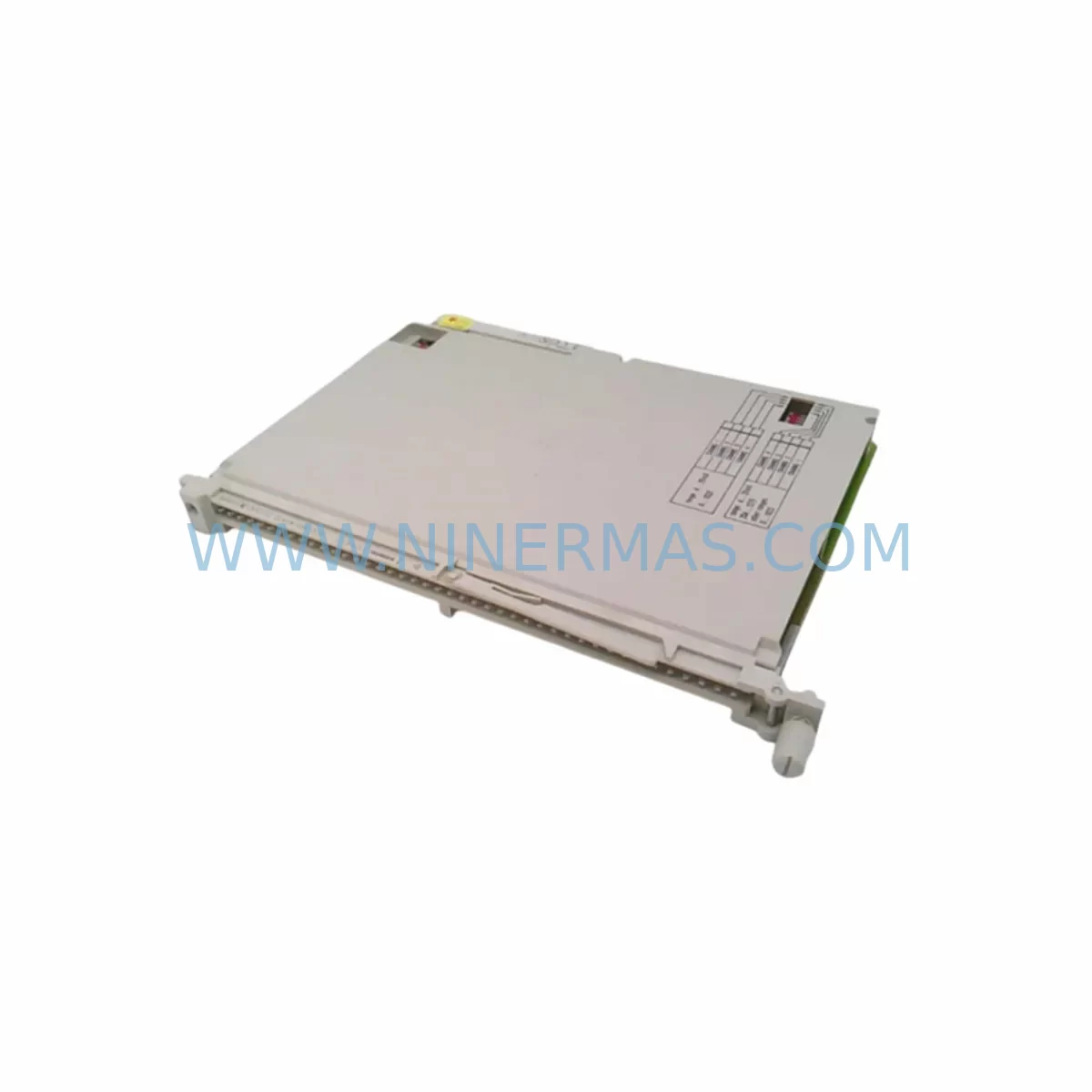
Siemens 6ES5430-4UA14 Retrofit-Compatible Digital Input Module
Verify the part, confirm the platform family, and move straight into quotation with the right commercial details.
RFQ Ready
- SKU6ES5430-4UA14
- CategoryPLC & Industrial Automation Modules
- BrandSiemens
- SupportAvailability, lead time, condition, and shipping coordination
How Buyers Usually Use This Page
- Confirm the exact part number and platform family before sending the quote request.
- Use direct email when quantity, condition, and destination are already defined internally.
- Switch to the broader brand or category archive when you need alternates nearby.
Series Navigation
Move through the most common platform families behind this part.
Product RFQ
Send this part directly for quotation.
Include quantity, required condition, destination country, and target delivery timing. Current reference: Siemens 6ES5430-4UA14 Retrofit-Compatible Digital Input Module with SKU 6ES5430-4UA14.
Siemens 6ES5430-4UA14 Retrofit-Compatible Digital Input Module: Legacy System Compatibility & Smooth Upgrade
The Siemens 6ES5430-4UA14 is a 32-channel digital input module designed for the SIMATIC S5 programmable controller platform. As one of the most widely deployed I/O modules across process and discrete manufacturing lines built in the 1980s and 1990s, the 6ES5430-4UA14 remains a critical spare part for facilities that continue to operate legacy S5-based control architectures. With Siemens having officially discontinued the SIMATIC S5 product line, sourcing a tested, verified replacement module has become a primary concern for maintenance engineers, automation integrators, and plant managers responsible for keeping aging production lines operational.
NINERMAS supplies the 6ES5430-4UA14 from documented stock, with each unit undergoing pre-shipment functional testing to verify channel integrity, backplane communication, and signal response. Our 12-month warranty covers all tested modules, providing procurement teams with the confidence needed to commit to long-term spare parts programs without the risk of sourcing untested surplus stock.
Upgrade Compatibility Table
| Parameter | 6ES5430-4UA14 (Original) | Retrofit / Replacement Notes |
|---|---|---|
| Module Type | 32-Channel Digital Input | Direct slot replacement in S5-115U, S5-135U, S5-155U racks |
| Input Voltage | 24 V DC | Verify field wiring voltage before installation; confirm with PS 951 or PS 955 power supply output |
| Backplane Interface | S5 bus (parallel) | Compatible with ER 701-1, ER 701-2, and ER 701-3 expansion racks; not compatible with S7 ET 200 backplanes |
| Terminal Wiring | 40-pin front connector | Reuse existing front connector and field wiring; verify connector locking tab condition before transfer |
| Module Address | Set via DIP switch on module face | Record existing address settings before removal; replicate exactly on replacement unit |
| Program Compatibility | STEP 5 (S5 instruction set) | No program changes required for like-for-like replacement; STEP 7 migration requires I/O remapping |
| Communication Protocol | S5 parallel bus | No protocol migration needed for S5-to-S5 replacement; PROFIBUS migration requires CP 5431 or CP 5432 interface module |
| Installation Space | Single slot, standard S5 form factor | Confirm rack slot availability; check adjacent module clearance for front connector access |
| Pre-Shipment Testing | — | All units tested for channel response, bus communication, and LED indicator function |
| Warranty | — | 12-Month Warranty included with every unit |
Retrofit Planning for Existing Automation Systems
Replacing the 6ES5430-4UA14 within an operating S5 control system requires a structured approach that accounts for the interdependencies between the input module, the central processing unit, the power supply, and the field wiring infrastructure. Before initiating any module swap, maintenance teams should document the existing DIP switch address configuration on the face of the module, as this setting determines how the CPU 948, CPU 946, or CPU 944 addresses the input channels in the STEP 5 program. An incorrect address setting on the replacement module will cause the CPU to read incorrect input states, potentially triggering unintended outputs or fault conditions.
The front connector on the 6ES5430-4UA14 carries all 32 input channels through a 40-pin interface. In most retrofit scenarios, the existing front connector and field wiring can be transferred directly to the replacement module, eliminating the need to re-terminate individual conductors at the terminal block. However, engineers should inspect the connector locking tab and contact pins for wear or corrosion before transfer, particularly in high-humidity or chemically aggressive environments.
Power supply capacity is another critical checkpoint. The PS 951 and PS 955 power supply modules commonly used in S5-115U and S5-135U configurations provide 24 V DC to the I/O bus. When adding or replacing multiple input modules such as the 6ES5430-4UA14 alongside output modules like the 6ES5440-4UA14 or 6ES5451-4UA14, engineers must verify that the total current draw does not exceed the rated output of the installed power supply. Overloading the power supply is a common cause of intermittent faults during retrofit projects.
For facilities planning a broader migration from SIMATIC S5 to SIMATIC S7-300 or S7-400, the 6ES5430-4UA14 replacement project often serves as a trigger point for evaluating the full scope of the upgrade. In these cases, the S5-to-S7 migration typically involves introducing a CP 5431 FMS/DP communications processor to bridge the existing PROFIBUS DP field devices, remapping I/O addresses in STEP 7 using the hardware configuration tool, and updating HMI screens in WinCC or SIMATIC Panel systems to reflect the new tag structure. Signal isolators and marshalling panels may also be required where the field wiring voltage levels differ between the legacy S5 I/O and the new S7-300 SM 321 or SM 323 signal modules.
In expansion rack configurations using the ER 701-2 or ER 701-3, the 6ES5430-4UA14 occupies a standard single slot. Engineers should confirm that the expansion rack’s bus termination resistors are correctly installed and that the IM 304 or IM 306 interface module connecting the expansion rack to the central rack is functioning correctly before inserting the replacement module. A faulty interface module can mask input channel faults and complicate commissioning.
For I/O-intensive retrofit projects, it is common to find the 6ES5430-4UA14 installed alongside analog input modules such as the 6ES5464-4UA14 and analog output modules such as the 6ES5470-4UA14. These modules share the same backplane bus and power distribution infrastructure, so any retrofit plan should account for the cumulative effect of replacing multiple modules within the same rack during a single planned maintenance window.
Downtime Control During System Migration
Minimizing unplanned downtime is the primary operational constraint in any legacy S5 retrofit project. The 6ES5430-4UA14 is a hot-swap-capable module in some S5 rack configurations, but most S5 installations require a controlled CPU stop before module removal to prevent bus errors and protect the integrity of the running program. The recommended procedure is to place the CPU in STOP mode using the mode selector switch on the CPU 948 or CPU 946 faceplate, remove the front connector from the faulty module, extract the module from the rack, insert the pre-configured replacement unit, reconnect the front connector, and return the CPU to RUN mode.
Before returning the system to RUN mode, engineers should use a STEP 5 programming device — typically a PG 740 or PG 760 programmer, or a modern PC running STEP 5 software via a PC adapter — to verify that the CPU recognizes the replacement module at the correct address and that all 32 input channels are reading the expected field states. This online diagnostic step is essential for confirming that the replacement module is functioning correctly before resuming production.
For facilities without a spare PG programmer on site, NINERMAS recommends pre-testing the replacement 6ES5430-4UA14 in a bench configuration using a test rack and a known-good CPU before shipping to site. This approach allows the site team to install a pre-verified module and reduces the risk of extended downtime caused by a second faulty unit or a configuration error discovered during commissioning.
Where the retrofit is part of a larger S5-to-S7 migration, phased cutover strategies — replacing one rack or one functional area at a time while keeping the remainder of the S5 system in service — are strongly recommended. This approach limits the scope of each maintenance window, preserves the original STEP 5 program logic as a fallback, and allows the commissioning team to validate each migrated section independently before proceeding to the next. Proper documentation of the original S5 hardware configuration, including rack layout drawings, module address maps, and front connector wiring diagrams, is essential for executing a phased migration without errors.
Retrofit Support FAQ
Q1: Is the 6ES5430-4UA14 a direct drop-in replacement for all S5 digital input applications?
The 6ES5430-4UA14 is a direct replacement for units of the same part number installed in compatible S5 racks including the S5-115U, S5-135U, and S5-155U. Before installation, confirm that the DIP switch address settings on the replacement module match the original unit exactly. No program changes are required for a like-for-like replacement within the same S5 platform.
Q2: What commissioning steps are required after installing the replacement module?
After inserting the replacement 6ES5430-4UA14 and reconnecting the front connector, place the CPU in RUN mode and use a STEP 5 programming device to perform an online diagnostic. Verify that all 32 input channels are reading the correct field states and that no bus error or module fault LEDs are illuminated. If faults persist, check the DIP switch address settings, front connector seating, and backplane slot condition.
Q3: Can the 6ES5430-4UA14 be used in a migration to SIMATIC S7?
The 6ES5430-4UA14 is not compatible with S7-300 or S7-400 backplanes. For S5-to-S7 migrations, the equivalent functionality is provided by S7-300 SM 321 digital input modules or S7-400 SM 421 modules. NINERMAS can supply both S5 spare parts to extend the life of the existing system and S7 replacement modules to support phased migration projects.
Q4: What warranty and testing does NINERMAS provide with the 6ES5430-4UA14?
Every 6ES5430-4UA14 supplied by NINERMAS undergoes pre-shipment functional testing covering channel integrity, backplane bus communication, and LED indicator verification. All units are covered by a 12-month warranty from the date of shipment. Stock availability is maintained to support both immediate emergency replacement orders and long-term spare parts programs with committed supply agreements.
| Product Series | SIMATIC S5 |
|---|---|
| Country of Origin | DE |
Catalog Continuation
More Siemens modules in the catalog.
Use the brand lane to compare nearby part numbers, platform-adjacent modules, and other inquiry-ready listings before sending your final RFQ.
SKU: 6SE7041-2UL84-1BH0
SIEMENS 6SE7041-2UL84-1BH0 Service-Ready Spare Part
SKU: C79458-L2197-A1
Siemens C79458-L2197-A1 Retrofit Motherboard for SIMATIC S5
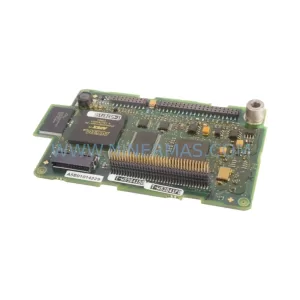
SKU: A5E01014229 G130 G150 S120
Siemens A5E01014229 Service-Ready Spare Part for Industrial Maintenance
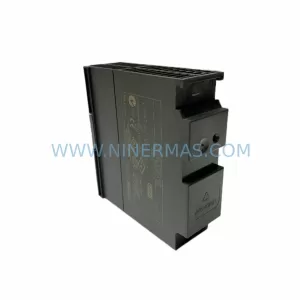
SKU: 6ES7307-1BA01-0AA0
Siemens 6ES7307-1BA01-0AA0 Retrofit Power Supply for Legacy Systems
Catalog Continuation
Alternative parts within PLC & Industrial Automation Modules.
Stay inside the same system family when you need substitutes, adjacent modules, or a broader shortlist for procurement review.
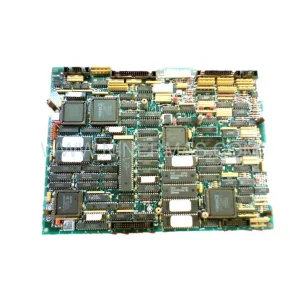
SKU: IC600LX648K IC600FP608K
GE IC600LX648K IC600FP608K Service-Ready Spare Part for Industrial Maintenance