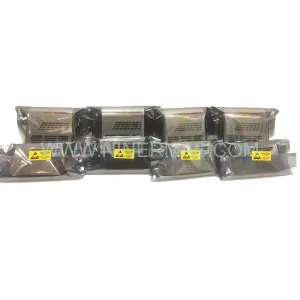
Original Industrial Spare Part
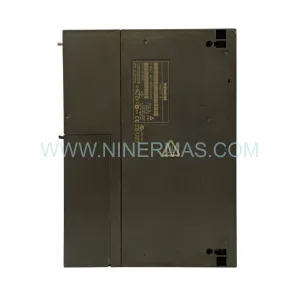
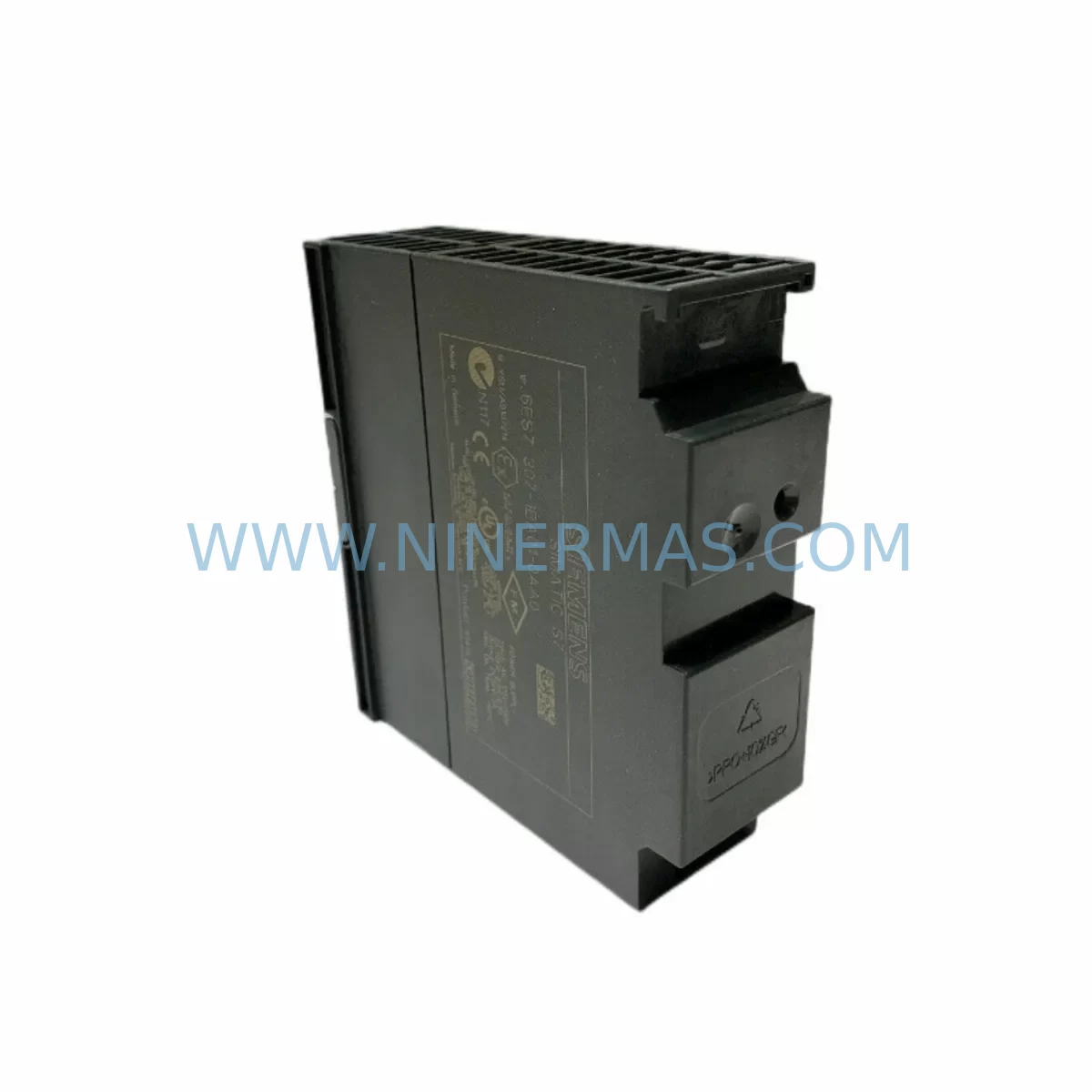
Siemens 6ES7307-1BA01-0AA0 Retrofit Power Supply for Legacy Systems
Verify the part, confirm the platform family, and move straight into quotation with the right commercial details.
RFQ Ready
- SKU6ES7307-1BA01-0AA0
- CategoryPLC & Industrial Automation Modules
- BrandSiemens
- SupportAvailability, lead time, condition, and shipping coordination
How Buyers Usually Use This Page
- Confirm the exact part number and platform family before sending the quote request.
- Use direct email when quantity, condition, and destination are already defined internally.
- Switch to the broader brand or category archive when you need alternates nearby.
Series Navigation
Move through the most common platform families behind this part.
Product RFQ
Send this part directly for quotation.
Include quantity, required condition, destination country, and target delivery timing. Current reference: Siemens 6ES7307-1BA01-0AA0 Retrofit Power Supply for Legacy Systems with SKU 6ES7307-1BA01-0AA0.
Siemens 6ES7307-1BA01-0AA0 Retrofit Power Supply for Legacy Systems
The Siemens 6ES7307-1BA01-0AA0 is a 24 VDC / 2 A regulated power supply module designed for the SIMATIC S7-300 series, one of the most widely deployed programmable logic controller platforms in global industrial automation. As the S7-300 family reaches end-of-life and Siemens progressively discontinues associated components, facilities running legacy production lines, control cabinets, and process automation systems face increasing pressure to source reliable replacement units. NINERMAS maintains verified stock of the 6ES7307-1BA01-0AA0 to support retrofit projects, emergency spare replacements, and planned system upgrades — all backed by a 12-month warranty.
This module mounts directly onto the standard S7-300 DIN rail rack alongside the CPU 314, CPU 315-2 DP, or CPU 317-2 PN/DP, supplying regulated backplane power to the entire rack assembly. Engineers replacing a failed or end-of-life unit must verify the existing rack’s total current draw before substitution: the 6ES7307-1BA01-0AA0 delivers 2 A on the 24 VDC bus, and if the installed I/O complement — including SM 321 digital input modules, SM 322 digital output modules, and SM 331 analog input modules — exceeds this budget, an upgrade to the 6ES7307-1EA01-0AA0 (5 A variant) should be evaluated during the retrofit planning phase.
Upgrade Compatibility Table
| Parameter | 6ES7307-1BA01-0AA0 (This Unit) | Retrofit Notes |
|---|---|---|
| Output Voltage | 24 VDC regulated | Matches standard S7-300 backplane requirement |
| Output Current | 2 A | Verify total rack I/O current draw before installation |
| Input Voltage | 120 / 230 VAC (auto-ranging) | Compatible with global mains; confirm local supply voltage |
| Mounting | S7-300 DIN rail, leftmost slot | Direct drop-in; no mechanical modification required |
| Backplane Interface | S7-300 bus connector | Confirm bus connector condition on existing rack |
| Communication Compatibility | PROFIBUS DP / MPI (via CPU) | Power supply is protocol-agnostic; CPU handles comms |
| Replacement Candidates | 6ES7307-1BA00-0AA0 (older revision) | Firmware-transparent swap; no program changes needed |
| Commissioning Focus | Output voltage trim, LED diagnostics | Check 24 VDC output under full load before CPU restart |
| Warranty | 12 Months — NINERMAS COMPANY LIMITED | |
Retrofit Planning for Existing Automation Systems
A successful retrofit begins well before the replacement unit arrives on site. When the 6ES7307-1BA01-0AA0 is identified as the target replacement, the engineering team should conduct a full audit of the control cabinet. This includes documenting the terminal wiring on the existing power supply’s L1, N, and PE input terminals, as well as the 24 VDC and M output terminals feeding field devices and sensor loops. Photographs and wiring diagrams should be updated before any module is removed.
The S7-300 rack housing the power supply typically also contains a CPU 315-2 DP or similar processor, several SM 321 / SM 322 signal modules, and potentially a CP 342-5 PROFIBUS communication processor linking the rack to a distributed I/O network. All of these modules draw power from the backplane bus supplied by the 6ES7307-1BA01-0AA0. Before shutdown, engineers should export the current CPU program using STEP 7 (SIMATIC Manager) or TIA Portal (if the project has been migrated), and store a verified backup on an offline medium. This protects the control logic in the event of any unexpected data loss during the power interruption.
If the retrofit is part of a broader migration from S7-300 to S7-1500, the power supply selection changes significantly — the S7-1500 platform uses its own dedicated system power supply such as the 6EP1333-4BA00 and load power supply modules, which are not interchangeable with S7-300 units. In such cases, the 6ES7307-1BA01-0AA0 serves as a bridging solution: it keeps the legacy rack operational while the new S7-1500 rack is configured, programmed, and tested in parallel, minimising production disruption.
For installations where the S7-300 rack communicates with an OP 277 or TP 277 HMI panel via MPI, the retrofit team must confirm that the HMI project’s variable table and screen navigation remain intact after the CPU is restarted with the new power supply. MPI address assignments are stored in the CPU, not the power supply, so no HMI reconfiguration is typically required for a like-for-like power supply swap. However, if the CPU itself is also being replaced as part of the same retrofit window, HMI screen validation should be included in the commissioning checklist.
Installations using ET 200M or ET 200S distributed I/O stations connected via PROFIBUS DP should verify that the DP master CPU re-establishes communication with all remote stations after the power supply replacement and CPU cold restart. The IM 153-2 interface module in ET 200M racks and the IM 151-1 in ET 200S stations are sensitive to bus timing; a clean power cycle on the central rack is usually sufficient to restore the network, but the commissioning engineer should monitor the PROFIBUS diagnostic LEDs on each remote station during first power-up.
Downtime Control During System Migration
Minimising unplanned downtime is the primary concern for any facility replacing a power supply module in an active production environment. The recommended approach for the 6ES7307-1BA01-0AA0 replacement is a planned maintenance window during a scheduled production break or shift changeover. The physical swap itself — disconnecting AC input wiring, removing the module from the DIN rail, inserting the replacement, and reconnecting terminals — typically takes under 30 minutes for a trained technician familiar with the S7-300 platform.
Before the maintenance window opens, the replacement unit should be pre-inspected: verify the output voltage trim potentiometer is set to the nominal 24 VDC position, confirm the unit’s revision label matches the expected hardware version, and perform a bench power-on test with a dummy load if test equipment is available. NINERMAS subjects all outgoing units to functional output testing prior to shipment, and each unit is accompanied by a test record, but a site-level pre-installation check adds an additional layer of confidence.
During the swap, the CPU program stored in the SIMATIC Memory Card (or internal CPU flash, depending on the CPU variant) is preserved through the power interruption — no program reload is required after the new power supply is installed and powered on. The CPU will perform its standard self-test sequence, re-establish PROFIBUS DP communication with any connected remote I/O, and return to RUN mode. The commissioning engineer should confirm the CPU’s RUN LED is solid green and that no SF (system fault) or BF (bus fault) LEDs are active before releasing the line back to production.
For facilities that cannot tolerate even a brief planned outage, a hot-standby architecture using a redundant CPU and rack may already be in place. In such configurations, the power supply on the standby rack can be replaced while the active rack maintains control, with a controlled switchover performed after the replacement is validated. This approach requires careful coordination with the site’s safety and operations teams but effectively reduces process-visible downtime to near zero.
Retrofit Support FAQ
Q1: Is the 6ES7307-1BA01-0AA0 a direct replacement for the older 6ES7307-1BA00-0AA0?
Yes. The -1BA01- revision supersedes the -1BA00- revision and is a firmware-transparent, mechanically identical replacement. No changes to the CPU program, I/O addressing, or HMI configuration are required. The terminal layout and DIN rail mounting dimensions are identical.
Q2: What commissioning checks are required after installation?
After installing the replacement unit, measure the 24 VDC output voltage at the module’s output terminals under full rack load. Confirm the green PWR LED is illuminated and no fault indicators are active. Restart the CPU and verify it enters RUN mode. Check PROFIBUS DP communication status if remote I/O stations are present, and validate HMI connectivity if an OP or TP panel is connected via MPI.
Q3: Does NINERMAS provide pre-shipment testing and warranty coverage?
Yes. All units undergo functional output voltage and load testing before dispatch. Each shipment includes a test record. The 6ES7307-1BA01-0AA0 is covered by a 12-month warranty from the date of delivery. In the event of a warranty claim, NINERMAS provides a replacement unit and coordinates return logistics. Contact sale@ninermas.com for warranty support.
Q4: What if my rack’s current demand exceeds 2 A?
If the installed signal modules, communication processors, and other rack components collectively draw more than 2 A from the 24 VDC backplane bus, the 6ES7307-1BA01-0AA0 will not be sufficient. In this case, the 6ES7307-1EA01-0AA0 (5 A output) is the recommended upgrade. NINERMAS can advise on current budget calculations based on your rack configuration — contact our technical team with your module list for a pre-sales assessment.
| Product Series | SIMATIC |
|---|---|
| Country of Origin | DE |
Catalog Continuation
More Siemens modules in the catalog.
Use the brand lane to compare nearby part numbers, platform-adjacent modules, and other inquiry-ready listings before sending your final RFQ.
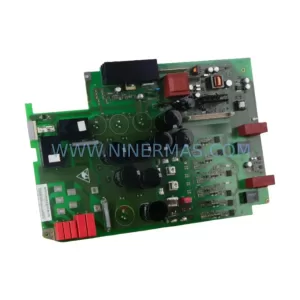
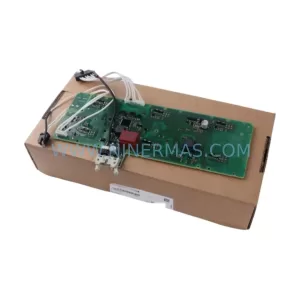
SKU: 6SE7022-6TC84-1HF3
Siemens 6SE7022-6TC84-1HF3 Service-Ready Spare Part
SKU: 6ES5355-3UA11
Siemens 6ES5355-3UA11 Spare Part for Industrial Maintenance
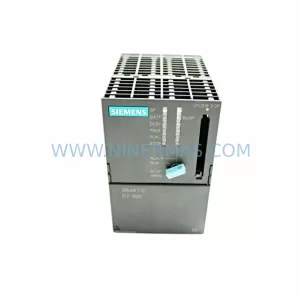
SKU: 6ES7316-2AG00-0AB0
Siemens 6ES7316-2AG00-0AB0 Safety-Reliable CPU for Critical Control
Catalog Continuation
Alternative parts within PLC & Industrial Automation Modules.
Stay inside the same system family when you need substitutes, adjacent modules, or a broader shortlist for procurement review.
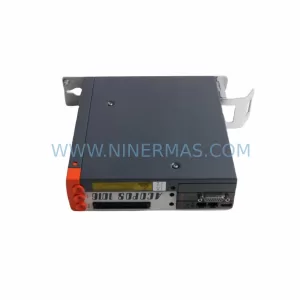
SKU: 1070092392-AA/1070089906-GI1
Rexroth 1070092392-AA/1070089906-GI1 Spare Part for Industrial Maintenance
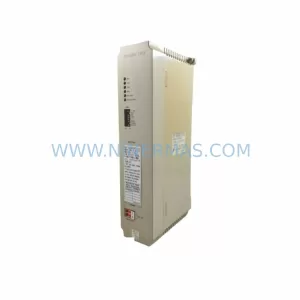
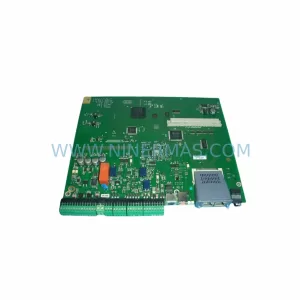
SKU: CP-9200SH/ DDCP-921311
Yaskawa DDCP-921311 Retrofit CPU Controller for Legacy Systems