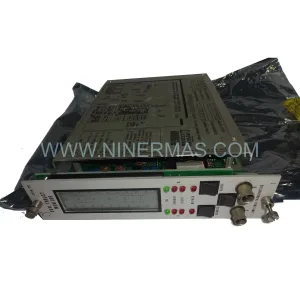
Original Industrial Spare Part
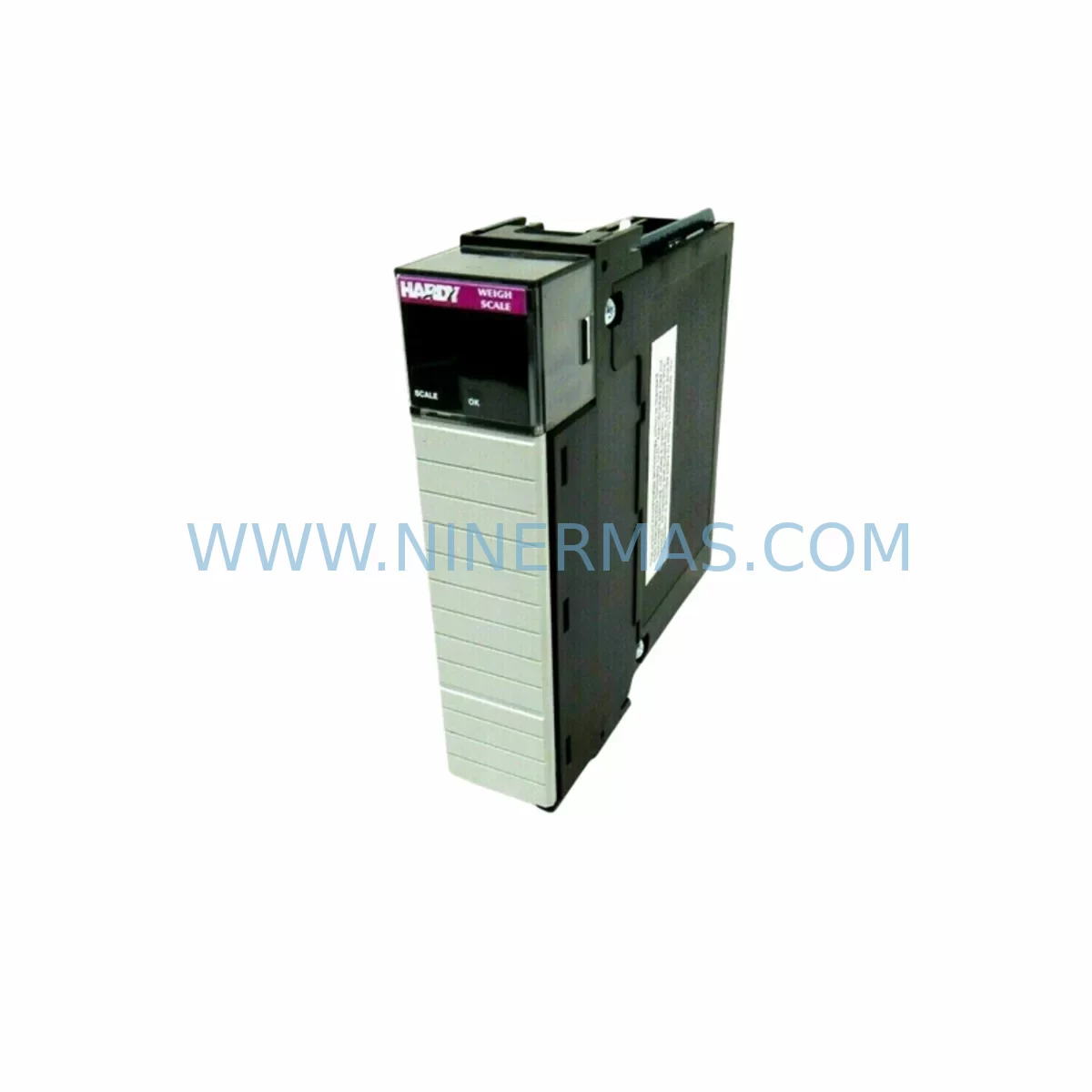
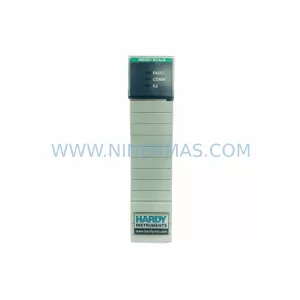
HARDY HI 1756-WS Retrofit-Compatible Weigh Scale Module
Verify the part, confirm the platform family, and move straight into quotation with the right commercial details.
RFQ Ready
- SKUHI 1756-WS
- CategoryPLC & Industrial Automation Modules
- BrandHARDY
- SupportAvailability, lead time, condition, and shipping coordination
How Buyers Usually Use This Page
- Confirm the exact part number and platform family before sending the quote request.
- Use direct email when quantity, condition, and destination are already defined internally.
- Switch to the broader brand or category archive when you need alternates nearby.
Series Navigation
Move through the most common platform families behind this part.
Product RFQ
Send this part directly for quotation.
Include quantity, required condition, destination country, and target delivery timing. Current reference: HARDY HI 1756-WS Retrofit-Compatible Weigh Scale Module with SKU HI 1756-WS.
HARDY HI 1756-WS Retrofit-Compatible Weigh Scale Module for Legacy ControlLogix Systems
The HARDY HI 1756-WS is a ControlLogix-platform weigh scale module designed for seamless integration into Allen-Bradley 1756 chassis environments. As legacy Hardy Instruments weighing systems approach end-of-life and OEM support windows close, the HI 1756-WS has become a critical retrofit component for food processing, chemical batching, pharmaceutical filling, and bulk material handling lines that depend on continuous, accurate weight measurement without full system replacement.
NINERMAS supplies the HI 1756-WS as a verified spare and retrofit-ready module, fully tested prior to shipment, backed by a 12-month warranty, and available for rapid deployment to minimize unplanned downtime on production-critical lines.
Upgrade Compatibility Table
| Parameter | Details |
|---|---|
| Module SKU | HI 1756-WS |
| Platform Compatibility | Allen-Bradley ControlLogix 1756 Series Chassis |
| Backplane Interface | 1756 ControlLogix Backplane (standard slot) |
| Communication Protocol | ControlNet / EtherNet/IP via ControlLogix backplane |
| Load Cell Input | Up to 4 load cell inputs (350 Ω, 6-wire) |
| Excitation Voltage | 10 VDC regulated |
| Installation Requirement | Standard 1756 chassis slot; no special mounting hardware required |
| Firmware Compatibility | Compatible with RSLogix 5000 / Studio 5000 Logix Designer |
| Replacement Scope | Direct drop-in for existing HI 1756-WS installations; verify firmware revision |
| Commissioning Tool | Hardy InSite™ configuration software or Studio 5000 Add-On Profile (AOP) |
| Warranty | 12 Months — NINERMAS Verified Spare |
Retrofit Planning for Existing Automation Systems
Replacing or upgrading a HARDY HI 1756-WS within a running ControlLogix architecture requires careful pre-migration planning across several interdependent subsystems. Engineers should begin by auditing the existing 1756 chassis configuration — confirming available slot positions, backplane power budget, and whether the chassis is a standard 1756-A7, 1756-A10, or 1756-A17 rack. The HI 1756-WS draws power from the chassis backplane via the 1756-PA75 or 1756-PB75 power supply; verify that the existing power supply has sufficient headroom to support the module alongside co-installed I/O modules such as 1756-IB16 digital input cards or 1756-OF8 analog output modules.
Terminal wiring is a common source of commissioning delays. The HI 1756-WS uses a dedicated field wiring connector for load cell inputs. Before removal of the legacy module, document all load cell cable assignments — signal+, signal−, excitation+, excitation−, sense+, and sense− — and verify cable shielding continuity. In multi-scale applications where several HI 1756-WS modules share a chassis, confirm that each module’s node address and slot assignment are correctly mapped in the Studio 5000 project file before the new module is inserted.
On the software side, the replacement module must be added to the Studio 5000 I/O tree using the correct Hardy Add-On Profile (AOP). If the existing project was built on an older RSLogix 5000 version, verify AOP compatibility before download. Weight tags — including gross weight, net weight, tare, and rate-of-change — must be re-verified against the HMI faceplates. For sites running FactoryTalk View SE or FactoryTalk View ME on a PanelView Plus 7 terminal, confirm that all weight display tags resolve correctly after the module swap and that alarm setpoints remain intact.
Communication link integrity should be validated end-to-end. In EtherNet/IP-based architectures, confirm that the 1756-EN2T or 1756-EN3TR Ethernet bridge module correctly routes weight data to the supervisory SCADA layer. In legacy ControlNet installations, verify that the 1756-CNB or 1756-CNBR bridge module schedules are not disrupted by the slot change. For systems that also include a 1756-DHRIO for DH+ or Remote I/O legacy connectivity, ensure that the weigh module’s data table references are preserved in the remote I/O map.
Physical installation space should be confirmed before ordering. The HI 1756-WS occupies a single 1756 chassis slot. In densely populated cabinets, verify that adjacent modules — such as a 1756-L73 or 1756-L83E ControlLogix controller — have adequate thermal clearance and that cabinet airflow is not obstructed. Signal isolation between the load cell wiring and high-voltage I/O wiring in the same cabinet should be maintained using appropriate cable separation or signal isolators where necessary.
Downtime Control During System Migration
Minimizing production downtime during an HI 1756-WS replacement begins with a structured pre-outage checklist. Before the maintenance window opens, export and archive the full Studio 5000 project file, including all controller tags, program routines, and I/O configuration. Back up the FactoryTalk View application and any Hardy InSite™ calibration data — including span calibration, zero calibration, and WAVERSAVER® filter settings — so that these can be restored immediately after the new module is seated.
During the swap, the ControlLogix controller can remain in Run mode if the chassis supports partial fault isolation; however, best practice is to place the controller in Program mode and inhibit the weigh module’s I/O connection before physically removing the module. This prevents nuisance faults from propagating to downstream batch control logic or safety interlocks. Once the replacement HI 1756-WS is installed and the I/O connection is re-enabled, perform a live zero calibration and a test-weight span verification before returning the line to automatic mode.
For sites with strict SIL or food-safety requirements, a parallel verification run — where the replacement module’s weight readings are compared against a certified reference scale — should be completed and documented before the system is released for production. NINERMAS pre-tests each HI 1756-WS module prior to shipment to reduce on-site commissioning time and support a controlled, low-risk cutover.
Retrofit Support FAQ
Q1: Is the HARDY HI 1756-WS a direct drop-in replacement for an existing HI 1756-WS installation?
Yes. The HI 1756-WS is a slot-compatible replacement for existing installations in any standard 1756 ControlLogix chassis. Verify the firmware revision of the replacement module against your Studio 5000 AOP version to ensure compatibility. NINERMAS can advise on firmware revision matching prior to shipment.
Q2: What calibration steps are required after replacing the HI 1756-WS?
After installation, perform a zero calibration (with the scale empty) and a span calibration using certified test weights. Restore any previously saved Hardy InSite™ calibration parameters — including WAVERSAVER® filter level and rate-of-change settings — to return the system to its pre-outage performance baseline. Full calibration typically takes 30–60 minutes per scale channel.
Q3: Does NINERMAS test the HI 1756-WS before shipment?
Yes. Every HI 1756-WS unit supplied by NINERMAS undergoes functional verification testing prior to dispatch. Units are shipped with a test report and are covered by a 12-month warranty from the date of delivery. Expedited shipping options are available for urgent breakdown situations.
Q4: Can NINERMAS supply other ControlLogix 1756 series modules needed for the retrofit?
Yes. NINERMAS maintains inventory of complementary ControlLogix components including 1756-series controllers, power supplies, Ethernet and ControlNet communication modules, digital and analog I/O cards, and chassis. Contact our team to consolidate your retrofit BOM into a single sourcing order and reduce lead time risk.
| Product Series | Other series |
|---|
Catalog Continuation
More HARDY modules in the catalog.
Use the brand lane to compare nearby part numbers, platform-adjacent modules, and other inquiry-ready listings before sending your final RFQ.
Catalog Continuation
Alternative parts within PLC & Industrial Automation Modules.
Stay inside the same system family when you need substitutes, adjacent modules, or a broader shortlist for procurement review.
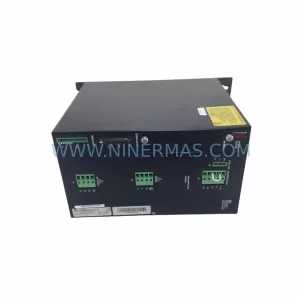
SKU: SCE906A2-002-01 SCE906A200201
Pacific Scientific SCE906A2-002-01 Retrofit Servo Amplifier
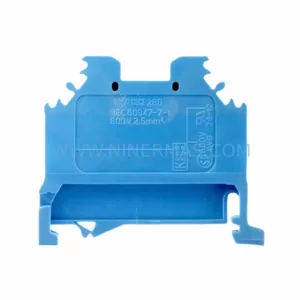
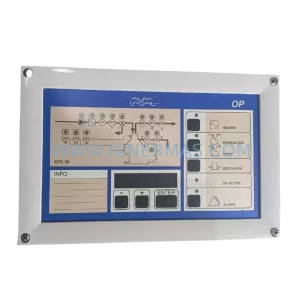
SKU: EPC500 3183062451
Alfa Laval EPC500 3183062451 Service-Ready Spare Part