Original Industrial Spare Part
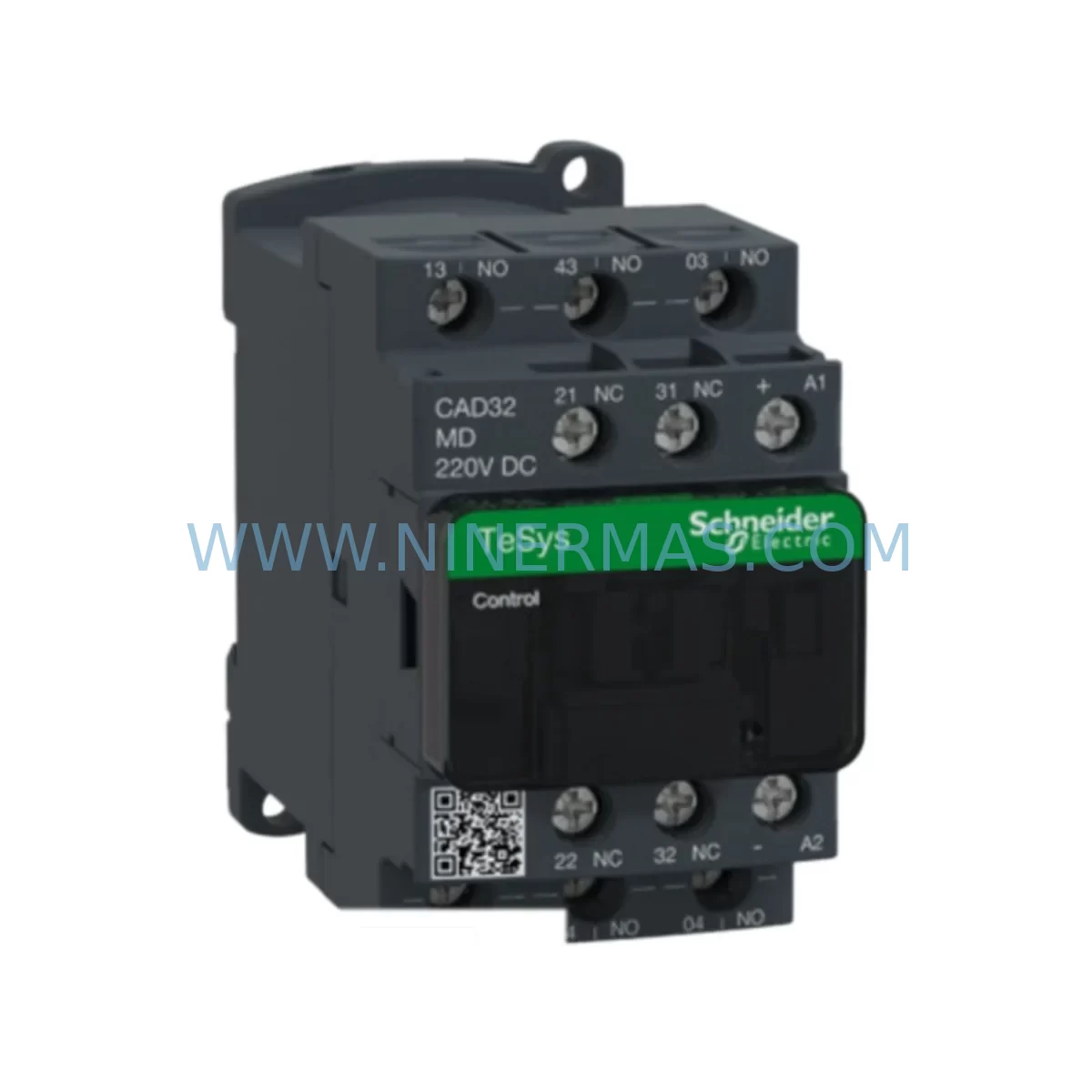
Schneider CAD32MD Service-Ready Spare Part for Industrial Maintenance
Verify the part, confirm the platform family, and move straight into quotation with the right commercial details.
RFQ Ready
- SKUCAD32MD
- CategoryPLC & Industrial Automation Modules
- BrandSchneider Electric
- SupportAvailability, lead time, condition, and shipping coordination
How Buyers Usually Use This Page
- Confirm the exact part number and platform family before sending the quote request.
- Use direct email when quantity, condition, and destination are already defined internally.
- Switch to the broader brand or category archive when you need alternates nearby.
Series Navigation
Move through the most common platform families behind this part.
Product RFQ
Send this part directly for quotation.
Include quantity, required condition, destination country, and target delivery timing. Current reference: Schneider CAD32MD Service-Ready Spare Part for Industrial Maintenance with SKU CAD32MD.
Schneider CAD32MD Service-Ready Spare Part for Industrial Maintenance
The Schneider Electric CAD32MD is an original auxiliary contact block engineered for the TeSys D series contactor platform — one of the most widely deployed motor control components in industrial automation worldwide. For maintenance engineers managing motor control centers (MCCs), control cabinets, and production line starters, the CAD32MD represents a critical spare that directly impacts uptime. When a contactor auxiliary circuit fails, the consequences cascade quickly: interlocks drop out, PLC inputs lose feedback, and safety circuits may trip the entire line. Stocking the CAD32MD as a verified, service-ready spare is not optional — it is a fundamental element of any responsible preventive maintenance program.
At NINERMAS, every CAD32MD unit is sourced from authorized supply channels, individually inspected, and tested prior to dispatch. Each unit ships with a 12-month quality warranty, providing procurement engineers with the assurance needed for long-term spare parts planning and vendor qualification.
Spare Maintenance Table
| Parameter | Specification |
|---|---|
| Part Number / SKU | CAD32MD |
| Brand | Schneider Electric |
| Series | TeSys D |
| Product Type | Auxiliary Contact Block |
| Contact Configuration | 3NO + 2NC |
| Coil Voltage | 220V DC (MD designation) |
| Rated Current (Ith) | 10 A |
| Rated Voltage (Ui) | 690 V AC |
| Mounting | Front-mount, snap-on to TeSys D contactor body |
| Compatible Contactors | LC1D09–LC1D38, LC1DT20–LC1DT40 and equivalent TeSys D frame sizes |
| Degree of Protection | IP20 (mounted) |
| Operating Temperature | -40°C to +70°C |
| Certifications | IEC/EN 60947-5-1, CE, UL, CSA |
| Origin | France (Schneider Electric manufacturing) |
| Warranty | 12 Months — NINERMAS Quality Guarantee |
| Availability | In Stock — Test & Ship within 2 Business Days |
Maintenance Planning for Continuous Operation
Replacing the CAD32MD in the field is rarely an isolated task. Experienced maintenance engineers know that when an auxiliary contact block shows signs of wear — erratic feedback signals, intermittent interlock behavior, or contact resistance drift — the surrounding components in the same control circuit deserve equal scrutiny. A thorough site inspection during a CAD32MD replacement should include the following areas:
Begin with the LC1D contactor body itself (e.g., LC1D18, LC1D25, or LC1D32 depending on your motor load). Verify that the main contact surfaces are not pitted or carbonized, and that the coil is drawing within rated current. If the coil shows signs of overheating or insulation degradation, a coil replacement or full contactor swap should be scheduled in the same maintenance window.
Next, inspect the overload relay — typically an LRD or LR9 series thermal or electronic overload — mounted directly below the contactor. Overload relays in the TeSys D stack are often overlooked during auxiliary contact replacements, yet they share the same mechanical stress cycles. Check trip class settings, reset mode, and thermal memory behavior.
The control circuit wiring and terminal blocks feeding the CAD32MD auxiliary outputs should be inspected for loose crimps, oxidized ferrules, and insulation cracking — particularly in high-vibration or high-temperature environments. Phoenix Contact or Weidmüller-style terminal blocks adjacent to the contactor stack are common failure points after years of thermal cycling.
For systems where the CAD32MD auxiliary outputs feed directly into a PLC digital input module (such as a Schneider TM5 or Modicon M340 I/O card), verify that the input voltage thresholds and signal levels remain within the module’s rated range after contact replacement. A worn contact with elevated resistance can cause marginal input states that are difficult to diagnose remotely.
If the control cabinet includes a 24VDC SMPS power supply (e.g., Schneider ABL8 series or equivalent), confirm output voltage stability under load. Auxiliary contact circuits drawing from an aging or undersized power supply can exhibit nuisance trips that are misdiagnosed as contact failures. Similarly, check any signal isolators or relay interface modules (such as Schneider REXL or Finder 55 series) that buffer the CAD32MD outputs before they reach the PLC or safety relay.
In systems with communication modules (Modbus RTU, Profibus, or EtherNet/IP) reporting motor status, a CAD32MD replacement is an ideal time to verify that the feedback register values in the SCADA or DCS match the physical contact state. Stale or inverted status bits are a common post-maintenance issue when auxiliary contact polarity is inadvertently reversed during reinstallation.
Finally, for older installations where the TeSys D contactor is mounted in a legacy MCC bucket or withdrawable drawer, inspect the backplane connectors and draw-out contact fingers for wear. These mechanical interfaces degrade independently of the contactor and auxiliary block, and a clean CAD32MD installed into a worn drawer will not restore full circuit reliability.
Site Replacement Workflow
Step 1 — Isolation & Lockout: De-energize the motor circuit and apply LOTO (Lockout/Tagout) per site safety procedures. Confirm zero voltage at the contactor line terminals using a calibrated multimeter.
Step 2 — Document Existing Wiring: Photograph or sketch the auxiliary contact terminal connections (A1/A2 coil, 13/14, 21/22, 31/32, 41/42 as applicable) before disconnecting any wires. This is critical for multi-pole auxiliary blocks where terminal numbering may differ from the original installation drawing.
Step 3 — Remove the Faulty CAD32MD: Press the release tab on the front face of the auxiliary block and slide it forward off the contactor body. No tools are required for standard front-mount TeSys D auxiliary blocks.
Step 4 — Inspect the Contactor Interface: Before fitting the new CAD32MD, inspect the contactor’s auxiliary contact interface pins for deformation or corrosion. Clean with contact cleaner spray if necessary.
Step 5 — Install the Replacement CAD32MD: Align the new block with the contactor body guide rails and press firmly until the retention clip engages with an audible click. Reconnect all auxiliary wiring per the documented terminal layout.
Step 6 — Functional Test Before Re-energization: Using a continuity tester or the PLC’s I/O diagnostic screen, verify that all NO and NC contacts are in the correct de-energized state before restoring power. Energize the contactor coil at rated voltage and confirm that all auxiliary outputs switch correctly.
Step 7 — Update Maintenance Records: Log the replacement date, unit serial number, and any observations about the failed component. This data supports future MTBF analysis and spare parts budget planning.
The CAD32MD is a direct, plug-compatible replacement for earlier TeSys D auxiliary contact blocks including the CAD32B7, CAD32F7, CAD32G7, and CAD32P7 variants — differing only in coil voltage designation. Confirm the MD (220V DC) rating matches your control circuit before installation.
Spare Parts Support FAQ
Q1: Is the CAD32MD compatible with all TeSys D contactor frame sizes?
The CAD32MD is compatible with the full TeSys D contactor range from LC1D09 through LC1D38, as well as LC1DT20 and LC1DT40 three-pole contactors. It is not compatible with TeSys F or TeSys K series contactors, which use different auxiliary block mounting interfaces. Always verify the contactor model number on the nameplate before ordering.
Q2: How does NINERMAS verify authenticity and functionality before shipment?
Every CAD32MD unit stocked by NINERMAS undergoes incoming inspection including visual examination, contact resistance measurement, and mechanical operation verification. Units are sourced exclusively from authorized distribution channels. A test report is available upon request for customers with strict incoming quality control requirements. All units ship with a 12-month warranty covering manufacturing defects and contact failure under normal operating conditions.
Q3: What is the recommended stock quantity for a facility running multiple TeSys D contactors?
For facilities operating 20 or more TeSys D contactors, NINERMAS recommends maintaining a minimum buffer of 3–5 CAD32MD units per voltage variant in use. Auxiliary contact blocks typically have a service life of 3–7 years depending on switching frequency and environmental conditions. Annual inspection during planned shutdowns allows proactive replacement before failure, eliminating unplanned downtime costs that far exceed the cost of the spare itself.
Q4: Can NINERMAS support long-term or blanket purchase orders for the CAD32MD?
Yes. NINERMAS supports long-term supply agreements, blanket POs, and scheduled delivery programs for the CAD32MD and the broader TeSys D spare parts portfolio. For OEM integrators, EPC contractors, and facilities with annual MRO budgets, we offer volume pricing, reserved stock allocation, and dedicated account management. Contact our team to discuss your specific supply continuity requirements.
| Product Series | TeSys |
|---|---|
| Country of Origin | FR |
Catalog Continuation
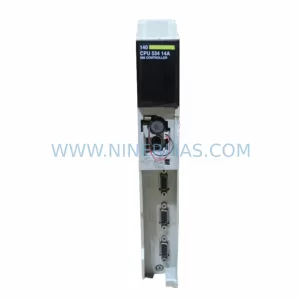
More Schneider Electric modules in the catalog.
Use the brand lane to compare nearby part numbers, platform-adjacent modules, and other inquiry-ready listings before sending your final RFQ.
Catalog Continuation
Alternative parts within PLC & Industrial Automation Modules.
Stay inside the same system family when you need substitutes, adjacent modules, or a broader shortlist for procurement review.
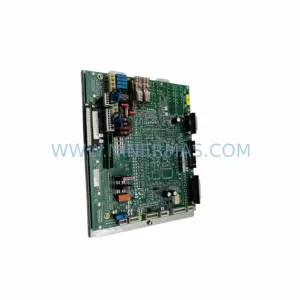
SKU: 00-217-026 00217026D3236-K13 00-217-026
KUKA 00-217-026 Retrofit Power Supply for Legacy Systems
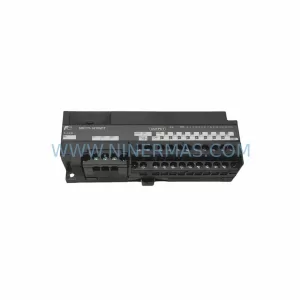
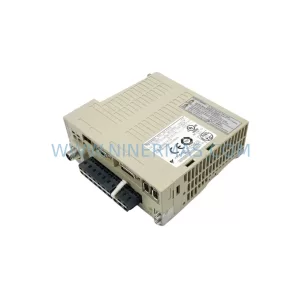
SKU: SGDS-01A32A LS2TR30-300Q8 6SL3120-1TE15-0AA4
Yaskawa SGDS-01A32A Retrofit Servo Drive for Legacy Systems