Original Industrial Spare Part
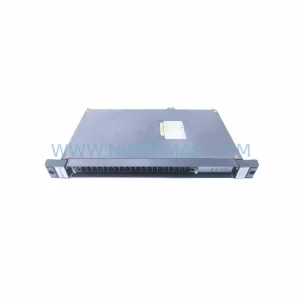
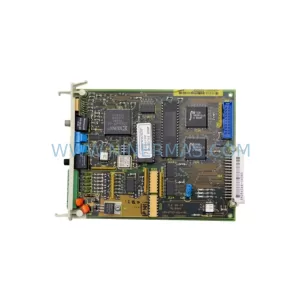
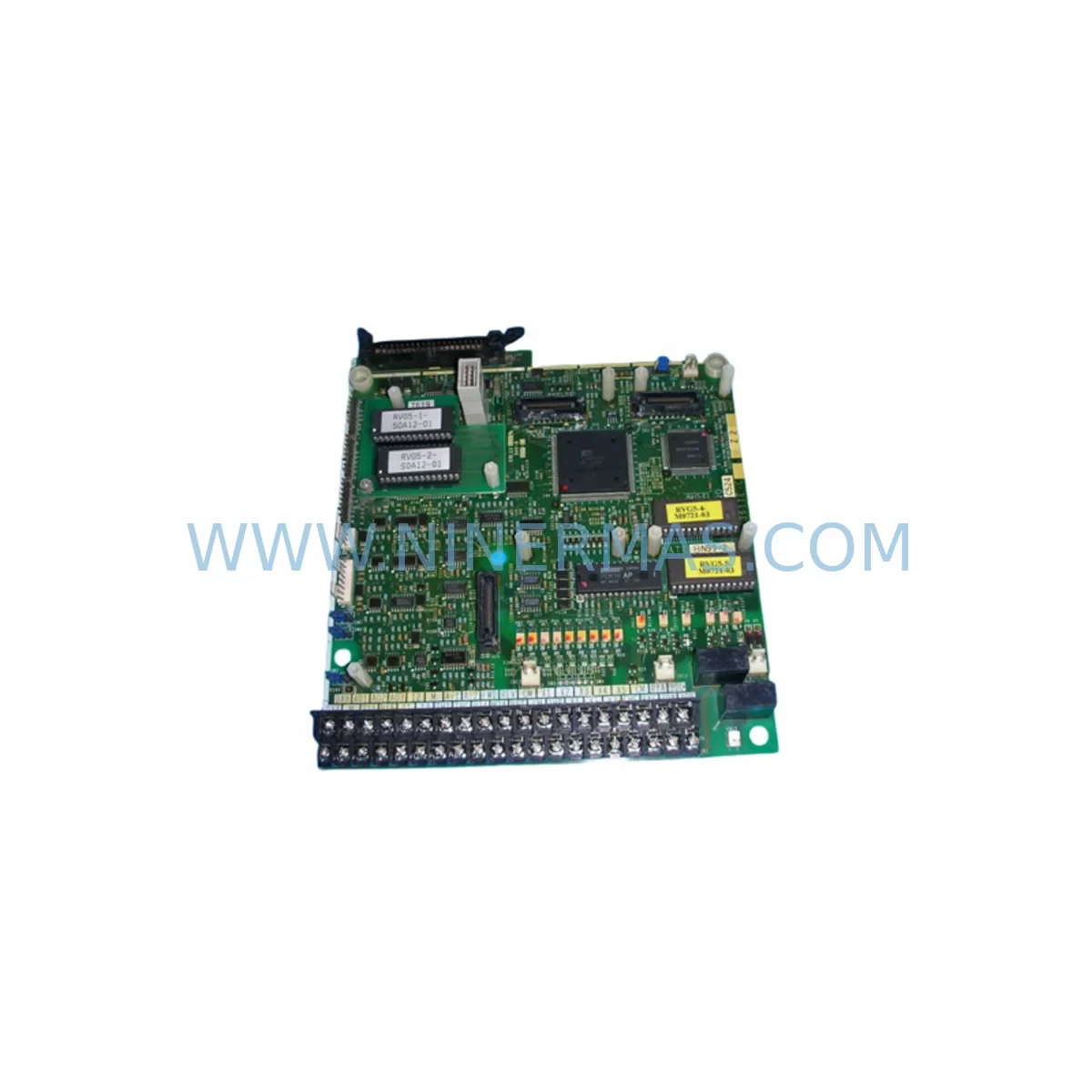
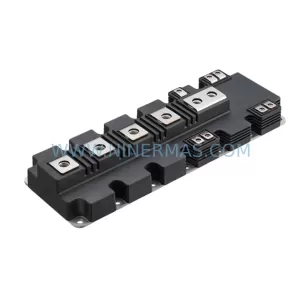
Fuji Electric EP-3429-C6-Z2 Retrofit for FRENIC Series
Verify the part, confirm the platform family, and move straight into quotation with the right commercial details.
RFQ Ready
- SKUEP-3429-C6-Z2
- CategoryPLC & Industrial Automation Modules
- BrandFuji Electric
- SupportAvailability, lead time, condition, and shipping coordination
How Buyers Usually Use This Page
- Confirm the exact part number and platform family before sending the quote request.
- Use direct email when quantity, condition, and destination are already defined internally.
- Switch to the broader brand or category archive when you need alternates nearby.
Series Navigation
Move through the most common platform families behind this part.
Product RFQ
Send this part directly for quotation.
Include quantity, required condition, destination country, and target delivery timing. Current reference: Fuji Electric EP-3429-C6-Z2 Retrofit for FRENIC Series with SKU EP-3429-C6-Z2.
Fuji Electric EP-3429-C6-Z2 Retrofit for FRENIC Series: Legacy-Compatible Upgrade for Industrial Drive Systems
The Fuji Electric EP-3429-C6-Z2 is a retrofit-ready option card designed for integration into FRENIC series AC drives deployed across legacy automation environments. As industrial facilities face increasing pressure to modernize aging control infrastructure without full system replacement, the EP-3429-C6-Z2 provides a cost-effective, drop-in compatible solution that preserves existing wiring topology, control logic, and panel space allocation. This unit is sourced from verified supply channels, pre-shipment tested, and backed by a 12-month warranty — making it a reliable choice for maintenance engineers, system integrators, and procurement teams managing long-lifecycle automation assets.
Whether you are replacing a failed card in a running FRENIC 5000G11S or FRENIC-Multi drive, upgrading a legacy FRENIC-Eco installation to extend its operational life, or consolidating spare parts inventory for a multi-line production facility, the EP-3429-C6-Z2 is engineered to slot into existing backplane configurations with minimal re-engineering effort. Its compatibility with standard FRENIC option slot architecture means that terminal wiring, DIP switch settings, and parameter mapping from the original card can typically be carried forward without modification.
Upgrade Compatibility Table
| Parameter | Details |
|---|---|
| SKU / Part Number | EP-3429-C6-Z2 |
| Brand / Manufacturer | Fuji Electric |
| Compatible Series | FRENIC-Multi, FRENIC-Eco, FRENIC-5000G11S, FRENIC-MEGA |
| Card Type | Option / Extension Card |
| Installation Interface | Standard FRENIC option slot (backplane-mounted) |
| Communication Compatibility | RS-485 / Modbus RTU (verify per host drive firmware) |
| Terminal Wiring | Compatible with existing terminal block layout; verify signal polarity before energizing |
| Replacement Scope | Direct replacement for EP-3429-C6-Z2 and functionally equivalent legacy option cards |
| Commissioning Notes | Confirm parameter group F, E, C, H settings post-installation; re-initialize if required |
| Warranty | 12 Months from date of shipment |
| Pre-Shipment Testing | Yes — functional verification performed before dispatch |
| Origin | Japan |
Retrofit Planning for Existing Automation Systems
Successful integration of the EP-3429-C6-Z2 into a live production environment requires a structured retrofit plan that accounts for the full scope of the drive system — not just the card itself. In most FRENIC-based control cabinets, the option card interfaces with a broader ecosystem of components that must be evaluated before and after replacement.
Begin by auditing the host drive’s firmware version and option slot compatibility. FRENIC-Multi and FRENIC-Eco drives use a shared option slot architecture, but firmware revisions across generations can affect how the EP-3429-C6-Z2 initializes and communicates. If the host drive is running an older firmware build, consider whether a firmware update is feasible before card installation — or whether the existing firmware is sufficient for the card’s intended function.
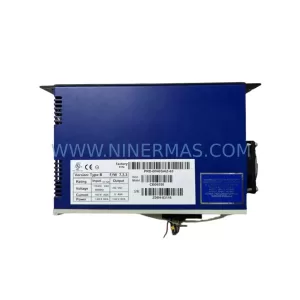
Next, review the power supply capacity of the control cabinet. Option cards draw logic-level power from the drive’s internal 5V or 24V rail depending on card type. Verify that the existing Fuji Electric power supply module — such as those used in conjunction with FRENIC-MEGA or FRENIC-5000G11S frames — has sufficient headroom to support the EP-3429-C6-Z2 alongside other installed option cards, I/O expansion modules, and communication adapters.
Terminal wiring is a critical checkpoint. In legacy installations, field wiring to the drive’s control terminal block — covering analog inputs (0–10V, 4–20mA), digital inputs (FWD, REV, multi-step speed), relay outputs, and PTC thermistor connections — must be documented before any card removal. Cross-reference the existing wiring diagram against the EP-3429-C6-Z2 terminal map to confirm signal compatibility. Pay particular attention to common (CM) terminal assignments and shielding continuity, especially in environments with high electromagnetic interference from adjacent servo drives, contactors, or variable-frequency drives on shared bus bars.
For systems using Modbus RTU or RS-485 communication, verify that the network address, baud rate, and parity settings stored in the host drive’s parameter group match the configuration expected by the upstream PLC or SCADA system. In multi-drive networks — where a Mitsubishi MELSEC Q-series or Siemens S7-300 PLC may be polling multiple FRENIC drives on a single RS-485 loop — a misconfigured node address on the replacement card can disrupt the entire communication chain. Confirm the address setting via the drive’s keypad or programming tool before reconnecting the network cable.
If the control system includes an HMI panel — such as a Fuji Electric V9 series or a third-party touch panel connected via serial link — verify that the HMI screen tags referencing drive status words, fault codes, and speed references are still mapped correctly after card replacement. Some HMI configurations read option card-specific registers that may differ between card revisions. A brief offline simulation or tag audit before live commissioning can prevent unexpected screen errors during startup.
For facilities managing multiple FRENIC drives across production lines, consider maintaining a parallel spare of the EP-3429-C6-Z2 alongside related components such as the FRENIC keypad extension cable, RS-485 communication option card (OPC-G1-RS), analog input option card, and the drive’s main control PCB. This spare parts strategy — combined with documented parameter backup files stored on a loader PC or USB keypad — significantly reduces mean time to repair (MTTR) during unplanned failures.
Downtime Control During System Migration
Minimizing production downtime during an EP-3429-C6-Z2 replacement requires preparation that begins well before the maintenance window opens. The most effective approach is to treat the card swap as a planned migration rather than an emergency repair — even when the replacement is triggered by an unexpected failure.
Before the maintenance window, back up all drive parameters using the FRENIC Loader software or a compatible USB keypad. Parameter groups F (fundamental), E (extension), C (control), H (high-performance), A (motor), and o (option) should all be captured and stored. This backup serves as both a restoration baseline and a commissioning reference if the replacement card requires re-initialization.
During the swap, follow a defined sequence: de-energize the drive and wait for the DC bus to discharge (typically 5–10 minutes for FRENIC-MEGA and FRENIC-Multi frames), remove the option card by releasing the retention clip, seat the EP-3429-C6-Z2 firmly into the option slot until the connector is fully engaged, and restore power. On first power-up, the drive will typically display an option card detection message — confirm that the card is recognized before proceeding to parameter verification.
If the drive is part of a closed-loop control system — for example, controlling a pump, fan, or conveyor with PID feedback — verify that the analog input scaling and PID parameter group settings are intact before returning the drive to automatic mode. A brief manual jog test at low speed (5–10 Hz) confirms motor rotation direction and drive response before full-speed operation resumes.
For multi-drive systems where the EP-3429-C6-Z2 host drive is interlocked with upstream or downstream equipment via hardwired I/O or network commands, coordinate the restart sequence with the control room operator to prevent process upsets. In facilities with safety relay modules or emergency stop circuits wired through the drive’s relay output terminals, verify that the safety circuit is re-armed and tested before releasing the drive to production.
With proper preparation, a planned EP-3429-C6-Z2 card replacement can typically be completed within a single shift, with full production restoration achieved before the next operating cycle.
Retrofit Support FAQ
Q1: Is the EP-3429-C6-Z2 a direct drop-in replacement for the original card in my FRENIC drive?
In most cases, yes. The EP-3429-C6-Z2 is designed to fit the standard FRENIC option slot and is compatible with the backplane connector used across FRENIC-Multi, FRENIC-Eco, and FRENIC-MEGA series drives. However, we recommend verifying your drive’s model number and option slot designation (typically labeled on the drive’s nameplate or in the technical manual) before ordering. Our team can assist with compatibility confirmation if you provide the host drive model and existing card part number.
Q2: What commissioning steps are required after installing the EP-3429-C6-Z2?
After physical installation, power up the drive and confirm that the option card is detected (the drive keypad will typically display a card recognition message or fault code if the card is not seated correctly). Restore parameters from your pre-maintenance backup using FRENIC Loader or the USB keypad. Verify communication settings (node address, baud rate, parity) if the card is used in a Modbus RTU or RS-485 network. Perform a no-load jog test before returning the drive to full production operation.
Q3: Does the EP-3429-C6-Z2 come with a warranty, and is pre-shipment testing performed?
Yes. Every EP-3429-C6-Z2 unit shipped by NINERMAS is functionally tested before dispatch to verify electrical integrity and basic operational readiness. The unit is covered by a 12-month warranty from the date of shipment, covering manufacturing defects and functional failures under normal operating conditions. Warranty claims are processed directly through our support team at sale@ninermas.com.
Q4: What is the typical lead time, and do you maintain stock of the EP-3429-C6-Z2?
We maintain inventory of the EP-3429-C6-Z2 to support urgent replacement and planned maintenance requirements. Standard orders are processed and dispatched within 1–3 business days. For large-quantity orders or long-term supply agreements, contact our sales team to discuss availability, pricing, and scheduled delivery arrangements. We also support customers with spare parts lifecycle planning for FRENIC series drives approaching end-of-support status.
| Product Series | FRENIC |
|---|
Catalog Continuation
More Fuji Electric modules in the catalog.
Use the brand lane to compare nearby part numbers, platform-adjacent modules, and other inquiry-ready listings before sending your final RFQ.
Catalog Continuation
Alternative parts within PLC & Industrial Automation Modules.
Stay inside the same system family when you need substitutes, adjacent modules, or a broader shortlist for procurement review.