Original Industrial Spare Part
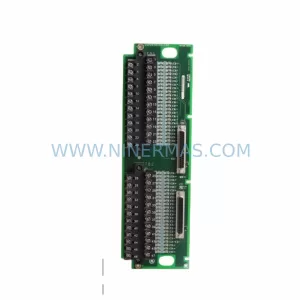
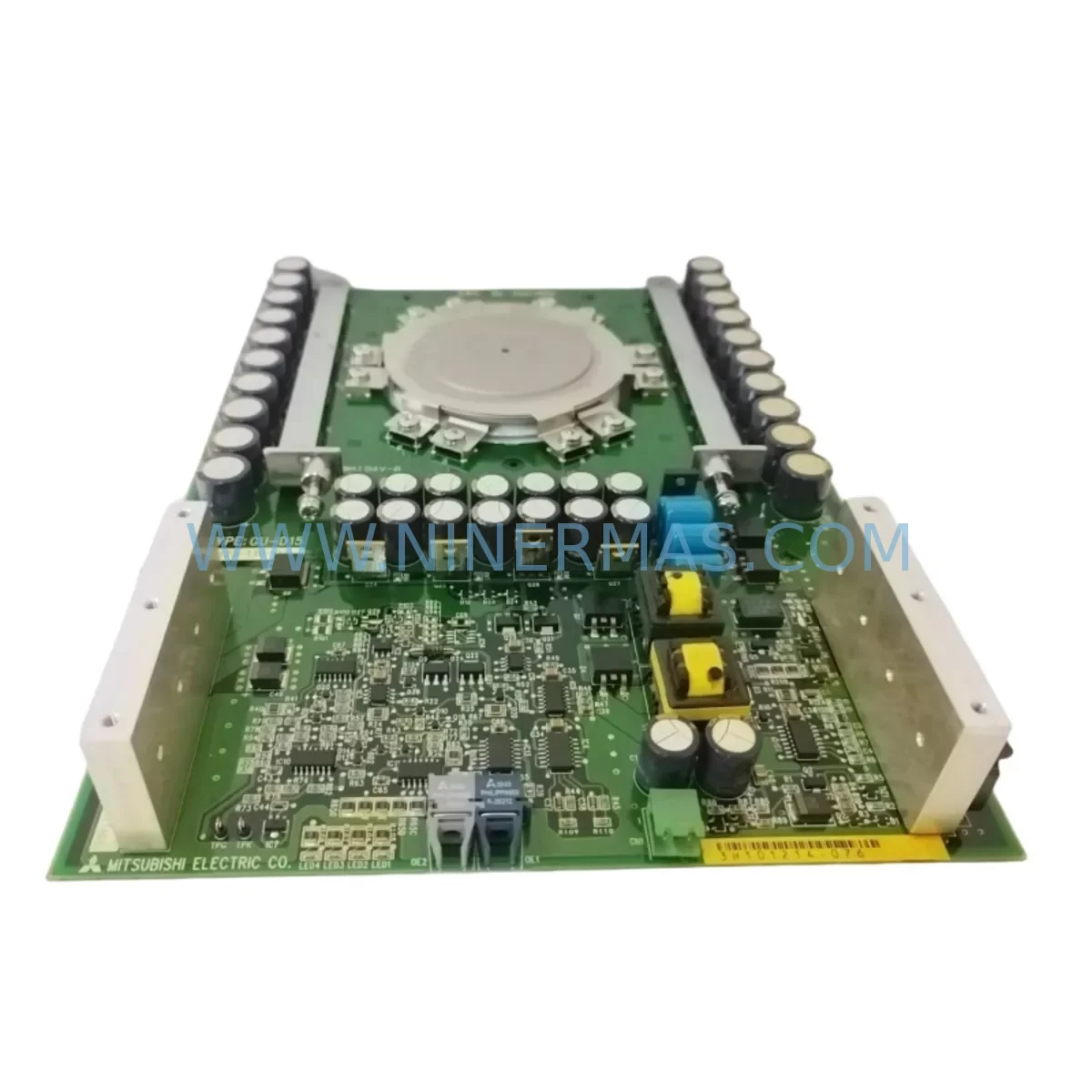
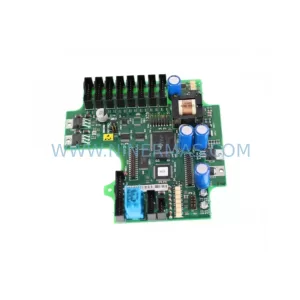
80173-110-02-3 Retrofit-Compatible Control Module
Verify the part, confirm the platform family, and move straight into quotation with the right commercial details.
RFQ Ready
- SKU80173-110-02-3
- CategoryPLC & Industrial Automation Modules
- BrandIndustrial Control Hub
- SupportAvailability, lead time, condition, and shipping coordination
How Buyers Usually Use This Page
- Confirm the exact part number and platform family before sending the quote request.
- Use direct email when quantity, condition, and destination are already defined internally.
- Switch to the broader brand or category archive when you need alternates nearby.
Series Navigation
Move through the most common platform families behind this part.
Product RFQ
Send this part directly for quotation.
Include quantity, required condition, destination country, and target delivery timing. Current reference: 80173-110-02-3 Retrofit-Compatible Control Module with SKU 80173-110-02-3.
NINERMAS 80173-110-02-3 Retrofit-Compatible Control Module for Legacy System Modernization
The NINERMAS 80173-110-02-3 is a ruggedized, retrofit-compatible control module engineered to serve as a direct replacement for discontinued and end-of-life control hardware in legacy automation environments. Whether you are managing a phased plant modernization, responding to an unplanned equipment failure, or executing a scheduled control cabinet upgrade, the 80173-110-02-3 is designed to minimize engineering rework, reduce downtime, and preserve your existing program logic and field wiring infrastructure.
This module is purpose-built for industrial environments where reliability, backward compatibility, and rapid commissioning are non-negotiable. Its ruggedized construction supports operation in high-vibration, wide-temperature, and electrically noisy environments — conditions common in manufacturing, process control, energy, and heavy industry applications.
Upgrade Compatibility Table
| Parameter | Details / Retrofit Notes |
|---|---|
| SKU / Part Number | 80173-110-02-3 |
| Series | NINERMAS Ruggedized Control Series |
| Module Type | Ruggedized Control Module |
| Mounting / Installation | DIN rail or panel mount; confirm backplane slot dimensions against legacy rack before installation |
| Power Supply Compatibility | Verify existing PSU capacity (amperage headroom) before hot-swap or cold-swap replacement |
| Terminal Wiring | Review legacy terminal block pitch and wire gauge; adapter terminal blocks may be required for direct wiring reuse |
| Communication Protocol | Confirm protocol compatibility (Modbus RTU/TCP, PROFIBUS, EtherNet/IP, or proprietary) with existing HMI and SCADA links |
| Backplane / Rack Interface | Verify backplane connector type and slot address assignment before module insertion |
| Program / Logic Compatibility | Back up existing PLC program before replacement; validate I/O address mapping post-installation |
| HMI Screen Compatibility | Confirm tag names and data block addresses remain consistent with replacement module |
| Installation Space | Measure cabinet depth, width, and height clearance; confirm module dimensions against legacy footprint |
| Commissioning | Perform loop checks, I/O force tests, and communication link verification before returning to production |
| Warranty | 12-Month Warranty — covers manufacturing defects under normal operating conditions |
| Replacement Recommendation | Suitable for direct or near-direct replacement of discontinued ruggedized control modules in equivalent control platforms |
Retrofit Planning for Existing Automation Systems
Successful integration of the 80173-110-02-3 into an existing automation system begins well before the module arrives on site. A structured retrofit plan reduces the risk of extended downtime, program corruption, and field wiring errors — all of which are common failure points when replacing legacy control hardware without adequate preparation.
The first step is a thorough audit of the existing control cabinet. Engineers should document the current power supply module output ratings and confirm that the replacement module’s power draw falls within the available headroom. In many legacy systems, the original power supply module was sized tightly for the original hardware configuration, and adding a modern replacement with slightly different current requirements can trigger nuisance tripping or undervoltage faults if not accounted for in advance.
Next, the backplane and rack configuration must be reviewed. In rack-based control architectures, each module slot is assigned a specific I/O address or node number. When replacing a module such as the 80173-110-02-3, engineers must confirm that the replacement module’s slot address configuration matches the original — either through hardware DIP switch settings, rotary address selectors, or software-based slot assignment in the programming environment. Mismatched slot addresses are a leading cause of communication faults and I/O mapping errors after module replacement.
Terminal wiring is another critical checkpoint. Legacy systems often use older terminal block styles with different pitch spacing or screw torque specifications compared to modern replacement modules. In some cases, a terminal adapter or marshalling block is required to reuse existing field cables without re-termination. Documenting the existing wiring scheme — including wire labels, signal types, and shield grounding points — before disconnecting any field wiring is essential.
Communication link integrity must also be verified. If the 80173-110-02-3 is part of a network that includes a communications processor module, a remote I/O adapter, or a gateway device bridging legacy serial protocols to modern Ethernet-based networks, each link in the chain must be tested after module replacement. This is particularly important in systems where the HMI or SCADA platform relies on specific data block addresses or tag structures that may differ between the legacy module and its replacement.
For systems that include discrete and analog I/O expansion — such as additional digital input modules, analog output modules, or signal isolator cards — engineers should verify that the replacement control module’s I/O scan cycle and update rate are compatible with the existing I/O configuration. In some legacy architectures, the control module directly governs the scan rate of all connected I/O modules, and a mismatch can result in sluggish response times or missed signals in time-critical control loops.
Where the existing system includes an operator interface terminal or panel-mounted HMI, screen tag validation is a mandatory step. HMI screens built for legacy control platforms often reference specific register addresses or variable names that must be remapped if the replacement module uses a different memory organization. Failing to validate HMI tag mapping before returning the system to production is a common source of operator confusion and process upsets during the post-retrofit commissioning phase.
Finally, engineers should confirm that the programming cable or configuration tool required for the 80173-110-02-3 is available on site before beginning the replacement. In legacy systems, proprietary programming cables and software licenses are sometimes tied to specific hardware generations, and a replacement module from a newer production batch may require an updated driver or firmware version to communicate correctly with the programming workstation.
Downtime Control During System Migration
Minimizing production downtime during a control module replacement is one of the most important objectives for any maintenance or engineering team executing a retrofit. For the 80173-110-02-3, a well-structured migration sequence can reduce unplanned downtime to a planned maintenance window of two to four hours in most standard cabinet configurations.
The foundation of downtime control is pre-staging. Before the scheduled replacement window, the replacement module should be bench-tested and, where possible, pre-configured with the correct slot address, communication parameters, and firmware version. If the control platform supports offline program simulation, the replacement module’s behavior should be validated against the existing program logic in a test environment before it is installed in the live cabinet.
Program backup is non-negotiable. The existing PLC or controller program — including all data blocks, function blocks, and hardware configuration files — must be archived to a secure location before any hardware is disturbed. In systems where the program resides in battery-backed RAM rather than non-volatile flash memory, a power interruption during module removal can result in total program loss. Confirming the backup integrity before proceeding protects against this risk.
During the physical replacement, field wiring should be disconnected and labeled systematically, working from one end of the terminal strip to the other. Photographs of the existing wiring layout provide a valuable reference during reconnection. Once the replacement module is installed and wired, a cold-start sequence — powering the cabinet from a de-energized state — is generally preferred over a hot-swap approach for control modules, as it allows the system to perform a full self-diagnostic cycle before resuming control of field devices.
Post-installation commissioning should follow a structured loop-check procedure: verify each I/O point individually, confirm communication link status on all connected network segments, and perform a controlled test of the process under manual override before returning the system to automatic control. Documenting the commissioning results provides a baseline for future maintenance and supports warranty claim processing if any issues arise within the 12-month warranty period.
Retrofit Support FAQ
Q1: Is the 80173-110-02-3 a direct drop-in replacement for my existing discontinued control module?
In most cases, the 80173-110-02-3 is designed as a functionally equivalent replacement for legacy ruggedized control modules in the same control platform family. However, engineers should verify backplane connector compatibility, slot address configuration, and power supply requirements before installation. Minor wiring or configuration adjustments may be required depending on the specific legacy hardware being replaced.
Q2: What commissioning steps are required after installing the replacement module?
After physical installation and wiring reconnection, the recommended commissioning sequence includes: restoring the backed-up program to the replacement module, verifying I/O address mapping, performing a full loop check on all connected field devices, confirming communication link status with all networked devices (including HMI, SCADA, and any remote I/O stations), and conducting a controlled process test under manual override before returning to automatic operation.
Q3: Has the 80173-110-02-3 been tested before shipment, and what does the warranty cover?
Yes. Each unit undergoes functional testing prior to shipment to verify basic operational integrity. The module is covered by a 12-month warranty against manufacturing defects under normal operating conditions. The warranty does not cover damage resulting from incorrect installation, overvoltage, reverse polarity, or operation outside the specified environmental ratings. Warranty claims should be initiated by contacting our support team with the original order reference and a description of the observed fault.
Q4: Do you maintain stock of the 80173-110-02-3, and what are typical lead times?
We maintain dedicated inventory of the 80173-110-02-3 to support urgent replacement and planned retrofit projects. Standard in-stock orders are processed and dispatched within 1–3 business days. For large-quantity orders or projects requiring multiple units across an extended retrofit schedule, we recommend contacting our sales team in advance to confirm stock availability and arrange a reserved allocation.
—
| Product Series | Other series |
|---|
Catalog Continuation
More Industrial Control Hub modules in the catalog.
Use the brand lane to compare nearby part numbers, platform-adjacent modules, and other inquiry-ready listings before sending your final RFQ.
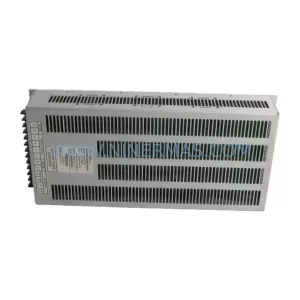
SKU: 80026-088-01 80026-088-01-R HBC65-Q7594
80026-088-01 Safety-Reliable Power Supply Module
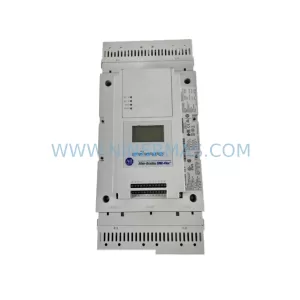
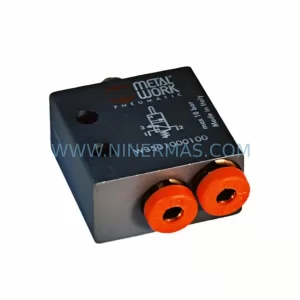
SKU: VME1-2 04-719030-01
VME1-2 04-719030-01 Retrofit-Compatible VME Bus Extender
Catalog Continuation
Alternative parts within PLC & Industrial Automation Modules.
Stay inside the same system family when you need substitutes, adjacent modules, or a broader shortlist for procurement review.
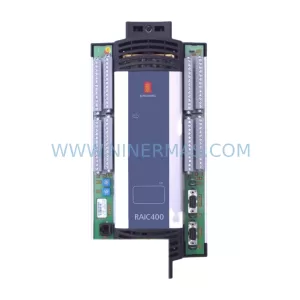
SKU: KRC4 00-168-334 00-181-563 KRC2 00-126-383 KRC2RDW 00-119-966
KUKA 00-168-334 Retrofit-Compatible Controller for Legacy Systems