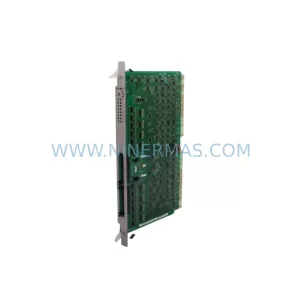
Original Industrial Spare Part
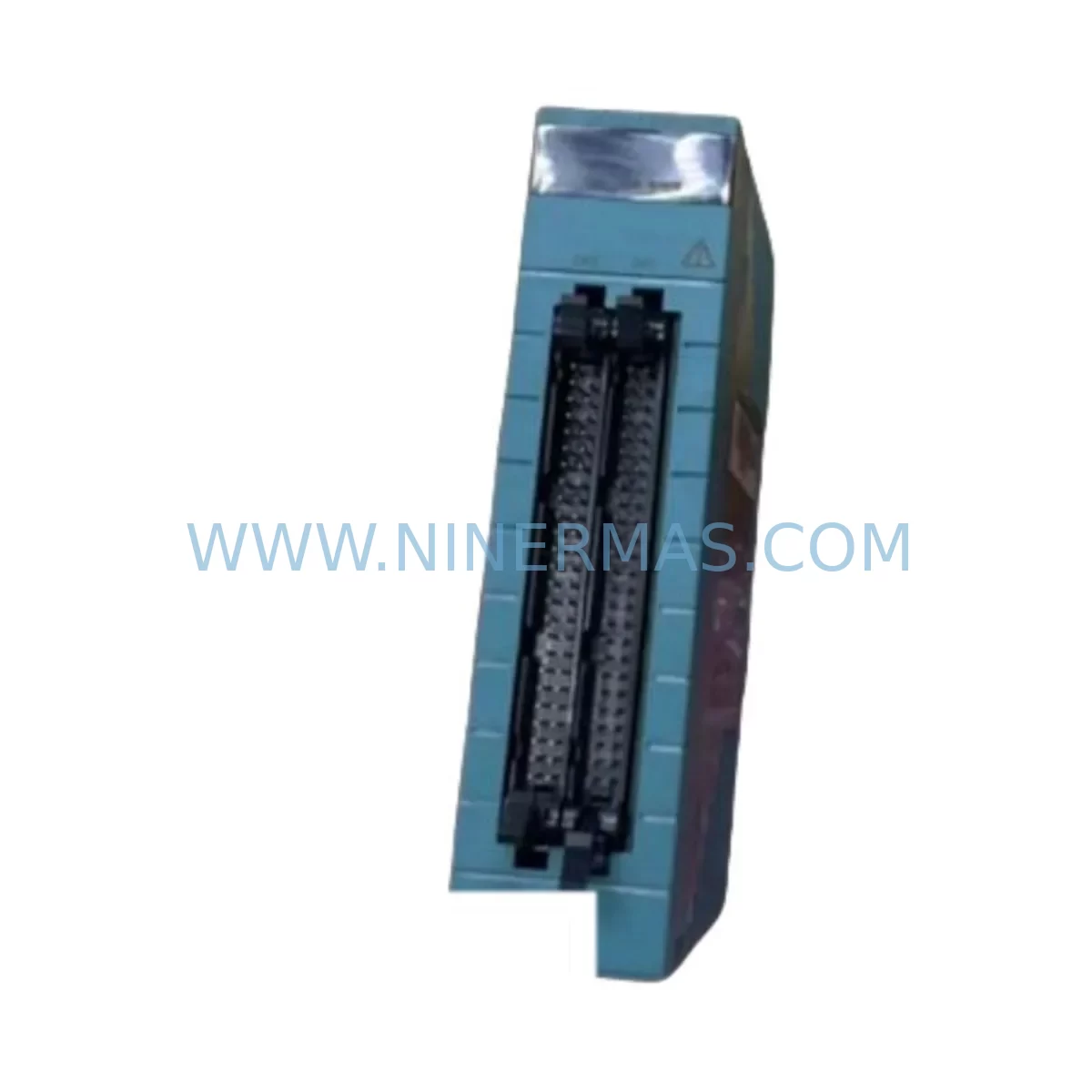
YOKOGAWA NFAP135-S00 S2 Service-Ready Spare Part
Verify the part, confirm the platform family, and move straight into quotation with the right commercial details.
RFQ Ready
- SKUNFAP135-S00 S2
- CategoryDCS Distributed Control Systems
- BrandYokogawa
- SupportAvailability, lead time, condition, and shipping coordination
How Buyers Usually Use This Page
- Confirm the exact part number and platform family before sending the quote request.
- Use direct email when quantity, condition, and destination are already defined internally.
- Switch to the broader brand or category archive when you need alternates nearby.
Series Navigation
Move through the most common platform families behind this part.
Product RFQ
Send this part directly for quotation.
Include quantity, required condition, destination country, and target delivery timing. Current reference: YOKOGAWA NFAP135-S00 S2 Service-Ready Spare Part with SKU NFAP135-S00 S2.
YOKOGAWA NFAP135-S00 S2 Service-Ready Spare Part for Industrial Maintenance
The YOKOGAWA NFAP135-S00 S2 is an original pulse input module designed for use within YOKOGAWA’s STARDOM FCN/FCJ controller platform — a ruggedized, field-proven distributed control architecture widely deployed across continuous process industries. As a critical I/O component responsible for acquiring high-frequency pulse signals from flow meters, encoders, turbine meters, and rotating machinery, the NFAP135-S00 S2 plays a direct role in maintaining accurate process measurement and control loop integrity. For maintenance engineers managing aging DCS infrastructure or planning annual overhaul schedules, having a verified original spare on hand is not optional — it is a fundamental risk control measure.
At NINERMAS, we supply the YOKOGAWA NFAP135-S00 S2 as a tested, original spare part with full 12-month warranty coverage. Every unit undergoes pre-shipment functional verification to confirm signal acquisition accuracy, module communication handshake, and physical connector integrity before leaving our warehouse. Our inventory is maintained to support both emergency breakdown replacements and planned procurement cycles, ensuring that your maintenance team is never left waiting during a critical production window.
Spare Maintenance Table
| Part Number | NFAP135-S00 S2 |
| Brand | YOKOGAWA |
| Series | STARDOM FCN / FCJ |
| Module Type | Pulse Input Module |
| Input Channels | Pulse / Frequency signal input (multi-channel) |
| Signal Compatibility | Turbine meters, encoders, flow transmitters, rotating sensors |
| Communication | Internal FCN/FCJ backplane bus |
| Installation | Modular slot-in, FCN/FCJ chassis compatible |
| Operating Temperature | 0°C to 55°C (standard industrial range) |
| Protection Rating | Suitable for panel-mounted industrial enclosures |
| Country of Origin | Japan |
| Condition | Original, New |
| Pre-Shipment Test | Functional verification completed |
| Warranty | 12 Months |
| Supply Lead Time | Subject to stock availability — contact for confirmation |
Maintenance Planning for Continuous Operation
When a pulse input module such as the NFAP135-S00 S2 is flagged for replacement during a scheduled shutdown or emergency fault isolation, experienced maintenance engineers know that the module itself is rarely the only component requiring attention. A thorough inspection of the surrounding control cabinet and I/O subsystem is essential to prevent repeat failures and ensure a clean return to service.
Begin by verifying the YOKOGAWA FCN controller backplane for any signs of oxidation, loose module retention clips, or backplane bus communication errors that may have contributed to the module fault. The backplane is the communication backbone for all I/O modules in the STARDOM architecture, and a degraded backplane can cause intermittent signal loss even after a module swap. Alongside the backplane, inspect the YOKOGAWA NFAI135 analog input modules installed in adjacent slots — pulse and analog I/O modules often share the same power rail, and a power disturbance affecting one module type may have stressed others.
Check the YOKOGAWA NFDO132 digital output modules connected to downstream control elements. If the pulse input data was feeding a flow totalizer or interlock logic, any miscounting caused by a degraded NFAP135-S00 S2 may have triggered spurious output commands that should be reviewed and reset before restarting the process. Similarly, inspect the YOKOGAWA NFDI132 digital input modules for any latched fault states that may have been triggered during the fault period.
On the power supply side, confirm that the YOKOGAWA NFPS135 power supply module is delivering stable, within-specification DC voltage to the I/O chassis. Voltage sag or ripple on the module supply rail is a common root cause of pulse counting errors and premature module degradation. If the site uses redundant power supply configurations, verify that the redundancy switchover function is operating correctly and that both supply units are healthy.
For sites where the STARDOM FCN communicates upstream to a YOKOGAWA CENTUM VP DCS or a SCADA system via Vnet/IP or Ethernet-based communication modules, verify that the communication link was not interrupted during the fault event and that the historian has correctly logged the gap in pulse data. This is particularly important in custody transfer metering applications where data integrity is a regulatory requirement.
Additionally, inspect field-side wiring terminations at the terminal blocks and signal cables connecting the pulse sensors to the NFAP135-S00 S2 input terminals. Loose terminations, corroded contacts, or damaged cable shielding are frequent contributors to pulse signal degradation and can cause a correctly functioning module to report erratic counts. Where signal isolation is required between field devices and the I/O module, verify that any installed signal isolators or pulse repeaters are operating within specification.
Finally, if the site operates in a high-vibration or high-humidity environment, consider replacing the module retention hardware and chassis sealing gaskets as part of the same maintenance window. These low-cost consumables are often overlooked but play a significant role in protecting sensitive electronics from environmental ingress over multi-year service intervals.
Site Replacement Workflow
Replacing the YOKOGAWA NFAP135-S00 S2 in a live STARDOM FCN/FCJ system follows a structured workflow designed to minimize downtime and eliminate configuration errors. Before removing the faulty module, download and archive the current FCN controller configuration using YOKOGAWA’s FAST/TOOLS or Resource Configurator software to ensure that all I/O channel assignments, scaling parameters, and pulse input filter settings are preserved.
Power down the affected I/O chassis slot following the site’s lockout/tagout (LOTO) procedure. Remove the NFAP135-S00 S2 by releasing the module retention latch and sliding it clear of the backplane connector. Inspect the backplane connector pins for damage or contamination before inserting the replacement unit. Seat the new NFAP135-S00 S2 firmly until the retention latch engages, then restore power to the slot.
After power-up, confirm that the module is recognized by the FCN controller and that all configured pulse input channels are reporting correctly. Compare live pulse counts against the upstream flow meter local display to verify signal accuracy before returning the control loop to automatic mode. Document the replacement in the site maintenance management system (CMMS) with the module serial number, installation date, and pre-replacement fault symptoms to support future reliability analysis.
For sites managing legacy STARDOM systems where original YOKOGAWA spare parts are becoming harder to source through standard distribution channels, NINERMAS maintains a dedicated inventory of YOKOGAWA FCN/FCJ I/O modules to support long-term operational continuity. Our team can assist with compatibility verification, cross-referencing discontinued part numbers, and advising on equivalent replacement options where direct replacements are no longer available.
Spare Parts Support FAQ
Q1: Is the NFAP135-S00 S2 supplied as a new original part, and what does the 12-month warranty cover?
Yes. NINERMAS supplies the YOKOGAWA NFAP135-S00 S2 as a new, original spare part. The 12-month warranty covers manufacturing defects and functional failures under normal operating conditions. Each unit is functionally tested before shipment. Warranty claims are supported by our technical team with replacement or refund options.
Q2: How do I confirm compatibility between the NFAP135-S00 S2 and my existing FCN/FCJ chassis?
The NFAP135-S00 S2 is designed for use within the YOKOGAWA STARDOM FCN/FCJ modular I/O system. Compatibility depends on your chassis model, firmware version, and slot configuration. We recommend sharing your FCN system configuration details with our technical team before ordering so we can confirm direct compatibility and advise on any firmware considerations.
Q3: Can NINERMAS support emergency orders for the NFAP135-S00 S2 when production is down?
Yes. We maintain stock of YOKOGAWA FCN/FCJ spare modules specifically to support emergency breakdown scenarios. Contact our sales team at sale@ninermas.com or +0086 187 5021 5667 with your urgency level and delivery location, and we will confirm stock availability and the fastest available shipping option.
Q4: What is NINERMAS’s long-term supply strategy for YOKOGAWA STARDOM spare parts?
NINERMAS actively maintains inventory of YOKOGAWA STARDOM FCN/FCJ I/O modules, power supply modules, and communication components to support customers operating legacy systems beyond the standard product lifecycle. We work with customers to develop annual spare parts procurement plans that reduce the risk of extended downtime caused by last-time-buy situations or distribution channel shortages.
| Product Series | STARDOM |
|---|---|
| Country of Origin | JP |
Catalog Continuation
More Yokogawa modules in the catalog.
Use the brand lane to compare nearby part numbers, platform-adjacent modules, and other inquiry-ready listings before sending your final RFQ.
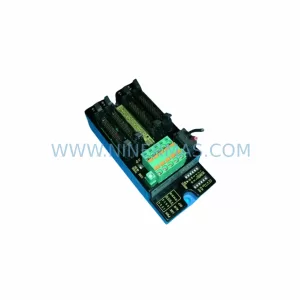

Catalog Continuation
Alternative parts within DCS Distributed Control Systems.
Stay inside the same system family when you need substitutes, adjacent modules, or a broader shortlist for procurement review.
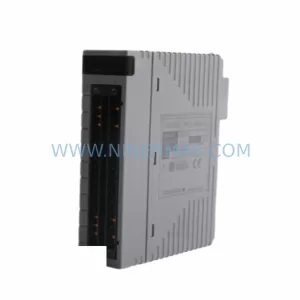
SKU: KC4011X1-BM1 12P6884X052
EMERSON KC4011X1-BM1 12P6884X052 Service-Ready Spare Part
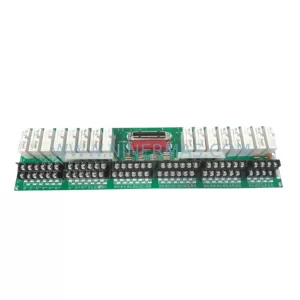
SKU: MC-TDID52 51304441-275
Honeywell MC-TDID52 51304441-275 Retrofit DI Module Legacy DCS
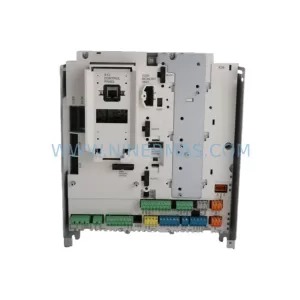
SKU: SDCS-CON-H01 3ADT220166R0002
ABB SDCS-CON-H01 3ADT220166R0002 Service-Ready Spare Part