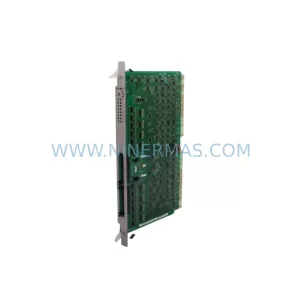
Original Industrial Spare Part
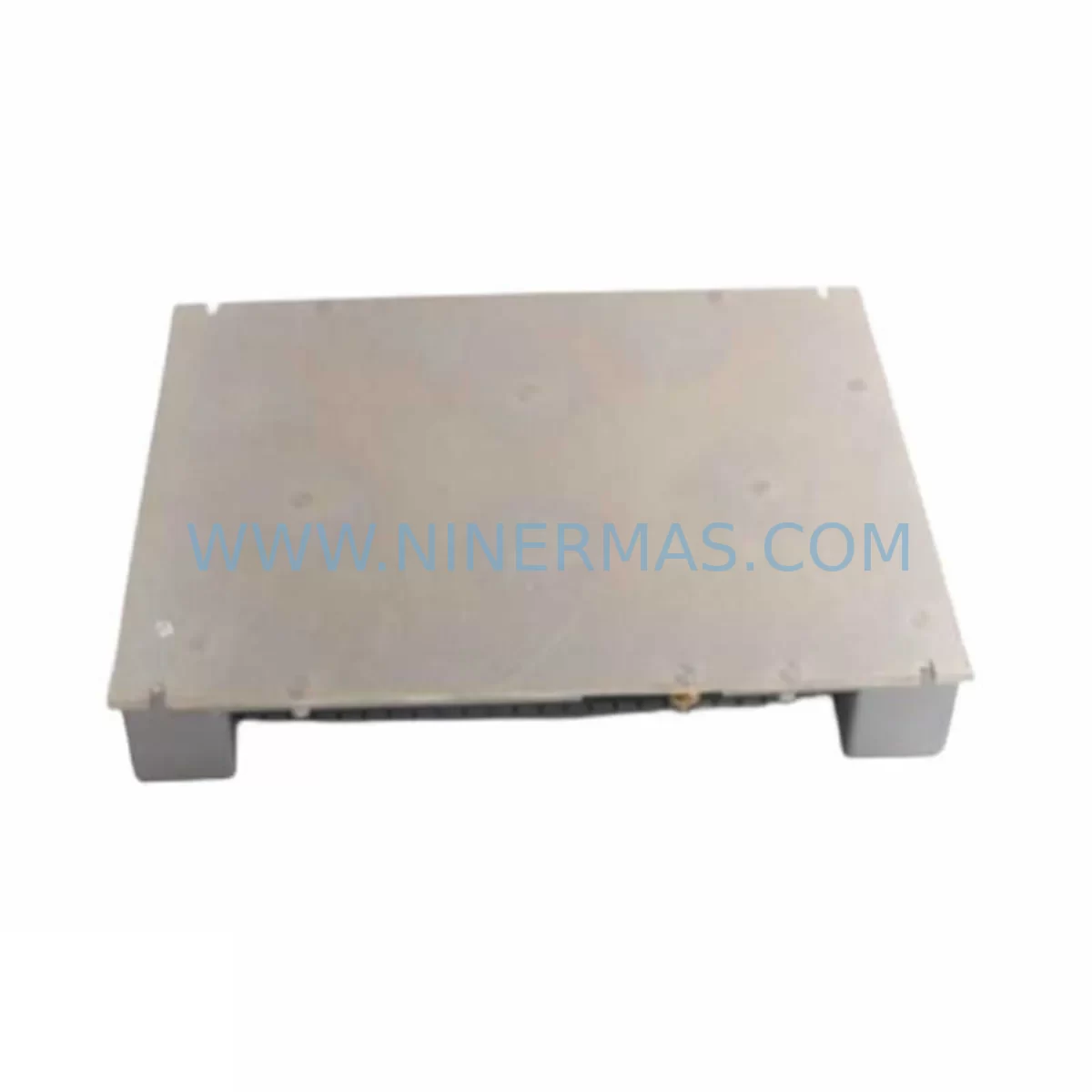
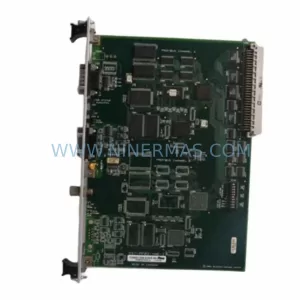
SST SST-PB3M-CPX Service-Ready Spare Part for Industrial Maintenance
Verify the part, confirm the platform family, and move straight into quotation with the right commercial details.
RFQ Ready
- SKUSST-PB3M-CPX
- CategoryDCS Distributed Control Systems
- BrandSST
- SupportAvailability, lead time, condition, and shipping coordination
How Buyers Usually Use This Page
- Confirm the exact part number and platform family before sending the quote request.
- Use direct email when quantity, condition, and destination are already defined internally.
- Switch to the broader brand or category archive when you need alternates nearby.
Series Navigation
Move through the most common platform families behind this part.
Product RFQ
Send this part directly for quotation.
Include quantity, required condition, destination country, and target delivery timing. Current reference: SST SST-PB3M-CPX Service-Ready Spare Part for Industrial Maintenance with SKU SST-PB3M-CPX.
SST SST-PB3M-CPX Service-Ready Spare Part for Industrial Maintenance
The SST SST-PB3M-CPX is a Profibus DP communication module engineered for integration with Festo CPX valve terminal systems. In industrial automation environments where Profibus DP remains the backbone of field-level communication — connecting PLCs, DCS controllers, remote I/O nodes, and distributed valve islands — the SST-PB3M-CPX plays a critical role in maintaining uninterrupted process control. When this module fails or degrades, the entire CPX terminal loses its ability to communicate with the master controller, resulting in immediate production stoppage and potential safety interlocks being triggered.
At NINERMAS, we supply the SST-PB3M-CPX as a service-ready spare part, fully tested prior to shipment, backed by a 12-month warranty, and available for long-term procurement programs. Whether you are responding to an emergency breakdown, building a preventive maintenance stock, or planning an annual shutdown overhaul, our supply chain is structured to support your operational continuity.
Spare Maintenance Table
| Parameter | Specification / Detail |
|---|---|
| Part Number | SST-PB3M-CPX |
| Brand | SST (Woodhead / Molex SST) |
| Series | PB3M / CPX Profibus Interface |
| Protocol | Profibus DP (EN 50170 / IEC 61158) |
| Compatible Platform | Festo CPX Valve Terminal Systems |
| Node Address | Configurable via DIP switch (1–125) |
| Baud Rate Support | 9.6 kbps – 12 Mbps (auto-detect) |
| Supply Voltage | 24 VDC (via CPX bus) |
| Connector Type | DB9 Female (Profibus standard) |
| Operating Temperature | 0°C to +55°C |
| Protection Class | IP20 (module), system-level IP65 with CPX enclosure |
| Mounting | Direct CPX bus rail integration |
| Certifications | CE, UL (per SST product line) |
| Compatibility | Festo CPX-FB11, CPX-FB13, CPX-M-FB-PB series (verify bus generation) |
| Warranty | 12 Months from shipment date |
| Pre-Shipment Testing | Yes — communication link and I/O mapping verified |
| Maintenance Recommendation | Inspect every 12–18 months; replace on first sign of bus fault or LED error |
| Long-Term Supply | Available — contact NINERMAS for blanket order pricing |
Maintenance Planning for Continuous Operation
Replacing the SST-PB3M-CPX in a live production environment requires more than a simple module swap. Maintenance engineers and procurement teams should treat this replacement as an opportunity to audit the entire Profibus segment and the CPX terminal assembly. A systematic inspection prevents secondary failures that often surface within days of a primary component replacement.
Begin by verifying the Profibus DP trunk cable and termination resistors at both ends of the segment. Degraded cable shielding or missing termination is a leading cause of intermittent bus faults that are frequently misdiagnosed as module failures. Alongside the SST-PB3M-CPX, inspect the CPX power supply module (such as the Festo CPX-GE-EV-S or equivalent 24 VDC bus power unit) — a sagging supply voltage will cause the new communication module to report spurious errors immediately after installation.
Check all CPX I/O modules seated on the same terminal rail. Loose bus connectors between I/O slices are a common source of data corruption on the Profibus segment. If the CPX terminal includes pneumatic valve driver modules, confirm that solenoid coil resistance values are within specification — a shorted coil can load the 24 VDC bus and affect communication module stability.
For systems where the SST-PB3M-CPX interfaces with a Siemens S7-300 or S7-400 PLC acting as Profibus DP master, verify the GSD file version loaded in the hardware configuration matches the firmware revision of the replacement module. Mismatched GSD files are a frequent cause of configuration errors (SF LED on the CPU) after a module replacement. Similarly, if the master is an ABB AC500 PLC or a GE Fanuc Series 90-30 with a Profibus master card, re-download the hardware configuration after the swap.
Inspect the Profibus repeater if the segment spans more than 32 nodes or exceeds cable length limits. A failing repeater will cause intermittent communication loss that appears to originate from the field module. Also review any Profibus signal isolators or optical fiber converters in the segment — these components age independently and can introduce latency or signal degradation that destabilizes the entire bus after a module change.
For facilities running Emerson DeltaV DCS or Honeywell Experion with Profibus I/O cards, ensure the fieldbus segment diagnostic tools are used to confirm bus health before and after the SST-PB3M-CPX replacement. Document the bus load percentage and node response times as a baseline for future maintenance cycles.
Finally, review the terminal strip wiring and cable entry glands on the control cabinet housing the CPX terminal. Moisture ingress or vibration-induced wire fatigue at the DB9 Profibus connector is a common secondary failure point. A replacement module installed into a cabinet with compromised wiring will fail prematurely, negating the value of the spare part investment.
Site Replacement Workflow
Step 1 — Pre-Replacement Verification: Confirm the replacement SST-PB3M-CPX part number and firmware version against the existing module label. Photograph the DIP switch address settings on the outgoing module before removal.
Step 2 — Safe Isolation: Place the Profibus DP master in STOP mode or set the affected segment to safe state via the DCS/PLC. De-energize the CPX terminal 24 VDC supply. Do not remove the module under power — bus connector damage is common when hot-swapping CPX communication modules.
Step 3 — Module Removal: Release the CPX bus locking mechanism and slide the SST-PB3M-CPX off the rail. Inspect the bus connector pins on both the module and the adjacent CPX slice for corrosion or mechanical damage.
Step 4 — Replacement Installation: Set the DIP switch node address on the new SST-PB3M-CPX to match the original configuration. Seat the module firmly onto the CPX bus rail until the locking tab engages. Reconnect the Profibus DB9 cable, ensuring the cable shield is properly terminated at the connector housing.
Step 5 — Power-Up and Commissioning: Re-energize the CPX terminal supply. Observe the module status LEDs — a steady green BF (Bus Fault) LED off and SF (Station Fault) LED off indicates successful bus integration. From the PLC/DCS, perform an online diagnostic to confirm all CPX I/O addresses are responding correctly.
Step 6 — Functional Test: Cycle each valve output and verify I/O feedback signals at the controller. Log the replacement date, module serial number, and bus diagnostic results in the maintenance management system (CMMS) for future reference.
This workflow minimizes downtime to under 30 minutes for a prepared maintenance team and eliminates the risk of secondary faults caused by incorrect address configuration or improper cable termination.
Spare Parts Support FAQ
Q1: Is the SST-PB3M-CPX compatible with all Festo CPX terminal generations?
The SST-PB3M-CPX is designed for Festo CPX valve terminal systems using the standard CPX bus interface. Compatibility should be verified against the specific CPX terminal generation (CPX-M, CPX-L, or CPX-P) and the bus module slot specification. NINERMAS provides pre-shipment compatibility verification upon request — contact our technical team with your CPX terminal order code for confirmation before purchase.
Q2: What does the 12-month warranty cover, and what is the replacement process?
The 12-month warranty covers manufacturing defects and functional failures under normal operating conditions. It does not cover damage caused by incorrect installation, overvoltage, or physical impact. In the event of a warranty claim, NINERMAS will arrange replacement shipment upon receipt and inspection of the returned unit. Our average warranty response time is 3–5 business days for standard cases.
Q3: Can NINERMAS support long-term or blanket purchase orders for the SST-PB3M-CPX?
Yes. NINERMAS operates long-term spare parts supply programs for industrial customers with recurring maintenance requirements. Blanket orders allow you to secure stock allocation, lock in pricing, and schedule phased deliveries aligned with your annual maintenance calendar. This is particularly valuable for facilities managing aging Profibus-based systems where original manufacturer supply is uncertain. Contact sale@ninermas.com to discuss program terms.
Q4: What pre-shipment testing is performed on the SST-PB3M-CPX before delivery?
Each SST-PB3M-CPX unit supplied by NINERMAS undergoes functional verification including Profibus DP communication link establishment, I/O mapping confirmation, and LED status validation. Units that do not pass testing are not shipped. A test report is available upon request for quality-critical procurement processes. This ensures that the module is operational upon arrival and reduces the risk of installation delays caused by DOA (dead-on-arrival) components.
—
| Product Series | Other series |
|---|
Catalog Continuation
More SST modules in the catalog.
Use the brand lane to compare nearby part numbers, platform-adjacent modules, and other inquiry-ready listings before sending your final RFQ.
Catalog Continuation
Alternative parts within DCS Distributed Control Systems.
Stay inside the same system family when you need substitutes, adjacent modules, or a broader shortlist for procurement review.