Original Industrial Spare Part
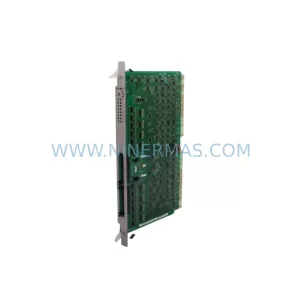
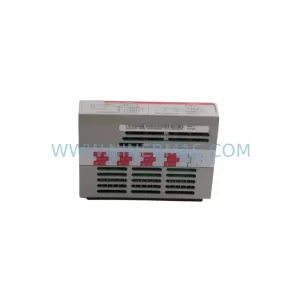
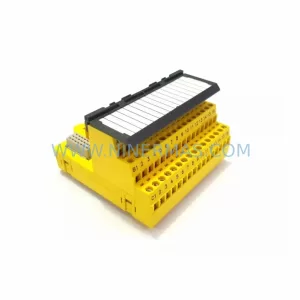
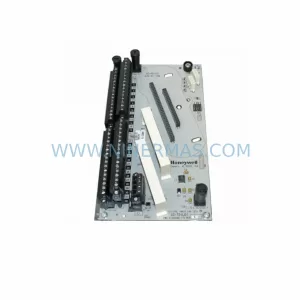
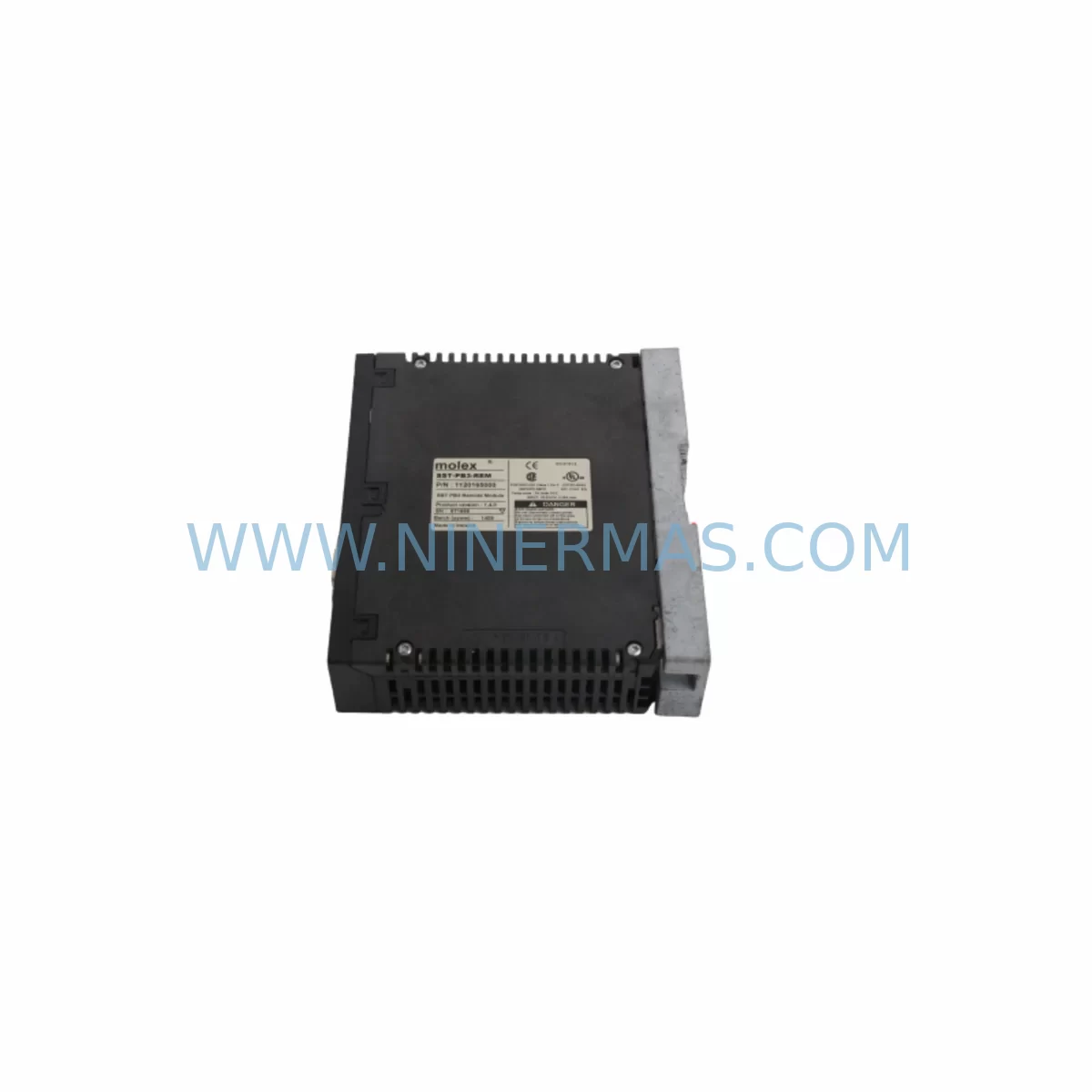
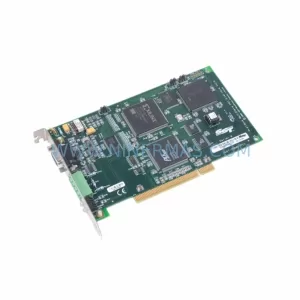
SST SST-PB3-REM Service-Ready Spare Part for Industrial Maintenance
Verify the part, confirm the platform family, and move straight into quotation with the right commercial details.
RFQ Ready
- SKUSST-PB3-REM
- CategoryDCS Distributed Control Systems
- BrandSST
- SupportAvailability, lead time, condition, and shipping coordination
How Buyers Usually Use This Page
- Confirm the exact part number and platform family before sending the quote request.
- Use direct email when quantity, condition, and destination are already defined internally.
- Switch to the broader brand or category archive when you need alternates nearby.
Series Navigation
Move through the most common platform families behind this part.
Product RFQ
Send this part directly for quotation.
Include quantity, required condition, destination country, and target delivery timing. Current reference: SST SST-PB3-REM Service-Ready Spare Part for Industrial Maintenance with SKU SST-PB3-REM.
SST SST-PB3-REM Service-Ready Spare Part for Industrial Maintenance
The SST SST-PB3-REM is a service-ready spare part designed for the PB3 Remote Interface Series, engineered to support PROFIBUS-based industrial control architectures in continuous process environments. For maintenance engineers managing aging DCS and PLC infrastructure, sourcing a verified, original-compatible SST-PB3-REM is critical to minimising unplanned downtime and restoring system communication integrity without costly panel redesign.
NINERMAS supplies the SST-PB3-REM as a tested, pre-shipment-verified spare, backed by a 12-month warranty and long-term stock availability. Whether you are executing a scheduled annual overhaul, responding to a fault alarm, or building a strategic spare parts inventory for a PROFIBUS-networked production line, the SST-PB3-REM delivers the compatibility and reliability your maintenance programme demands.
The PB3 Remote Interface module serves as a critical communication bridge in PROFIBUS DP networks, enabling remote I/O expansion and distributed control across industrial panels. When this module degrades or fails, the downstream impact can cascade across multiple I/O nodes, triggering process shutdowns and extended fault isolation cycles. Stocking a verified SST-PB3-REM spare eliminates this risk and supports rapid field replacement with minimal configuration overhead.
Spare Maintenance Table
| Parameter | Specification / Detail |
|---|---|
| Part Number | SST-PB3-REM |
| Brand | SST (Woodhead / Molex SST) |
| Series | PB3 Remote Interface Series |
| Protocol | PROFIBUS DP |
| Function | Remote Interface / Distributed I/O Communication Module |
| Compatibility | PB3 Series PROFIBUS DP networks; compatible with GE, Siemens, ABB, and Emerson DCS/PLC host systems via PROFIBUS DP master |
| Installation | DIN rail or panel mount; plug-in replacement for existing PB3-REM installations |
| Operating Environment | Industrial control cabinet; suitable for process plant, utilities, and manufacturing environments |
| Maintenance Recommendation | Inspect PROFIBUS termination resistors, cable shielding, and DP address settings during replacement |
| Pre-Shipment Testing | Function-tested prior to dispatch |
| Warranty | 12 Months from date of shipment |
| Lead Time | In stock — typically ships within 3–5 business days |
| Long-Term Supply | Available for ongoing spare parts programmes and blanket orders |
Maintenance Planning for Continuous Operation
When replacing the SST-PB3-REM in a live PROFIBUS DP network, a disciplined maintenance approach requires more than a module swap. Maintenance engineers should treat this replacement as an opportunity to audit the surrounding control cabinet and communication infrastructure to prevent secondary failures and reduce the risk of repeat callouts.
Begin by verifying the PROFIBUS DP cable integrity — shielded twisted-pair cable degradation is a common root cause of intermittent communication faults that are often misattributed to the remote interface module itself. Check both the incoming and outgoing DP segments for correct bus termination resistors at each network end; incorrect termination is a leading cause of data corruption in PROFIBUS installations.
Inspect the 24 VDC power supply feeding the PB3 remote station. Voltage sag or ripple on the supply rail can cause the SST-PB3-REM to reset unexpectedly, producing intermittent faults that are difficult to diagnose without a power quality analyser. If the existing power supply is original to the installation, consider replacing it as a preventive measure alongside the remote interface module.
Review the I/O modules connected to the PB3 remote station — digital input, digital output, and analogue I/O cards should be inspected for terminal corrosion, loose wiring, and blown fuse indicators. Faulty I/O modules can generate diagnostic alarms that mask the true source of a PROFIBUS communication fault. SST PB3-series I/O expansion modules, including digital and analogue variants, should be included in your site spare parts list alongside the SST-PB3-REM.
Check the PROFIBUS DP master card in the host PLC or DCS — whether a Siemens CP 342-5, a GE PROFIBUS master module, or an ABB CI854 communication interface — for firmware currency and correct GSD file configuration. A mismatch between the master’s GSD configuration and the replacement SST-PB3-REM’s device profile can prevent the network from re-establishing after module swap.
Examine signal isolators and surge protection devices on field instrument loops connected through the PB3 remote station. These components are frequently overlooked during fault isolation but are critical to protecting the remote interface module from transient damage in electrically noisy plant environments. Replacing surge protection barriers at the same time as the SST-PB3-REM is a cost-effective preventive measure.
For installations where the PB3 remote station supports motor control or relay output functions, inspect associated relay modules, contactor coils, and auxiliary contact blocks for wear. Relay chatter caused by coil degradation can introduce electrical noise onto the 24 VDC supply rail, affecting the SST-PB3-REM’s communication stability.
Finally, verify the DIN rail grounding continuity and cabinet earth bonding. Poor earthing is a systemic cause of PROFIBUS communication instability and is often only discovered during a thorough cabinet inspection triggered by a module replacement event. Document all findings in your maintenance management system to support future planned maintenance cycles.
Site Replacement Workflow
The SST-PB3-REM is designed as a direct plug-in replacement for existing PB3 Remote Interface installations, minimising the engineering effort required for field substitution. Follow this workflow to ensure a controlled, low-risk replacement:
Step 1 — Pre-Replacement Verification: Confirm the replacement SST-PB3-REM part number matches the installed unit. Record the existing PROFIBUS DP node address configured on the outgoing module before removal — this is typically set via rotary switches or DIP switches on the module face.
Step 2 — Safe Isolation: Follow your site’s lockout/tagout procedure to isolate the 24 VDC supply to the PB3 remote station. Do not rely solely on software-initiated shutdown; physically verify supply isolation with a calibrated voltage tester before handling the module.
Step 3 — Module Removal and Inspection: Remove the outgoing SST-PB3-REM and inspect the backplane connector and DIN rail mounting for mechanical damage or corrosion. Clean the connector interface before installing the replacement unit.
Step 4 — Address Configuration: Set the PROFIBUS DP node address on the replacement SST-PB3-REM to match the recorded address of the outgoing unit. Incorrect address configuration is the most common cause of failed network re-establishment after module replacement.
Step 5 — Reinstatement and Network Verification: Restore the 24 VDC supply and monitor the PROFIBUS DP master diagnostics for successful slave recognition. Verify all I/O points associated with the PB3 remote station are reporting correctly in the host DCS or PLC before returning the process to automatic control.
Step 6 — Documentation: Record the replacement in your CMMS, including the new module serial number, date of installation, and post-replacement test results. Update your spare parts inventory to trigger replenishment of the consumed SST-PB3-REM spare.
Spare Parts Support FAQ
Q1: Is the SST-PB3-REM supplied by NINERMAS a new or refurbished unit?
NINERMAS supplies the SST-PB3-REM as a service-ready spare, function-tested prior to shipment. Each unit is inspected for mechanical integrity and communication functionality before dispatch. A 12-month warranty is provided from the date of shipment, covering manufacturing defects and functional failures under normal operating conditions.
Q2: How do I confirm compatibility between the SST-PB3-REM and my existing PB3 installation?
Compatibility is confirmed by matching the part number on the installed module to SST-PB3-REM. If your installation uses a variant or revision suffix, contact NINERMAS with the full nameplate data from the installed unit and we will confirm interchangeability before shipment. We recommend retaining the original module’s address configuration and GSD file reference for the replacement process.
Q3: Can NINERMAS support long-term or blanket order supply of the SST-PB3-REM for multi-site maintenance programmes?
Yes. NINERMAS supports long-term spare parts programmes for the SST-PB3-REM and associated PB3-series components. Blanket orders, scheduled release agreements, and consignment stock arrangements are available for customers managing multiple plant sites or extended maintenance contracts. Contact our sales team to discuss your programme requirements.
Q4: What is the recommended spare parts holding strategy for PROFIBUS remote interface modules like the SST-PB3-REM?
For critical process applications, we recommend holding a minimum of one SST-PB3-REM spare per PROFIBUS segment where the module is installed, with an additional float spare for multi-segment installations. Given the lead time sensitivity of legacy PROFIBUS components, proactive stock holding significantly reduces the risk of extended downtime caused by supply chain delays. NINERMAS can advise on appropriate stock levels based on your installed base and maintenance interval requirements.
—
| Product Series | Other series |
|---|
Catalog Continuation
More SST modules in the catalog.
Use the brand lane to compare nearby part numbers, platform-adjacent modules, and other inquiry-ready listings before sending your final RFQ.
Catalog Continuation
Alternative parts within DCS Distributed Control Systems.
Stay inside the same system family when you need substitutes, adjacent modules, or a broader shortlist for procurement review.