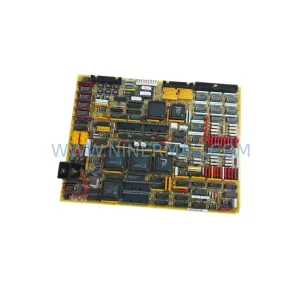
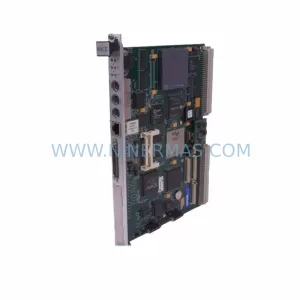
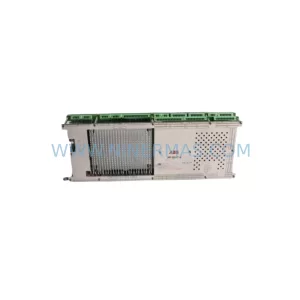
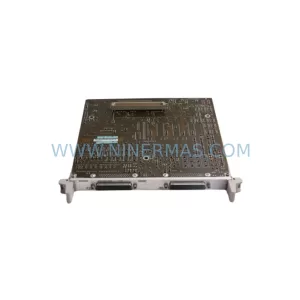
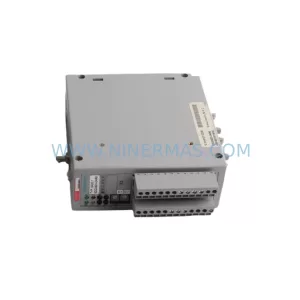
Original Industrial Spare Part
SIEMENS 6DD2920-0AQ0 Retrofit-Compatible Processor for Legacy Systems
Verify the part, confirm the platform family, and move straight into quotation with the right commercial details.
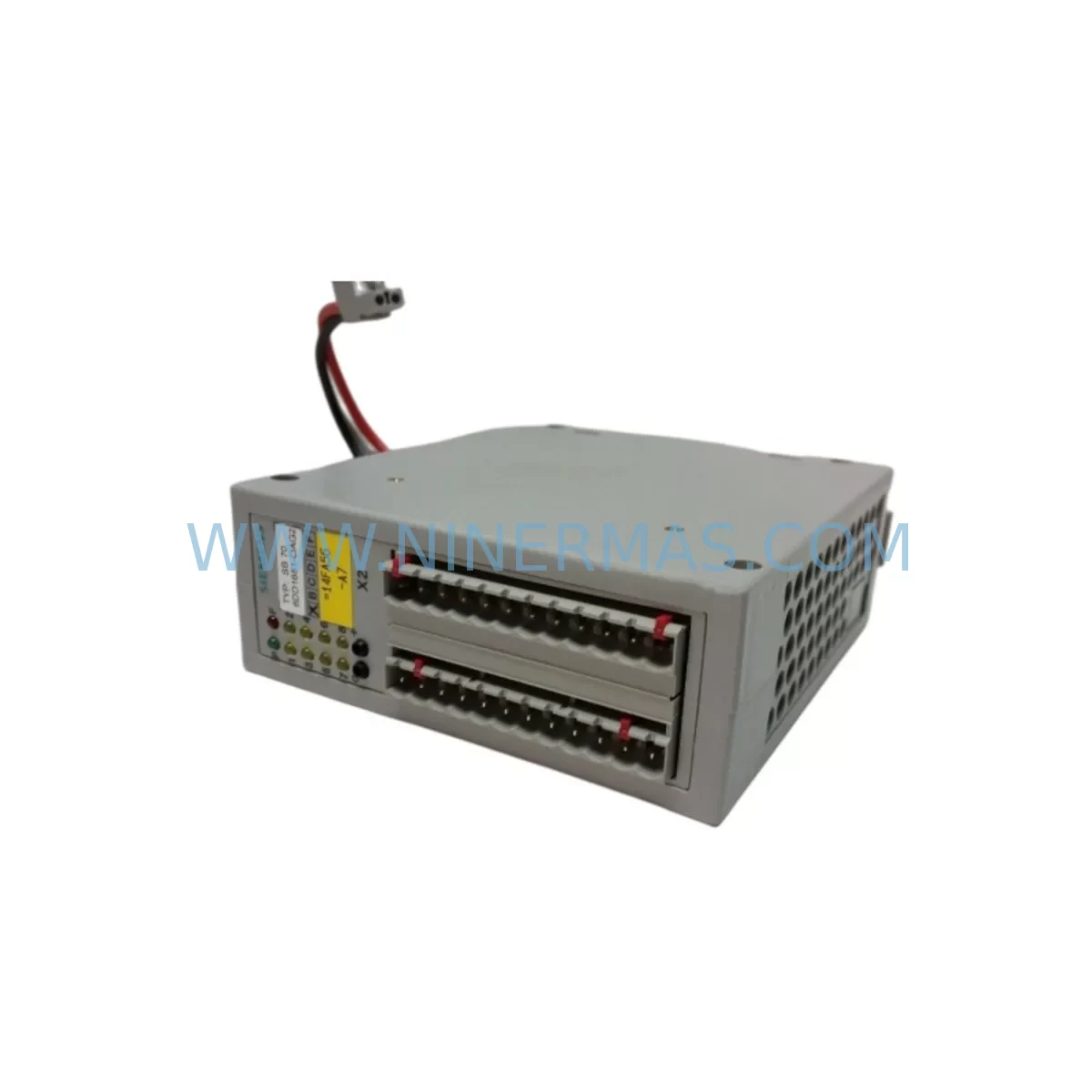
RFQ Ready
- SKU6DD2920-0AQ0
- CategoryPLC & Industrial Automation Modules
- BrandSiemens
- SupportAvailability, lead time, condition, and shipping coordination
How Buyers Usually Use This Page
- Confirm the exact part number and platform family before sending the quote request.
- Use direct email when quantity, condition, and destination are already defined internally.
- Switch to the broader brand or category archive when you need alternates nearby.
Series Navigation
Move through the most common platform families behind this part.
Product RFQ
Send this part directly for quotation.
Include quantity, required condition, destination country, and target delivery timing. Current reference: SIEMENS 6DD2920-0AQ0 Retrofit-Compatible Processor for Legacy Systems with SKU 6DD2920-0AQ0.
SIEMENS 6DD2920-0AQ0 Retrofit-Compatible Processor for Legacy Systems
The SIEMENS 6DD2920-0AQ0 is a processor module originally designed for the SIMADYN D modular control system — a platform widely deployed across power generation, drive control, rolling mill automation, and heavy industrial applications throughout the 1990s and 2000s. As SIMADYN D has reached end-of-life status and spare parts become increasingly scarce, the 6DD2920-0AQ0 has become one of the most sought-after retrofit components for engineers tasked with sustaining legacy control infrastructure without committing to a full system overhaul.
NINERMAS maintains verified stock of the 6DD2920-0AQ0 to support customers engaged in planned maintenance cycles, emergency breakdowns, and phased modernization projects. Each unit is subject to pre-shipment functional testing and ships with a 12-month warranty, giving procurement and maintenance teams the confidence needed to proceed with retrofit planning.
Upgrade Compatibility Table
| Parameter | Details |
|---|---|
| SKU / Part Number | 6DD2920-0AQ0 |
| Brand / Manufacturer | SIEMENS |
| Series / Platform | SIMADYN D |
| Module Type | Processor / CPU Module |
| Backplane Interface | SIMADYN D rack bus (compatible with PM5, PM6, PM10 racks) |
| Communication Compatibility | PROFIBUS-DP, CS31, point-to-point serial interfaces |
| Power Supply Requirement | 24 VDC via rack backplane (verify PS module capacity before installation) |
| Replacement / Retrofit Suitability | Direct slot-compatible replacement within SIMADYN D rack configurations |
| Installation Space | Standard SIMADYN D single-slot form factor; confirm rack slot availability |
| Commissioning Notes | Module address configuration required; verify existing program logic compatibility before power-on |
| Warranty | 12 Months — covers manufacturing defects and functional failure under normal operating conditions |
| Pre-Shipment Testing | Yes — functional verification performed before dispatch |
| Condition | New / Refurbished (clearly stated per order confirmation) |
Retrofit Planning for Existing Automation Systems
Replacing the 6DD2920-0AQ0 within an operational SIMADYN D environment requires careful pre-work to avoid unplanned downtime and configuration loss. The first step is to audit the existing rack assembly. SIMADYN D systems are typically built around PM5, PM6, or PM10 rack units, and the processor module occupies a designated CPU slot. Before removing the legacy module, engineers should document all module addresses, I/O assignments, and inter-module communication links configured in the existing system.
Power supply capacity is a critical checkpoint. The PS module — commonly a 6DD1682-0BC0 or similar variant — must be verified to deliver sufficient current for the replacement processor alongside all co-installed I/O modules such as the AM series analog input/output modules and DM series digital I/O modules. Overloading the backplane power rail is a common cause of intermittent faults following retrofit work.
Terminal wiring at the I/O front connectors should be photographed and labeled before any module is removed. SIMADYN D front connectors are keyed but not always uniquely coded across module types, so physical labeling prevents cross-connection errors during reassembly. If the system includes signal isolators or signal conditioners between field devices and the I/O modules, their calibration records should be reviewed to confirm they remain within specification after the module swap.
Communication links deserve particular attention. SIMADYN D systems frequently operate as PROFIBUS-DP masters or slaves within larger automation networks, and the 6DD2920-0AQ0 processor handles the PROFIBUS interface configuration. After installing the replacement module, the PROFIBUS node address must be re-entered and the network topology verified using a PROFIBUS diagnostic tool or the engineering software. If the plant also uses CS31 remote I/O expansion — a common configuration in older control cabinets — the CS31 master settings stored in the processor must be re-applied from backup or re-commissioned from scratch.
For sites that have integrated SIMATIC S5 or early SIMATIC S7 controllers alongside SIMADYN D, the inter-system communication links via serial or PROFIBUS interfaces must be re-validated after the processor replacement. In some installations, the SIMADYN D processor acts as a gateway between the drive control layer and the supervisory PLC, making communication continuity essential for maintaining production flow.
HMI screens connected to the SIMADYN D system — whether legacy SIMATIC OP panels or more modern WinCC-based SCADA stations — should be tested for correct data exchange after the module is replaced. Tag addresses and data block mappings that reference the processor module may need to be re-confirmed if the replacement unit uses a different firmware revision.
Programming cables and engineering tools such as the SIMADYN D programming interface or compatible PC adapter should be prepared in advance. Having the correct cable and software version on-site before the maintenance window begins is essential for reducing commissioning time. If the original program backup is unavailable, NINERMAS can advise on recovery options based on the specific application context.
Downtime Control During System Migration
Minimizing downtime during a SIMADYN D processor replacement begins with preparation, not execution. The most effective approach is to complete all pre-work — program backup, wiring documentation, module address recording, and spare parts staging — during normal production hours, so that the actual swap can be completed within a single planned maintenance window.
Before powering down the control cabinet, confirm that all upstream and downstream systems are in a safe state and that operators are aware of the planned interruption. For continuous process applications such as rolling mills or power plant auxiliaries, coordinate with the operations team to identify the lowest-risk window for the outage.
Once the cabinet is de-energized and the 6DD2920-0AQ0 is removed, inspect the rack backplane connector for contamination or pin damage before inserting the replacement module. A damaged backplane connector can cause the new module to fail immediately, extending downtime significantly. After insertion, restore power incrementally — energize the PS module first, confirm stable DC bus voltage, then allow the processor to initialize before enabling I/O modules and communication interfaces.
Load the program from backup and perform a controlled test cycle before returning the system to automatic mode. Verify all analog and digital I/O channels against known reference values, confirm PROFIBUS communication status, and check HMI data displays for correct readings. Document the commissioning results and update the maintenance record before closing the cabinet.
For sites where a cold standby strategy is preferred, NINERMAS recommends holding a pre-tested 6DD2920-0AQ0 unit on-site as a critical spare. Given the discontinued status of SIMADYN D components, lead times for sourcing replacement modules on short notice can be unpredictable, and a local spare eliminates this risk entirely.
Retrofit Support FAQ
Q1: Is the 6DD2920-0AQ0 a direct drop-in replacement for the existing processor in my SIMADYN D rack?
In most configurations, yes. The 6DD2920-0AQ0 is slot-compatible with standard SIMADYN D rack assemblies. However, you should verify the firmware version and hardware revision of your existing module against the replacement unit, as minor differences may affect program compatibility or communication parameter defaults. NINERMAS can assist with revision matching based on your system documentation.
Q2: What commissioning steps are required after installing the replacement module?
After physical installation, you will need to re-enter the module address, reload the application program from backup, re-configure PROFIBUS or CS31 communication parameters, and verify all I/O channel assignments. A full functional test against the process should be completed before returning the system to automatic operation. NINERMAS provides technical support documentation to guide this process.
Q3: How do I confirm that my existing wiring and terminal connections are compatible with the replacement module?
The 6DD2920-0AQ0 uses the standard SIMADYN D front connector system. Terminal assignments are defined by the module type and should match your existing wiring if the replacement is the same part number. Always cross-reference your wiring diagram against the module’s terminal layout before powering up. If your wiring documentation is incomplete, NINERMAS can provide the relevant technical datasheet.
Q4: What does the 12-month warranty cover, and what is the stock availability?
The 12-month warranty covers manufacturing defects and functional failure under normal operating and storage conditions. It does not cover damage resulting from incorrect installation, overvoltage, or physical mishandling. NINERMAS maintains active stock of the 6DD2920-0AQ0 and can confirm current availability and lead time upon inquiry. Pre-shipment functional testing is performed on every unit before dispatch.
| Product Series | SIMADYN D |
|---|---|
| Country of Origin | DE |
Catalog Continuation
More Siemens modules in the catalog.
Use the brand lane to compare nearby part numbers, platform-adjacent modules, and other inquiry-ready listings before sending your final RFQ.
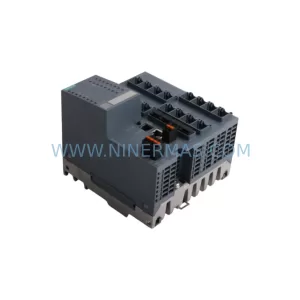
SKU: 6SE7090-0XX84-3EH0
Siemens 6SE7090-0XX84-3EH0 Safety-Reliable Drive for Critical Control
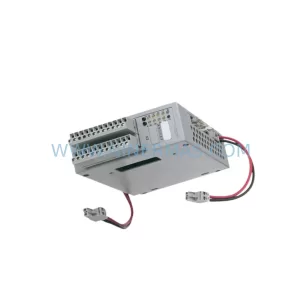
SKU: 6GK5416-4GS00-2AM2
Siemens 6GK5416-4GS00-2AM2 Industrial Ethernet Switch
Catalog Continuation
Alternative parts within PLC & Industrial Automation Modules.
Stay inside the same system family when you need substitutes, adjacent modules, or a broader shortlist for procurement review.