Original Industrial Spare Part
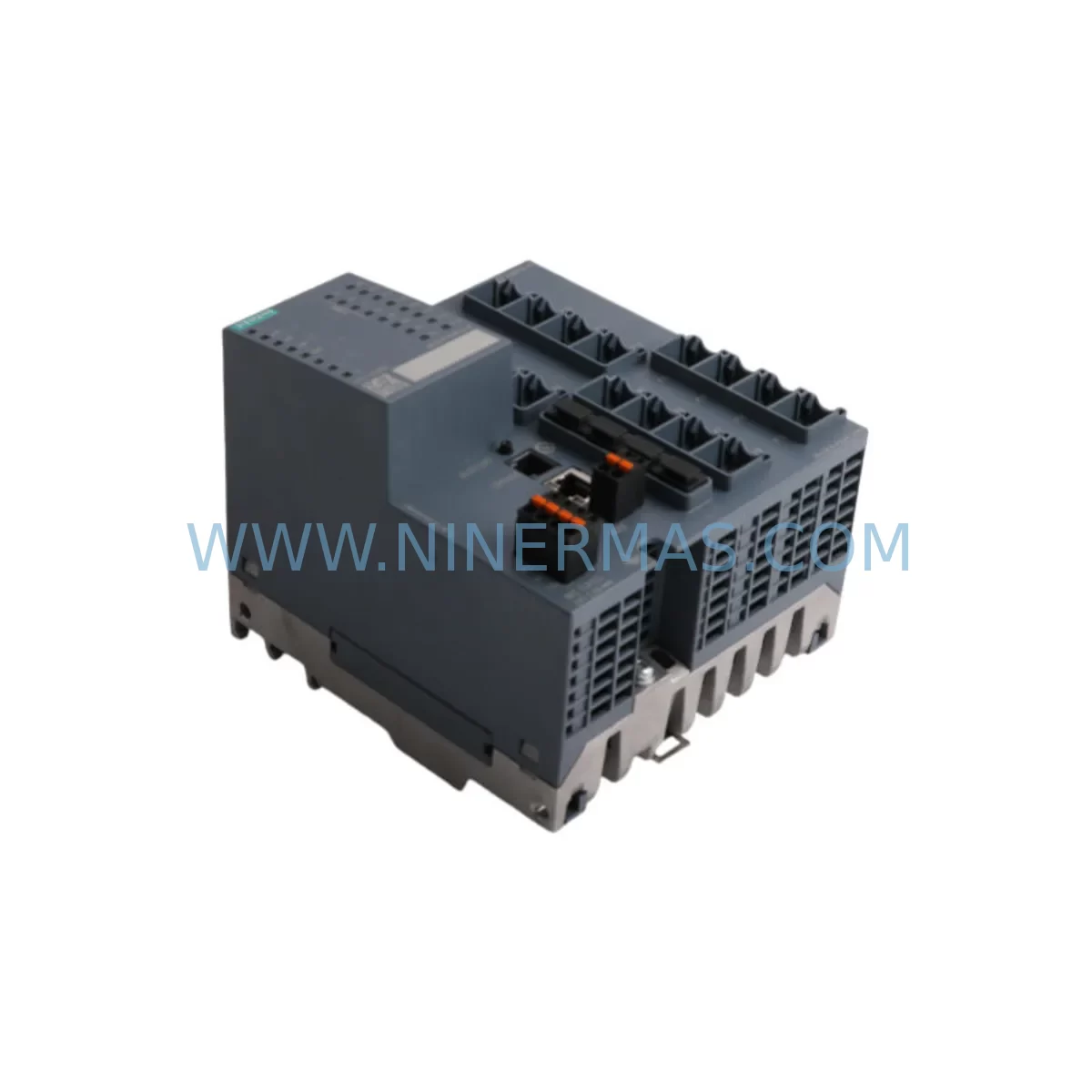
Siemens 6GK5416-4GS00-2AM2 Industrial Ethernet Switch
Verify the part, confirm the platform family, and move straight into quotation with the right commercial details.
RFQ Ready
- SKU6GK5416-4GS00-2AM2
- CategoryPLC & Industrial Automation Modules
- BrandSiemens
- SupportAvailability, lead time, condition, and shipping coordination
How Buyers Usually Use This Page
- Confirm the exact part number and platform family before sending the quote request.
- Use direct email when quantity, condition, and destination are already defined internally.
- Switch to the broader brand or category archive when you need alternates nearby.
Series Navigation
Move through the most common platform families behind this part.
Product RFQ
Send this part directly for quotation.
Include quantity, required condition, destination country, and target delivery timing. Current reference: Siemens 6GK5416-4GS00-2AM2 Industrial Ethernet Switch with SKU 6GK5416-4GS00-2AM2.
Siemens 6GK5416-4GS00-2AM2 Industrial Ethernet Switch: Service-Ready Spare Part for Continuous Operation
The Siemens 6GK5416-4GS00-2AM2 is a managed industrial Ethernet switch from the SCALANCE X-400 series, engineered for high-availability automation networks in demanding industrial environments. As a service-ready spare part, this module supports rapid fault recovery, planned annual maintenance, and long-term lifecycle extension for existing PROFINET and Industrial Ethernet infrastructures. Maintenance engineers and procurement teams managing aging Siemens automation systems will find this unit essential for minimizing unplanned downtime and sustaining network continuity across control cabinets, machine cells, and plant-wide communication backbones.
The 6GK5416-4GS00-2AM2 provides Gigabit Ethernet switching capability with fiber and copper port combinations, making it a direct replacement candidate for legacy SCALANCE X-400 units that have reached end-of-service life. When sourcing this spare, procurement engineers should confirm the exact port configuration — including the number of RJ45 copper ports, SFP fiber slots, and any combo ports — against the installed unit’s label and the original project documentation. Mismatched port types between the old and replacement unit are among the most common causes of extended commissioning time during emergency replacements.
Spare Maintenance Table
| Parameter | Specification / Recommendation |
|---|---|
| SKU / Part Number | 6GK5416-4GS00-2AM2 |
| Series | Siemens SCALANCE X-400 |
| Device Type | Managed Industrial Ethernet Switch |
| Communication Protocol | PROFINET, Industrial Ethernet, SNMP, LLDP, RSTP/MSTP |
| Power Supply Input | 24 V DC (redundant input recommended; verify against existing PSU) |
| Mounting | DIN rail or rack mount; confirm rail type and cabinet space before ordering |
| Operating Temperature | -40 °C to +70 °C (extended range; suitable for harsh environments) |
| Protection Rating | IP30 (cabinet-mounted); verify enclosure rating matches site conditions |
| Compatibility | Direct replacement for SCALANCE X-400 series; verify firmware version compatibility with existing network topology |
| Commissioning Note | Restore configuration via STEP 7 / TIA Portal or SINEMA Remote Connect; backup existing config before swap |
| Warranty | 12-Month Warranty — pre-shipment tested and verified |
Maintenance Planning for Continuous Operation
Effective maintenance planning for a SCALANCE X-400 switch replacement goes well beyond swapping the unit itself. Maintenance engineers should treat the 6GK5416-4GS00-2AM2 replacement as an opportunity to audit the surrounding network and power infrastructure. Begin by verifying the 24 V DC power supply feeding the switch — a Siemens SITOP PSU8200 or equivalent redundant power supply module should be checked for output voltage stability and load capacity before the new unit is energized. A degraded power supply is a frequent root cause of repeated switch failures and should be replaced proactively if it shows signs of wear.
Inspect all Ethernet patch cables and fiber jumpers connected to the switch. Industrial-grade Cat6 or Cat6A shielded cables should be used for copper connections, and SC or LC fiber connectors should be cleaned and inspected for contamination before reconnection. If the installation uses fiber SFP transceivers — such as Siemens 6GK5991-1AB00-8AA0 or compatible third-party SFPs — verify that the transceiver type and wavelength match the fiber plant in use. Mismatched SFPs are a common source of link instability after switch replacement.
For systems integrated with Siemens S7-300 or S7-400 PLCs via PROFINET, confirm that the PROFINET device name and IP address assigned to the 6GK5416-4GS00-2AM2 match the original configuration stored in the TIA Portal or STEP 7 project. The device name is stored in the switch’s non-volatile memory and must be reassigned after replacement using a programming cable or network-based commissioning tool. Failure to restore the correct device name will cause PROFINET communication faults and may trigger safety shutdowns on connected I/O modules such as the Siemens ET 200SP or ET 200M distributed I/O stations.
Terminal blocks and DIN rail mounting hardware in the control cabinet should also be inspected during the replacement window. Loose terminal connections on the 24 V DC supply lines or PE ground conductors can introduce noise into the network and cause intermittent communication errors. If the cabinet houses a Siemens SCALANCE W-700 wireless access point or a SCALANCE S-600 security module alongside the switch, verify that these devices are still communicating correctly after the switch is restored to service. Signal isolators on analog I/O loops connected to the same control network should also be checked for ground loop issues that may have been masked by the previous switch failure.
For plants running Siemens WinCC SCADA or a third-party HMI connected via the SCALANCE X-400 switch, confirm that the HMI communication link is restored and that all OPC UA or S7 communication tags are updating correctly before releasing the line back to production. A brief functional test of all networked devices — including any Siemens CP 343-1 or CP 443-1 communication processors on the PLC rack — should be completed and documented before closing the maintenance work order.
Site Replacement Workflow
A structured site replacement workflow for the 6GK5416-4GS00-2AM2 minimizes downtime and reduces the risk of configuration errors during emergency or planned maintenance events. Before beginning the physical swap, export the full switch configuration using SINEMA Network Manager or the device’s web interface. Save the configuration file to a secure location and confirm that the backup is readable. If the original switch is still partially functional, note the current port assignments, VLAN configuration, RSTP priority settings, and any port mirroring or QoS policies that are active.
During the physical replacement, label all cables before disconnection and photograph the wiring layout for reference. Remove the failed unit from the DIN rail or rack mount, taking care not to disturb adjacent devices such as relay modules, circuit breakers, or terminal blocks. Install the 6GK5416-4GS00-2AM2 in the same mounting position, reconnect all cables in the documented order, and apply 24 V DC power. Use TIA Portal or STEP 7 to assign the correct PROFINET device name and IP address, then restore the saved configuration file. Verify all port link states and confirm that PROFINET I/O communication is re-established with all connected controllers before resuming production. Total replacement time for a prepared maintenance team with a pre-configured spare unit is typically 30 to 90 minutes, depending on cabinet complexity and network topology.
Spare Parts Support FAQ
Q1: Is the 6GK5416-4GS00-2AM2 a direct drop-in replacement for other SCALANCE X-400 models?
The 6GK5416-4GS00-2AM2 is a specific variant within the SCALANCE X-400 family. While the physical form factor and mounting are compatible across the X-400 series, port configuration, SFP slot count, and firmware features may differ between variants. Always verify the exact part number against your installed unit’s label and project documentation before ordering. Our team can assist with cross-reference confirmation prior to shipment.
Q2: What pre-shipment testing is performed on this spare part?
Each 6GK5416-4GS00-2AM2 unit is powered on and functionally tested before dispatch. Port link status, power supply input, and basic switching functionality are verified. Units are shipped with a 12-month warranty covering manufacturing defects and functional failures under normal operating conditions. Test records are available upon request.
Q3: How should this spare part be stored if not immediately installed?
Store the unit in its original anti-static packaging in a dry, temperature-controlled environment between -25 °C and +70 °C. Avoid exposure to condensation, direct sunlight, or corrosive atmospheres. For long-term storage exceeding 12 months, inspect the unit and re-test before installation. Maintaining a pre-configured spare with the correct device name and IP address loaded reduces emergency replacement time significantly.
Q4: Can long-term supply of the 6GK5416-4GS00-2AM2 be arranged for multi-site maintenance contracts?
Yes. We support blanket order arrangements and scheduled delivery programs for maintenance teams managing multiple sites or large installed bases of SCALANCE X-400 switches. Contact our sales team to discuss volume pricing, lead time commitments, and consignment stock options. All units supplied under long-term agreements carry the same 12-month warranty and pre-shipment testing standard.
| Product Series | SIMATIC |
|---|---|
| Country of Origin | DE |
Catalog Continuation
More Siemens modules in the catalog.
Use the brand lane to compare nearby part numbers, platform-adjacent modules, and other inquiry-ready listings before sending your final RFQ.
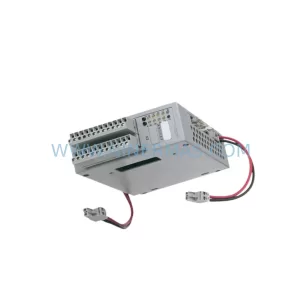
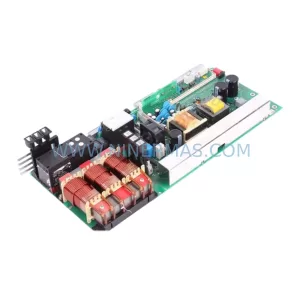
SKU: A5E00130391 C98043-A1716-L20
SIEMENS A5E00130391 C98043-A1716-L20 Service-Ready Spare Part
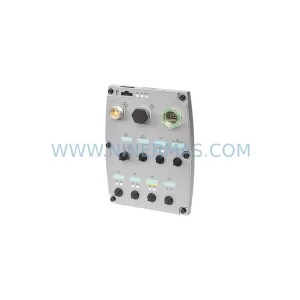
SKU: 6SL3544-0FA20-1PA0
Siemens 6SL3544-0FA20-1PA0 Service-Ready Spare Part
Catalog Continuation
Alternative parts within PLC & Industrial Automation Modules.
Stay inside the same system family when you need substitutes, adjacent modules, or a broader shortlist for procurement review.
SKU: DSQC662 3HAC026254-001
ABB DSQC662 3HAC026254-001 Service-Ready Spare Part
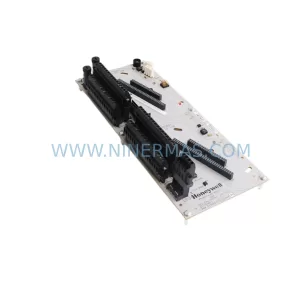
SKU: CC-TDOB11 51308373-175
HOLLEYWELL CC-TDOB11 51308373-175 Retrofit Digital Output