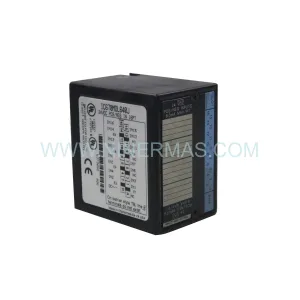
Original Industrial Spare Part
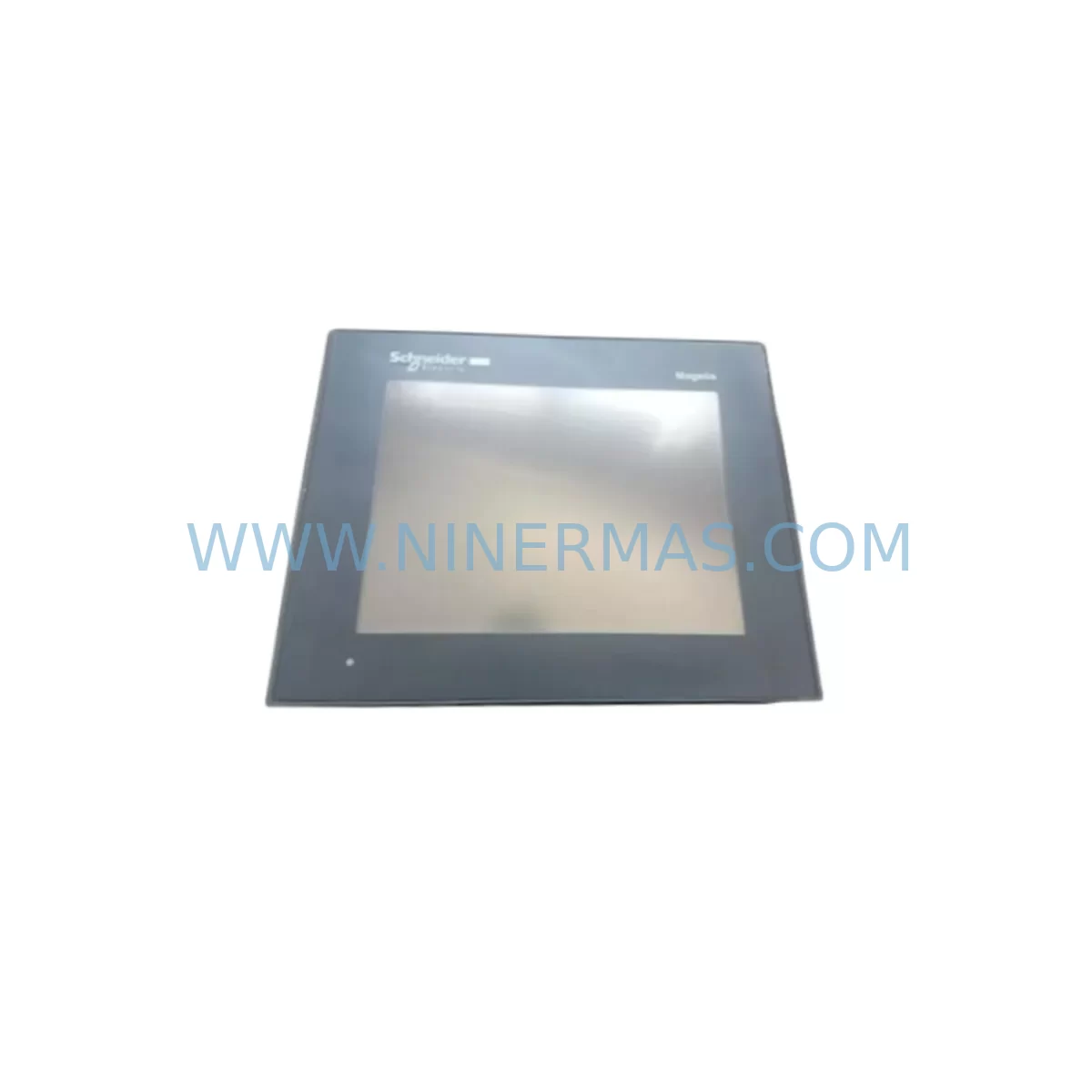
Schneider XBTGT340 Retrofit-Compatible HMI for Legacy Systems
Verify the part, confirm the platform family, and move straight into quotation with the right commercial details.
RFQ Ready
- SKUXBTGT340
- CategoryPLC & Industrial Automation Modules
- BrandSchneider Electric
- SupportAvailability, lead time, condition, and shipping coordination
How Buyers Usually Use This Page
- Confirm the exact part number and platform family before sending the quote request.
- Use direct email when quantity, condition, and destination are already defined internally.
- Switch to the broader brand or category archive when you need alternates nearby.
Series Navigation
Move through the most common platform families behind this part.
Product RFQ
Send this part directly for quotation.
Include quantity, required condition, destination country, and target delivery timing. Current reference: Schneider XBTGT340 Retrofit-Compatible HMI for Legacy Systems with SKU XBTGT340.
Schneider XBTGT340 Retrofit-Compatible HMI for Legacy Systems
The Schneider Electric XBTGT340 is a Magelis series Human-Machine Interface (HMI) panel widely deployed across process and discrete manufacturing environments. As legacy control architectures age and OEM support windows close, the XBTGT340 has become a critical retrofit and replacement component for engineers tasked with extending the operational life of existing automation systems without full platform migration. Whether you are replacing a failed unit on a running production line, upgrading from an earlier Magelis XBT series terminal, or integrating a modern SCADA layer into an older Modicon-based control cabinet, the XBTGT340 provides a proven, field-compatible path forward.
Designed for panel-mount installation in industrial enclosures, the XBTGT340 supports serial and Ethernet communication protocols, enabling compatibility with a broad range of legacy PLCs and distributed control systems. Its Vijeo Designer configuration environment allows engineers to migrate existing HMI screen logic, alarm pages, and trend displays from older XBT terminals with minimal rework. For sites running Modicon M340, Premium, or Quantum series controllers, the XBTGT340 integrates directly via Modbus TCP/IP or Uni-Telway, preserving existing communication architecture and reducing commissioning time during planned or emergency replacement scenarios.
Before installation, engineers should verify power supply compatibility — the XBTGT340 operates on 24 VDC and requires a stable, low-ripple supply. In retrofit applications, it is common to audit the existing 24 VDC rail capacity, particularly in cabinets where additional I/O modules, signal isolators, or communication gateways have been added over time. Power supplies such as the Schneider Electric ABL8REM24030 or equivalent 24 VDC DIN-rail units should be confirmed to have sufficient headroom before the new HMI is energized.
Terminal wiring for the XBTGT340 follows standard Magelis panel conventions. The rear connector layout accommodates power input, serial communication (RS-232/RS-485), and Ethernet RJ45. When replacing an older XBT-F or XBT-N series terminal, engineers must verify that existing cable harnesses and connector pinouts are compatible, or prepare adapter wiring accordingly. In many legacy installations, the serial cable connecting the HMI to the PLC CPU — such as a TSX Premium TSX57 series processor or a Modicon M340 BMX P34 CPU — was custom-fabricated on-site. Documenting and preserving this wiring during the swap is essential to avoid communication faults during restart.
Upgrade Compatibility Table
| Parameter | XBTGT340 (This Unit) | Retrofit Notes |
|---|---|---|
| Display Size | 3.8″ STN Color | Verify panel cutout dimensions before installation |
| Power Supply | 24 VDC (±20%) | Confirm rail capacity; audit existing 24 VDC loads |
| Communication Ports | RS-232, RS-485, Ethernet RJ45 | Check legacy cable pinout; prepare adapters if needed |
| Protocol Compatibility | Modbus RTU, Modbus TCP/IP, Uni-Telway, EtherNet/IP | Confirm PLC driver availability in Vijeo Designer |
| Configuration Tool | Vijeo Designer 6.x+ | Migrate screens from XBT-F/XBT-N using export/import |
| Panel Cutout | Per Schneider installation drawing | Measure existing cutout; adapter plates may be required |
| Compatible Controllers | Modicon M340, Premium, Quantum, M580 | Verify firmware version on target PLC CPU |
| Replacement Path | XBT-F, XBT-N, XBT-GT series | Screen logic migration via Vijeo Designer project conversion |
| Commissioning | On-site or remote via USB/Ethernet | Test all alarm pages, trend displays, and PLC variable links |
| Warranty | 12 Months | Covers manufacturing defects; pre-shipment tested |
Retrofit Planning for Existing Automation Systems
Successful integration of the XBTGT340 into a legacy automation environment requires a structured pre-installation audit. Begin by documenting the existing HMI’s communication configuration — baud rate, parity, stop bits, and station address — as these parameters must be replicated exactly in the replacement unit to avoid PLC communication faults. In systems where the HMI communicates with a Modicon Premium TSX57 series CPU via Uni-Telway, the station address assignment is particularly critical and must match the original configuration stored in the PLC program.
For control cabinets housing Modicon Quantum series backplanes with 140 CPU series processors, the XBTGT340 typically connects via Modbus TCP/IP over the Ethernet network. In these environments, engineers should verify that the cabinet’s managed switch or unmanaged Ethernet hub has an available port, and that the IP address scheme does not conflict with existing devices such as Quantum NOE 771 Ethernet communication modules, remote I/O head adapters, or other networked HMI panels on the same subnet.
In discrete manufacturing lines where the control architecture includes Modicon M340 BMX series racks with BMX DDI digital input modules, BMX DDO digital output modules, and BMX AII analog input modules, the XBTGT340 can be configured to display real-time I/O status, alarm conditions, and production counters directly from the PLC data table. This eliminates the need for a separate operator panel and reduces wiring complexity in the control cabinet. Where signal isolation is required between field sensors and the PLC I/O rack, DIN-rail mounted signal isolators or loop-powered transmitters should be verified for compatibility with the existing BMX AII input range settings.
For sites migrating from older XBT-N or XBT-F terminals, the Vijeo Designer project conversion utility allows engineers to import legacy screen definitions and adapt them to the XBTGT340’s display resolution and color depth. Alarm message libraries, recipe data blocks, and trend historian configurations can typically be preserved with minor adjustments. Where the original HMI used a programming cable such as the XBTZ9980 USB-to-serial adapter for configuration transfer, the same cable is compatible with the XBTGT340, simplifying the on-site programming workflow.
In applications involving Modicon M580 ePAC controllers with BMENOC Ethernet communication modules, the XBTGT340 supports EtherNet/IP connectivity, enabling seamless integration into modern network-based control architectures while maintaining backward compatibility with legacy Modbus TCP/IP devices on the same network segment. This dual-protocol capability makes the XBTGT340 a practical choice for phased migration projects where not all PLCs are upgraded simultaneously.
Downtime Control During System Migration
Minimizing production downtime during HMI replacement is a primary concern for maintenance engineers and plant managers. The XBTGT340 retrofit process is designed to support rapid swap-out with pre-configured units, reducing on-site commissioning time to a minimum. Best practice is to pre-configure the replacement XBTGT340 off-line using Vijeo Designer, loading the migrated screen project, communication parameters, and alarm configurations before the unit arrives on-site. This allows the physical swap to be completed during a scheduled maintenance window, with commissioning limited to connection verification, communication link testing, and alarm acknowledgment checks.
To protect existing PLC program logic during the HMI replacement, engineers should confirm that the PLC CPU — whether a Modicon M340 BMX P34, a Premium TSX57, or a Quantum 140 CPU series — remains in RUN mode throughout the HMI swap. The PLC program should not require modification for a like-for-like HMI replacement, provided that the communication driver, station address, and variable mapping in the new HMI project match the original configuration exactly. Any discrepancies in variable addresses or data type mappings will result in communication errors that must be resolved before the system is returned to production.
Where the existing installation includes a Magelis XBTGT or XBTGK series HMI connected to a remote I/O network via Modbus RTU, engineers should verify that the RS-485 termination resistors and cable shielding are intact before energizing the replacement unit. Damaged or missing termination on long RS-485 cable runs is a common source of intermittent communication faults that can be mistakenly attributed to the new HMI hardware. Resolving these wiring issues before commissioning the XBTGT340 will prevent unnecessary troubleshooting delays and protect the integrity of the field control loop.
All units supplied by NINERMAS COMPANY LIMITED are pre-shipment tested under powered conditions to verify display function, communication port operation, and configuration upload/download capability. This pre-shipment testing protocol reduces the risk of receiving a non-functional unit and supports the goal of completing the on-site swap within a single planned maintenance window. A 12-month warranty covers all units against manufacturing defects from the date of shipment.
Retrofit Support FAQ
Q1: Is the XBTGT340 a direct replacement for the XBT-F or XBT-N series HMI terminals?
The XBTGT340 is functionally compatible with XBT-F and XBT-N series terminals in most Modicon-based control architectures. The physical panel cutout dimensions differ between series, so an adapter plate or panel modification may be required. Screen projects from older XBT terminals can be migrated using the Vijeo Designer project conversion utility, though some manual adjustment of screen layouts and variable mappings may be necessary depending on the original project complexity.
Q2: What communication protocols does the XBTGT340 support, and is it compatible with my existing PLC?
The XBTGT340 supports Modbus RTU (RS-232/RS-485), Modbus TCP/IP (Ethernet), Uni-Telway, and EtherNet/IP. It is compatible with Modicon M340, Premium, Quantum, and M580 series controllers, as well as a wide range of third-party PLCs supported by Vijeo Designer drivers. Confirm the specific driver version required for your PLC model in the Vijeo Designer driver compatibility list before ordering.
Q3: How is the XBTGT340 configured and what tools are required on-site?
Configuration is performed using Vijeo Designer software (version 6.x or later) on a Windows PC. The project is transferred to the XBTGT340 via USB using the XBTZ9980 programming cable or via Ethernet. No special on-site tools beyond standard hand tools for panel mounting are required. Pre-configuration off-site before the maintenance window is strongly recommended to minimize downtime.
Q4: What warranty and supply terms apply to the XBTGT340 supplied by NINERMAS?
All XBTGT340 units supplied by NINERMAS COMPANY LIMITED carry a 12-month warranty against manufacturing defects from the date of shipment. Units are pre-shipment tested under powered conditions. Long-term supply availability is supported through our spare parts lifecycle program. For volume orders, blanket purchase agreements and committed stock programs are available. Contact our team for lead time confirmation and inventory status.
| Product Series | Magelis |
|---|---|
| Country of Origin | FR |
Catalog Continuation
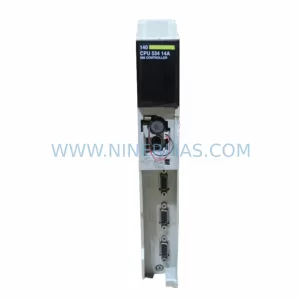
More Schneider Electric modules in the catalog.
Use the brand lane to compare nearby part numbers, platform-adjacent modules, and other inquiry-ready listings before sending your final RFQ.
Catalog Continuation
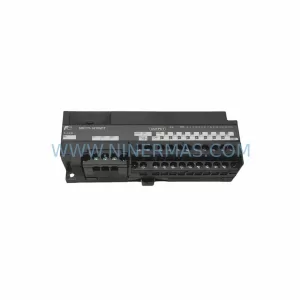
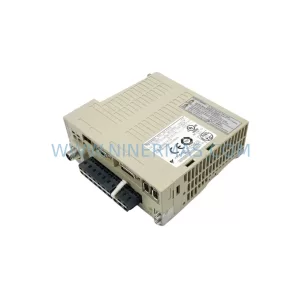
Alternative parts within PLC & Industrial Automation Modules.
Stay inside the same system family when you need substitutes, adjacent modules, or a broader shortlist for procurement review.
SKU: SGDS-01A32A LS2TR30-300Q8 6SL3120-1TE15-0AA4
Yaskawa SGDS-01A32A Retrofit Servo Drive for Legacy Systems
SKU: 6SE7041-8EK85-0HA0
Siemens 6SE7041-8EK85-0HA0 Service-Ready Spare Part