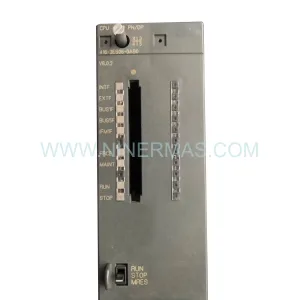
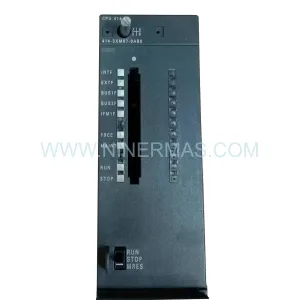
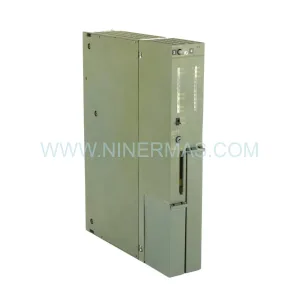
Original Industrial Spare Part
Schneider Electric 140CPU67160S Retrofit-Compatible CPU for Legacy Systems
Verify the part, confirm the platform family, and move straight into quotation with the right commercial details.
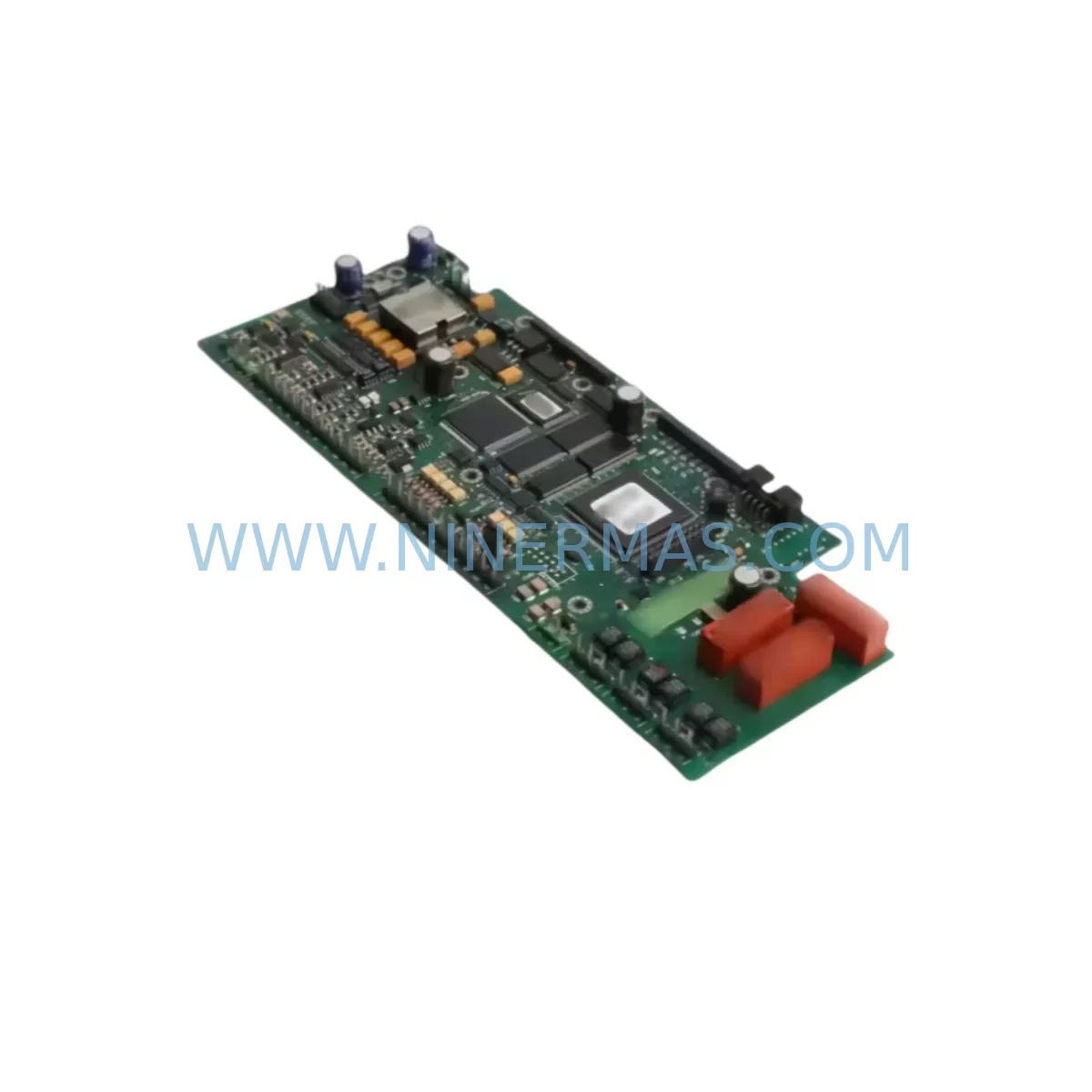
RFQ Ready
- SKU140CPU67160S
- CategoryPLC & Industrial Automation Modules
- BrandSchneider Electric
- SupportAvailability, lead time, condition, and shipping coordination
How Buyers Usually Use This Page
- Confirm the exact part number and platform family before sending the quote request.
- Use direct email when quantity, condition, and destination are already defined internally.
- Switch to the broader brand or category archive when you need alternates nearby.
Series Navigation
Move through the most common platform families behind this part.
Product RFQ
Send this part directly for quotation.
Include quantity, required condition, destination country, and target delivery timing. Current reference: Schneider Electric 140CPU67160S Retrofit-Compatible CPU for Legacy Systems with SKU 140CPU67160S.
Schneider Electric 140CPU67160S Retrofit-Compatible CPU for Legacy Systems
The Schneider Electric 140CPU67160S is a high-performance CPU module engineered for the Modicon Quantum automation platform. As legacy Quantum systems approach end-of-life and spare parts become increasingly scarce, the 140CPU67160S remains one of the most sought-after retrofit-compatible processors for engineers tasked with modernizing aging control infrastructure without triggering a full system replacement. Whether you are managing a petrochemical plant, a water treatment facility, a power distribution network, or a discrete manufacturing line, this CPU module delivers the processing power and communication flexibility needed to extend the operational life of your existing Quantum rack architecture by years — often at a fraction of the cost of a full migration to a newer platform.
NINERMAS maintains verified stock of the 140CPU67160S, with each unit subject to pre-shipment functional testing, configuration verification, and a 12-month warranty covering hardware defects and operational failures under normal industrial use conditions. Units are dispatched with full documentation support to assist your engineering team during installation and commissioning.
Upgrade Compatibility Table
| Parameter | 140CPU67160S | Retrofit Notes |
|---|---|---|
| Platform | Modicon Quantum | Direct rack-compatible with existing Quantum backplanes |
| Backplane Interface | Quantum S908 bus | Compatible with 140XBP01600, 140XBP01000, 140XBP00600 racks |
| Communication Ports | Modbus Plus, Ethernet TCP/IP | Verify existing Modbus Plus cabling and node addressing before swap |
| Memory | 6 MB user memory | Confirm program size fits within new memory map; archive original .prj file |
| Operating System | Exec firmware (field-upgradeable) | Match firmware version to Unity Pro or Concept software version in use |
| Power Requirement | Supplied via backplane (140CPS11100 or equivalent PSU) | Verify PSU capacity covers full rack load after module swap |
| Installation Form Factor | Single-slot Quantum module | No mechanical modification required for standard Quantum racks |
| Programming Software | Unity Pro / Concept | Export and re-import application before replacement; validate I/O mapping |
| HMI Compatibility | Magelis, SCADA via Modbus/TCP | Confirm HMI variable addresses remain consistent post-swap |
| Warranty | 12 months — hardware defects and operational failure under normal use | |
Retrofit Planning for Existing Automation Systems
Replacing a CPU module in a live Quantum system demands careful pre-engineering. Before removing the existing processor, your team should perform a full backup of the application program using Unity Pro or Concept, capturing all I/O configuration, network parameters, and data table values. The 140CPU67160S slots directly into any standard Quantum backplane — including the 140XBP01600 16-slot rack and the 140XBP00600 6-slot rack — without requiring mechanical adaptation, which significantly reduces installation time and the risk of wiring errors.
Power supply capacity is a critical checkpoint. The 140CPS11100 and 140CPS21100 power supply modules are the most common units found in Quantum cabinets, and engineers must verify that the total rack current draw — including all installed I/O modules such as the 140DAI54000 discrete input module, 140DAO84000 discrete output module, and 140ACI04000 analog input module — remains within the PSU’s rated output after the CPU swap. Overloading the backplane bus is a common oversight that can cause intermittent faults post-commissioning.
Communication architecture deserves equal attention. Many legacy Quantum installations rely on Modbus Plus peer-to-peer networks connecting multiple PLCs, remote I/O drops using 140CRP93200 or 140CRA93200 RIO head adapters, and HMI terminals communicating over Modbus serial or Ethernet TCP/IP. The 140CPU67160S supports all of these protocols natively, but node addresses, baud rates, and network topology must be documented and re-verified after the CPU is replaced. If your site is also planning a protocol migration from Modbus Plus to Ethernet-based communication, the 140CPU67160S provides the Ethernet port needed to begin that transition incrementally — allowing legacy Modbus Plus segments to remain operational while new Ethernet segments are commissioned in parallel.
For installations that include 140NOE77100 or 140NOE77101 Ethernet communication modules mounted in the same rack, confirm that IP addressing and routing tables are preserved in the application program. Similarly, if a 140NOM21200 Modbus Plus network option module is present, verify that its configuration is not stored exclusively in the CPU’s RAM — some older Concept-based applications embed network parameters directly in the CPU configuration block, which must be re-entered after a CPU replacement.
I/O expansion racks connected via the S908 remote I/O bus should be tested individually after the CPU swap. Bring the system up in stop mode first, verify that all remote drops are recognized and their I/O status matches the physical field wiring, then transfer to run mode under controlled conditions. This staged commissioning approach is strongly recommended to isolate any addressing conflicts before resuming full production.
Downtime Control During System Migration
Minimizing unplanned downtime is the primary concern for any maintenance engineer authorizing a CPU replacement on a running production line. The 140CPU67160S retrofit process is designed to be executed within a planned maintenance window, typically achievable in two to four hours for a well-prepared team, provided that all pre-engineering steps have been completed in advance.
The most effective downtime reduction strategy begins weeks before the physical swap. Export the complete Unity Pro or Concept application, including all derived function blocks, animation tables, and operator screen variable bindings. If your site uses a Magelis HMI or a third-party SCADA system communicating via Modbus TCP, document every variable address and confirm that the new CPU’s memory map does not introduce offset conflicts. Many sites discover during this audit that their HMI screens reference absolute memory addresses rather than symbolic variables — a configuration that requires careful validation to ensure that operator displays continue to reflect accurate process values after the CPU is replaced.
During the physical replacement, label all backplane connections and note the slot position of every module in the rack before removal. The 140CPU67160S is a single-slot module, so no adjacent modules need to be disturbed. After seating the new CPU, restore power and allow the module to complete its self-diagnostic cycle before attempting to download the application. Download in stop mode, verify the I/O configuration, check that all remote I/O drops on the S908 bus are communicating correctly, and confirm that the Ethernet port has acquired its configured IP address before transitioning to run mode.
For sites where even a two-hour window is difficult to schedule, NINERMAS can provide pre-configured units with your application firmware pre-loaded (where technically feasible and authorized), reducing on-site commissioning time to a final verification and run-mode test. Contact our technical team at sale@ninermas.com to discuss pre-configuration options for your specific installation.
Retrofit Support FAQ
Q: Is the 140CPU67160S a direct drop-in replacement for the 140CPU67160 (without the S suffix)?
A: The 140CPU67160S is the enhanced variant of the 140CPU67160, featuring additional memory and updated firmware support. In most Quantum rack installations, it is physically and electrically compatible as a direct replacement. However, you should verify that your version of Unity Pro or Concept supports the 140CPU67160S firmware before proceeding, and re-validate your application after the swap to confirm that all I/O addresses and network parameters are correctly mapped.
Q: What pre-shipment testing does NINERMAS perform on the 140CPU67160S?
A: Every unit undergoes functional power-on testing, firmware version verification, and communication port validation before dispatch. Units are inspected for physical condition, connector integrity, and backplane interface cleanliness. A test report is available upon request. All units are covered by a 12-month warranty from the date of shipment.
Q: Can the 140CPU67160S support both Modbus Plus and Ethernet TCP/IP simultaneously?
A: Yes. The 140CPU67160S is equipped with both a Modbus Plus port and an Ethernet TCP/IP port, allowing it to maintain existing Modbus Plus network connections while simultaneously communicating with Ethernet-based SCADA systems, HMI terminals, or engineering workstations. This dual-protocol capability makes it particularly well-suited for phased migration projects where legacy and modern communication infrastructure must coexist during the transition period.
Q: What is the lead time and do you maintain stock?
A: NINERMAS maintains verified inventory of the 140CPU67160S to support urgent retrofit and breakdown replacement requirements. Standard orders are processed and dispatched within 1–3 business days. For large-quantity orders or projects requiring multiple units, contact sale@ninermas.com or call +0086 187 5021 5667 to confirm availability and arrange priority dispatch.
| Product Series | Modicon Quantum |
|---|---|
| Country of Origin | FR |
Catalog Continuation
Nearby part numbers around 140CPU67.
Use this lane when the buyer is comparing adjacent model numbers, revision-near items, or closely related spare variants within the same brand family.
Catalog Continuation
More Schneider Electric modules in the catalog.
Use the brand lane to compare nearby part numbers, platform-adjacent modules, and other inquiry-ready listings before sending your final RFQ.
Catalog Continuation
Alternative parts within PLC & Industrial Automation Modules.
Stay inside the same system family when you need substitutes, adjacent modules, or a broader shortlist for procurement review.
SKU: SGDS-01A32A LS2TR30-300Q8 6SL3120-1TE15-0AA4
Yaskawa SGDS-01A32A Retrofit Servo Drive for Legacy Systems
SKU: 6SE7041-8EK85-0HA0
Siemens 6SE7041-8EK85-0HA0 Service-Ready Spare Part