
Original Industrial Spare Part
Schneider BMXFCW301S Service-Ready Spare Part for M340
Verify the part, confirm the platform family, and move straight into quotation with the right commercial details.
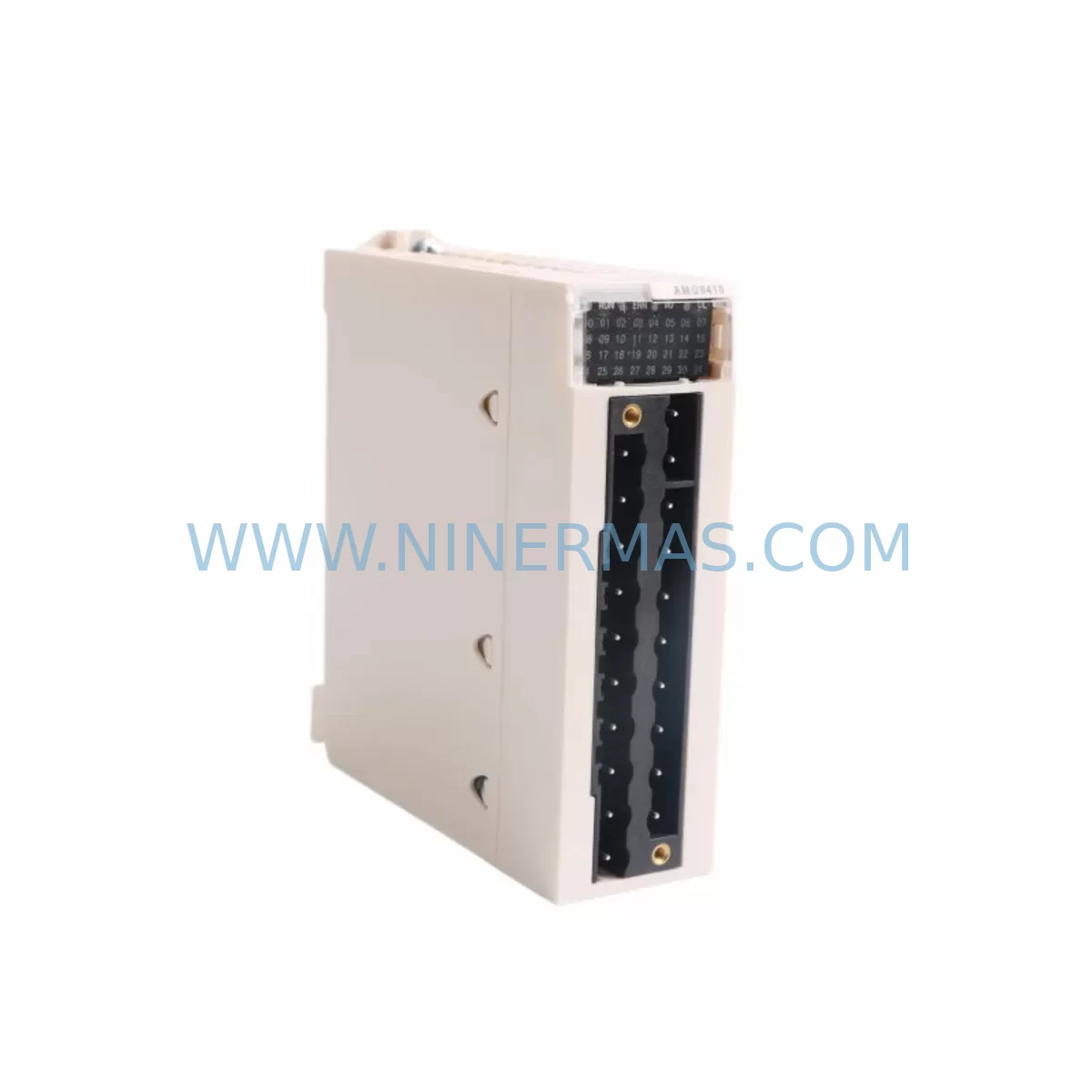
RFQ Ready
- SKUBMXFCW301S
- CategoryPLC & Industrial Automation Modules
- BrandSchneider Electric
- SupportAvailability, lead time, condition, and shipping coordination
How Buyers Usually Use This Page
- Confirm the exact part number and platform family before sending the quote request.
- Use direct email when quantity, condition, and destination are already defined internally.
- Switch to the broader brand or category archive when you need alternates nearby.
Series Navigation
Move through the most common platform families behind this part.
Product RFQ
Send this part directly for quotation.
Include quantity, required condition, destination country, and target delivery timing. Current reference: Schneider BMXFCW301S Service-Ready Spare Part for M340 with SKU BMXFCW301S.
Schneider BMXFCW301S Service-Ready Spare Part for M340
The Schneider Electric BMXFCW301S is a factory-specified fiber optic cable designed for the Modicon M340 PLC platform, providing the critical optical communication link between the BMX CRA 312 10 remote I/O drop adapter and the M340 CPU rack. In distributed automation architectures — where remote I/O racks are installed across large process areas, motor control centers, or field junction boxes — this fiber optic cable is the backbone of real-time I/O data exchange. Its failure or degradation directly causes loss of remote I/O communication, triggering fault states, production halts, and unplanned downtime.
For maintenance engineers managing aging Modicon M340 installations in continuous process industries, the BMXFCW301S is a high-priority spare. Unlike copper-based communication links, fiber optic cables are susceptible to physical damage from repeated bending, cable tray abrasion, connector contamination, and rodent interference. Proactive stock of this cable — alongside the remote I/O adapter and rack components it connects — is a fundamental element of any responsible spare parts program for M340-based control systems.
At NINERMAS, every BMXFCW301S unit is sourced from verified supply channels, inspected for connector integrity, and tested for optical continuity before shipment. A 12-month warranty is provided on all units, with long-term supply support available for customers managing multi-site M340 fleets or annual maintenance contracts.
Spare Maintenance Table
| Parameter | Specification |
|---|---|
| Part Number | BMXFCW301S |
| Brand | Schneider Electric |
| Series | Modicon M340 |
| Product Type | Fiber Optic Cable (Remote I/O Link) |
| Compatible Adapter | BMX CRA 312 10 Remote I/O Drop Adapter |
| Compatible Rack | Modicon M340 CPU Rack (BMX XBP series) |
| Cable Type | Plastic Optical Fiber (POF) |
| Cable Length | 3 m (approx.) |
| Connector Type | SCRJ (duplex) |
| Communication Protocol | Ethernet-based remote I/O (X80 I/O bus) |
| Operating Temperature | 0°C to +60°C |
| Application Environment | Industrial control cabinets, remote I/O panels, process automation |
| Installation Requirement | Avoid sharp bends; minimum bend radius must be maintained |
| Maintenance Recommendation | Inspect connectors annually; replace if signal loss or CRC errors detected |
| Origin | France (Schneider Electric) |
| Warranty | 12 Months |
| Supply Availability | Long-term stock support available |
Maintenance Planning for Continuous Operation
When a BMXFCW301S fiber optic cable fails or is flagged during a control cabinet inspection, the maintenance response should extend beyond a simple cable swap. The remote I/O communication chain in a Modicon M340 system involves multiple interdependent components, and a thorough inspection at the time of replacement significantly reduces the risk of repeat failures and secondary faults.
Begin by verifying the condition of the BMX CRA 312 10 remote I/O drop adapter at the remote rack end. This adapter houses the fiber optic port and manages all I/O data exchange with the CPU. If the BMXFCW301S has been replaced due to connector damage or signal degradation, the adapter’s optical port should be cleaned and inspected for physical damage. A worn or contaminated port will degrade the performance of a new cable immediately.
At the CPU rack end, confirm the integrity of the BMX P34 2020 or BMX P34 2030 CPU module — the processor that manages the remote I/O bus. Check the CPU’s diagnostic LEDs and software-reported I/O bus status in Unity Pro or EcoStruxure Control Expert to confirm that the communication fault clears cleanly after cable replacement. If residual faults persist, the CPU’s fiber port or internal bus controller may require further investigation.
The BMX XBP 0800 or BMX XBP 1200 backplane at the remote rack should also be inspected during this maintenance window. Backplane connector oxidation or mechanical damage can cause intermittent I/O faults that are incorrectly attributed to the fiber cable. Confirm that all I/O modules — including BMX DDI 1602 digital input modules and BMX DAO 1605 digital output modules — are firmly seated and showing no individual fault indicators.
Power supply integrity at the remote rack is equally important. The BMX CPS 2000 or BMX CPS 3500 power supply module feeding the remote I/O rack must be verified for stable output voltage. Voltage sag or ripple at the remote rack can cause the CRA adapter to reset, producing communication errors that mimic a cable fault. Check the power supply’s output terminals and confirm input voltage is within specification.
For sites with long cable runs between the CPU rack and remote I/O panels, also inspect the intermediate fiber patch panels or cable management trays for signs of physical stress, pinching, or connector contamination. Plastic optical fiber is particularly sensitive to tight bends and UV exposure in outdoor or semi-outdoor installations. Where cable routing passes through conduit entries or cable glands, inspect for abrasion damage at the entry points.
Finally, review the PLC program’s I/O fault handling logic in EcoStruxure Control Expert. Confirm that the remote I/O rack’s address configuration matches the CRA adapter’s rotary switch settings, and that no address conflicts exist with other remote drops on the same X80 I/O bus segment. A complete functional test — including forced I/O verification and communication cycle time measurement — should be performed before returning the system to production.
Site Replacement Workflow
Replacing the BMXFCW301S in a live Modicon M340 installation requires a structured approach to minimize downtime and avoid introducing new faults during the maintenance window.
Step 1 — Pre-Replacement Preparation: Before disconnecting the existing cable, document the current I/O status of all modules in the affected remote rack using the PLC’s online monitoring view. Note any pre-existing faults or warnings. Confirm that the replacement BMXFCW301S is the correct length and connector type for the installation. Prepare optical fiber cleaning tools (lint-free wipes and IPA solution) for connector cleaning.
Step 2 — Safe Disconnection: If the process allows, place the affected remote I/O rack in a safe state by coordinating with the control room operator. In systems where the remote rack controls non-critical auxiliary functions, the CPU may continue running while the rack is temporarily offline. In safety-critical applications, follow the site’s lockout/tagout procedure before proceeding.
Step 3 — Cable Replacement: Disconnect the existing BMXFCW301S from both the CRA adapter and the CPU rack fiber port. Clean both ports with an appropriate fiber optic cleaning tool before inserting the new cable. Ensure the SCRJ connectors are fully seated and latched at both ends. Avoid sharp bends in the cable routing — maintain the minimum bend radius specified by Schneider Electric throughout the cable path.
Step 4 — Communication Restoration: Power on the remote rack and observe the CRA adapter’s status LEDs. A solid green RUN LED and extinguished ERR LED confirm successful communication establishment. In the PLC software, verify that all I/O modules in the remote rack are reporting correctly and that no residual communication faults remain in the diagnostic buffer.
Step 5 — Functional Verification: Perform a point-by-point I/O check for critical signals in the affected rack. Confirm that digital inputs are reading correctly from field devices and that digital outputs are activating as commanded. Document the completed replacement in the site’s maintenance log and update the spare parts inventory to reflect the consumed cable unit.
Spare Parts Support FAQ
Q1: Is the BMXFCW301S compatible with all Modicon M340 remote I/O configurations?
The BMXFCW301S is specifically designed for use with the BMX CRA 312 10 remote I/O drop adapter in Modicon M340 distributed I/O architectures. It is compatible with all M340 CPU variants that support the X80 remote I/O bus, including the BMX P34 2020 and BMX P34 2030 processors. Customers using the newer Modicon M580 platform should verify compatibility with their specific remote I/O adapter model before ordering.
Q2: What pre-shipment testing is performed on BMXFCW301S units?
Every BMXFCW301S supplied by NINERMAS undergoes optical continuity testing and connector integrity inspection before shipment. Units are verified to meet the optical transmission specifications required for reliable M340 remote I/O communication. A test report is available upon request for customers with quality documentation requirements.
Q3: Can NINERMAS support long-term or blanket purchase orders for BMXFCW301S?
Yes. NINERMAS offers long-term supply agreements for customers managing multiple M340 installations or annual maintenance programs. Blanket orders with scheduled delivery can be arranged to ensure stock availability without requiring large upfront inventory investments. Contact our sales team to discuss volume pricing and delivery scheduling.
Q4: What does the 12-month warranty cover for the BMXFCW301S?
The 12-month warranty covers manufacturing defects, connector failures, and optical performance degradation under normal operating conditions. Warranty claims are supported with replacement unit dispatch and technical assistance. Physical damage resulting from improper installation, excessive bending, or site accidents is not covered under the standard warranty terms.
| Product Series | Modicon M340 |
|---|---|
| Country of Origin | FR |
Catalog Continuation
More Schneider Electric modules in the catalog.
Use the brand lane to compare nearby part numbers, platform-adjacent modules, and other inquiry-ready listings before sending your final RFQ.
Catalog Continuation
Alternative parts within PLC & Industrial Automation Modules.
Stay inside the same system family when you need substitutes, adjacent modules, or a broader shortlist for procurement review.
SKU: 00-217-026 00217026D3236-K13 00-217-026
KUKA 00-217-026 Retrofit Power Supply for Legacy Systems
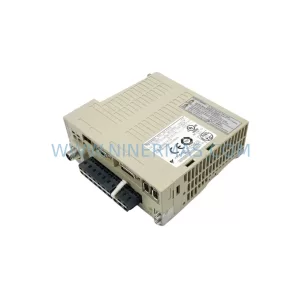
SKU: SGDS-01A32A LS2TR30-300Q8 6SL3120-1TE15-0AA4
Yaskawa SGDS-01A32A Retrofit Servo Drive for Legacy Systems



