
Original Industrial Spare Part
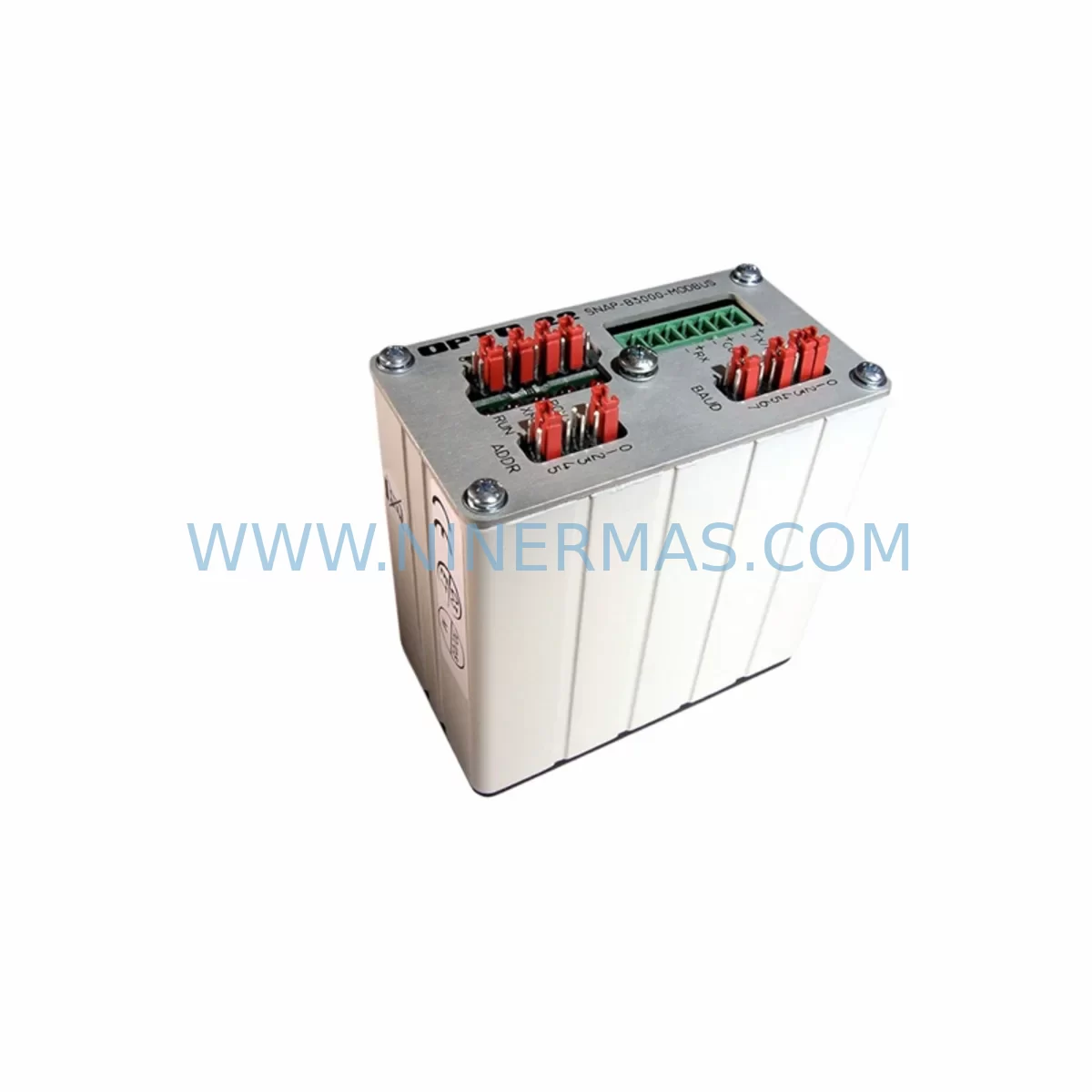
OPTO 22 SNAP B3000 BRAIN Service-Ready Spare Part
Verify the part, confirm the platform family, and move straight into quotation with the right commercial details.
RFQ Ready
- SKUSNAP B3000 BRAIN
- CategoryPLC & Industrial Automation Modules
- BrandOPTO 22
- SupportAvailability, lead time, condition, and shipping coordination
How Buyers Usually Use This Page
- Confirm the exact part number and platform family before sending the quote request.
- Use direct email when quantity, condition, and destination are already defined internally.
- Switch to the broader brand or category archive when you need alternates nearby.
Series Navigation
Move through the most common platform families behind this part.
Product RFQ
Send this part directly for quotation.
Include quantity, required condition, destination country, and target delivery timing. Current reference: OPTO 22 SNAP B3000 BRAIN Service-Ready Spare Part with SKU SNAP B3000 BRAIN.
OPTO 22 SNAP B3000 BRAIN Service-Ready Spare Part: Minimizing Downtime in SNAP Series PAC Systems
The OPTO 22 SNAP B3000 BRAIN is the central processing and communication module of the OPTO 22 SNAP Series Programmable Automation Controller (PAC) platform — a widely deployed control architecture found in food and beverage processing, oil and gas, water treatment, pharmaceutical manufacturing, and discrete assembly lines. When this brain module fails or degrades, the entire I/O rack loses its ability to communicate with the host controller, resulting in immediate process shutdown. Maintaining a verified, service-ready SNAP B3000 BRAIN in your spare parts inventory is one of the most effective strategies for protecting uptime in aging SNAP-based control systems.
At NINERMAS, every SNAP B3000 BRAIN unit is sourced, inspected, and pre-shipment tested before dispatch. We supply original-specification modules with full compatibility confirmation for SNAP Series racks, ensuring your maintenance team can execute a direct swap without firmware conflicts, wiring changes, or rack reconfiguration. Each unit is backed by a 12-month warranty and supported by our long-term supply program — critical for facilities running SNAP infrastructure beyond its standard product lifecycle.
Spare Maintenance Table
| Parameter | Specification / Detail |
|---|---|
| SKU | SNAP B3000 BRAIN |
| Brand | OPTO 22 |
| Series | SNAP Series PAC |
| Module Type | Programmable Automation Controller Brain / Network Controller |
| Communication Interface | Ethernet (10/100 Mbps), supports OPTO 22 OptoMMP protocol |
| Compatible Racks | SNAP Series I/O racks (4-slot, 8-slot, 16-slot, 32-slot configurations) |
| Compatible I/O Modules | SNAP analog, digital, serial, and temperature I/O modules |
| Power Supply Voltage | +5 VDC via rack backplane |
| Operating Temperature | 0°C to 70°C (32°F to 158°F) |
| Mounting | Direct rack-mount, Brain position slot |
| Application Environment | Industrial automation, process control, remote I/O, SCADA integration |
| Firmware | Field-upgradeable via Ethernet; compatible with PAC Control and PAC Manager |
| Maintenance Recommendation | Inspect Ethernet port, LED status indicators, and backplane connector annually; replace proactively at first sign of intermittent communication faults |
| Origin | USA |
| Warranty | 12 Months — NINERMAS Verified |
| Supply Program | Long-term availability; suitable for lifecycle extension programs |
| Pre-Shipment Testing | Yes — functional and communication verification before dispatch |
Maintenance Planning for Continuous Operation
The SNAP B3000 BRAIN does not operate in isolation. Its reliability depends on the health of every component sharing the same rack, power rail, and communication loop. When planning a SNAP B3000 BRAIN replacement — whether reactive or scheduled — maintenance engineers should simultaneously audit the following associated components to prevent repeat failures and ensure a complete system recovery.
Begin with the SNAP PS5 or SNAP PS24 power supply module, which feeds regulated voltage to the rack backplane. A degraded power supply is a common root cause of intermittent brain resets and communication dropouts that are often misdiagnosed as brain failures. Verify output voltage stability under load before installing a new brain module.
Next, inspect all SNAP digital output modules (such as SNAP-ODC5 or SNAP-OAC5) and SNAP digital input modules (such as SNAP-IDC5 or SNAP-IAC5) seated in the same rack. A shorted output module can cause backplane voltage sag that stresses the brain’s internal logic. During a brain swap, this is the ideal window to verify each I/O module’s LED status and perform a point-by-point I/O check using PAC Manager.
For racks handling analog signals, review the SNAP analog input modules (e.g., SNAP-AIMA or SNAP-AITM for temperature) and SNAP analog output modules (e.g., SNAP-AOA28). Confirm signal wiring integrity at the terminal block level — loose field wiring at analog inputs is a frequent source of noise that can trigger false alarms and mask the true source of a brain communication fault.
If the SNAP rack is integrated into a serial communication loop, inspect the SNAP serial communication module (e.g., SNAP-SCM-232 or SNAP-SCM-485) for port damage or firmware version mismatches. Serial modules that have been in service for extended periods may require firmware updates to remain compatible with a newly installed SNAP B3000 BRAIN.
For facilities using SNAP signal conditioning modules or SNAP isolation modules to protect sensitive analog inputs from ground loops and high-voltage transients, verify that these modules are within their rated service life. Signal isolators are often overlooked during brain replacements but are critical for protecting the new module from field-side electrical disturbances.
Finally, confirm the integrity of the Ethernet patch cable and managed switch port connecting the SNAP B3000 BRAIN to the plant network or SCADA host. A faulty cable or misconfigured switch port can prevent the new brain from establishing communication, leading to unnecessary troubleshooting delays after an otherwise successful hardware swap. Procurement engineers should also consider stocking a spare SNAP rack chassis and a set of SNAP I/O module terminal assemblies to support rapid full-rack recovery scenarios.
Site Replacement Workflow
Step 1 — Pre-Replacement Verification: Before removing the existing SNAP B3000 BRAIN, use PAC Manager to export the current I/O map, IP address configuration, and any active strategy files. Document the Ethernet port LED status and note any existing fault codes. This baseline record is essential for post-swap validation.
Step 2 — Safe Isolation: Place the associated control loop in manual mode at the DCS or SCADA level. De-energize the rack power supply using the designated isolation switch. Do not rely solely on software inhibit — physically confirm power-off at the rack before handling the brain module.
Step 3 — Module Swap: Remove the faulty SNAP B3000 BRAIN by releasing the module latch and sliding it out of the brain slot. Insert the replacement unit, ensuring the backplane connector is fully seated. The module should click into position without excessive force. Restore rack power and observe the brain’s status LEDs — a solid green COMM LED within 30 seconds indicates successful initialization.
Step 4 — Configuration Restore: Using PAC Manager, assign the original IP address and subnet configuration to the replacement brain. Reload the previously exported strategy file if applicable. Verify all I/O points are reporting correctly before returning the loop to automatic control.
Step 5 — Post-Swap Validation: Run a full I/O scan and confirm analog signal values are within expected engineering ranges. Check serial communication modules for active link status. Log the replacement event in your CMMS with the new module’s serial number and installation date to initiate the 12-month warranty tracking period.
This workflow is designed to minimize mean time to repair (MTTR) and eliminate the risk of configuration loss during emergency brain replacements. For facilities with multiple SNAP racks, NINERMAS recommends maintaining at least one SNAP B3000 BRAIN per site as a hot spare, reducing emergency procurement lead time to zero.
Spare Parts Support FAQ
Q1: Is the SNAP B3000 BRAIN compatible with all SNAP Series rack configurations?
The SNAP B3000 BRAIN is designed for use with OPTO 22 SNAP Series I/O racks and is compatible with 4-slot, 8-slot, 16-slot, and 32-slot rack configurations. It supports the full range of SNAP analog, digital, serial, and temperature I/O modules. Compatibility with specific firmware versions of PAC Control and PAC Manager should be confirmed against your site’s software revision before installation. NINERMAS provides compatibility verification support as part of every order.
Q2: What pre-shipment testing does NINERMAS perform on the SNAP B3000 BRAIN?
Every SNAP B3000 BRAIN dispatched by NINERMAS undergoes functional power-on testing, Ethernet communication verification, and LED status confirmation prior to packaging. Units that do not pass all test criteria are quarantined and not shipped. A test record is available upon request. This process ensures that the module you receive is operationally verified and ready for immediate installation.
Q3: Can NINERMAS support long-term supply of the SNAP B3000 BRAIN for lifecycle extension programs?
Yes. NINERMAS operates a dedicated long-term supply program for discontinued and end-of-life industrial automation components, including OPTO 22 SNAP Series modules. We maintain strategic inventory and can support blanket purchase orders, scheduled releases, and multi-site supply agreements. This is particularly valuable for facilities committed to extending the operational life of SNAP-based control systems beyond the standard product support window.
Q4: What does the 12-month warranty cover, and how is a warranty claim initiated?
The NINERMAS 12-month warranty covers manufacturing defects and functional failures under normal operating conditions from the date of delivery. It does not cover damage resulting from incorrect installation, overvoltage events, or physical mishandling. To initiate a warranty claim, contact NINERMAS with your order reference, a description of the fault symptom, and photographic evidence of the installation environment. Replacement units are dispatched upon claim approval, with priority processing for critical production sites.
| Product Series | Other series |
|---|
Catalog Continuation
More OPTO 22 modules in the catalog.
Use the brand lane to compare nearby part numbers, platform-adjacent modules, and other inquiry-ready listings before sending your final RFQ.
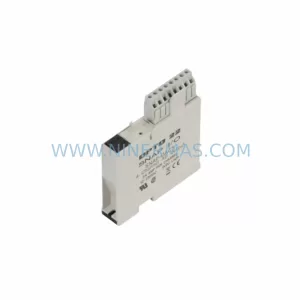
Catalog Continuation
Alternative parts within PLC & Industrial Automation Modules.
Stay inside the same system family when you need substitutes, adjacent modules, or a broader shortlist for procurement review.
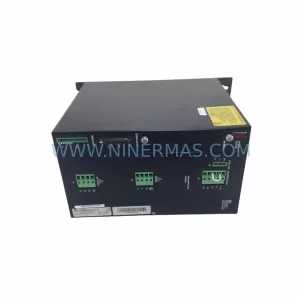
SKU: SCE906A2-002-01 SCE906A200201
Pacific Scientific SCE906A2-002-01 Retrofit Servo Amplifier
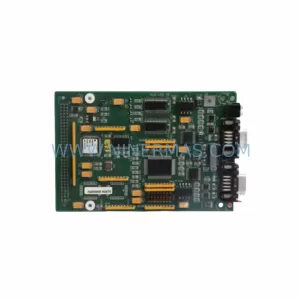
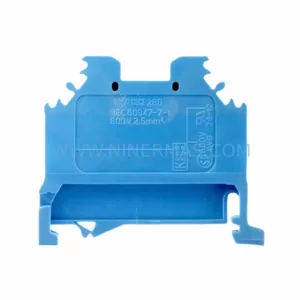
SKU: EPC500 3183062451
Alfa Laval EPC500 3183062451 Service-Ready Spare Part



