
Original Industrial Spare Part
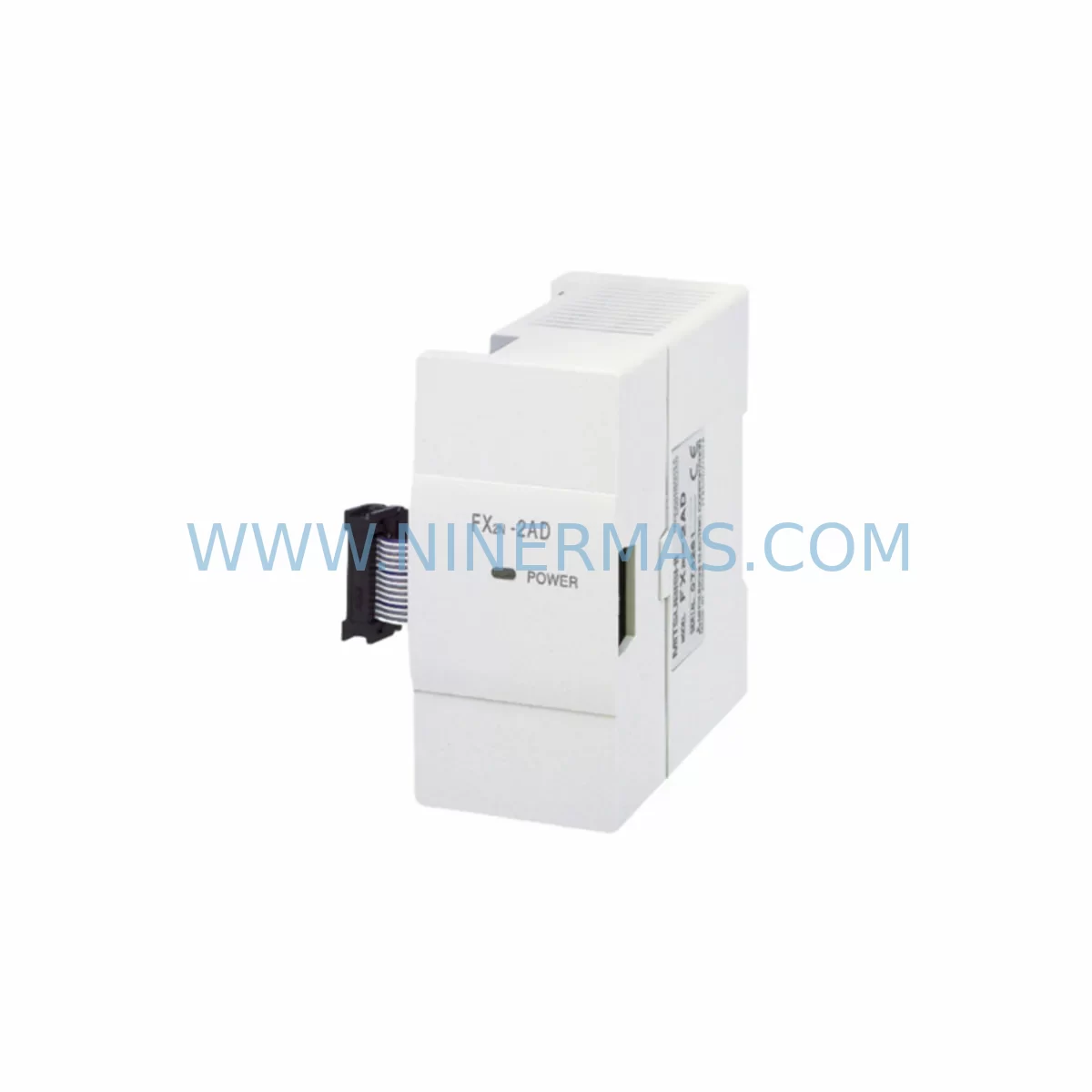
Mitsubishi FX-16EX Service-Ready Spare Part for Industrial Maintenance
Verify the part, confirm the platform family, and move straight into quotation with the right commercial details.
RFQ Ready
- SKUFX-16EX
- CategoryPLC & Industrial Automation Modules
- BrandMitsubishi Electric
- SupportAvailability, lead time, condition, and shipping coordination
How Buyers Usually Use This Page
- Confirm the exact part number and platform family before sending the quote request.
- Use direct email when quantity, condition, and destination are already defined internally.
- Switch to the broader brand or category archive when you need alternates nearby.
Series Navigation
Move through the most common platform families behind this part.
Product RFQ
Send this part directly for quotation.
Include quantity, required condition, destination country, and target delivery timing. Current reference: Mitsubishi FX-16EX Service-Ready Spare Part for Industrial Maintenance with SKU FX-16EX.
Mitsubishi FX-16EX Service-Ready Spare Part for Industrial Maintenance
The Mitsubishi Electric FX-16EX is a 16-point digital input expansion module designed for the MELSEC FX Series programmable logic controller platform. As a service-ready spare part, the FX-16EX enables maintenance engineers and procurement teams to restore I/O capacity quickly following module failure, accidental damage, or scheduled lifecycle replacement — minimising unplanned downtime and protecting production continuity. Sourced and tested to original Mitsubishi Electric specifications, this unit ships with a 12-month warranty and full pre-shipment functional verification.
For facilities operating MELSEC FX0, FX1, FX2, FX2N, FX3U, or FX3G base units, the FX-16EX provides a direct, plug-compatible expansion path without requiring firmware changes or additional configuration. Its compact DIN-rail form factor and standard FX bus connector make field replacement straightforward, reducing mean time to repair (MTTR) and allowing technicians to complete a swap within a single maintenance window.
Spare Maintenance Table
| Parameter | Specification |
|---|---|
| Part Number / SKU | FX-16EX |
| Brand | Mitsubishi Electric |
| Series | MELSEC FX Series |
| Module Type | Digital Input Expansion Module |
| I/O Points | 16 Input Points |
| Input Voltage | 24 VDC (sink/source) |
| Compatible Base Units | FX0, FX1, FX2, FX2N, FX3U, FX3G |
| Bus Interface | FX Expansion Bus (direct connection) |
| Mounting | DIN Rail / Direct Panel Mount |
| Operating Temperature | 0°C to 55°C |
| Storage Temperature | -25°C to 70°C |
| Relative Humidity | 5% to 95% RH (non-condensing) |
| Protection Class | IP20 |
| Origin | Japan |
| Warranty | 12 Months from date of shipment |
| Pre-Shipment Test | Functional verification included |
| Condition | Original / New Old Stock (NOS) |
Maintenance Planning for Continuous Operation
When replacing the FX-16EX in a live control cabinet, a disciplined maintenance approach requires inspecting the surrounding electrical environment before and after installation. Begin by verifying the 24 VDC power supply rail — units such as the Mitsubishi FX-8PSU or a third-party DIN-rail SMPS should be load-tested to confirm stable output under the expanded I/O demand introduced by the replacement module. Loose terminal connections on the FX-16EX’s screw-terminal input block are a common source of intermittent faults; re-torque all field wiring to the manufacturer’s specification during the replacement window.
Inspect the FX Series base unit’s expansion bus connector for pin corrosion or mechanical damage before inserting the FX-16EX. If the base unit is an FX2N or FX3U, confirm that the total expansion module count does not exceed the platform’s maximum I/O extension limit. Where the control system includes an FX2N-16EYT or FX2N-16EYR output expansion module on the same bus, verify that the combined current draw remains within the base unit’s internal power budget.
For facilities using MELSEC FX Series communication modules — such as the FX2N-232-BD RS-232C board, FX3U-ENET Ethernet module, or FX3U-485ADP-MB MODBUS adapter — confirm that the PLC program’s I/O address map is updated to reflect the FX-16EX’s assigned input addresses following replacement. Failure to update the address allocation can cause silent I/O mapping errors that are difficult to diagnose under production conditions.
Relay output modules such as the FX2N-8ER or FX0N-8ER that share the same control cabinet should be inspected for contact wear during the same maintenance window. Terminal blocks, particularly Phoenix Contact or Weidmüller DIN-rail types used for field signal distribution, should be checked for loose ferrules and insulation degradation. Where signal isolation is required between field sensors and the FX-16EX inputs, inline signal isolators or Zener barriers should be verified for correct loop resistance and isolation integrity.
Procurement engineers managing long-term spare parts programs for MELSEC FX installations should consider holding a minimum buffer stock of FX-16EX modules alongside complementary items such as the FX2N-32MR base unit, FX3U-4AD analog input module, and FX3U-4DA analog output module. Maintaining a consolidated spare parts list that covers the full I/O expansion chain — input modules, output modules, power supplies, communication adapters, and terminal accessories — reduces emergency procurement lead times and supports predictable annual maintenance budgeting.
Site Replacement Workflow
Step 1 — Isolation & Lockout: De-energise the control cabinet and apply LOTO (Lockout/Tagout) procedure. Confirm 24 VDC bus voltage is zero before touching the expansion bus connector.
Step 2 — Document Existing Wiring: Photograph or sketch the field wiring layout on the FX-16EX terminal block before disconnecting. Label each wire with its input address (X000–X017) to prevent mis-wiring during reinstallation.
Step 3 — Remove Faulty Module: Disconnect the expansion bus ribbon or direct-connect tab from the base unit or adjacent expansion module. Remove the FX-16EX from the DIN rail by releasing the mounting clip.
Step 4 — Inspect & Clean: Inspect the expansion bus connector on the base unit for bent pins or oxidation. Clean with isopropyl alcohol if required. Confirm the replacement FX-16EX unit’s connector is undamaged.
Step 5 — Install Replacement: Clip the new FX-16EX onto the DIN rail and connect the expansion bus. Reconnect all field wiring per the documented layout. Torque terminal screws to specification.
Step 6 — Power-Up & Verify: Re-energise the cabinet. Confirm the PLC base unit recognises the FX-16EX (LED indicators active, no error codes on the base unit display). Use GX Developer or GX Works2/3 to force-test each input point and verify correct I/O mapping in the PLC program.
Step 7 — Return to Service: Release LOTO, restore normal operation, and update the maintenance log with the replacement date, module serial number, and technician sign-off.
This workflow is compatible with direct replacement of legacy FX-16EX units without requiring PLC program modification, provided the replacement module is installed in the same bus position as the original.
Spare Parts Support FAQ
Q1: Is the FX-16EX compatible with both FX2N and FX3U base units?
Yes. The FX-16EX uses the standard MELSEC FX expansion bus interface and is compatible with FX0, FX1, FX2, FX2N, FX3U, and FX3G base units. Always confirm the total expansion module count and power budget for your specific base unit before installation.
Q2: What pre-shipment testing is performed on each FX-16EX unit?
Each unit undergoes functional verification prior to dispatch, including input point continuity checks and bus connector inspection. Units are shipped in anti-static packaging with a test record. The 12-month warranty covers manufacturing defects and functional failures under normal operating conditions.
Q3: Can you support long-term or blanket purchase orders for FX-16EX spare parts?
Yes. NINERMAS supports long-term supply agreements and blanket PO arrangements for critical spare parts including the FX-16EX. Contact our sales team to discuss volume pricing, reserved stock allocation, and scheduled delivery programmes tailored to your annual maintenance budget.
Q4: What should I do if the FX-16EX is no longer available as a new unit?
NINERMAS maintains stock of original and new old stock (NOS) FX-16EX modules to support legacy MELSEC FX installations. Where new stock is exhausted, we can advise on compatible alternative expansion modules within the FX Series ecosystem. Contact us early to secure stock before your next scheduled maintenance window.
| Product Series | MELSEC FX |
|---|---|
| Country of Origin | JP |
Catalog Continuation
More Mitsubishi Electric modules in the catalog.
Use the brand lane to compare nearby part numbers, platform-adjacent modules, and other inquiry-ready listings before sending your final RFQ.
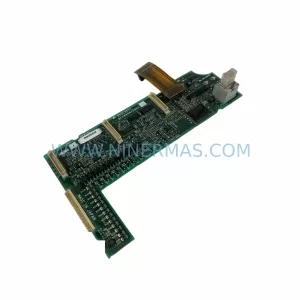
SKU: A50CA55C BC186A433G53
Mitsubishi A50CA55C BC186A433G53 Spare Part for Maintenance
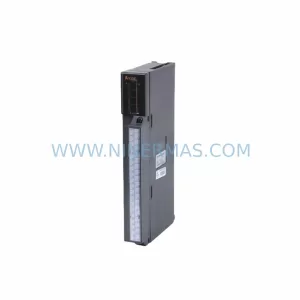
SKU: MELSEC RD77MS16 D 0140-76929 GAS N2, 40 SLM UFC-1660
Mitsubishi RD77MS16 Safety-Reliable Motion for Critical Sites
Catalog Continuation
Alternative parts within PLC & Industrial Automation Modules.
Stay inside the same system family when you need substitutes, adjacent modules, or a broader shortlist for procurement review.

SKU: OZDPROFI12MG12
Hirschmann OZDPROFI12MG12 Spare Part for Industrial Maintenance



SKU: 07025-0000-70-1-04
KONTRON 07025-0000-70-1-04 Service-Ready Spare Part



