Original Industrial Spare Part
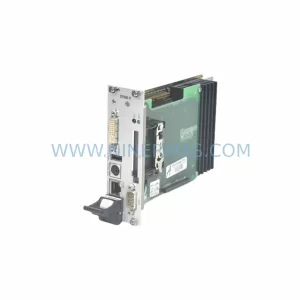
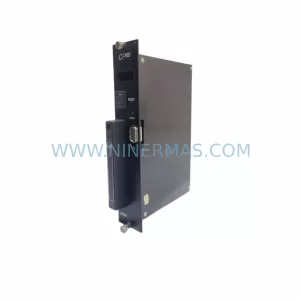
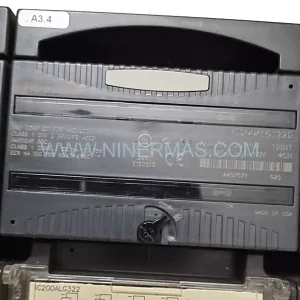
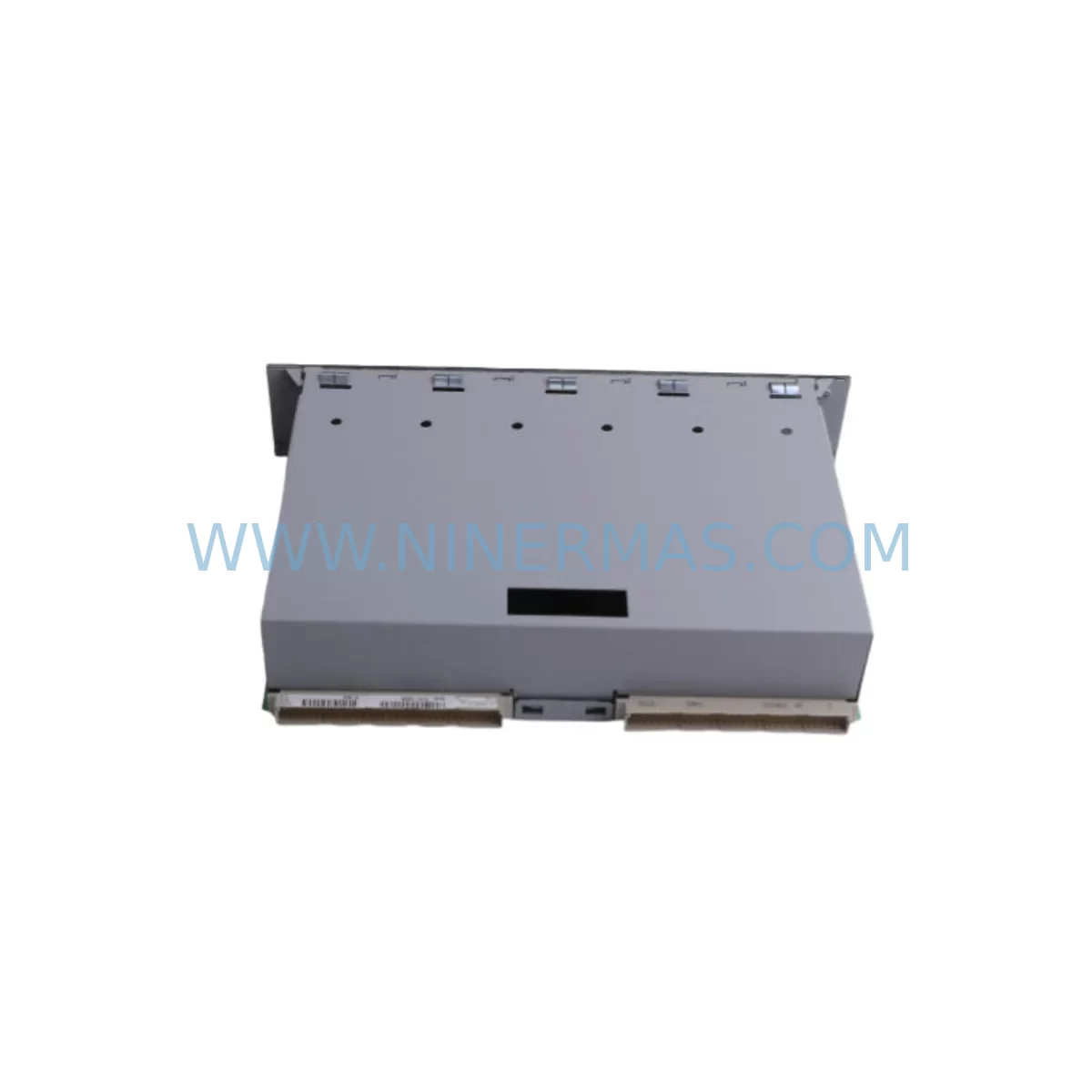
KEBA SC102 Retrofit-Compatible I/O Module for Legacy Systems
Verify the part, confirm the platform family, and move straight into quotation with the right commercial details.
RFQ Ready
- SKUSC102
- CategoryPLC & Industrial Automation Modules
- BrandKEBA
- SupportAvailability, lead time, condition, and shipping coordination
How Buyers Usually Use This Page
- Confirm the exact part number and platform family before sending the quote request.
- Use direct email when quantity, condition, and destination are already defined internally.
- Switch to the broader brand or category archive when you need alternates nearby.
Series Navigation
Move through the most common platform families behind this part.
Product RFQ
Send this part directly for quotation.
Include quantity, required condition, destination country, and target delivery timing. Current reference: KEBA SC102 Retrofit-Compatible I/O Module for Legacy Systems with SKU SC102.
KEBA SC102 Retrofit-Compatible I/O Module for Legacy Systems
The KEBA SC102 is a ruggedized I/O module engineered for demanding industrial environments and designed to serve as a direct retrofit-compatible replacement within legacy KEBA KeControl automation platforms. As production lines age and original equipment manufacturers discontinue support for older control architectures, the SC102 provides a reliable, field-proven solution for engineers and maintenance teams seeking to extend the operational life of existing systems without committing to a full platform migration. Whether you are managing a brownfield retrofit, restoring a failed control cabinet, or planning a phased upgrade of a legacy PLC rack, the SC102 delivers the signal integrity, environmental resilience, and compatibility assurance that industrial applications demand.
Sourced directly through authorized distribution channels and subject to full pre-shipment functional testing, each SC102 unit is backed by a 12-month warranty covering manufacturing defects and operational failures under normal service conditions. Inventory is maintained to support urgent replacement requirements, with expedited dispatch available for critical downtime scenarios.
Upgrade Compatibility Table
| Parameter | SC102 Specification | Retrofit Consideration |
|---|---|---|
| Module Type | Ruggedized Digital I/O | Verify channel count matches legacy wiring schedule |
| Backplane Interface | KEBA KeControl rack bus | Confirm rack slot compatibility with existing backplane |
| Communication Protocol | Internal rack bus (proprietary) | No external protocol reconfiguration required for same-rack replacement |
| Power Supply Requirement | 24 VDC via backplane | Validate PS262 or equivalent power module capacity before installation |
| Terminal Wiring | Screw-type field terminals | Cross-reference existing wiring diagram; terminal pitch must match |
| Installation Space | Standard KeControl module width | Confirm available rack slots; no panel cutout modification required |
| Module Addressing | Slot-based auto-addressing | Verify PLC program I/O address map before hot-swap or cold replacement |
| Environmental Rating | IP20, -10°C to +55°C | Suitable for standard control cabinet environments |
| Program Compatibility | Compatible with existing KeControl logic | No program recompilation required for direct slot replacement |
| Warranty | 12 Months | Covered from date of shipment; includes functional test certification |
Retrofit Planning for Existing Automation Systems
Successful integration of the SC102 into an existing automation system begins with a thorough pre-retrofit assessment. Maintenance engineers should start by auditing the current rack configuration, identifying all installed modules including the CP262 central processing unit, PS262 power supply module, DI262 digital input module, DO262 digital output module, and any AT262 analog terminal modules currently in service. Understanding the full rack population is essential before any module substitution is attempted, as slot assignments directly influence the I/O address mapping within the KeControl program.
When the SC102 is being introduced as a replacement for a failed or end-of-life I/O module, the field wiring connected to the original module must be carefully documented prior to removal. Terminal block labeling, wire color coding, and signal type (NPN/PNP, sourcing/sinking) should all be verified against the original engineering drawings. In cases where documentation is incomplete or unavailable, a point-by-point continuity check using a KeConnect programming cable and the KeStudio engineering software is strongly recommended before re-energizing the system.
For systems where the retrofit scope extends beyond a single module replacement — for example, where the FM262 function module or an AI262 analog input module is also being upgraded — it is advisable to plan the full rack rebuild sequence in advance. Backplane integrity should be confirmed, particularly in installations where the rack has been in service for more than ten years, as connector wear can introduce intermittent communication faults that are difficult to diagnose after reassembly.
Communication link continuity is another critical checkpoint. If the control system interfaces with an HMI panel via a serial or Ethernet link, the HMI screen tag database must be validated against the updated I/O configuration to ensure that display variables remain correctly mapped after the retrofit. Systems using PROFIBUS DP or CANopen for field device communication should have their network topology reviewed to confirm that the SC102 installation does not introduce address conflicts or bus termination issues.
Signal isolation requirements should also be evaluated during the planning phase. In environments with significant electrical noise — common in motor drive cabinets, welding cells, or high-current switching applications — the addition of signal isolators between field devices and the SC102 input channels may be necessary to maintain signal quality and protect the module from transient damage.
Downtime Control During System Migration
Minimizing production downtime during a control system retrofit is a primary concern for any plant maintenance team. When replacing the SC102 or integrating it into an upgraded rack, the recommended approach is to pre-stage the replacement module, verify its configuration offline, and prepare all necessary tools and documentation before the maintenance window begins.
Where the existing KeControl program logic is intact and the replacement is a like-for-like module substitution, the original program does not need to be modified. The slot-based addressing architecture of the KeControl platform means that a correctly seated SC102 in the same rack position as its predecessor will be recognized automatically at power-up, eliminating the need for program download or address reassignment. This significantly reduces the risk of introducing software errors during the replacement procedure.
For more complex migrations — such as those involving a rack expansion, a controller upgrade from an older CP unit to a current-generation processor, or a transition from a legacy communication protocol to Ethernet-based connectivity — a staged cutover strategy is recommended. This involves running the new and old systems in parallel where possible, validating outputs in simulation mode before transferring live control, and maintaining a rollback plan in case unexpected compatibility issues arise during commissioning.
Field commissioning should always include a full I/O checkout, verifying each input and output channel against the process instrumentation before releasing the system to production. Any discrepancies between expected and actual signal states should be resolved before the maintenance window closes to avoid post-restart production incidents.
Retrofit Support FAQ
Q: Is the KEBA SC102 a direct replacement for the original module in my existing KeControl rack?
A: Yes. The SC102 is designed for slot-compatible installation within the KEBA KeControl rack architecture. Provided the rack backplane and power supply are in serviceable condition, the SC102 can be installed in the same slot position as the original module without requiring program modification or address reconfiguration.
Q: What commissioning steps are required after installing the SC102?
A: After physical installation, power up the rack and confirm that the SC102 is recognized by the CP262 or equivalent controller via the KeStudio diagnostic interface. Perform a full I/O channel checkout to verify that all field signals are correctly read and written. Check HMI tag mapping if applicable, and confirm communication link status on any connected PROFIBUS or CANopen network segments.
Q: How should I handle wiring differences between the SC102 and the module it is replacing?
A: Compare the terminal assignment diagram of the SC102 against the original module’s wiring schedule. If terminal pitch or signal polarity differs, rewire accordingly using the existing field cable cores. Do not assume pin-for-pin compatibility without verification. A KeConnect cable and KeStudio software can be used to perform a live signal check before committing to full system restart.
Q: What does the 12-month warranty cover, and is pre-shipment testing included?
A: Each SC102 unit undergoes functional testing prior to dispatch to confirm operational integrity. The 12-month warranty covers manufacturing defects and component failures under normal operating conditions from the date of shipment. Warranty claims are supported with replacement dispatch and technical documentation. For urgent replacement requirements, expedited shipping options are available to minimize production downtime.
| Product Series | Legacy |
|---|
Catalog Continuation
More KEBA modules in the catalog.
Use the brand lane to compare nearby part numbers, platform-adjacent modules, and other inquiry-ready listings before sending your final RFQ.
Catalog Continuation
Alternative parts within PLC & Industrial Automation Modules.
Stay inside the same system family when you need substitutes, adjacent modules, or a broader shortlist for procurement review.