Original Industrial Spare Part
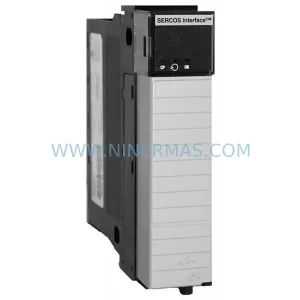
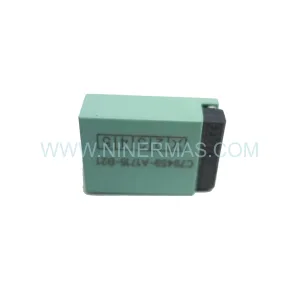
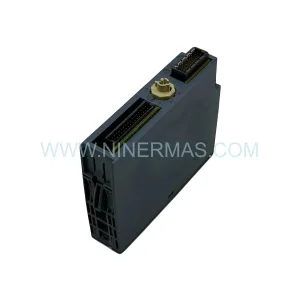
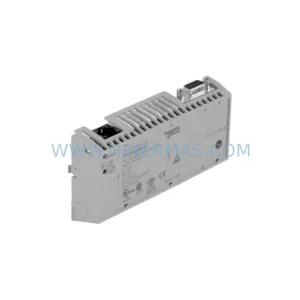
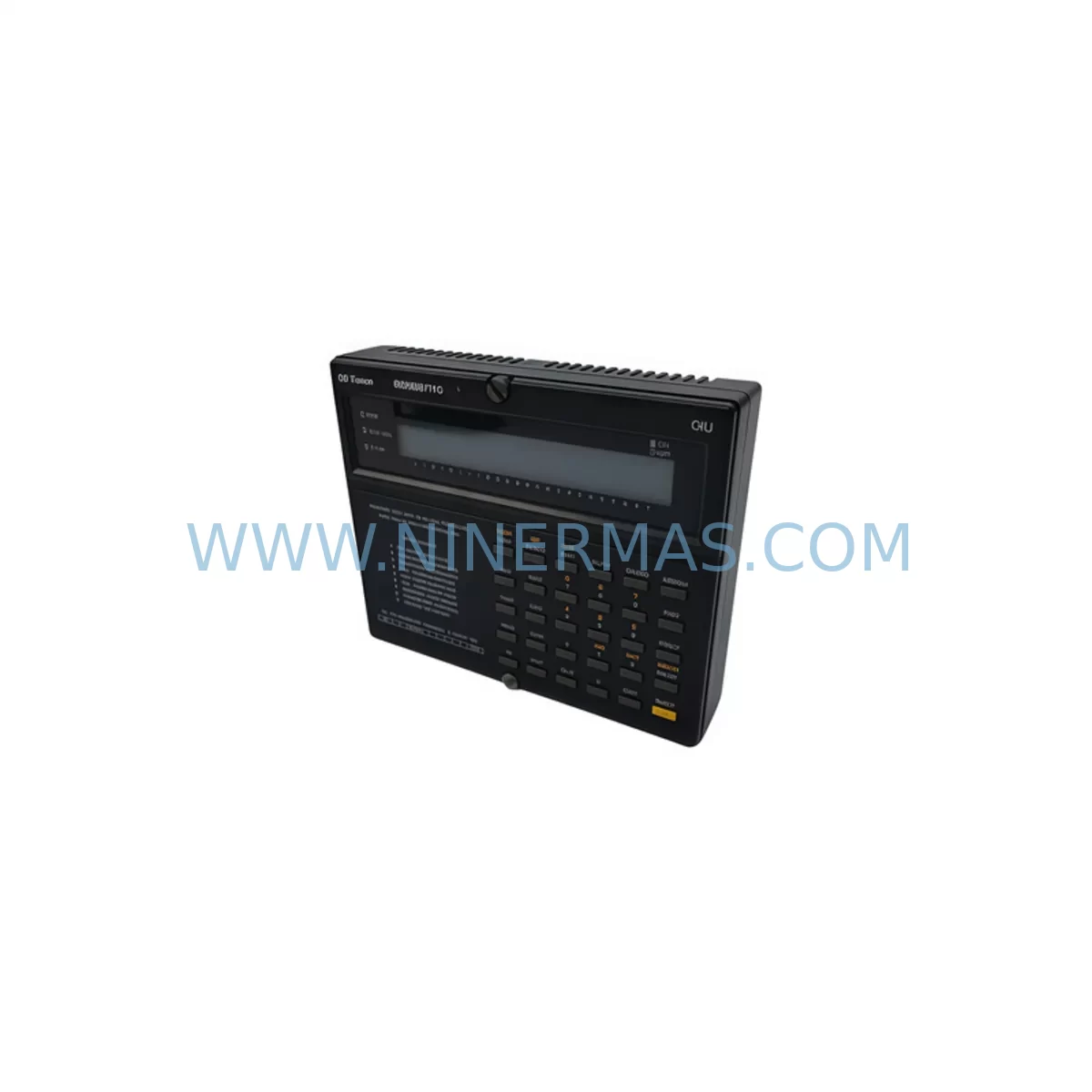
GE IC655PER500B Service-Ready Spare Part for Industrial Maintenance
Verify the part, confirm the platform family, and move straight into quotation with the right commercial details.
RFQ Ready
- SKUIC655PER500B
- CategoryPLC & Industrial Automation Modules
- BrandGE Fanuc
- SupportAvailability, lead time, condition, and shipping coordination
How Buyers Usually Use This Page
- Confirm the exact part number and platform family before sending the quote request.
- Use direct email when quantity, condition, and destination are already defined internally.
- Switch to the broader brand or category archive when you need alternates nearby.
Series Navigation
Move through the most common platform families behind this part.
Product RFQ
Send this part directly for quotation.
Include quantity, required condition, destination country, and target delivery timing. Current reference: GE IC655PER500B Service-Ready Spare Part for Industrial Maintenance with SKU IC655PER500B.
GE IC655PER500B Service-Ready Spare Part for Industrial Maintenance
The GE Fanuc IC655PER500B is a peripheral interface module designed for the Series 90 PLC platform — one of the most widely deployed programmable logic controller families in discrete manufacturing, process control, and utility automation. As production lines age and OEM support windows close, maintaining a verified, service-ready stock of the IC655PER500B becomes a critical element of any plant’s spare parts strategy. Unplanned downtime caused by a failed peripheral module can halt an entire production cell within minutes. Having a tested, ready-to-ship replacement on hand — or sourced from a reliable industrial spare parts supplier — is the difference between a two-hour recovery and a two-day outage.
At NINERMAS, every IC655PER500B unit is inspected, function-tested, and shipped with a 12-month warranty. We supply both maintenance engineers managing day-to-day operations and procurement engineers building long-term spare parts inventories for aging Series 90 systems.
Spare Maintenance Table
| Parameter | Details |
|---|---|
| SKU / Part Number | IC655PER500B |
| Brand | GE Fanuc |
| Series | Series 90 |
| Product Type | Peripheral Interface Module |
| Compatible Platform | GE Series 90-30 / 90-70 PLC Systems |
| Operating Voltage | Per OEM specification (5 VDC backplane) |
| Installation | Rack-mount, backplane slot insertion |
| Application Environment | Industrial control panels, DCS cabinets, discrete manufacturing, process automation |
| Origin | United States |
| Maintenance Recommendation | Inspect every 12 months; replace on first sign of communication fault or I/O error |
| Warranty | 12 Months |
| Condition | Original / Service-Ready |
Maintenance Planning for Continuous Operation
When replacing the IC655PER500B in a Series 90 control cabinet, a thorough maintenance engineer does not stop at the module itself. The peripheral interface sits at the intersection of the backplane bus, field wiring, and the CPU communication path — meaning a failure here often signals stress on adjacent components that should be inspected simultaneously.
Begin with the Series 90 CPU module (such as the IC693CPU374 or IC693CPU375) to confirm firmware compatibility and verify that no latent CPU faults contributed to the peripheral module failure. Next, inspect the IC693PWR321 or IC693PWR330 power supply module: an under-voltage or ripple condition on the 5 VDC backplane rail is a common root cause of peripheral module degradation. Use a calibrated multimeter or power quality analyzer to validate rail stability before installing the replacement IC655PER500B.
Check all IC693MDL series I/O modules seated in the same rack. A shorted discrete output module or a leaking analog input card can introduce noise that accelerates peripheral module wear. Inspect the IC693CBL series rack interconnect cables and backplane connectors for corrosion, bent pins, or heat discoloration — these are frequently overlooked during corrective maintenance but are a leading cause of recurring faults.
For systems using remote I/O drops, verify the IC693BEM331 or IC693CMM321 communications module is operating within normal parameters. A degraded communications module can cause the peripheral interface to report spurious errors, leading to unnecessary replacements. Similarly, inspect any installed IC693ALG series analog I/O modules for calibration drift, particularly in temperature-sensitive environments.
On the field wiring side, examine terminal blocks and DIN rail assemblies for loose connections, oxidation, or overheating. Loose field wiring is a primary cause of intermittent I/O faults that are often misdiagnosed as module failures. If the control cabinet includes a signal isolator or signal conditioner between field instruments and the PLC I/O, verify isolation integrity — a failed isolator can inject common-mode noise directly into the I/O bus.
For facilities running GE Fanuc HMI panels (such as the QuickPanel or Cimplicity-based operator stations) connected to the Series 90 system, confirm that the HMI communication driver is still correctly mapped after the module replacement. A module swap can sometimes shift slot addressing, causing the HMI to display stale or incorrect data until the configuration is refreshed.
Finally, review the fuse and circuit protection for the control cabinet power distribution. A blown fuse or a tripped miniature circuit breaker upstream of the PLC rack is sometimes the actual fault — the peripheral module may have been incorrectly condemned. Confirming power integrity before and after replacement prevents repeat failures and protects the new IC655PER500B from premature damage.
Site Replacement Workflow
Step 1 — Fault Isolation: Use the Series 90 programming software (Proficy Machine Edition or the legacy Logicmaster 90 toolset) to read the active fault table. Confirm that the IC655PER500B is the source of the fault, not a downstream I/O module or a wiring issue.
Step 2 — Safe Isolation: Follow your site’s lockout/tagout (LOTO) procedure. De-energize the rack before removing the module. The Series 90 backplane does not support hot-swap on peripheral slots in all configurations — confirm your system’s capability before attempting live replacement.
Step 3 — Module Removal: Release the module locking tabs, disconnect any field wiring connectors, and carefully extract the IC655PER500B from the backplane slot. Note the slot number for correct reinstallation of the replacement.
Step 4 — Compatibility Verification: Confirm the replacement IC655PER500B firmware revision matches or is compatible with your CPU firmware. NINERMAS provides firmware revision information upon request prior to shipment.
Step 5 — Installation and Test: Seat the replacement module firmly into the backplane slot. Re-energize the rack and clear the fault table. Perform a full I/O scan and verify all field signals are reading correctly in the programming software and on the HMI.
Step 6 — Documentation: Update your maintenance log with the replacement date, module serial number, and any observations from the fault investigation. This record supports future predictive maintenance planning and warranty claims.
By following this structured replacement workflow, maintenance teams can restore system operation in the shortest possible time while ensuring the root cause is addressed — reducing the likelihood of a repeat failure within the same maintenance cycle.
Spare Parts Support FAQ
Q1: Is the IC655PER500B still available as a new original part, or only as a refurbished unit?
The IC655PER500B is a legacy GE Fanuc Series 90 component. NINERMAS sources both original surplus (unused, original packaging) and professionally refurbished units that have been fully tested and restored to OEM specification. Each unit is clearly identified by condition grade prior to shipment. Contact our team at sale@ninermas.com to confirm current stock condition and availability.
Q2: How do I verify compatibility between the IC655PER500B and my existing Series 90 CPU and I/O configuration?
Compatibility is primarily determined by the Series 90 platform generation (90-30 or 90-70), the CPU firmware revision, and the rack configuration. Provide your CPU part number and firmware version when placing your inquiry, and our technical team will confirm compatibility before shipment. We also recommend cross-referencing the GE Fanuc Series 90 Hardware Installation Manual for slot assignment and backplane compatibility tables.
Q3: What testing is performed on each IC655PER500B before shipment?
Every unit undergoes a multi-point inspection covering visual examination, backplane connector integrity, power consumption verification, and functional communication testing on a live Series 90 test rack. Units that do not pass all test criteria are not shipped. A test report is available upon request for quality-critical procurement requirements.
Q4: What does the 12-month warranty cover, and how is a warranty claim processed?
The 12-month warranty covers manufacturing defects and functional failures under normal operating conditions. It does not cover damage caused by incorrect installation, overvoltage events, or physical mishandling. To initiate a warranty claim, contact sale@ninermas.com with your order number, a description of the fault, and any available fault table data from your PLC programming software. NINERMAS will arrange a replacement or repair within the warranty period at no additional cost.
| Product Series | Fanuc |
|---|---|
| Country of Origin | US |
Catalog Continuation
More GE Fanuc modules in the catalog.
Use the brand lane to compare nearby part numbers, platform-adjacent modules, and other inquiry-ready listings before sending your final RFQ.
Catalog Continuation
Alternative parts within PLC & Industrial Automation Modules.
Stay inside the same system family when you need substitutes, adjacent modules, or a broader shortlist for procurement review.


SKU: 6FC5357-0BB12-0AE0
Siemens 6FC5357-0BB12-0AE0 Service-Ready Industrial Spare Part

SKU: 3BSE011790R1(PXHK401)
ABB 3BSE011790R1 PXHK401 Retrofit-Ready Communication Module