Original Industrial Spare Part
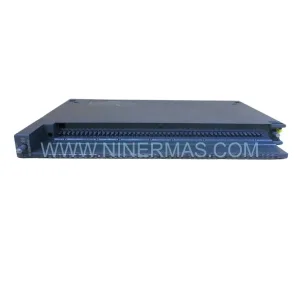
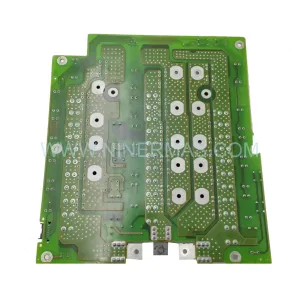
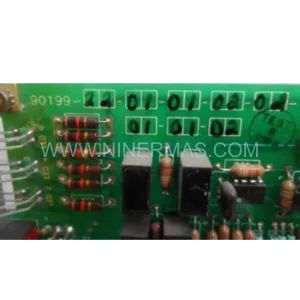
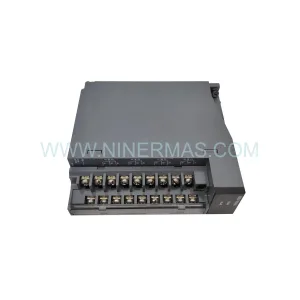
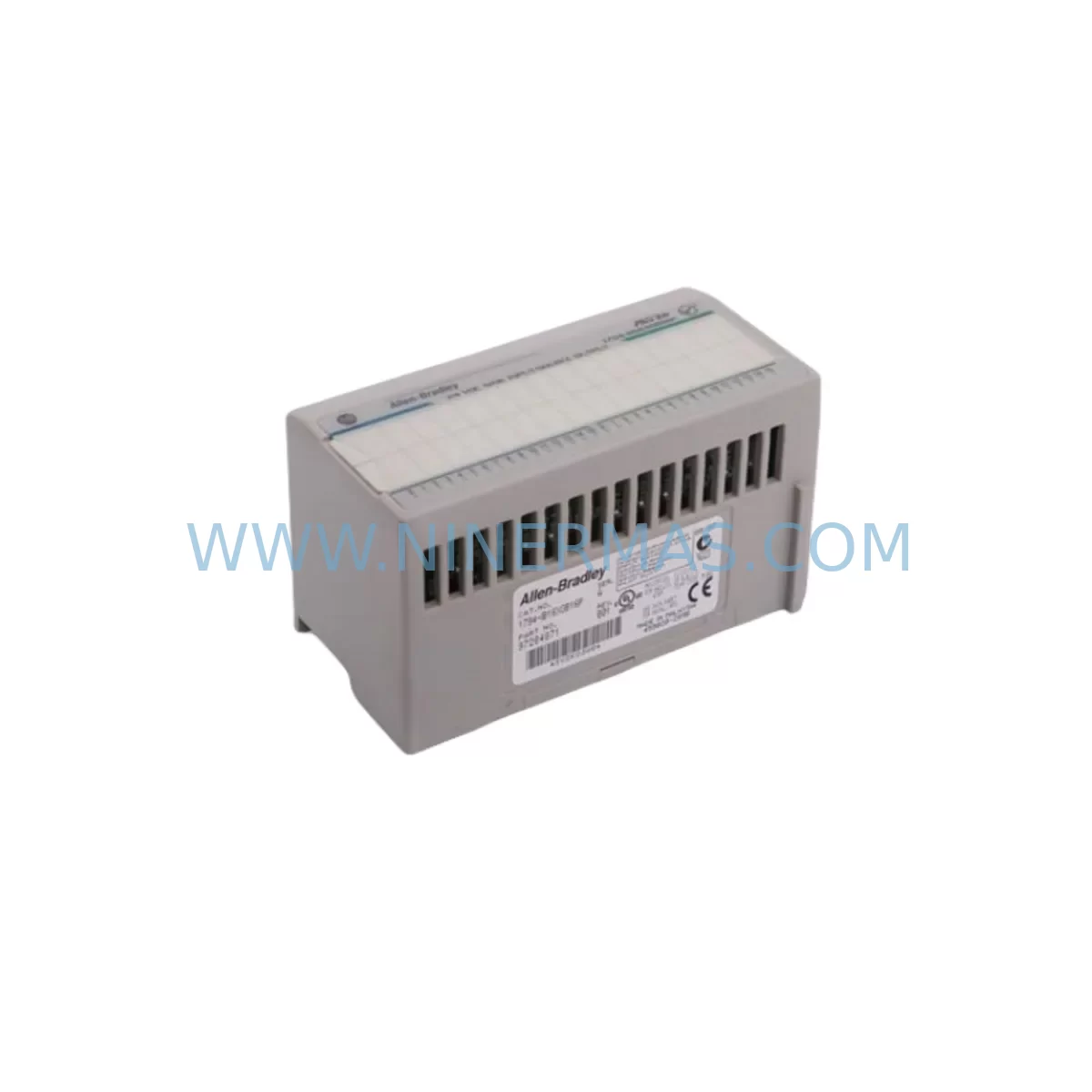
Allen-Bradley 1794-IB16XOB16P Flex I/O Spare Part
Verify the part, confirm the platform family, and move straight into quotation with the right commercial details.
RFQ Ready
- SKU1794-IB16XOB16P
- CategoryPLC & Industrial Automation Modules
- BrandAllen-Bradley
- SupportAvailability, lead time, condition, and shipping coordination
How Buyers Usually Use This Page
- Confirm the exact part number and platform family before sending the quote request.
- Use direct email when quantity, condition, and destination are already defined internally.
- Switch to the broader brand or category archive when you need alternates nearby.
Series Navigation
Move through the most common platform families behind this part.
Product RFQ
Send this part directly for quotation.
Include quantity, required condition, destination country, and target delivery timing. Current reference: Allen-Bradley 1794-IB16XOB16P Flex I/O Spare Part with SKU 1794-IB16XOB16P.
Allen-Bradley 1794-IB16XOB16P Flex I/O Spare Part for Industrial Maintenance
The Allen-Bradley 1794-IB16XOB16P is a Flex I/O combination digital I/O module offering 16 DC inputs and 16 DC protected outputs on a single compact unit. Designed for the 1794 Flex I/O platform, this module is a critical spare part for maintenance engineers managing continuous production lines, process control panels, and distributed I/O architectures built on Rockwell Automation infrastructure. Whether you are responding to an unplanned fault, executing a scheduled annual overhaul, or building a strategic spare parts inventory, the 1794-IB16XOB16P delivers the field-proven reliability that industrial maintenance teams depend on.
In facilities where Allen-Bradley ControlLogix or CompactLogix controllers govern machine operations, the Flex I/O adapter and its associated I/O modules form the backbone of the distributed control architecture. A failed or degraded 1794-IB16XOB16P can interrupt signal flow between the controller and field devices, triggering production stoppages that cascade across interconnected process cells. Maintaining at least one verified spare of this module on-site is a standard risk mitigation practice for any plant running 1794-series Flex I/O infrastructure.
Spare Maintenance Table
| Parameter | Specification |
|---|---|
| Part Number | 1794-IB16XOB16P |
| Brand | Allen-Bradley / Rockwell Automation |
| Series | Flex I/O (1794 Series) |
| Module Type | Combination Digital I/O (16 DC In / 16 DC Out Protected) |
| Input Voltage | 10–31.2 VDC |
| Output Type | Protected DC Sourcing Output |
| Output Current | 0.5 A per point, 4 A per group |
| Backplane Compatibility | 1794 Flex I/O Terminal Base Units (e.g. 1794-TB3, 1794-TB32) |
| Communication Compatibility | DeviceNet, ControlNet, EtherNet/IP via 1794 adapter modules |
| Installation Environment | IP20, DIN rail or panel mount via terminal base |
| Operating Temperature | 0–60°C |
| Replacement Compatibility | Direct replacement for existing 1794-IB16XOB16P installations |
| Pre-Shipment Testing | Yes — functional test performed before dispatch |
| Warranty | 12-Month Warranty from date of shipment |
Maintenance Planning for Continuous Operation
When a maintenance or procurement engineer evaluates the 1794-IB16XOB16P as a spare, the surrounding system components must be assessed in parallel to ensure a complete and reliable replacement strategy. The module seats into a 1794 terminal base unit — typically a 1794-TB3 or 1794-TB32 — and the condition of the terminal base, including its wiring terminals and locking mechanism, should be inspected before the new module is installed. Worn or corroded terminals on the base can introduce intermittent faults even after a new I/O module is fitted.
The 1794-IB16XOB16P communicates with the controller through a 1794 adapter module. Common adapters in the field include the 1794-AENT (EtherNet/IP), 1794-ADN (DeviceNet), and 1794-ACN15 (ControlNet). If the adapter firmware is outdated or the adapter itself is approaching end-of-life, replacing the I/O module alone may not fully restore system stability. Maintenance teams should verify adapter status and firmware revision as part of the same service window.
On the power supply side, the 1794 Flex I/O rail draws regulated 24 VDC from the control panel power supply. A degraded or undersized power supply — such as an aging 1606-XLP or third-party equivalent — can cause voltage sag under load, leading to spurious I/O faults that mimic module failure. Confirming that the panel power supply delivers stable voltage within specification is a prerequisite before condemning the I/O module itself.
Field wiring connected to the 1794-IB16XOB16P input and output terminals should be inspected for insulation integrity, correct ferrule crimping, and terminal torque. In high-vibration environments, loose field wiring is a common root cause of intermittent I/O faults. Signal isolators or surge protection devices installed upstream of the input channels — such as Phoenix Contact or Weidmüller signal conditioners — should also be checked for proper operation, as a failed isolator can suppress valid input signals and appear as a module fault.
For facilities running Allen-Bradley PanelView HMI terminals that display I/O status, the HMI tag database should be verified after module replacement to confirm that all input and output tags are correctly mapped to the new module’s slot address. If the module is installed in a different slot position during the repair, the RSLogix 5000 or Studio 5000 program may require a slot address update and re-download to the ControlLogix or CompactLogix controller. Keeping a current backup of the controller program on a USB drive or FactoryTalk AssetCentre server is essential for minimizing re-commissioning time.
Fuse protection for the output circuits should also be reviewed. The 1794-IB16XOB16P includes internal output protection, but external fusing at the terminal base or in the field wiring panel provides an additional layer of protection for connected actuators and solenoids. Replacing blown fuses and verifying fuse ratings against the load current of each output channel is a standard step in the post-replacement checkout procedure.
Site Replacement Workflow
Replacing the 1794-IB16XOB16P on a live production system requires a structured approach to minimize downtime and avoid introducing new faults. The recommended workflow begins with a controlled shutdown of the affected I/O segment, followed by documentation of all field wiring connections at the terminal base. Photographs of the wiring layout before disconnection provide a reliable reference during reconnection and reduce the risk of miswiring.
Once the terminal base wiring is documented, the faulty module is removed by releasing the locking tab and sliding the module off the terminal base. The replacement 1794-IB16XOB16P is then seated onto the same terminal base, ensuring the module connector is fully engaged. No field wiring changes are required if the terminal base remains in place, which significantly reduces reconnection time compared to a full assembly replacement.
After the module is installed, power is restored to the I/O segment and the controller is placed online. The I/O module should appear in the controller’s I/O tree with a healthy status indicator. If the module was pre-configured in the controller program, no additional configuration steps are required. The maintenance engineer should then perform a functional test of all 16 input channels and all 16 output channels by cycling each field device and confirming correct signal response at the HMI or controller diagnostic screen.
Total replacement time for a trained technician with a verified spare module on hand is typically 15–30 minutes, including functional testing. This compares favorably to the hours or days that may be required to source a replacement module through standard distribution channels, reinforcing the value of maintaining on-site spare inventory for critical Flex I/O modules.
All units supplied by NINERMAS are functionally tested prior to shipment and shipped with protective packaging to prevent transit damage. Each unit is accompanied by documentation confirming the pre-shipment test result and the 12-month warranty start date.
Spare Parts Support FAQ
Q1: Is the 1794-IB16XOB16P a direct drop-in replacement for the existing module in my 1794 Flex I/O rack?
Yes. The 1794-IB16XOB16P is a direct replacement for any existing module of the same part number installed on a compatible 1794 terminal base unit. No wiring changes are required at the terminal base, and no controller program modifications are needed if the module is installed in the same slot position. Verify the terminal base model (1794-TB3, 1794-TB32, or equivalent) is compatible before installation.
Q2: How do I confirm compatibility with my existing ControlLogix or CompactLogix controller program?
The 1794-IB16XOB16P is supported by RSLogix 5000 and Studio 5000 Logix Designer across a wide range of firmware revisions. Open your controller project file and confirm that the I/O module is listed in the I/O configuration tree with the correct slot number and module type. If the module entry matches the replacement part number, no program changes are required. If you are replacing a different module type in the same slot, a program update and re-download will be necessary.
Q3: What does the pre-shipment test cover, and how is the 12-month warranty applied?
Each 1794-IB16XOB16P unit is tested for full input and output channel functionality, backplane connector integrity, and correct power consumption before shipment. The 12-month warranty covers defects in materials and workmanship from the date of shipment. Units that exhibit failure under normal operating conditions within the warranty period are eligible for replacement or repair at no additional cost. Contact sale@ninermas.com with your order reference and fault description to initiate a warranty claim.
Q4: Can NINERMAS support long-term supply of the 1794-IB16XOB16P for ongoing maintenance programs?
Yes. NINERMAS maintains stock of the 1794-IB16XOB16P and can support blanket purchase orders, scheduled delivery programs, and emergency same-day quotation requests. For facilities managing multiple Flex I/O racks or planning a multi-year maintenance contract, contact our sales team to discuss volume pricing, reserved stock arrangements, and lead time commitments that align with your planned maintenance schedule.
| Product Series | Flex I/O |
|---|---|
| Country of Origin | US |
Catalog Continuation
More Allen-Bradley modules in the catalog.
Use the brand lane to compare nearby part numbers, platform-adjacent modules, and other inquiry-ready listings before sending your final RFQ.

Catalog Continuation
Alternative parts within PLC & Industrial Automation Modules.
Stay inside the same system family when you need substitutes, adjacent modules, or a broader shortlist for procurement review.
SKU: 14L41-RS0B0-B24R-ST5S00N-R0SU
LENZE 14L41-RS0B0-B24R-ST5S00N-R0SU Retrofit for Legacy Systems
SKU: CI540 3BSE001077R1
ABB CI540 3BSE001077R1 Spare Part for Industrial Maintenance

SKU: ZINT-541 3AUA00000658960
ABB ZINT-541 3AUA00000658960 Retrofit-Compatible Inverter Power Module
SKU: DSQC633 3HAC022286-001
ABB DSQC633 3HAC022286-001 Service-Ready Spare Part