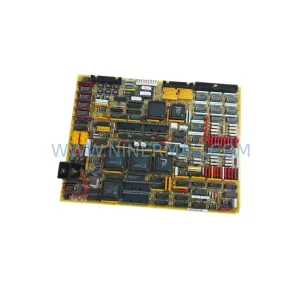
Original Industrial Spare Part
Proface AGP3550-BASE D05045B Retrofit-Compatible HMI Base
Verify the part, confirm the platform family, and move straight into quotation with the right commercial details.
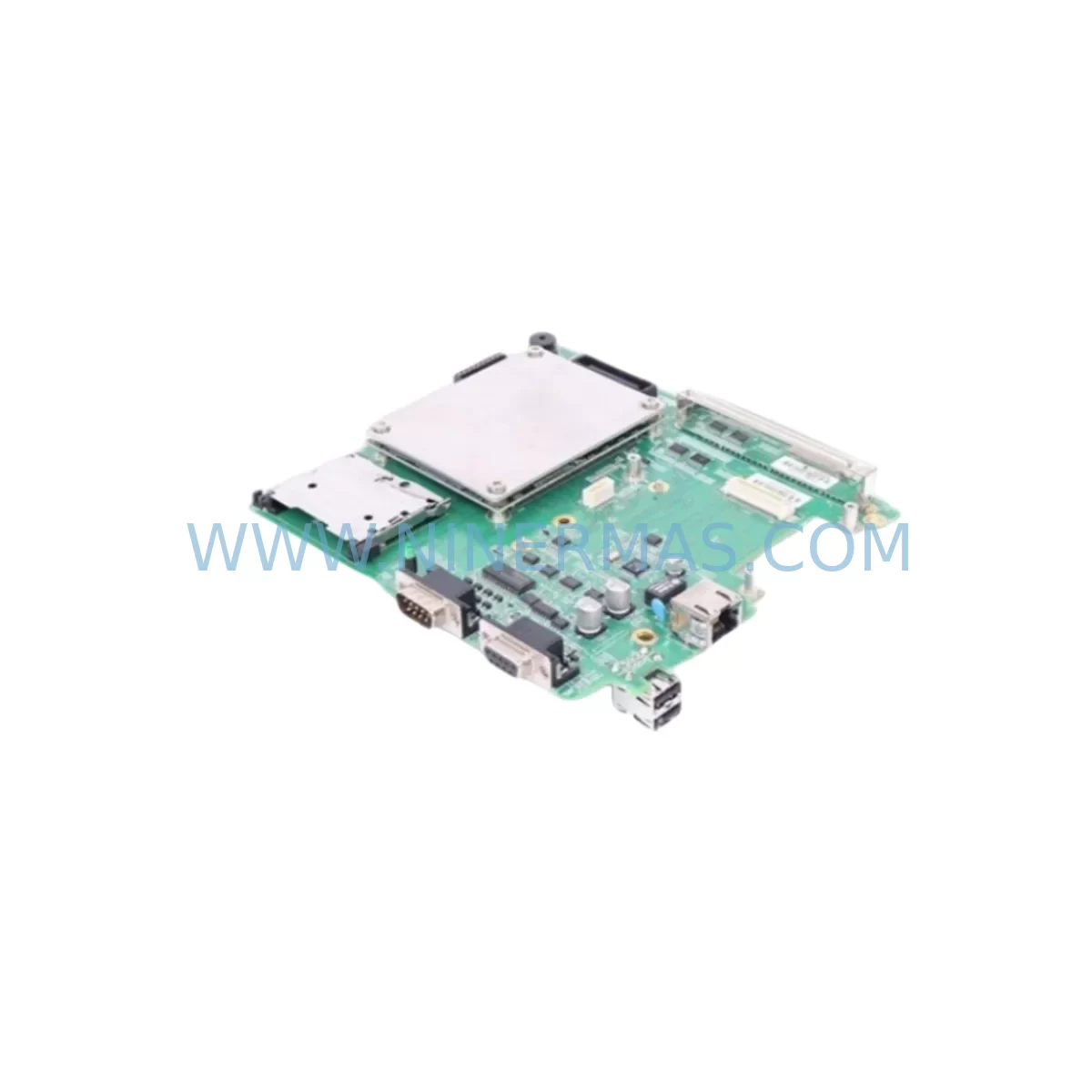
RFQ Ready
- SKUAGP3550-BASE D05045B
- CategoryPLC & Industrial Automation Modules
- BrandProface
- SupportAvailability, lead time, condition, and shipping coordination
How Buyers Usually Use This Page
- Confirm the exact part number and platform family before sending the quote request.
- Use direct email when quantity, condition, and destination are already defined internally.
- Switch to the broader brand or category archive when you need alternates nearby.
Series Navigation
Move through the most common platform families behind this part.
Product RFQ
Send this part directly for quotation.
Include quantity, required condition, destination country, and target delivery timing. Current reference: Proface AGP3550-BASE D05045B Retrofit-Compatible HMI Base with SKU AGP3550-BASE D05045B.
Proface AGP3550-BASE D05045B Retrofit-Compatible HMI Base for Legacy Systems
The Proface AGP3550-BASE D05045B is a ruggedized HMI base module engineered for demanding industrial environments and designed as a direct retrofit solution for aging GP3000 and AGP3550-series operator interface installations. As legacy Proface HMI platforms approach end-of-life, maintenance engineers and system integrators face mounting pressure to source compatible base hardware that preserves existing panel cutouts, wiring harnesses, and GP-Pro EX screen logic without triggering a full control system overhaul. The AGP3550-BASE D05045B addresses this challenge by maintaining mechanical and electrical compatibility with the established AGP3550 platform, enabling a controlled, low-risk migration path for production lines that cannot afford extended downtime.
When planning a retrofit around the AGP3550-BASE D05045B, engineers should begin by auditing the existing panel cutout dimensions and rear-terminal wiring layout. The base module retains the standard AGP3550 mounting footprint, which means most 24 VDC power supply connections — including those from companion units such as the Proface CA3-ADPUSB-01 USB adapter and the CA3-CFCALL-01 CF card adapter — can be reused without modification. Verifying the DC input voltage tolerance and confirming that the existing power supply rail delivers stable 24 VDC ±10% is a critical pre-installation step that directly affects display stability and touchscreen response accuracy.
Communication continuity is equally important during an AGP3550-BASE D05045B swap. The base module supports the serial and Ethernet interface options native to the AGP3550 platform, allowing existing RS-232C and RS-422/485 links to PLCs — such as Mitsubishi MELSEC Q-series, Omron CJ/CS-series, or Siemens S7-300 controllers — to remain intact. Where the legacy installation relied on a Proface CA3-ADPCOM-01 serial communication adapter or a dedicated GP3000-series COM port expansion unit, the retrofit plan should confirm that adapter pinouts and baud rate settings are preserved in the GP-Pro EX project file before the new base is powered on. Failure to validate communication parameters at this stage is one of the most common causes of post-retrofit HMI alarm floods and PLC link errors.
Upgrade Compatibility Table
| Parameter | AGP3550-BASE D05045B | Retrofit Notes |
|---|---|---|
| Power Input | 24 VDC ±10% | Verify existing PSU output; replace if ripple >500 mV |
| Panel Cutout | AGP3550 standard footprint | No panel modification required for direct swap |
| Serial Interface | RS-232C / RS-422 / RS-485 | Retain existing COM adapter; confirm baud rate in GP-Pro EX |
| Ethernet | 10/100BASE-TX | Reuse existing RJ-45 cable; update IP if DHCP not used |
| Display Interface | AGP3550 display unit compatible | Pair with AGP3550T-T1-D24 or equivalent display front |
| CF Card Slot | Type I / Type II | Transfer project file via CA3-CFCALL-01 or USB adapter |
| GP-Pro EX Compatibility | GP-Pro EX 4.x and above | Validate screen logic and tag addresses before go-live |
| Operating Temperature | 0 – 50 °C | Confirm cabinet ventilation; add cooling if ambient >45 °C |
| Installation Standard | Panel-mount, IP65 front face | Inspect gasket condition; replace if compressed or cracked |
| Warranty | 12-Month Warranty — covers manufacturing defects; includes pre-shipment functional test | |
Retrofit Planning for Existing Automation Systems
A successful AGP3550-BASE D05045B retrofit begins well before the maintenance window opens. The first step is a full inventory of the control cabinet: document the existing Proface AGP3550T-T1-D24 display front unit, the rear base module, all communication adapters, and the CF card or USB memory device carrying the GP-Pro EX project. Simultaneously, confirm the PLC rack configuration — whether it is a Mitsubishi Q-series main base with QX40 input modules and QY10 output modules, or an Omron CJ1M CPU with CJ1W-ID211 I/O units — because the HMI tag database must align with the PLC’s I/O map after the base swap.
Power supply sizing deserves particular attention. The AGP3550-BASE D05045B draws current from the 24 VDC bus shared with other panel devices. If the cabinet also houses a Proface GP-4501TW or a secondary operator terminal, the total load must remain within the power supply’s rated output. A DIN-rail mounted 24 VDC / 5 A power supply with active power factor correction is recommended for cabinets where the HMI base is co-located with signal isolators, relay output modules, and Ethernet switches.
Terminal wiring adaptation is the most time-sensitive task during the physical swap. Label every wire on the existing base before disconnection, photograph the terminal block layout, and use a continuity tester to verify shield grounding paths. Where the legacy installation used a CA3-ADPCOM-01 serial adapter for RS-422 multi-drop communication to a MELSEC FX3U or similar compact PLC, retain the adapter and transfer it directly to the new base. This avoids reconfiguring the PLC’s communication port parameters and eliminates one potential source of post-restart communication faults.
Screen logic migration is straightforward when the GP-Pro EX project file is intact. Load the existing project from the CF card using the CA3-CFCALL-01 adapter, open it in GP-Pro EX on a laptop, and run the hardware configuration check to confirm that the target device is set to AGP3550-BASE. If the project was originally created for an older GP2000-series or GP3000-series HMI, use GP-Pro EX’s built-in model conversion wizard to migrate the project to the AGP3550 platform. Pay close attention to font substitution warnings and alarm summary object compatibility, as these are the most frequent sources of display anomalies after a model conversion.
Downtime Control During System Migration
Minimizing production downtime during an AGP3550-BASE D05045B replacement requires a structured pre-shutdown checklist and a clearly defined rollback plan. Before the maintenance window, pre-load the validated GP-Pro EX project onto a spare CF card and confirm that the new base module powers on and displays the project correctly on a bench test rig. This offline validation step — which should include simulating PLC communication using GP-Pro EX’s built-in simulator — eliminates the most common causes of extended downtime: corrupted project files, incorrect IP address settings, and mismatched serial communication parameters.
During the physical swap, follow a strict sequence: isolate the 24 VDC supply, disconnect communication cables in labeled order, remove the old base, install the AGP3550-BASE D05045B, reconnect terminals using the pre-labeled wiring diagram, and restore power. The entire mechanical exchange typically takes 20–40 minutes for an experienced technician. Post-power-on, verify PLC communication link status on the HMI’s system menu before releasing the line to production. If a Proface Remote HMI or SCADA supervisory link is in use, confirm that the HMI’s Ethernet IP address and gateway settings match the network configuration documented during pre-shutdown planning.
Where the production process cannot tolerate even a brief interruption, consider a parallel commissioning approach: install the new AGP3550-BASE D05045B in a temporary panel position, validate all communication links and screen logic against the live PLC in read-only mode, and then perform the final cutover during a scheduled micro-stop. This approach is particularly effective in continuous-process industries where the PLC — such as a Siemens S7-400 or an Allen-Bradley ControlLogix — remains running throughout the HMI replacement. Retaining the original base module as a tested spare further reduces risk by providing an immediate fallback if an unexpected hardware fault is discovered after cutover.
Retrofit Support FAQ
Q1: Is the AGP3550-BASE D05045B a direct drop-in replacement for the original AGP3550-BASE?
Yes. The D05045B revision maintains the same mechanical footprint, terminal layout, and electrical interface as the standard AGP3550-BASE. No panel modification or wiring adaptation is required for a direct swap. Confirm the GP-Pro EX project target device setting matches AGP3550-BASE before downloading to the new unit.
Q2: What pre-shipment testing is performed on each unit?
Every AGP3550-BASE D05045B shipped by NINERMAS undergoes a functional power-on test, display interface verification, and communication port continuity check before dispatch. Units are packed in anti-static protective packaging with a test record included. The 12-month warranty covers manufacturing defects identified after installation under normal operating conditions.
Q3: Can this base module work with GP-Pro EX projects originally created for GP3000-series HMIs?
Yes, with a model conversion step. Open the original GP3000-series project in GP-Pro EX, use the Change Model function to select AGP3550-BASE as the target, and review all conversion warnings — particularly for alarm display objects, recipe data blocks, and custom font usage. After conversion, perform a full simulation run before downloading to the hardware.
Q4: What is the typical lead time and stock availability?
NINERMAS maintains buffer stock of the AGP3550-BASE D05045B to support urgent retrofit and breakdown-recovery orders. Standard orders ship within 3–5 business days. For large-quantity procurement or long-term spare-parts programs requiring committed stock over a 12–24 month horizon, contact our sales team to discuss a dedicated inventory agreement.
| Product Series | Other series |
|---|
Catalog Continuation
More Proface modules in the catalog.
Use the brand lane to compare nearby part numbers, platform-adjacent modules, and other inquiry-ready listings before sending your final RFQ.
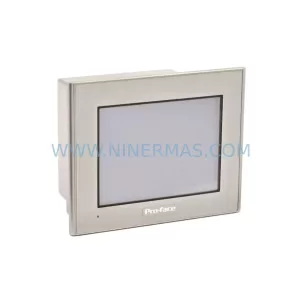
SKU: GP2301-LG41-24V
Proface GP2301-LG41-24V Safety-Reliable HMI for Critical Control
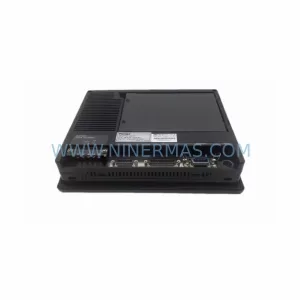
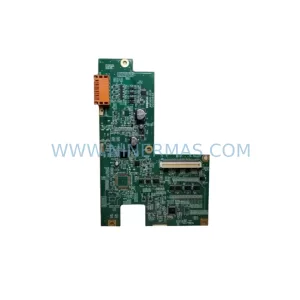
SKU: AGP3550-DISP D05044A
Proface AGP3550-DISP D05044A HMI Display Spare Part
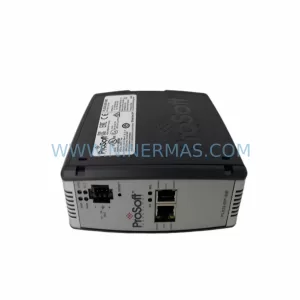
SKU: 5302-MBP-MCM4
Proface 5302-MBP-MCM4 Safety-Reliable Modbus Plus Gateway
Catalog Continuation
Alternative parts within PLC & Industrial Automation Modules.
Stay inside the same system family when you need substitutes, adjacent modules, or a broader shortlist for procurement review.