
Original Industrial Spare Part
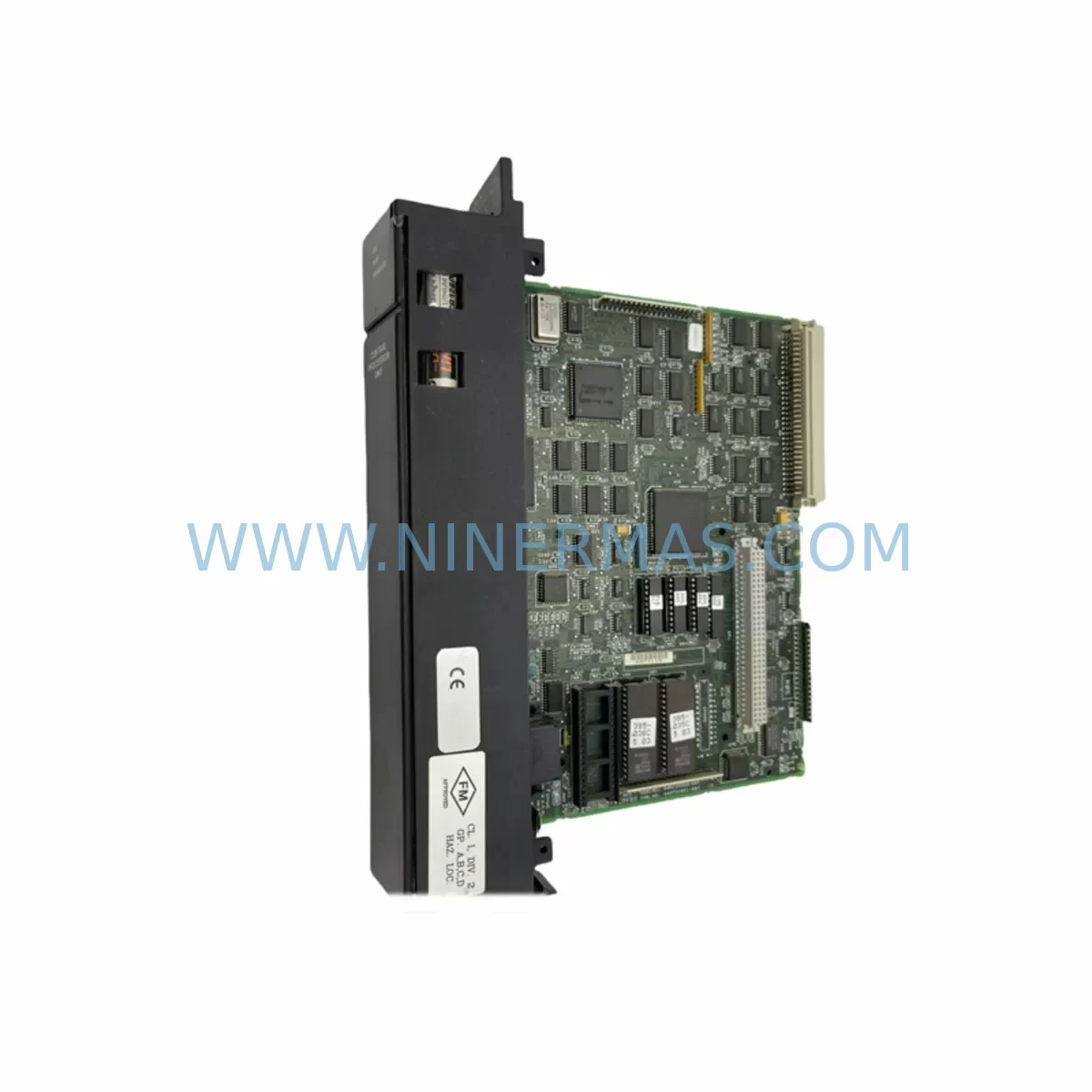
GE IC697CPU789 Service-Ready Spare Part for Industrial Maintenance
Verify the part, confirm the platform family, and move straight into quotation with the right commercial details.
RFQ Ready
- SKUIC697CPU789
- CategoryPLC & Industrial Automation Modules
- BrandGE Fanuc
- SupportAvailability, lead time, condition, and shipping coordination
How Buyers Usually Use This Page
- Confirm the exact part number and platform family before sending the quote request.
- Use direct email when quantity, condition, and destination are already defined internally.
- Switch to the broader brand or category archive when you need alternates nearby.
Series Navigation
Move through the most common platform families behind this part.
Product RFQ
Send this part directly for quotation.
Include quantity, required condition, destination country, and target delivery timing. Current reference: GE IC697CPU789 Service-Ready Spare Part for Industrial Maintenance with SKU IC697CPU789.
GE IC697CPU789 Service-Ready Spare Part for Industrial Maintenance
The GE IC697CPU789 is a ruggedized Central Processing Unit module designed for the GE Fanuc Series 90-70 PLC platform — one of the most widely deployed programmable logic controller families in heavy industrial, petrochemical, power generation, and discrete manufacturing environments. As production lines age and OEM support windows close, maintaining a verified, pre-tested IC697CPU789 in your spare parts inventory is a critical risk-mitigation strategy for any maintenance or reliability engineering team.
At NINERMAS, every IC697CPU789 unit undergoes pre-shipment functional verification, including power-on diagnostics, memory integrity checks, and communication port validation. Units are shipped with full 12-month warranty coverage and long-term supply program eligibility, ensuring your facility can source replacement modules well beyond the original product lifecycle.
Spare Maintenance Table
| Parameter | Specification |
|---|---|
| Part Number | IC697CPU789 |
| Brand / Manufacturer | GE Fanuc (GE Automation & Controls) |
| Series | Series 90-70 PLC |
| Module Type | Ruggedized Central Processing Unit (CPU) |
| Processor | 32-bit RISC-based CPU |
| Memory | Up to 512 KB user program memory (model-dependent) |
| Communication Ports | Serial RS-232 / RS-485; optional Ethernet via co-processor |
| Backplane Compatibility | IC697CHS750, IC697CHS782, IC697CHS790 (Series 90-70 racks) |
| Operating Temperature | 0°C to 60°C (standard); extended range for ruggedized variant |
| Power Supply Compatibility | IC697PWR710, IC697PWR711, IC697PWR724 |
| Application Environment | Heavy industrial, petrochemical, power generation, discrete manufacturing |
| Maintenance Recommendation | Replace every 7–10 years or upon CPU fault / watchdog trip |
| Origin | USA |
| Warranty | 12 Months — NINERMAS Quality Assurance |
| Pre-Shipment Testing | Power-on diagnostics, memory check, port validation |
| Long-Term Supply | Available under NINERMAS Lifecycle Extension Program |
Maintenance Planning for Continuous Operation
When a Series 90-70 system experiences a CPU fault or watchdog timeout, the IC697CPU789 is typically the first module to be swapped during fault isolation. However, experienced maintenance engineers know that a CPU failure is rarely an isolated event — it is often symptomatic of broader power quality issues, backplane degradation, or communication bus faults that must be addressed simultaneously to prevent repeat failures.
During a planned replacement of the IC697CPU789, your maintenance team should conduct a parallel inspection of the IC697PWR710 or IC697PWR711 power supply module to verify output voltage stability and ripple within specification. A degraded power supply is one of the most common root causes of intermittent CPU resets and memory corruption in aging Series 90-70 racks. Alongside the power supply, inspect the IC697CHS750 or IC697CHS790 backplane for oxidized bus connectors, cracked PCB traces, or loose rack-mounting hardware — all of which can introduce signal integrity issues that manifest as CPU communication errors.
I/O module health should also be verified during the same maintenance window. The IC697MDL340 discrete input module and IC697MDL341 discrete output module are common companions in Series 90-70 control cabinets and should be checked for blown fuses, failed output drivers, or degraded input thresholds. For analog process control loops, the IC697ALG320 analog input module should be calibrated and its signal isolation verified to prevent ground loop interference from corrupting CPU scan data.
Communication integrity is equally critical. If the IC697CPU789 interfaces with a GENIUS bus or Ethernet network, inspect the IC697BEM711 Bus Interface Module and any associated IC697CMM711 communications co-processor for firmware version compatibility with the replacement CPU. Mismatched firmware between the CPU and communications modules is a known source of post-replacement instability in Series 90-70 systems.
For facilities running HMI-integrated control architectures, verify that the operator panel or SCADA gateway — whether a legacy Cimplicity HMI workstation or a third-party OPC server — can re-establish communication with the replacement CPU without requiring a full project download. Pre-staging the CPU with the correct program image and configuration parameters before installation significantly reduces planned downtime windows.
Terminal block integrity on associated IC697ACC701 or IC697ACC724 wiring accessories should be inspected for loose terminations, insulation degradation, and corrosion — particularly in high-humidity or chemically aggressive environments where the ruggedized IC697CPU789 variant is most commonly deployed. Fuse holders and circuit protection devices in the control cabinet should also be tested as part of the same maintenance cycle to ensure upstream protection is functional before energizing the replacement module.
Site Replacement Workflow
Step 1 — Pre-Replacement Preparation: Back up the existing CPU program using the GE Proficy Machine Edition programming software or equivalent. Verify the backup against the last known-good configuration file stored in your document management system. Confirm the replacement IC697CPU789 firmware version matches or is compatible with the existing I/O and communications modules in the rack.
Step 2 — Safe Isolation: Follow your site’s Lockout/Tagout (LOTO) procedure. De-energize the control cabinet and allow capacitors in the IC697PWR710/711 power supply to discharge fully before handling any modules. Use ESD-safe handling procedures throughout.
Step 3 — Module Swap: Remove the faulty IC697CPU789 by releasing the module locking tabs and sliding it from the backplane slot. Inspect the backplane connector pins for damage or contamination before inserting the replacement unit. Seat the new module firmly and verify the locking tabs engage correctly.
Step 4 — Program Restore and Commissioning: Re-energize the rack and allow the CPU to complete its self-diagnostic sequence. Download the verified program image and confirm all I/O modules are recognized and in RUN mode. Verify communication with any connected GENIUS bus devices, Ethernet nodes, or HMI systems before returning the system to production.
Step 5 — Post-Replacement Documentation: Record the replacement date, module serial number, firmware version, and technician sign-off in your CMMS or maintenance log. Update your spare parts inventory to trigger a reorder of the consumed IC697CPU789 unit to maintain minimum stock levels.
Spare Parts Support FAQ
Q1: Is the IC697CPU789 still available as a new or tested spare part?
Yes. NINERMAS maintains stock of IC697CPU789 units sourced from authorized channels and legacy inventory. All units are pre-shipment tested and covered by a 12-month warranty. Contact our team for current availability and lead time confirmation.
Q2: How do I verify compatibility between the IC697CPU789 and my existing Series 90-70 rack configuration?
Compatibility is determined by the backplane model (IC697CHS750/782/790), power supply rating, and firmware revision of co-installed modules. Provide your existing rack configuration or BOM to our technical team and we will confirm compatibility before shipment. We recommend matching firmware versions across CPU and communications modules to avoid post-installation instability.
Q3: What is included in NINERMAS pre-shipment testing for the IC697CPU789?
Each unit undergoes power-on self-diagnostics, user memory read/write verification, serial communication port validation, and visual inspection for physical damage. A test report is available upon request. Units that do not pass all test criteria are not shipped.
Q4: Can NINERMAS support long-term supply of IC697CPU789 for multi-year maintenance contracts?
Yes. NINERMAS offers lifecycle extension supply agreements for Series 90-70 components including the IC697CPU789, power supply modules, I/O modules, and backplanes. These programs provide committed stock allocation, fixed lead times, and priority fulfillment for facilities managing aging PLC infrastructure over multi-year horizons.
| Product Series | Fanuc |
|---|---|
| Country of Origin | US |
Catalog Continuation
Nearby part numbers around IC697CPU.
Use this lane when the buyer is comparing adjacent model numbers, revision-near items, or closely related spare variants within the same brand family.
SKU: 0021-42136 0040-82246 CPU80 IC697CPU780E
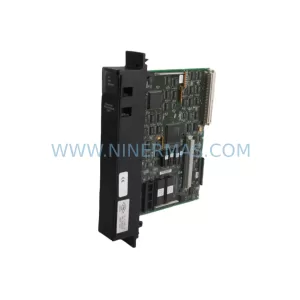
GE Fanuc IC697CPU780E Safety-Reliable CPU for Critical Control
Catalog Continuation
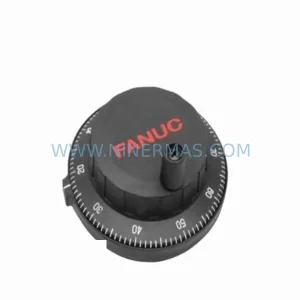
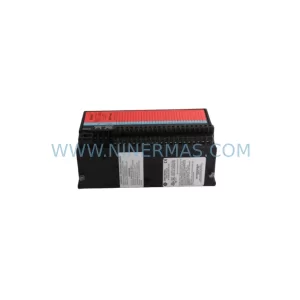
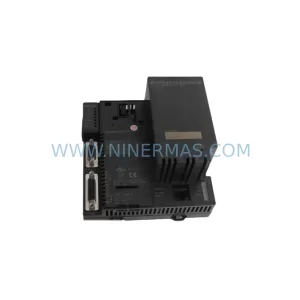
More GE Fanuc modules in the catalog.
Use the brand lane to compare nearby part numbers, platform-adjacent modules, and other inquiry-ready listings before sending your final RFQ.
Catalog Continuation
Alternative parts within PLC & Industrial Automation Modules.
Stay inside the same system family when you need substitutes, adjacent modules, or a broader shortlist for procurement review.



SKU: HDD02.2-W040N-HS12-01-FW FWA-DIAX04-ELS-05VRS-MS
Rexroth HDD02.2-W040N-HS12-01-FW Service-Ready Spare Part

SKU: I5DAE375F10010000S
Lenze I5DAE375F10010000S Service-Ready Spare Part for Industrial Maintenance



