Original Industrial Spare Part
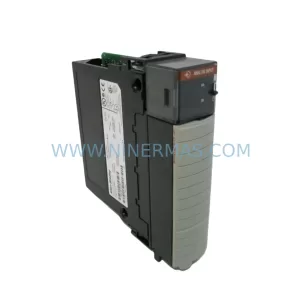
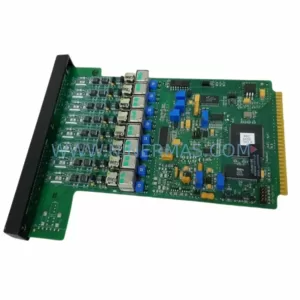
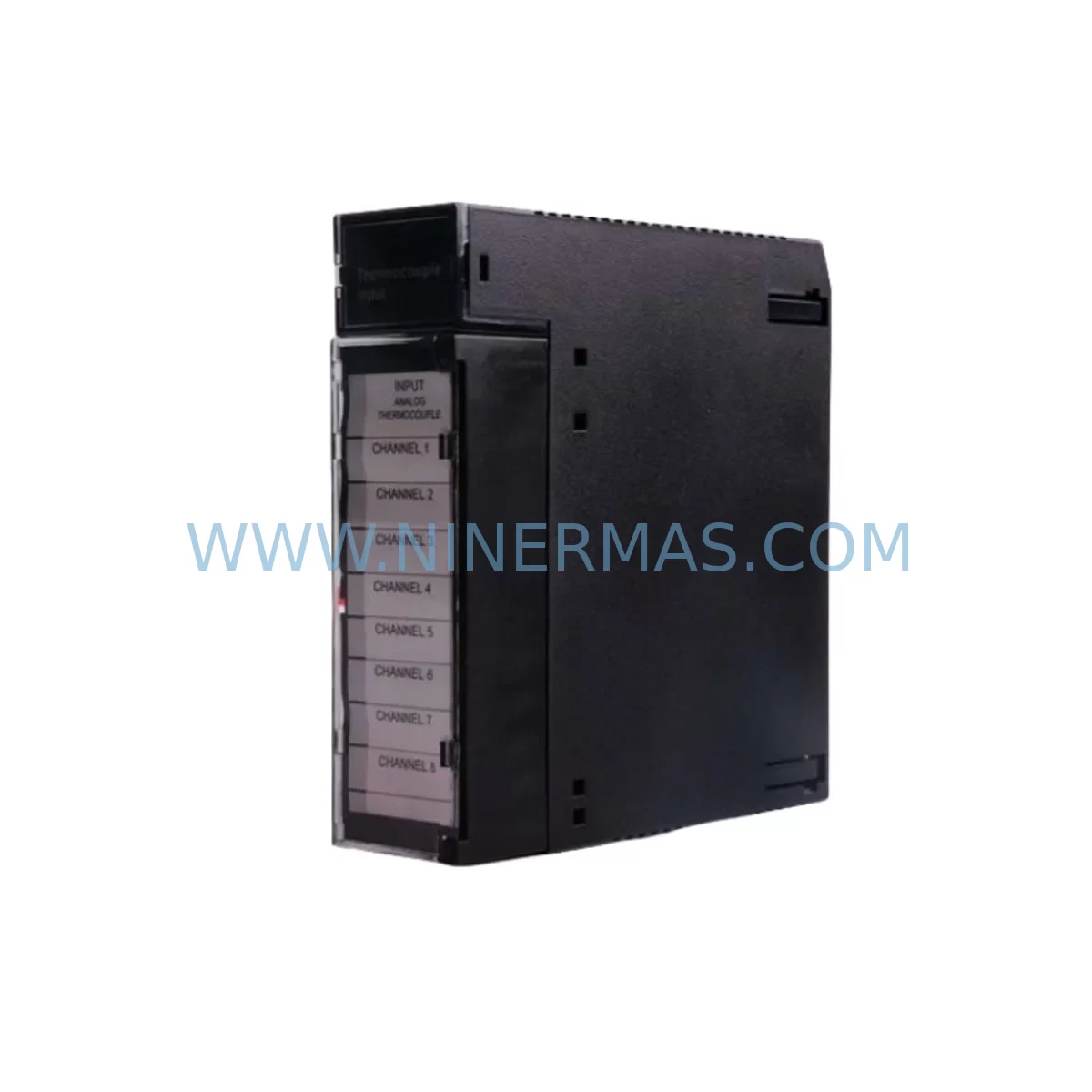
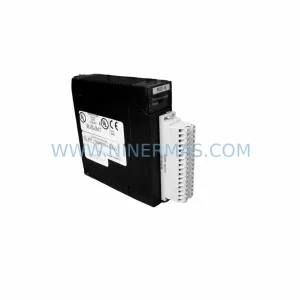
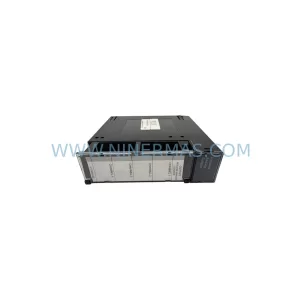
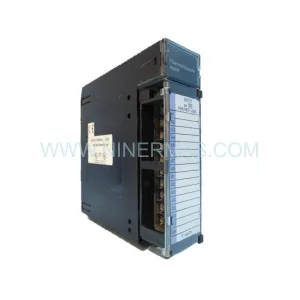
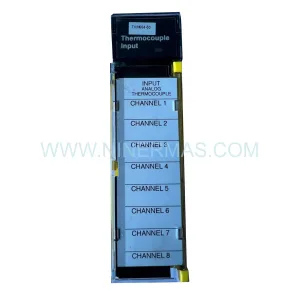
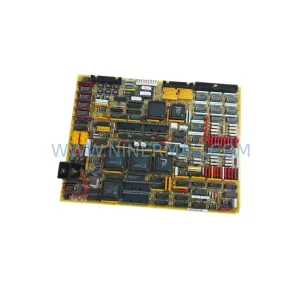
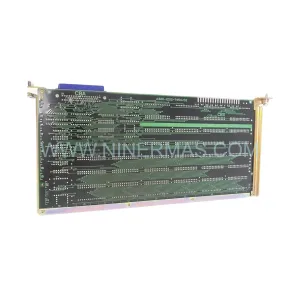
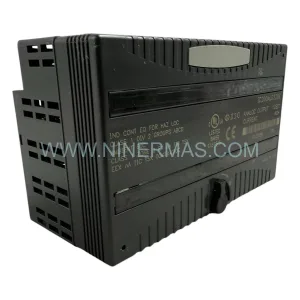
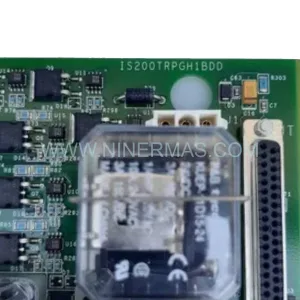
GE HE693THM809C Retrofit-Compatible Thermocouple Input Module
Verify the part, confirm the platform family, and move straight into quotation with the right commercial details.
RFQ Ready
- SKUHE693THM809C
- CategoryPLC & Industrial Automation Modules
- BrandGE
- SupportAvailability, lead time, condition, and shipping coordination
How Buyers Usually Use This Page
- Confirm the exact part number and platform family before sending the quote request.
- Use direct email when quantity, condition, and destination are already defined internally.
- Switch to the broader brand or category archive when you need alternates nearby.
Series Navigation
Move through the most common platform families behind this part.
Product RFQ
Send this part directly for quotation.
Include quantity, required condition, destination country, and target delivery timing. Current reference: GE HE693THM809C Retrofit-Compatible Thermocouple Input Module with SKU HE693THM809C.
GE HE693THM809C Retrofit-Compatible Thermocouple Input Module: Legacy System Compatibility & Smooth Upgrade Path
The GE HE693THM809C is a ruggedized thermocouple input module designed for the GE Fanuc Series 90-70 rack-based PLC platform — one of the most widely deployed industrial control architectures in process manufacturing, power generation, and heavy industry. As GE Fanuc has transitioned its automation portfolio toward the PACSystems RX7i and RX3i platforms, the HE693THM809C has become a critical spare part for facilities committed to maintaining legacy Series 90-70 control systems without undertaking a full platform migration. NINERMAS maintains verified stock of the HE693THM809C to support planned maintenance cycles, emergency replacements, and phased retrofit programs with a 12-month warranty on every unit shipped.
The HE693THM809C accepts up to eight thermocouple input channels (types J, K, T, E, R, S, B, and C), providing direct millivolt-level signal conditioning with cold junction compensation onboard. Its ruggedized design tolerates wide ambient temperature ranges and high-vibration environments — making it a preferred choice for steel mills, chemical plants, glass furnaces, and turbine control panels where thermal measurement accuracy is non-negotiable. When replacing a failed or end-of-life unit, engineers must verify the rack slot assignment, module address configuration via the Series 90-70 programmer (Logicmaster 90-70 or Proficy Machine Edition), and confirm that the replacement module’s firmware revision is compatible with the existing CPU — typically the IC697CPU772, IC697CPU781, or IC697CPU788 — before powering the rack.
Upgrade Compatibility Table
| Parameter | HE693THM809C (Legacy) | Retrofit / Upgrade Notes |
|---|---|---|
| Platform | GE Fanuc Series 90-70 | Direct slot replacement within existing 90-70 rack (IC697CHS750, IC697CHS782) |
| Input Channels | 8 thermocouple channels | Verify channel-to-tag mapping in PLC program before swap |
| Thermocouple Types | J, K, T, E, R, S, B, C | Confirm type jumper/software setting matches field wiring |
| Terminal Wiring | Screw-terminal field wiring connector | Reuse existing connector; verify polarity and shielding continuity |
| Backplane Interface | Series 90-70 VME-based backplane | Not compatible with PACSystems RX7i backplane without adapter |
| Module Address | Configured via rack/slot in Logicmaster or PME | Must match original slot address; re-download I/O configuration after swap |
| Communication | Local I/O bus (no standalone Ethernet/Profibus) | Ethernet connectivity via IC697CMM742 or IC697BEM731 in same rack |
| Power Consumption | Verify against IC697PWR711 or IC697PWR724 PSU capacity | Confirm rack power budget before adding replacement module |
| Installation Space | Single slot, Series 90-70 form factor | No mechanical modification required for like-for-like replacement |
| Commissioning | Logicmaster 90-70 / Proficy Machine Edition | Force I/O scan after replacement; verify analog values against reference instrument |
| Warranty | 12-Month Warranty — All units tested and verified before shipment | |
Retrofit Planning for Existing Automation Systems
A successful HE693THM809C replacement begins well before the module arrives on site. Maintenance engineers should pull the existing rack configuration printout from Logicmaster 90-70 or Proficy Machine Edition and document every slot assignment across the IC697CHS750 or IC697CHS782 chassis. The HE693THM809C occupies a single slot; however, the surrounding modules — including analog output modules such as the IC697ALG320, discrete input modules like the IC697MDL340, and any IC697CMM742 communications modules — must remain undisturbed during the swap to avoid triggering I/O faults on the active CPU scan.
Power budget verification is a frequently overlooked step. The Series 90-70 power supply — whether an IC697PWR711 (30W) or IC697PWR724 (55W) — must have sufficient headroom to support the HE693THM809C alongside all other installed modules. Engineers should calculate the total current draw per the rack’s existing module complement before ordering a replacement, particularly in fully populated 10-slot or 17-slot racks where power margins can be tight.
Field wiring at the thermocouple terminal block deserves careful attention. Each channel’s thermocouple pair must be reconnected with correct polarity, and the shield drain wire should be landed at the designated shield ground terminal rather than at the module’s signal common. Mixing thermocouple types across channels — for example, running a Type K sensor on a channel configured for Type J — will produce systematic temperature errors that may not trigger a module fault but will silently corrupt process data. Photograph the existing wiring before disconnection and use a calibrated reference thermometer to verify each channel’s reading after the replacement module is energized.
For facilities running Genius Bus or Profibus DP networks alongside the Series 90-70 rack, the IC697BEM731 Bus Interface Module or IC697PCM711 Profibus master must be reconfigured if the rack slot order changes. The HE693THM809C itself does not participate in fieldbus communication — it reports exclusively over the local VME backplane — but any slot shift caused by rack reorganization will invalidate the GSD file or Genius block address table and require a full network re-scan. Where the control system also includes an IC697CMM742 Ethernet module for SCADA connectivity, confirm that the IP address and Modbus TCP mapping tables remain intact after the I/O configuration download.
HMI screens connected to the Series 90-70 CPU via SNP or SRTP protocol — whether running on a legacy Quickpanel, a VersaView industrial PC, or a third-party SCADA platform — should be validated against the replacement module’s live data immediately after commissioning. Tag addresses for thermocouple channels are typically mapped as %AI references in the PLC program; if the program was compiled with Logicmaster 90-70 and the replacement module is commissioned under Proficy Machine Edition, verify that the %AI block assignments have not shifted due to differences in I/O configuration handling between the two programming environments.
Downtime Control During System Migration
Minimizing unplanned downtime during an HE693THM809C swap requires a structured hot-swap protocol — even though the Series 90-70 platform does not natively support live module insertion. The recommended approach is to schedule the replacement during a planned maintenance window, place the CPU in Stop-Fault-Tolerant mode where the application supports it, and use the Proficy Machine Edition online monitoring function to capture a snapshot of all %AI values immediately before power-down. This snapshot serves as the baseline for post-replacement verification and allows the commissioning engineer to confirm that the new module is reading within acceptable tolerance before returning the system to Run mode.
Where the process cannot tolerate a full CPU stop, facilities with redundant Series 90-70 configurations — using the IC697RCM711 Redundancy Control Module — can execute the module swap on the secondary rack while the primary rack maintains control, then perform a controlled switchover after the replacement module has been verified. This approach reduces effective process interruption to the switchover transient, typically less than one scan cycle.
Program logic protection is equally important. Before any hardware change, back up the PLC program to a PC running Proficy Machine Edition and store a copy offline. If the CPU battery — typically a lithium cell in the IC697CPU772 or IC697CPU788 — is near end of life, replace it during the same maintenance window to prevent program loss during the next power cycle. Signal isolators installed between the thermocouple field wiring and the HE693THM809C input terminals can remain in circuit during the swap, preserving field loop continuity and reducing the risk of ground loop interference after reconnection.
Post-replacement commissioning should include a channel-by-channel comparison of the HE693THM809C readings against a calibrated reference thermometer, a review of the CPU diagnostic fault table for any new I/O faults, and a timed observation period of at least 30 minutes at normal operating temperature before the maintenance window is closed. NINERMAS ships every HE693THM809C with a pre-shipment functional test report, reducing the risk of receiving a non-conforming unit and shortening on-site commissioning time.
Retrofit Support FAQ
Q1: Is the HE693THM809C a direct drop-in replacement for the original GE Fanuc module?
Yes. The HE693THM809C is a like-for-like replacement for the original GE Fanuc Series 90-70 thermocouple input module of the same part number. It occupies the same single rack slot, uses the same field wiring connector, and is recognized by the CPU without any program modification, provided the slot address and I/O configuration download are completed correctly. NINERMAS verifies each unit against the original GE Fanuc specification before shipment.
Q2: What commissioning steps are required after installing the replacement module?
After physical installation and field wiring reconnection, re-download the I/O configuration from Logicmaster 90-70 or Proficy Machine Edition to ensure the CPU recognizes the new module. Force an I/O scan and verify that all eight thermocouple channels report values within the expected range using a calibrated reference thermometer. Check the CPU fault table for any residual I/O faults and clear them once the module is confirmed operational. A 30-minute observation period at normal process temperature is recommended before closing the maintenance window.
Q3: Can the HE693THM809C be used in a PACSystems RX7i rack as part of a platform upgrade?
No. The HE693THM809C is designed exclusively for the Series 90-70 VME-based backplane and is not electrically or mechanically compatible with the PACSystems RX7i (IC698 series) backplane. Facilities migrating from Series 90-70 to PACSystems RX7i should evaluate the IC698TCM850 thermocouple input module as the functional equivalent for the new platform. NINERMAS can supply both Series 90-70 spare parts for interim operation and PACSystems RX7i modules for the target architecture.
Q4: What warranty and stock availability does NINERMAS provide for the HE693THM809C?
NINERMAS provides a 12-month warranty on every HE693THM809C unit shipped, covering manufacturing defects and functional non-conformance against the GE Fanuc specification. Units are held in climate-controlled storage and undergo pre-shipment functional testing. For customers with planned maintenance schedules or long-term spare parts programs, NINERMAS offers stock reservation and priority fulfillment to ensure availability when needed. Contact sale@ninermas.com or +0086 187 5021 5667 to confirm current stock levels and lead times.
| Product Series | 90-70 |
|---|---|
| Country of Origin | US |
Catalog Continuation
Nearby part numbers around HE693THM.
Use this lane when the buyer is comparing adjacent model numbers, revision-near items, or closely related spare variants within the same brand family.
Catalog Continuation
More GE modules in the catalog.
Use the brand lane to compare nearby part numbers, platform-adjacent modules, and other inquiry-ready listings before sending your final RFQ.
Catalog Continuation
Alternative parts within PLC & Industrial Automation Modules.
Stay inside the same system family when you need substitutes, adjacent modules, or a broader shortlist for procurement review.