Original Industrial Spare Part
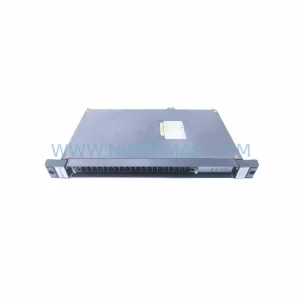
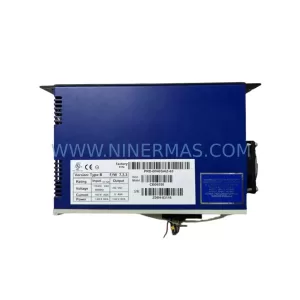
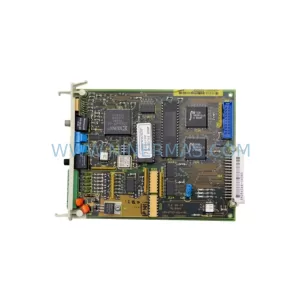
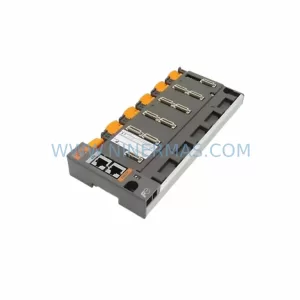
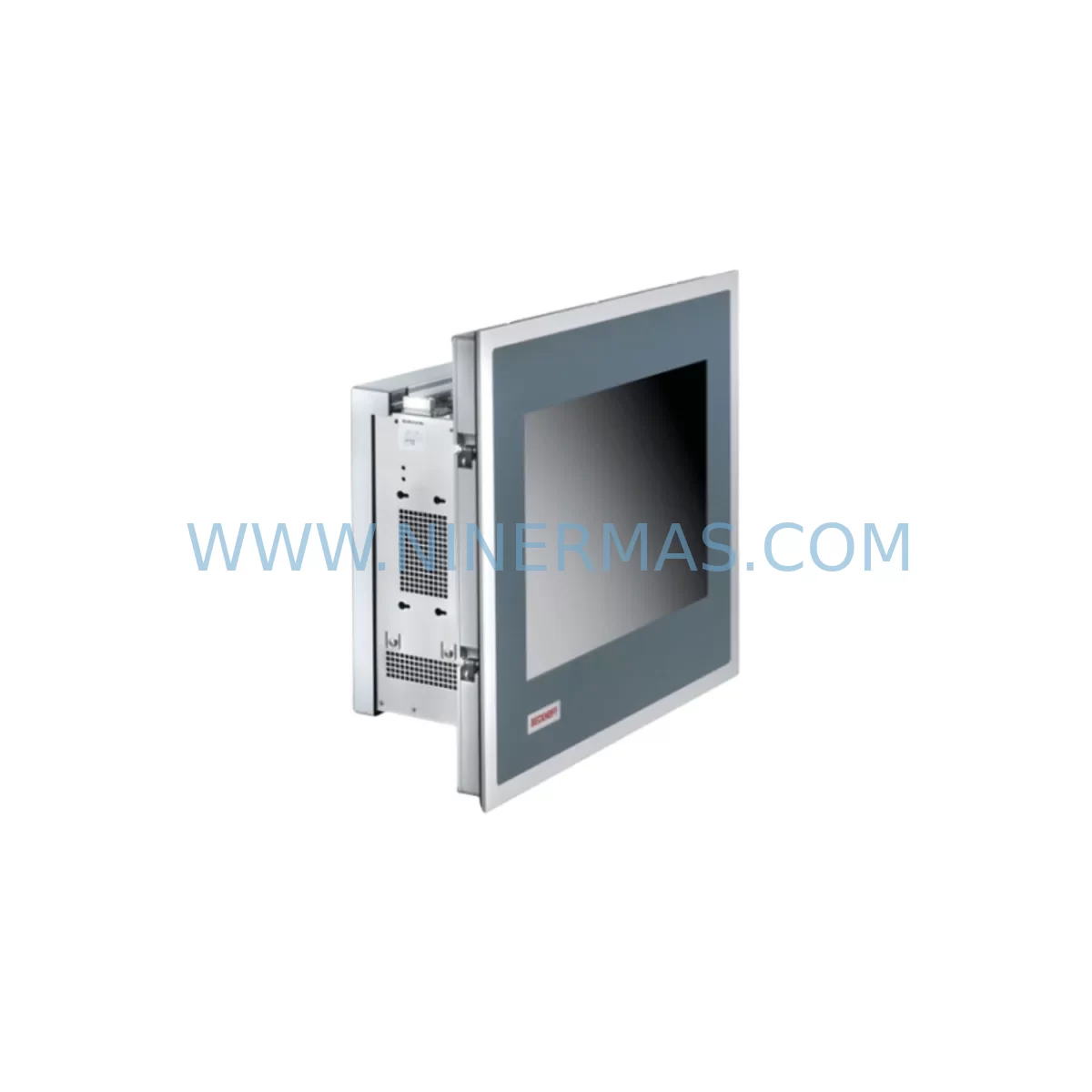
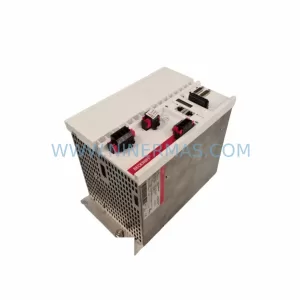
Beckhoff CP7232-0001-0010 Spare Part for Industrial Maintenance
Verify the part, confirm the platform family, and move straight into quotation with the right commercial details.
RFQ Ready
- SKUCP7232-0001-0010
- CategoryPLC & Industrial Automation Modules
- BrandBeckhoff
- SupportAvailability, lead time, condition, and shipping coordination
How Buyers Usually Use This Page
- Confirm the exact part number and platform family before sending the quote request.
- Use direct email when quantity, condition, and destination are already defined internally.
- Switch to the broader brand or category archive when you need alternates nearby.
Series Navigation
Move through the most common platform families behind this part.
Product RFQ
Send this part directly for quotation.
Include quantity, required condition, destination country, and target delivery timing. Current reference: Beckhoff CP7232-0001-0010 Spare Part for Industrial Maintenance with SKU CP7232-0001-0010.
Beckhoff CP7232-0001-0010 Spare Part for Industrial Maintenance
The Beckhoff CP7232-0001-0010 is a service-ready Panel PC spare part designed for industrial maintenance teams operating CP72xx-series control stations in manufacturing, energy, petrochemical, and process automation environments. When a CP7232-0001-0010 unit fails or degrades in a production setting, every hour of unplanned downtime translates directly into lost throughput and elevated repair costs. Sourcing a verified, pre-tested replacement from a reliable spare parts supplier is the fastest path to restoring normal operations and protecting your maintenance KPIs.
NINERMAS supplies the CP7232-0001-0010 as an original-specification spare part, fully inspected and function-tested prior to shipment. Each unit is backed by a 12-month warranty covering hardware defects under normal operating conditions, giving procurement and maintenance engineers the confidence to stock this component as a critical line-replaceable unit (LRU) in their spare parts inventory.
Spare Maintenance Table
| Parameter | Specification / Detail |
|---|---|
| SKU / Part Number | CP7232-0001-0010 |
| Brand | Beckhoff Automation |
| Series | CP72xx Panel PC Series |
| Product Type | Industrial Panel PC / HMI |
| Display | 15-inch TFT LCD, multi-touch capable |
| Operating System | Windows Embedded / Windows 10 IoT (configuration-dependent) |
| Communication Interfaces | DVI-I, USB 2.0/3.0, Ethernet (RJ45), optional CP-Link 4 |
| Power Supply Input | 24 V DC (via CP72xx power connector) |
| Protection Rating | IP65 (front panel) |
| Operating Temperature | 0 °C to +55 °C |
| Mounting | Control cabinet door / panel cut-out mounting |
| Compatibility | CP72xx series; compatible with CX-series Embedded PCs via CP-Link 4 |
| Country of Origin | Germany |
| Pre-Shipment Testing | Full power-on and functional verification |
| Warranty | 12 Months — hardware defects under normal operating conditions |
| Supplier | NINERMAS COMPANY LIMITED |
Maintenance Planning for Continuous Operation
Replacing a CP7232-0001-0010 Panel PC in a live control cabinet is rarely an isolated task. Experienced maintenance engineers know that a panel failure often signals stress on adjacent components sharing the same 24 V DC power rail or communication backbone. Before returning the system to service, a structured inspection of the surrounding electrical circuit is strongly recommended.
Start with the cabinet power supply. The CP72xx series draws regulated 24 V DC, and a degraded or undersized power supply unit — such as a Beckhoff PS1011-2400 or equivalent DIN-rail PSU — can cause intermittent resets or display corruption that mimics a panel fault. Verify output voltage stability under load before commissioning the replacement CP7232-0001-0010.
Next, inspect the CP-Link 4 interface cable (CB3056 or equivalent) connecting the panel to the host Embedded PC, typically a CX2040 or CX5140 in CP72xx deployments. Cable degradation, bent pins, or loose locking screws are a common root cause of display signal loss and are frequently overlooked during fault isolation. Replace the CP-Link 4 cable as a precautionary measure whenever the panel itself is being swapped.
On the controller side, confirm that the CX-series Embedded PC running TwinCAT is operating within normal CPU and memory parameters. A CX2040 running at sustained high CPU load may generate watchdog events that appear as panel communication faults. Review TwinCAT system logs and check the EK1100 EtherCAT coupler and downstream I/O terminals — particularly EL1008 digital input and EL2008 digital output modules — for any accumulated diagnostic errors that may have contributed to the original fault condition.
For safety-critical lines, also verify the status of EL6900 TwinSAFE logic terminals and any associated safety I/O modules. A panel replacement in a safety-rated cell should be followed by a full safety function test before resuming automated production. Document the test results in your maintenance log to satisfy audit and compliance requirements.
Finally, consider the UPS module. If the CP7232-0001-0010 is installed in a cabinet equipped with a Beckhoff CU8800 UPS module, verify battery health and charge state. An aging UPS battery that fails to hold charge during a power micro-interruption can cause abrupt panel shutdowns that corrupt the operating system partition — a failure mode that is often misdiagnosed as a hardware defect in the panel itself.
Stocking the CP7232-0001-0010 alongside these associated components — PS1011 power supply, CB3056 CP-Link cable, EK1100 coupler, EL1008/EL2008 I/O terminals, EL6900 TwinSAFE module, and CU8800 UPS — as a coordinated spare parts kit significantly reduces mean time to repair (MTTR) and eliminates secondary delays caused by waiting for ancillary parts after the primary fault has been identified.
Site Replacement Workflow
The CP7232-0001-0010 is designed as a direct drop-in replacement for earlier CP7232 variants within the CP72xx series. Follow this workflow to minimize downtime and ensure system compatibility:
Step 1 — Isolation: Place the TwinCAT runtime in Config Mode and confirm all safety outputs are de-energized before opening the cabinet door. Follow your site LOTO (Lockout/Tagout) procedure.
Step 2 — Documentation: Photograph the existing panel wiring, CP-Link connector orientation, and any custom mounting hardware before removal. Record the firmware and TwinCAT version currently running on the host CX Embedded PC.
Step 3 — Removal: Disconnect the 24 V DC power connector, CP-Link 4 cable, and any USB peripherals. Release the panel mounting clamps from the rear and carefully extract the CP7232-0001-0010 from the cabinet door cut-out.
Step 4 — Installation: Insert the replacement CP7232-0001-0010, secure mounting clamps evenly to achieve IP65 sealing, and reconnect all cables in reverse order. Verify connector locking engagement on the CP-Link 4 interface.
Step 5 — Commissioning: Power on the cabinet and confirm the panel displays the TwinCAT HMI or SCADA visualization correctly. Verify touch calibration, Ethernet connectivity, and any USB device recognition. Run a full I/O diagnostic cycle from TwinCAT System Manager before returning the line to production.
Step 6 — Documentation Close-Out: Update the equipment maintenance record with the replacement date, new unit serial number, and test results. Initiate a replenishment order for the consumed spare to maintain your minimum stock level.
Spare Parts Support FAQ
Q1: Is the CP7232-0001-0010 supplied by NINERMAS an original Beckhoff unit?
A: NINERMAS sources CP7232-0001-0010 units as original-specification spare parts. Each unit undergoes a full power-on functional test prior to shipment. The 12-month warranty covers hardware defects under normal operating conditions, consistent with the quality standards expected for safety-critical industrial automation environments.
Q2: How do I confirm compatibility with my existing CP72xx installation before ordering?
A: The CP7232-0001-0010 is compatible with the CP72xx panel PC series and interfaces with CX-series Embedded PCs via CP-Link 4. To confirm compatibility, provide your existing panel part number, TwinCAT version, and host controller model when contacting NINERMAS. Our technical team will verify fit before order confirmation.
Q3: Can NINERMAS support long-term or reserved inventory for the CP7232-0001-0010?
A: Yes. NINERMAS offers reserved inventory programs for customers with ongoing maintenance contracts or multi-site deployments. Contact our sales team to discuss minimum stock commitments, lead time guarantees, and pricing structures for long-term supply agreements. Reserved stock eliminates the risk of extended lead times during peak demand or product phase-out periods.
Q4: What is the typical lead time and how is the unit packaged for shipment?
A: In-stock units are typically dispatched within 2–5 business days following order confirmation and payment. Each CP7232-0001-0010 is packaged in anti-static protective materials with foam cushioning to prevent transit damage. A pre-shipment test report is available upon request. Express shipping options are available for emergency maintenance situations requiring rapid deployment.
| Product Series | Other series |
|---|---|
| Country of Origin | DE |
Catalog Continuation
More Beckhoff modules in the catalog.
Use the brand lane to compare nearby part numbers, platform-adjacent modules, and other inquiry-ready listings before sending your final RFQ.
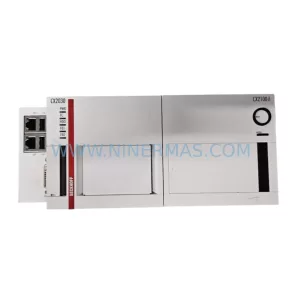
SKU: CX2500/CX2030/CX2550/CX2100/EL6070/EK1110
BECKHOFF CX2030 Safety-Reliable Embedded PC for Critical Control
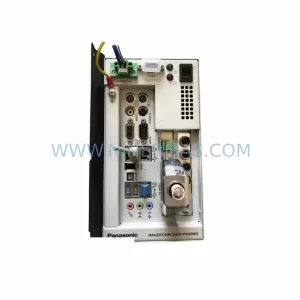
SKU: 0024105677D1321
BECKHOFF 0024105677D1321 Safety-Reliable I/O for Critical Control
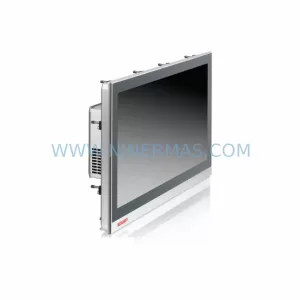
Catalog Continuation
Alternative parts within PLC & Industrial Automation Modules.
Stay inside the same system family when you need substitutes, adjacent modules, or a broader shortlist for procurement review.