Original Industrial Spare Part
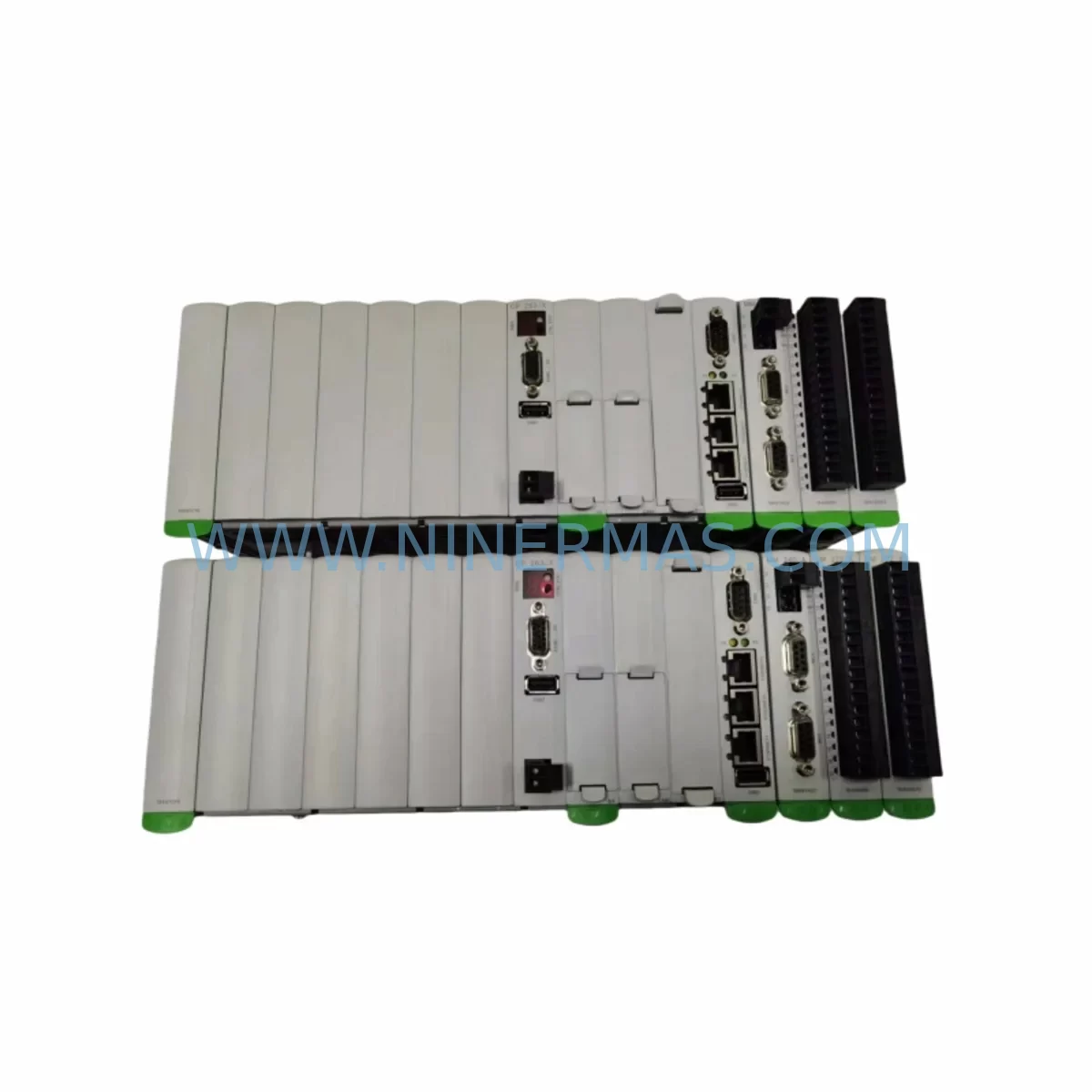
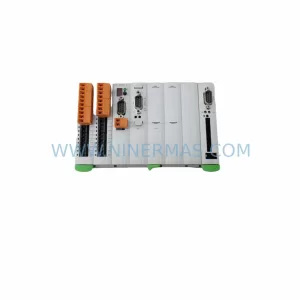
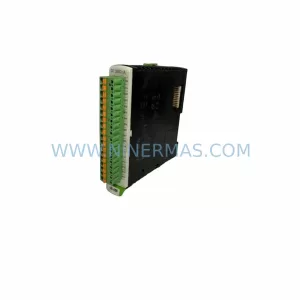
KEBA CP263/X DM272/A MM240/A Service-Ready Spare Part
Verify the part, confirm the platform family, and move straight into quotation with the right commercial details.
RFQ Ready
- SKUCP263/X DM272/A DM272/A MM240/A
- CategoryPLC & Industrial Automation Modules
- BrandKEBA
- SupportAvailability, lead time, condition, and shipping coordination
How Buyers Usually Use This Page
- Confirm the exact part number and platform family before sending the quote request.
- Use direct email when quantity, condition, and destination are already defined internally.
- Switch to the broader brand or category archive when you need alternates nearby.
Series Navigation
Move through the most common platform families behind this part.
Product RFQ
Send this part directly for quotation.
Include quantity, required condition, destination country, and target delivery timing. Current reference: KEBA CP263/X DM272/A MM240/A Service-Ready Spare Part with SKU CP263/X DM272/A DM272/A MM240/A.
KEBA CP263/X DM272/A MM240/A Service-Ready Spare Part: Spare Replacement & Downtime Risk Control
The KEBA CP263/X DM272/A MM240/A is a ruggedized control module assembly designed for demanding industrial automation environments. As a service-ready spare part, this unit supports rapid field replacement in KEBA-based control cabinets, enabling maintenance engineers to restore system operation with minimal downtime. Each unit is pre-shipment tested and backed by a 12-month warranty, making it a reliable choice for both emergency replacement and planned spare parts inventory.
Industrial facilities operating KEBA automation platforms — including motion control, drive coordination, and distributed I/O architectures — depend on the continued availability of core control modules such as the CP263/X central processing unit, the DM272/A digital I/O expansion module, and the MM240/A memory or communication interface module. When any of these components fails or degrades, the entire control loop may be interrupted, leading to unplanned production stoppages. Stocking a verified replacement assembly reduces mean time to repair (MTTR) and supports continuous operation targets.
Spare Maintenance Table
| Parameter | Details |
|---|---|
| Brand | KEBA |
| SKU / Part Number | CP263/X DM272/A MM240/A |
| Series | CP263 / DM272 / MM240 Series |
| Module Type | Ruggedized Control Module Assembly (CPU + Digital I/O + Memory/Comm) |
| Application | Industrial automation, motion control, PLC-based control cabinets |
| Operating Environment | Harsh industrial environments; vibration, dust, and temperature-resistant design |
| Compatibility | KEBA CP263 series control systems; DM272 and MM240 expansion backplanes |
| Installation | DIN rail or backplane slot mounting; refer to KEBA system documentation for slot assignment |
| Origin | Austria (AT) |
| Condition | Original spare part; new or service-exchange as specified at order |
| Pre-Shipment Testing | Yes — functional verification prior to dispatch |
| Warranty | 12 Months |
| Long-Term Supply | Available for ongoing procurement; suitable for multi-year maintenance contracts |
Maintenance Planning for Continuous Operation
When replacing the KEBA CP263/X DM272/A MM240/A assembly in a live control cabinet, a thorough inspection of adjacent and interdependent components is essential to prevent repeat failures and ensure system integrity. Maintenance engineers should treat this replacement as an opportunity for a broader cabinet health check.
Begin by verifying the 24 VDC power supply module feeding the CP263/X backplane — voltage ripple or insufficient current capacity is a common root cause of CPU module degradation. Inspect the KEBA PS series power supply unit or equivalent industrial SMPS for output stability before re-energizing the replacement module. Next, check all field wiring terminations on the DM272/A digital I/O expansion module: loose or corroded terminal block connections can cause intermittent I/O faults that are often misdiagnosed as module failures.
The MM240/A interface module — whether used for memory expansion or fieldbus communication — should be paired with a review of the communication cable assemblies connecting it to upstream controllers or HMI panels. Shielded cables with proper grounding are critical in environments with high electromagnetic interference. If the system uses PROFIBUS DP or CANopen communication, verify bus termination resistors and check for address conflicts after module swap.
For systems with distributed I/O, inspect the KEBA EM series expansion modules installed on the same backplane. A failing backplane connector or damaged bus coupler can cause the new CP263/X to report communication errors immediately after installation. Similarly, review any installed signal isolators or signal conditioners on analog input channels — these components are often overlooked during corrective maintenance but are critical for measurement accuracy in process control loops.
Relay output modules and solid-state relay (SSR) assemblies connected to the DM272/A digital outputs should be tested for contact resistance and switching integrity. Welded relay contacts or degraded SSRs can cause output channel faults that appear as module errors. Terminal blocks and DIN rail fuse holders protecting individual I/O circuits should also be inspected and replaced if signs of overheating or discoloration are present.
If the control cabinet includes an operator panel or HMI terminal communicating with the CP263/X, verify the communication interface settings and firmware compatibility after module replacement. KEBA operator panels using serial or Ethernet-based protocols may require parameter re-initialization following a CPU swap. Finally, document the replacement event in the site maintenance log and update the spare parts inventory register to trigger reorder of a replacement unit — maintaining at least one verified spare in stock is recommended for critical production lines.
Site Replacement Workflow
Step 1 — Isolation and Safety: Follow site lockout/tagout (LOTO) procedures. De-energize the control cabinet and discharge any residual voltage on the backplane bus before removing the CP263/X module assembly.
Step 2 — Documentation: Photograph the existing wiring, module slot positions, and DIP switch or jumper settings on the DM272/A and MM240/A before removal. Record firmware version labels if visible.
Step 3 — Module Removal: Release the module locking levers or screws as specified in the KEBA CP263 series hardware manual. Slide the module assembly out of the backplane slot carefully to avoid damaging the backplane connector pins.
Step 4 — Inspection: Inspect the backplane slot for bent pins, contamination, or burn marks. Clean with appropriate electronics-safe contact cleaner if required. Do not install the replacement module into a damaged backplane without repair.
Step 5 — Installation: Insert the KEBA CP263/X DM272/A MM240/A replacement assembly into the correct backplane slot. Apply firm, even pressure until the locking mechanism engages. Reconnect all field wiring to the DM272/A terminal blocks, matching the documented configuration.
Step 6 — Configuration Restore: Restore the application program and parameter set from backup using the KEBA engineering tool or memory card. Verify that the MM240/A communication interface is correctly configured for the site fieldbus or memory application.
Step 7 — Commissioning Check: Re-energize the cabinet and perform a controlled startup. Monitor I/O status, communication diagnostics, and system fault logs. Confirm all digital inputs and outputs on the DM272/A are responding correctly before returning the system to production.
This structured replacement workflow minimizes downtime, reduces the risk of secondary faults, and ensures the replacement module is fully validated before resuming normal operation.
Spare Parts Support FAQ
Q1: Is this KEBA CP263/X DM272/A MM240/A unit a new original spare part or a refurbished unit?
This unit is supplied as an original spare part. Condition (new or service-exchange) is confirmed at the time of order. All units undergo pre-shipment functional testing regardless of condition grade, and each is covered by a 12-month warranty from the date of dispatch.
Q2: How do I verify compatibility with my existing KEBA control system before ordering?
Compatibility is determined by the KEBA system series, backplane type, and firmware revision installed at your site. Provide your existing module part numbers, system series designation, and firmware version when placing your order. Our technical team will confirm compatibility before shipment. Cross-referencing the KEBA hardware manual for your CP263 series system is also recommended.
Q3: What is the recommended spare parts stocking strategy for the CP263/X DM272/A MM240/A?
For critical production lines, maintaining one verified spare assembly on-site is the minimum recommended strategy. For facilities with multiple KEBA control cabinets or high-availability requirements, a two-unit buffer stock is advisable. Given the long service life of KEBA control systems, early procurement of spare modules is recommended as original parts availability may decrease over time for legacy series.
Q4: What is covered under the 12-month warranty, and what support is available for long-term supply?
The 12-month warranty covers manufacturing defects and functional failures under normal operating conditions. It does not cover damage resulting from incorrect installation, overvoltage events, or environmental conditions outside the module’s rated specifications. For long-term supply agreements or multi-year maintenance contracts requiring guaranteed availability of the CP263/X DM272/A MM240/A, please contact our procurement team to discuss scheduled supply arrangements.
| Product Series | Other series |
|---|
Catalog Continuation
More KEBA modules in the catalog.
Use the brand lane to compare nearby part numbers, platform-adjacent modules, and other inquiry-ready listings before sending your final RFQ.
Catalog Continuation
Alternative parts within PLC & Industrial Automation Modules.
Stay inside the same system family when you need substitutes, adjacent modules, or a broader shortlist for procurement review.
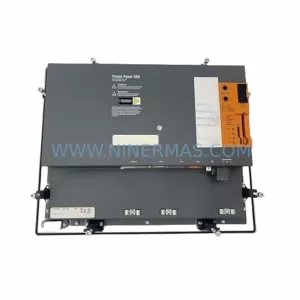
SKU: 5PP520.1043-00
B&R 5PP520.1043-00 Retrofit Power Panel for Legacy Systems
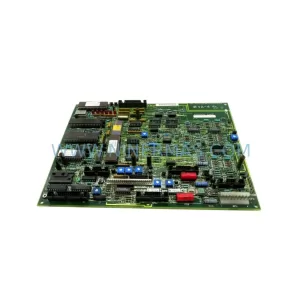
SKU: 531X133PRUALG1
GE 531X133PRUALG1 Retrofit-Compatible Process Interface Board
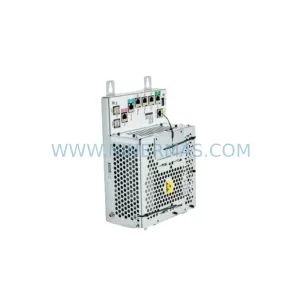
SKU: IRB7600 3HAC17484-1 3HAC062339-006 IRB6620 3HAC025007-001 DSQC1018 3HAC050363-001 DSQC1000 3HAC042766-001
ABB 3HAC17484-1 Service-Ready Spare for Industrial Maintenance