Original Industrial Spare Part
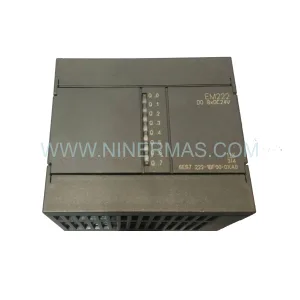
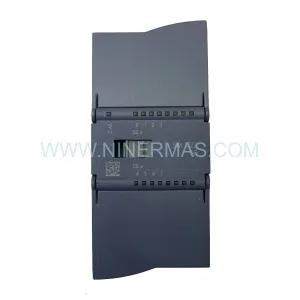
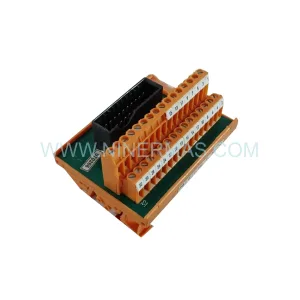
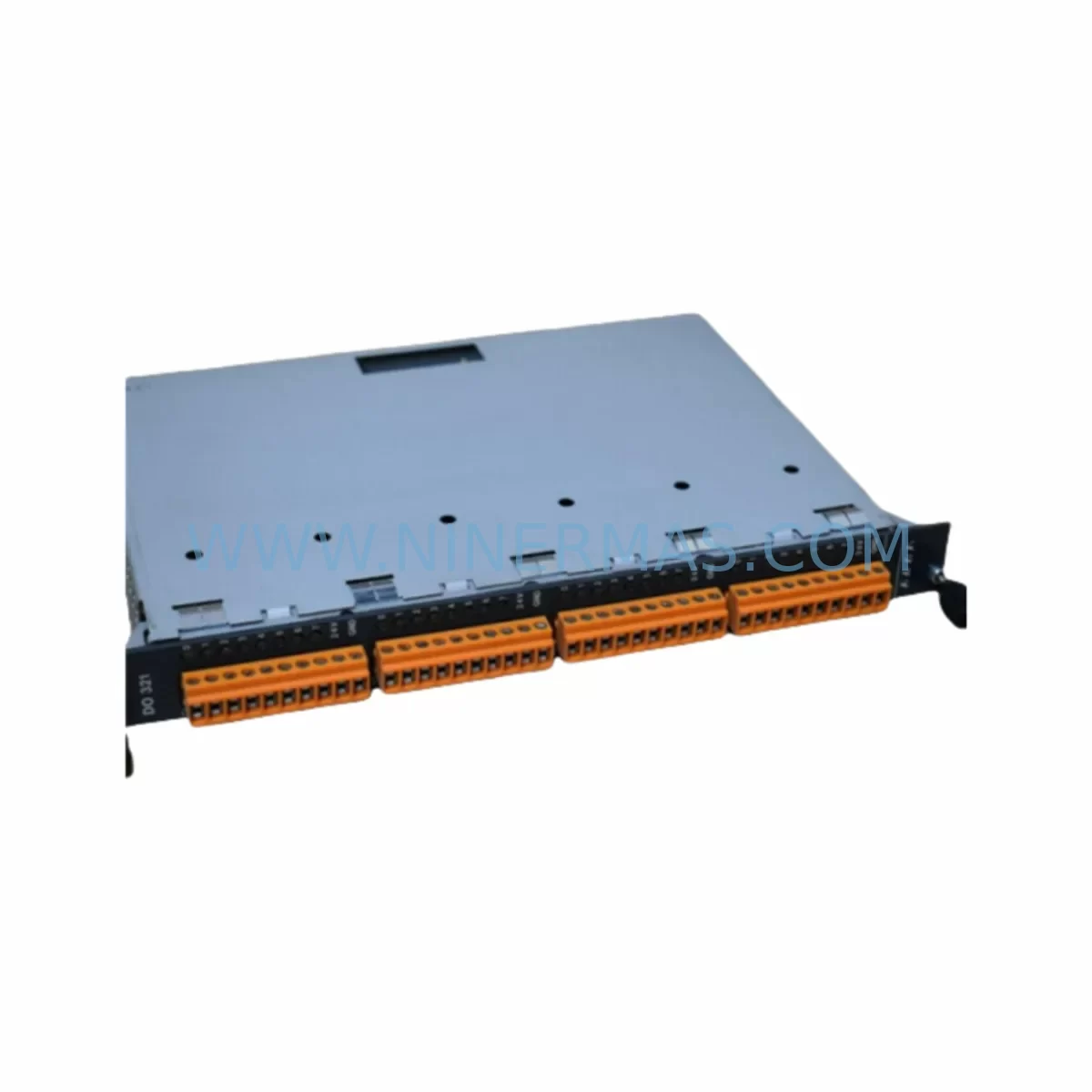
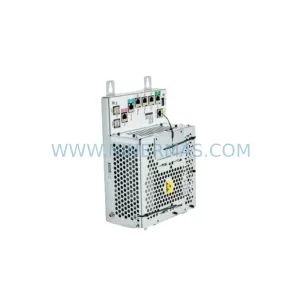
KEBA DO321/B Retrofit-Compatible Digital Output Module
Verify the part, confirm the platform family, and move straight into quotation with the right commercial details.
RFQ Ready
- SKUDO321/B
- CategoryPLC & Industrial Automation Modules
- BrandKEBA
- SupportAvailability, lead time, condition, and shipping coordination
How Buyers Usually Use This Page
- Confirm the exact part number and platform family before sending the quote request.
- Use direct email when quantity, condition, and destination are already defined internally.
- Switch to the broader brand or category archive when you need alternates nearby.
Series Navigation
Move through the most common platform families behind this part.
Product RFQ
Send this part directly for quotation.
Include quantity, required condition, destination country, and target delivery timing. Current reference: KEBA DO321/B Retrofit-Compatible Digital Output Module with SKU DO321/B.
KEBA DO321/B Retrofit-Compatible Digital Output Module: Legacy System Compatibility & Smooth Upgrade
The KEBA DO321/B is a digital output module engineered for the KEBA CP series programmable logic controller platform, widely deployed across industrial automation lines in plastics processing, packaging, and general-purpose machine control. As KEBA progressively phases out legacy CP-series hardware, procurement engineers and maintenance teams face increasing pressure to source verified spare parts or plan structured migration paths before critical components become unavailable. NINERMAS maintains in-stock inventory of the DO321/B to support both emergency replacement and long-term spare-parts programs, backed by a 12-month warranty on every unit shipped.
The DO321/B provides digital output channels that interface directly with field actuators, solenoid valves, motor contactors, and signal indicators within the control cabinet. Its backplane connector is designed for direct insertion into the KEBA CP rack, making it a drop-in replacement for failed or end-of-life units without requiring rewiring of the terminal block or modification of the PLC program — provided the replacement unit carries the same hardware revision and firmware compatibility level. Before installation, engineers should verify the output channel count, voltage rating (typically 24 VDC), current capacity per channel, and the module address assignment within the rack configuration tool.
Upgrade Compatibility Table
| Parameter | KEBA DO321/B | Retrofit Notes |
|---|---|---|
| Module Type | Digital Output | Direct slot replacement in CP-series rack |
| Output Voltage | 24 VDC (typical) | Verify field wiring voltage before swap |
| Backplane Interface | KEBA CP proprietary bus | Compatible with CP033, CP053, CP063 racks |
| Module Address | Rack-slot assigned | Confirm address in PLC configuration file |
| Communication Protocol | Internal CP backplane | No external fieldbus required for basic I/O |
| Terminal Wiring | Screw terminal block | Re-use existing field cable; check torque spec |
| Installation Space | Standard CP module width | Single slot; no adjacent module clearance issue |
| Commissioning | Force output test via PLC online mode | Verify each channel before resuming production |
| Replacement Scope | 1:1 drop-in for same revision | Cross-revision: confirm firmware compatibility |
| Warranty | 12 Months — NINERMAS COMPANY LIMITED | |
Retrofit Planning for Existing Automation Systems
A successful retrofit of the KEBA DO321/B begins well before the module arrives on site. Maintenance engineers should pull the existing rack layout drawing and confirm which slot the failed DO321/B occupies, then cross-reference the PLC project file to identify all output addresses mapped to that module. In a typical KEBA CP-series control cabinet, the rack may also house a KEBA DI321 digital input module, a KEBA AI321 analog input module, and a KEBA AO321 analog output module — all sharing the same backplane bus. Disturbing one module during replacement should not affect adjacent modules, but it is good practice to document the current rack configuration with a photograph before extraction.
Power supply integrity is a critical pre-check. The KEBA PS321 or equivalent CP-series power supply module feeds the backplane; confirm that the supply voltage and current capacity remain within specification after adding the replacement DO321/B. If the existing power supply is also aging, this retrofit is an ideal opportunity to replace it simultaneously and avoid a secondary unplanned outage. Similarly, if the control cabinet includes a KEBA CP033 or CP053 central processing unit, verify that the CPU firmware version supports the DO321/B hardware revision being installed — mismatched firmware can cause the module to appear as a fault on the I/O bus even if the hardware is physically healthy.
For systems that communicate upstream via PROFIBUS DP or CANopen through a KEBA communication module such as the KEBA CM321, the digital output states driven by the DO321/B will be visible to the SCADA or HMI layer. After module replacement, reload the PLC program and perform a forced-output test in online mode to confirm that each channel activates the correct field device. Update the HMI screen tag database if any output addresses were remapped during the repair. If the machine uses a KEBA KeTop T150 or similar operator panel, verify that the panel’s I/O diagnostic screen reflects the correct module status before releasing the machine to production.
Where the retrofit scope extends beyond a single module — for example, when an entire aging rack is being replaced — consider sourcing a complete spare rack assembly including the KEBA CP rack backplane, CPU module, power supply, and a matched set of I/O modules. NINERMAS can support multi-module procurement under a structured spare-parts program, with committed lead times and long-term stock reservation for critical SKUs. Signal isolators and surge protection devices installed on the terminal strip should also be inspected during the retrofit window, as these components protect the DO321/B output channels from field-side transients that are a common cause of premature module failure.
Downtime Control During System Migration
Minimizing production downtime during a KEBA DO321/B replacement requires a structured pre-outage preparation protocol. Before the maintenance window opens, the engineering team should back up the complete PLC project — including program logic, I/O configuration, and communication parameters — to a secure offline location. If the machine control system uses a KEBA KeStudio programming environment, export the project archive and store it on a laptop that will be present on-site during the swap. This ensures that if the replacement module triggers an unexpected configuration mismatch, the original program can be reloaded within minutes rather than hours.
During the swap, power down the control cabinet following the site’s lockout/tagout procedure. Remove the faulty DO321/B by releasing the backplane latch, then insert the replacement unit into the same slot. Reconnect the terminal block, restore power, and bring the PLC online. Use the PLC’s online diagnostic view to confirm that the DO321/B is recognized at the correct rack address and that all output channels report healthy status. Perform a channel-by-channel force test to verify that each field actuator responds correctly before transferring control back to the automatic program. Total planned downtime for a straightforward 1:1 module swap is typically 30 to 90 minutes, depending on the complexity of the field wiring and the number of output channels requiring verification.
For facilities that cannot tolerate even brief unplanned outages, NINERMAS recommends maintaining at least one DO321/B as a cold-standby spare in the on-site spare-parts cabinet. Our 12-month warranty covers manufacturing defects and early-life failures, giving procurement teams confidence that the standby unit will perform when needed. Long-term spare-parts agreements with committed annual stock levels are available for customers managing fleets of KEBA CP-series machines across multiple production sites.
Retrofit Support FAQ
Q1: Is the KEBA DO321/B a direct replacement for all DO321 variants?
The DO321/B designates a specific hardware revision. While it is physically interchangeable with other DO321 variants in most CP-series racks, firmware compatibility between the CPU module and the replacement DO321 revision should be confirmed before installation. NINERMAS can provide the hardware revision details of the unit in stock upon request, allowing your engineering team to cross-check against the existing system documentation.
Q2: What commissioning steps are required after installing the DO321/B?
After physical installation, power up the rack and verify that the PLC CPU recognizes the module at the correct slot address. Enter online mode in KeStudio or the applicable programming tool and perform a forced-output test on each channel. Confirm that the corresponding field device (valve, contactor, indicator) responds correctly. Document the test results and restore the machine to automatic mode only after all channels pass verification.
Q3: Can NINERMAS supply multiple DO321/B units for a fleet-wide spare-parts program?
Yes. NINERMAS supports long-term procurement planning for industrial customers managing multiple KEBA CP-series installations. We offer committed stock reservation, staggered delivery schedules, and volume pricing for customers requiring 5 or more units annually. Contact our sales team at sale@ninermas.com to discuss a tailored spare-parts agreement.
Q4: What does the 12-month warranty cover?
Every KEBA DO321/B shipped by NINERMAS carries a 12-month warranty covering manufacturing defects and component failures under normal operating conditions. The warranty does not cover damage caused by incorrect installation, overvoltage events, or physical mishandling. All units undergo pre-shipment functional testing before dispatch. In the event of a warranty claim, NINERMAS will arrange replacement or repair with priority handling to minimize your production impact.
| Product Series | Other series |
|---|
Catalog Continuation
More KEBA modules in the catalog.
Use the brand lane to compare nearby part numbers, platform-adjacent modules, and other inquiry-ready listings before sending your final RFQ.
SKU: CP263/X DM272/A DM272/A MM240/A
KEBA CP263/X DM272/A MM240/A Service-Ready Spare Part
SKU: KETOP T50 R01 VX/69908/14
KEBA KETOP T50 R01 VX/69908/14 Service-Ready Spare Part
Catalog Continuation
Alternative parts within PLC & Industrial Automation Modules.
Stay inside the same system family when you need substitutes, adjacent modules, or a broader shortlist for procurement review.
SKU: 5PP520.1043-00
B&R 5PP520.1043-00 Retrofit Power Panel for Legacy Systems
SKU: 531X133PRUALG1
GE 531X133PRUALG1 Retrofit-Compatible Process Interface Board
SKU: IRB7600 3HAC17484-1 3HAC062339-006 IRB6620 3HAC025007-001 DSQC1018 3HAC050363-001 DSQC1000 3HAC042766-001
ABB 3HAC17484-1 Service-Ready Spare for Industrial Maintenance