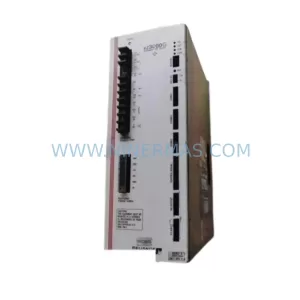
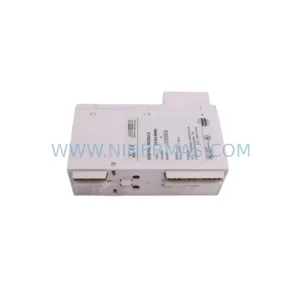
Original Industrial Spare Part
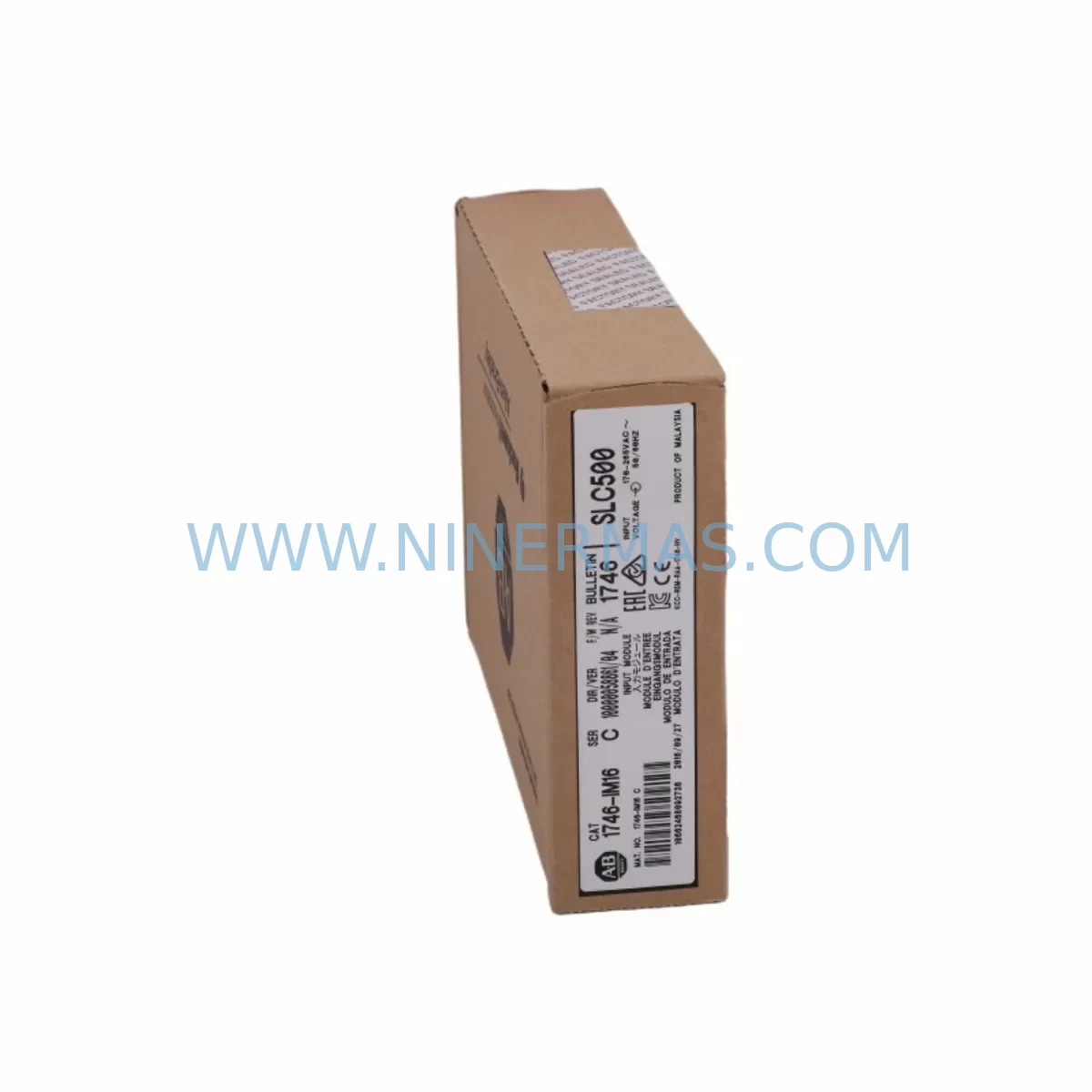
Allen-Bradley DIM16 SLC 500 16-Pt 240V AC Input Module
Verify the part, confirm the platform family, and move straight into quotation with the right commercial details.
RFQ Ready
- SKUDIM16
- CategoryPLC & Industrial Automation Modules
- BrandAllen-Bradley
- SupportAvailability, lead time, condition, and shipping coordination
How Buyers Usually Use This Page
- Confirm the exact part number and platform family before sending the quote request.
- Use direct email when quantity, condition, and destination are already defined internally.
- Switch to the broader brand or category archive when you need alternates nearby.
Series Navigation
Move through the most common platform families behind this part.
Product RFQ
Send this part directly for quotation.
Include quantity, required condition, destination country, and target delivery timing. Current reference: Allen-Bradley DIM16 SLC 500 16-Pt 240V AC Input Module with SKU DIM16.
Allen-Bradley DIM16 SLC 500 16-Pt 240V AC Input Module: Spare Replacement for Downtime Recovery
The Allen-Bradley DIM16 is a 16-point, 240V AC discrete input module designed for use within the SLC 500 programmable controller platform by Rockwell Automation. As a critical field-replaceable unit in distributed control panels, conveyor systems, motor control centres, and process automation cabinets, the DIM16 handles high-density AC signal acquisition from field devices including pushbuttons, limit switches, proximity sensors, and relay contacts operating at 240V AC.
For maintenance engineers managing aging SLC 500 installations, sourcing a service-ready DIM16 spare is essential to minimising unplanned downtime. NINERMAS supplies original and compatible DIM16 modules that are pre-tested, inspected, and shipped with a 12-month warranty, supporting both emergency replacement and planned MRO inventory programmes.
Spare Maintenance Table
| Parameter | Specification |
|---|---|
| SKU / Part Number | DIM16 |
| Brand | Allen-Bradley (Rockwell Automation) |
| Series | SLC 500 |
| Module Type | Discrete AC Input Module |
| Input Points | 16-Point |
| Input Voltage | 240V AC |
| Input Frequency | 47–63 Hz |
| Input Current (per point) | Approx. 10 mA at 240V AC |
| Backplane Compatibility | SLC 500 fixed and modular chassis (4-slot, 7-slot, 10-slot, 13-slot) |
| Isolation | Optical isolation between field and backplane |
| Indicators | Per-point LED status indicators |
| Operating Temperature | 0°C to 60°C (32°F to 140°F) |
| Relative Humidity | 5–95% non-condensing |
| Mounting | SLC 500 modular chassis slot |
| Application Environment | Industrial control panels, MCC, conveyor systems, process automation |
| Maintenance Recommendation | Inspect wiring terminals annually; verify LED status during commissioning; replace if input response time degrades or LEDs fail to reflect field state |
| Warranty | 12 Months — tested before shipment |
Maintenance Planning for Continuous Operation
When replacing the DIM16 input module in an SLC 500 control cabinet, a disciplined maintenance engineer will not stop at the module itself. The DIM16 interfaces directly with field wiring, the SLC 500 backplane, and the processor — meaning a thorough inspection of surrounding components is essential to confirm the root cause of failure and prevent repeat faults.
Begin by verifying the SLC 500 power supply module (such as the 1746-P2 or 1746-P4) is delivering stable 5V DC backplane power and 24V DC user power within specification. A degraded power supply is a common upstream cause of erratic input module behaviour. Alongside this, inspect the SLC 500 processor module (1747-L532 or 1747-L543 series) for fault codes logged against the input slot — these codes often reveal whether the failure was electrical, firmware-related, or a wiring fault.
Check the SLC 500 chassis backplane for physical damage, corrosion on the slot connectors, or signs of heat stress. A faulty backplane can cause intermittent communication errors that mimic input module failure. If the cabinet houses multiple I/O modules, inspect adjacent output modules (such as the OW16 relay output module or OA16 AC output module) for signs of coil-induced voltage spikes that may have damaged the DIM16 inputs.
Review the field wiring terminal blocks connected to the DIM16’s 40-pin wiring arm. Loose terminals, corroded conductors, or undersized wire gauges at 240V AC are frequent causes of input signal degradation. Replace any damaged terminal blocks and verify torque specifications per the installation manual. Where field devices include inductive loads such as solenoids or motor starters, confirm that surge suppressors or RC snubber circuits are installed across the coils to protect the DIM16 input circuitry.
If the SLC 500 system includes a 1747-SDN DeviceNet Scanner module or a 1747-KE RS-232 interface module for communication with upstream SCADA or HMI systems, verify that these communication modules are functioning correctly after the DIM16 replacement — a slot reassignment during maintenance can affect the I/O map and require a programme download. Similarly, if a PanelView HMI terminal is connected to the SLC 500 processor, confirm that input tag addresses displayed on the HMI reflect the restored DIM16 slot configuration.
For sites operating in high-vibration or high-humidity environments, consider adding conformal coating inspection to the annual maintenance checklist for all SLC 500 modules. Moisture ingress on uncoated PCBs is a leading cause of premature input module failure in food processing, water treatment, and outdoor enclosure applications. Stocking a 1746-A4 or 1746-A7 spare chassis alongside the DIM16 spare ensures that a complete slot failure does not extend downtime beyond the module swap itself.
Procurement engineers should also consider maintaining a minimum stock of SLC 500 analogue input modules (such as the 1746-NI4 or 1746-NI8) if the same control cabinet handles both discrete and analogue field signals. Coordinating DIM16 procurement with broader SLC 500 spare parts planning — including processor, power supply, and communication modules — reduces per-unit freight costs and ensures a single-source warranty baseline across the cabinet.
Site Replacement Workflow
Step 1 — Isolate and de-energise: Follow site LOTO (Lockout/Tagout) procedures. Isolate the 240V AC field supply to the DIM16 wiring arm before disconnecting any terminals. Confirm zero voltage with a calibrated meter.
Step 2 — Document slot configuration: Record the chassis slot number occupied by the DIM16. In RSLogix 500 or RSLogix Micro, note the I/O address (e.g., I:3/0 through I:3/15 for a 16-point module in slot 3). Take a photograph of the wiring arm terminal connections before removal.
Step 3 — Remove the wiring arm: Disconnect the 40-pin wiring arm from the DIM16 module. The wiring arm retains field wiring and can be transferred directly to the replacement module, eliminating rewiring errors and reducing replacement time significantly.
Step 4 — Extract the faulty module: Release the module locking tab and slide the DIM16 out of the chassis slot. Inspect the backplane connector for bent pins or contamination before inserting the replacement.
Step 5 — Install the replacement DIM16: Slide the new DIM16 into the same chassis slot until the locking tab engages. Reconnect the wiring arm. The SLC 500 processor will automatically recognise the module at the same slot address — no programme changes are required if the replacement module is the same catalogue number.
Step 6 — Re-energise and verify: Restore the 240V AC field supply. Monitor the per-point LED indicators on the DIM16 face plate. In RSLogix 500, go online and verify that input bits I:x/0 through I:x/15 reflect the correct field device states. Log the replacement in the site maintenance record.
This workflow is compatible with both planned shutdown replacements and emergency fault recovery scenarios. The DIM16’s wiring arm design means that a trained technician can complete a module swap in under 15 minutes, making it one of the most maintainable components in the SLC 500 platform.
Spare Parts Support FAQ
Q1: Is the DIM16 still available as a new original part, and what is the lead time?
The Allen-Bradley DIM16 is part of the legacy SLC 500 product family, which Rockwell Automation has placed in a limited support lifecycle. NINERMAS maintains stock of original and compatible service-ready DIM16 units. Standard lead time is 3–7 business days for in-stock units, with expedited options available for emergency shutdown recovery. All units are tested before shipment and covered by a 12-month warranty.
Q2: How do I confirm compatibility between the DIM16 and my existing SLC 500 chassis?
The DIM16 is compatible with all SLC 500 modular chassis variants, including the 1746-A4 (4-slot), 1746-A7 (7-slot), 1746-A10 (10-slot), and 1746-A13 (13-slot). It occupies one I/O slot and is addressed automatically by the SLC 500 processor. No firmware update or programme modification is required when replacing a like-for-like DIM16 in the same slot. If you are unsure of your chassis model, provide your system serial number or a photograph of the chassis label and our technical team will confirm compatibility before shipment.
Q3: What pre-shipment testing does NINERMAS perform on the DIM16?
Each DIM16 unit undergoes functional verification on an SLC 500 test bench prior to shipment. Testing includes: backplane communication check, per-point input signal response verification at 240V AC, LED indicator function test, and visual inspection of the PCB, connector, and housing. A test report is available upon request. Units that do not pass all test criteria are not shipped.
Q4: Can NINERMAS support a long-term spare parts supply agreement for DIM16 and other SLC 500 modules?
Yes. NINERMAS offers long-term spare parts supply programmes for SLC 500 and other legacy industrial control platforms. These programmes include reserved stock allocation, fixed pricing for 12-month periods, priority fulfilment for emergency orders, and consolidated shipment options to reduce freight costs for multi-site maintenance teams. Contact sale@ninermas.com to discuss a tailored supply agreement for your facility.
| Product Series | SLC 500 |
|---|---|
| Country of Origin | US |
Catalog Continuation
More Allen-Bradley modules in the catalog.
Use the brand lane to compare nearby part numbers, platform-adjacent modules, and other inquiry-ready listings before sending your final RFQ.
Catalog Continuation
Alternative parts within PLC & Industrial Automation Modules.
Stay inside the same system family when you need substitutes, adjacent modules, or a broader shortlist for procurement review.
SKU: PCE-2 LIF-1 K15MB000 671-5532-02
Tektronix PCE-2 LIF-1 K15MB000 671-5532-02 Service-Ready Spare Part